Make a guide yourself
4 steps
MeetBird missed one? Press + New guide in a meeting’s Guides tab, or New guide on the Guides page and pick the meeting. Drag over the part where it was shown and press Write the steps.
- 1
In a meeting’s Guides tab, press + New guide. Or on Guides, press New guide and pick the meeting.
meetbird.ai/meeting/…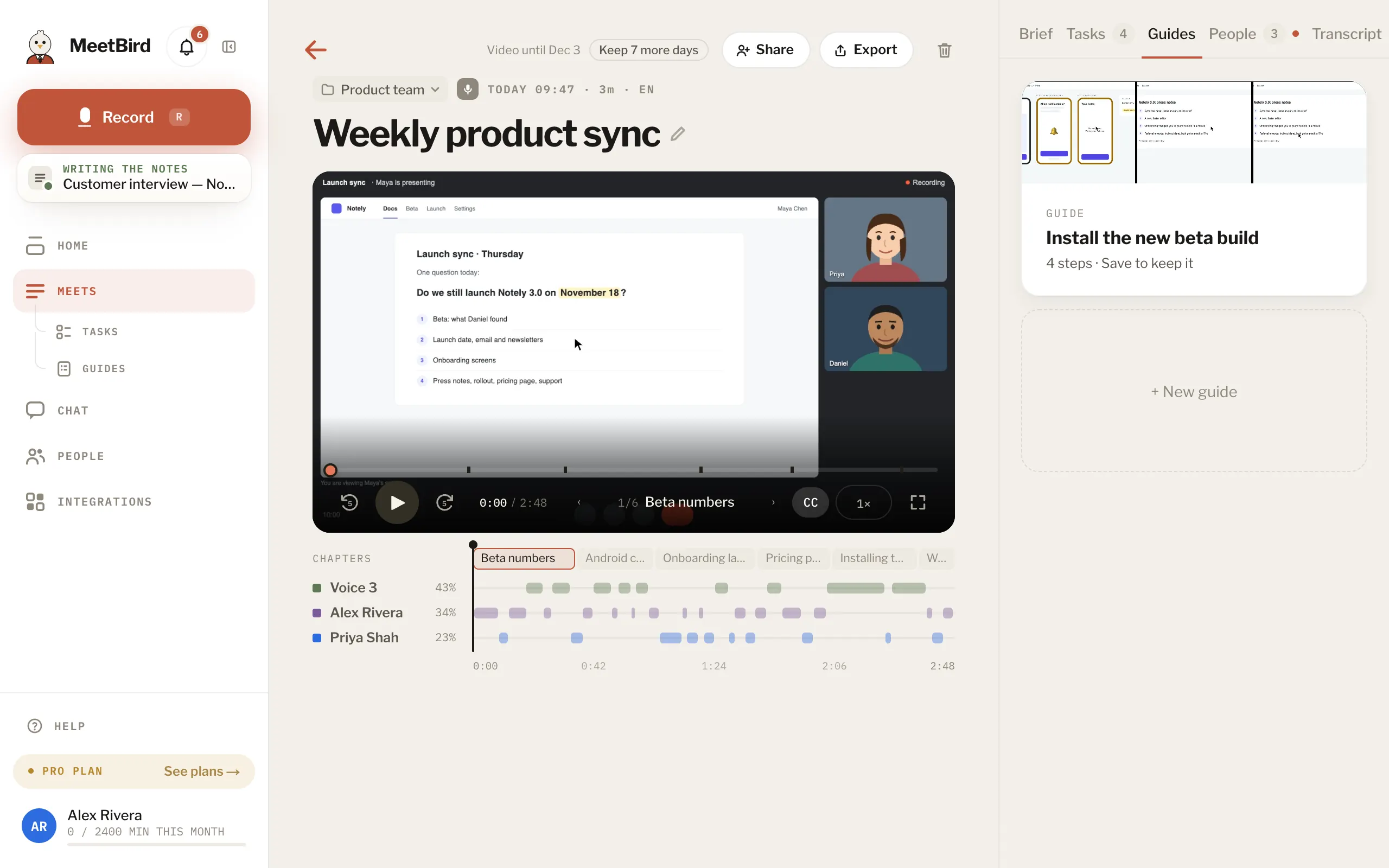
- 2
Drag on the bar over the part where it was shown. A short meeting can be written whole: no need to pick.
meetbird.ai/meeting/…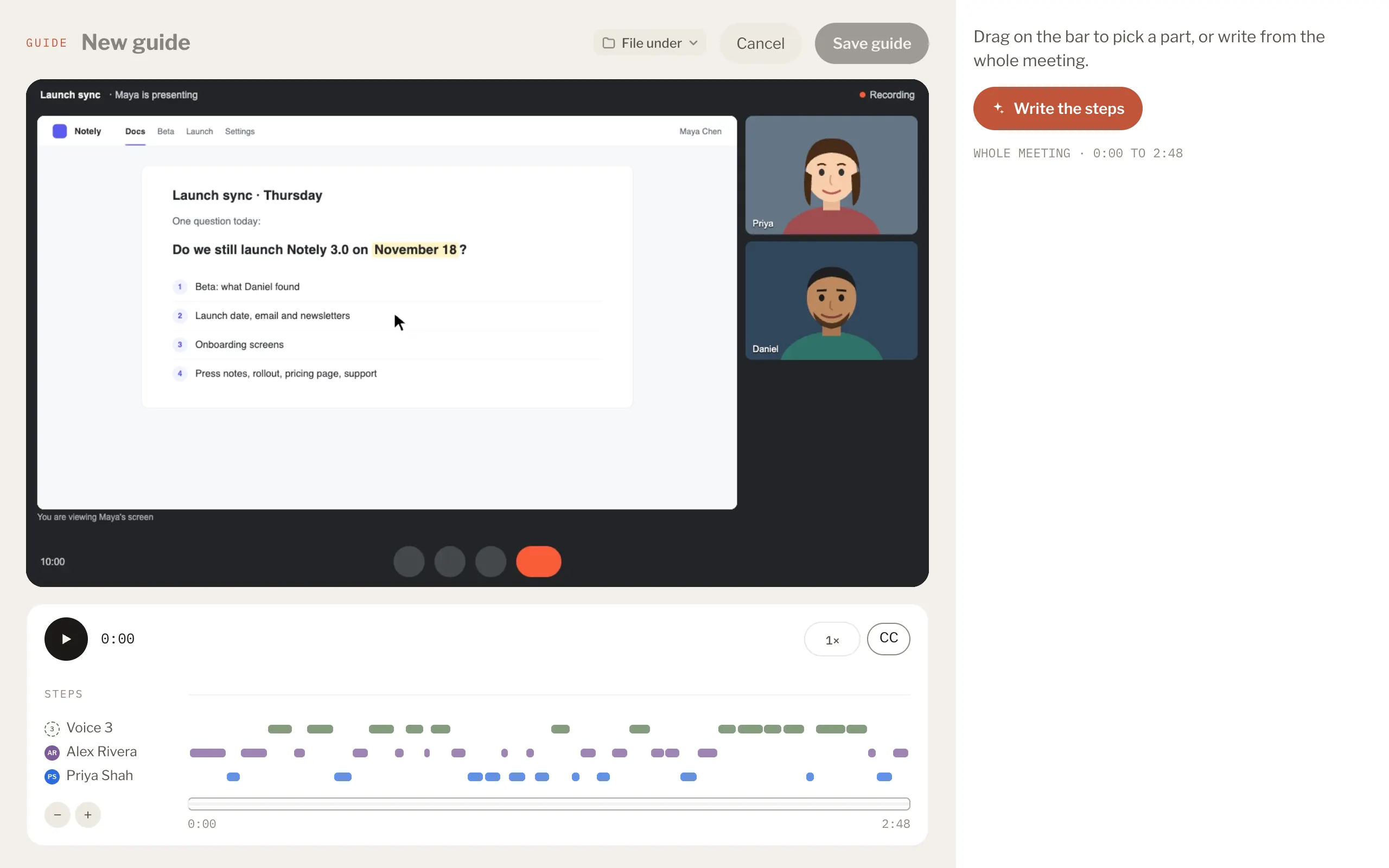
- 3
Press Write the steps. MeetBird writes the steps of that part, each with its own piece of the meeting.
meetbird.ai/meeting/…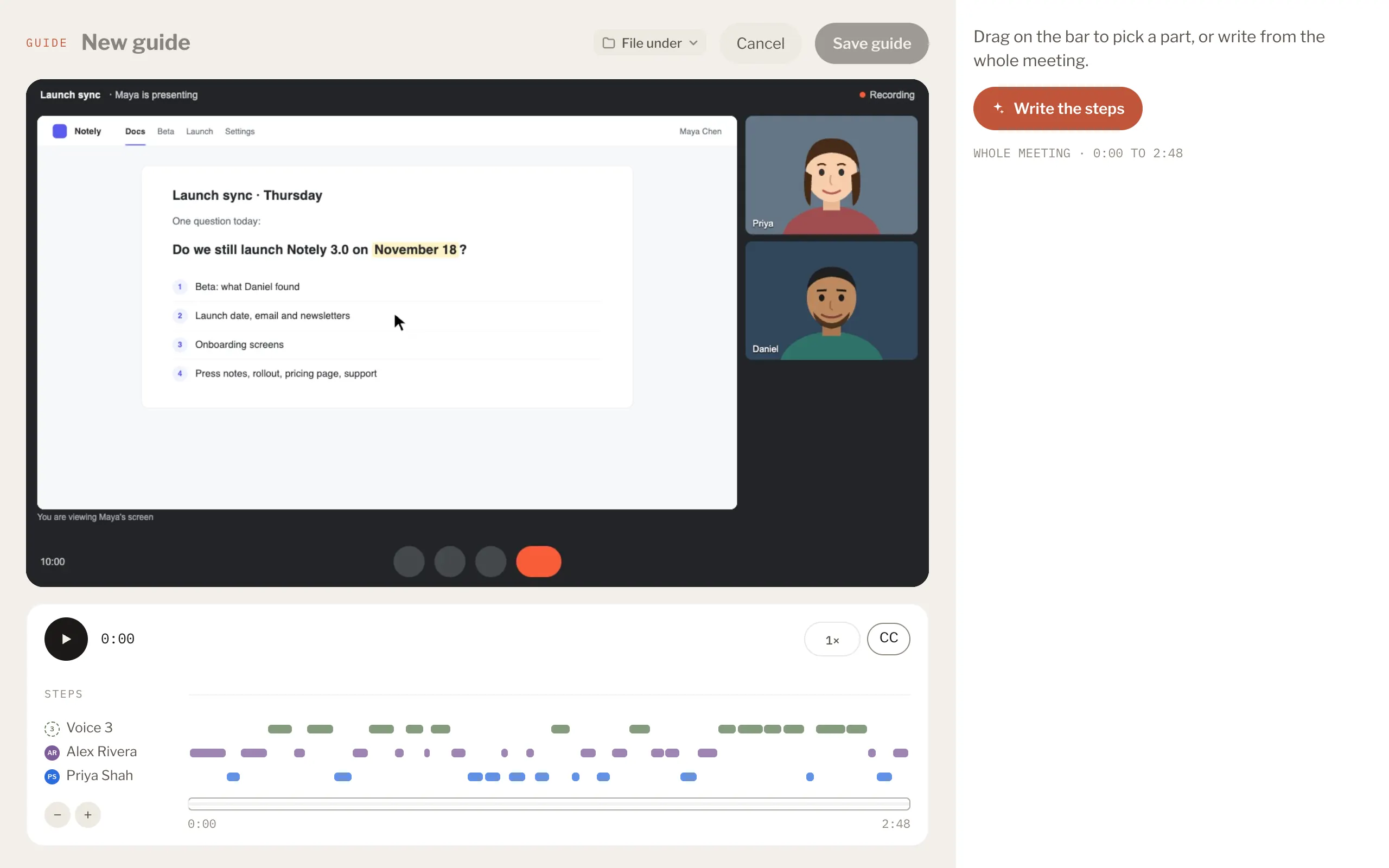
- 4
Name the guide, change what you like, and press Save guide.
meetbird.ai/meeting/…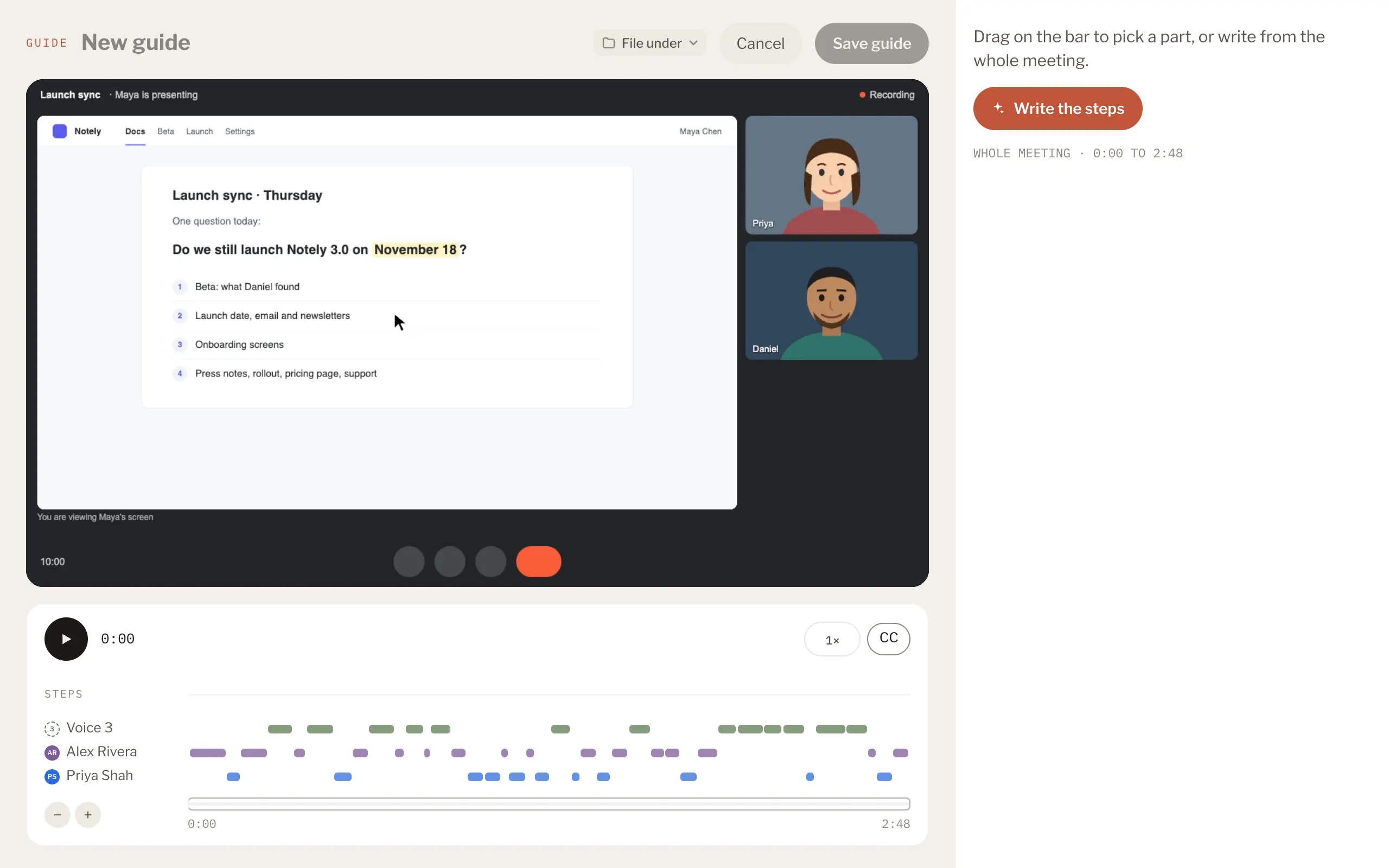
- 1Name it
- 2Save guide
- Rather write it yourself? Write a few steps first, then move the white line and press + Add a step for each one more.
- A new guide made from the Guides page is saved in the collection you were looking at.