Fixing problems
The microphone, silent call recordings, recordings that didn’t send, and notes that don’t come.
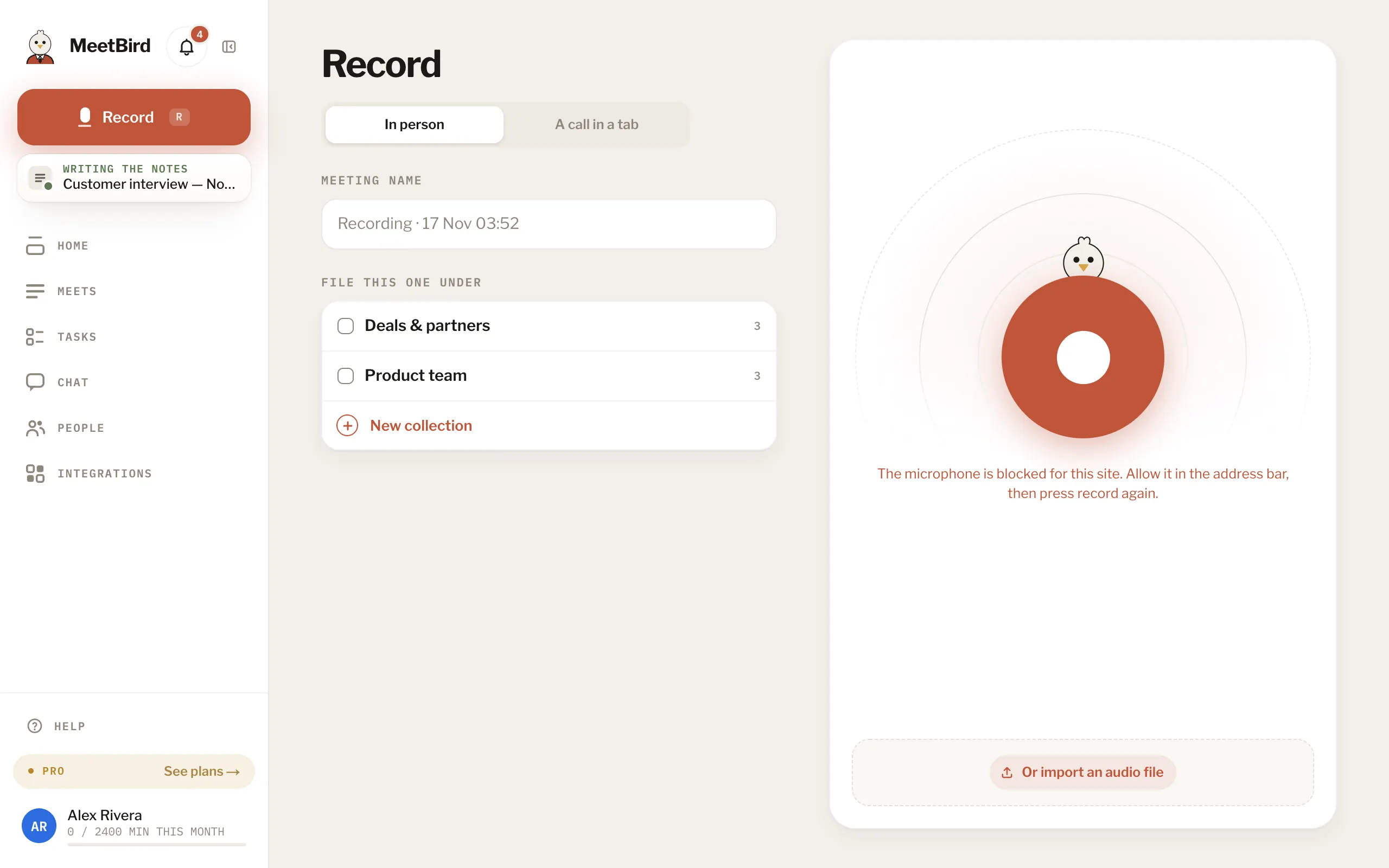
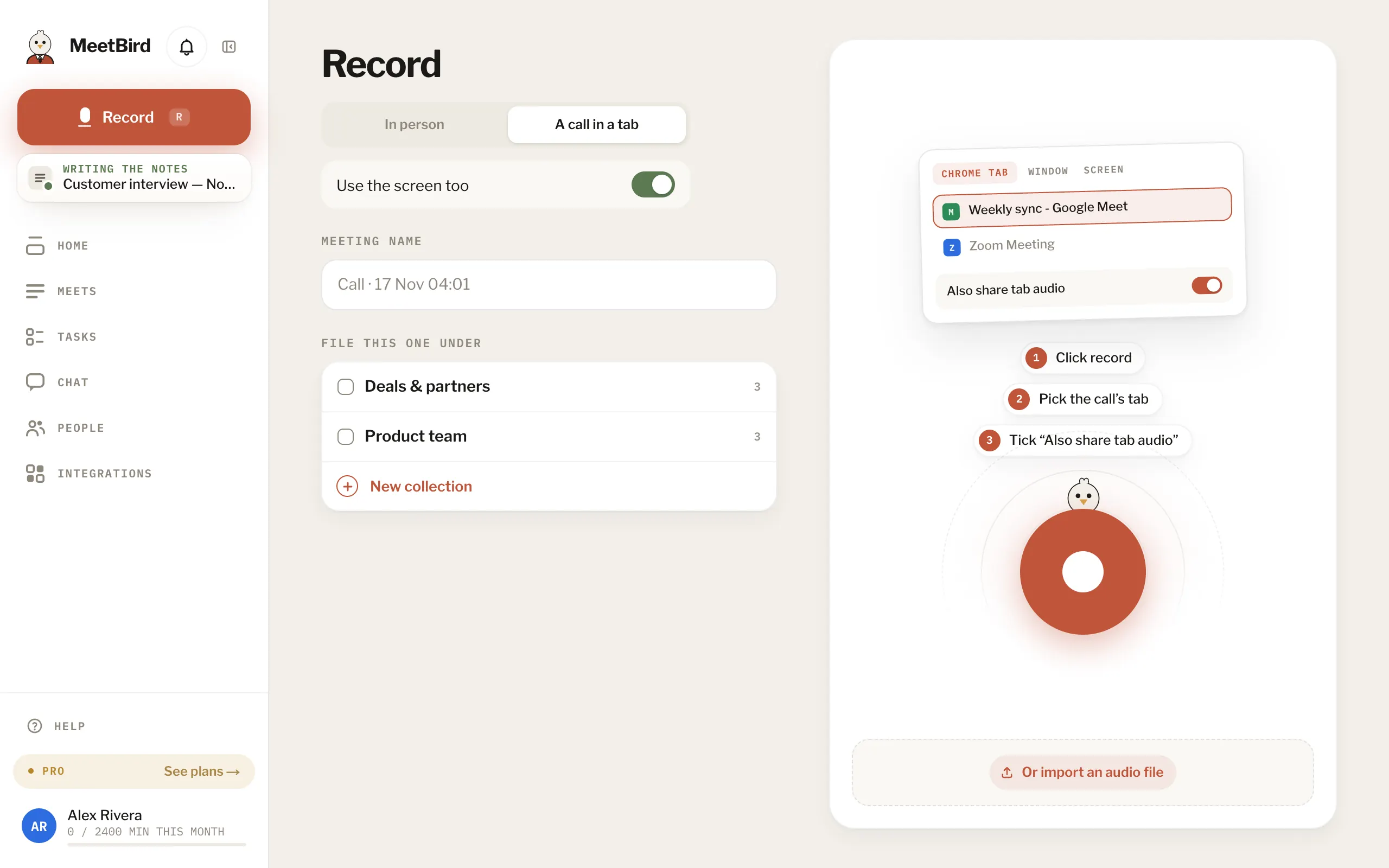
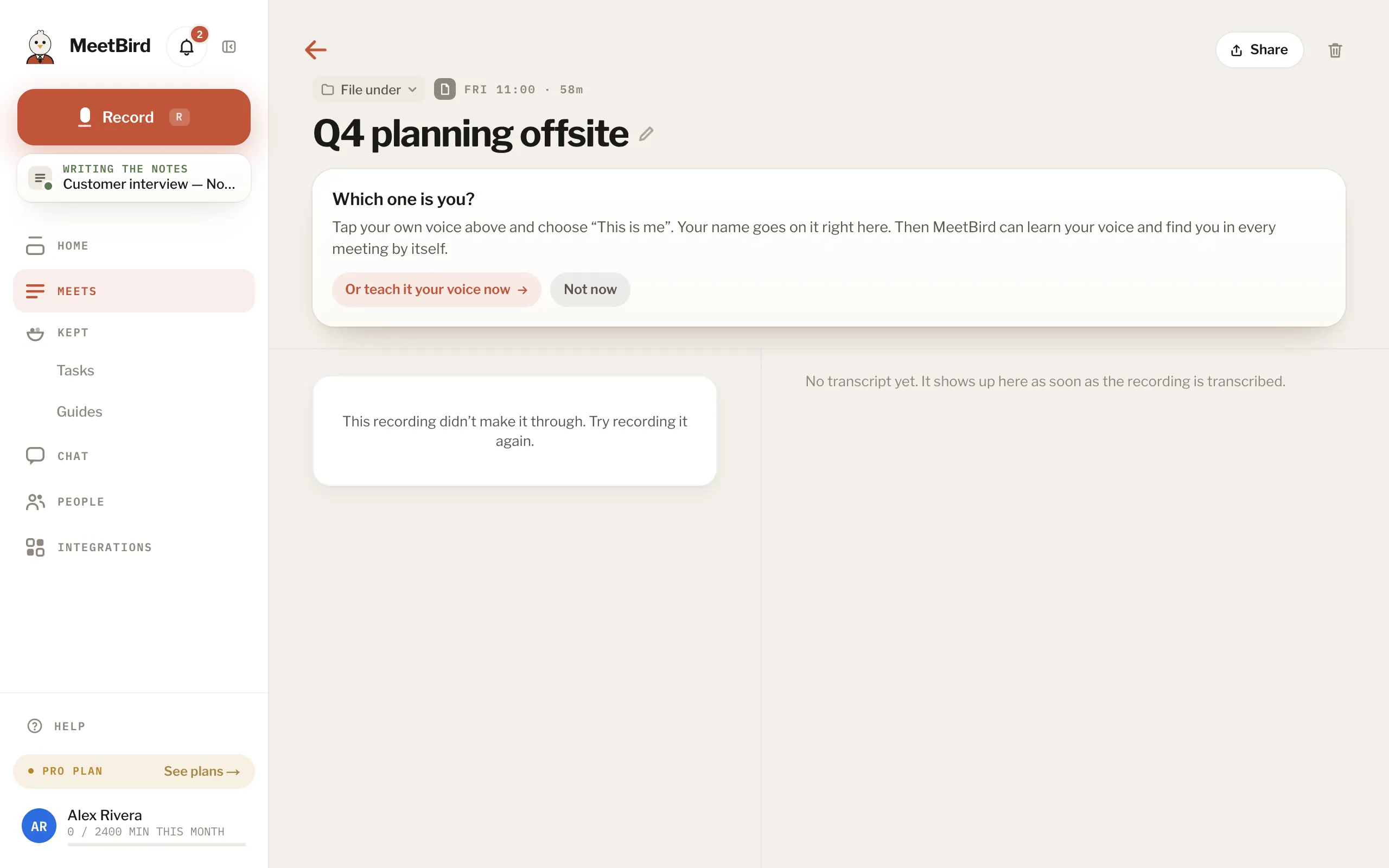
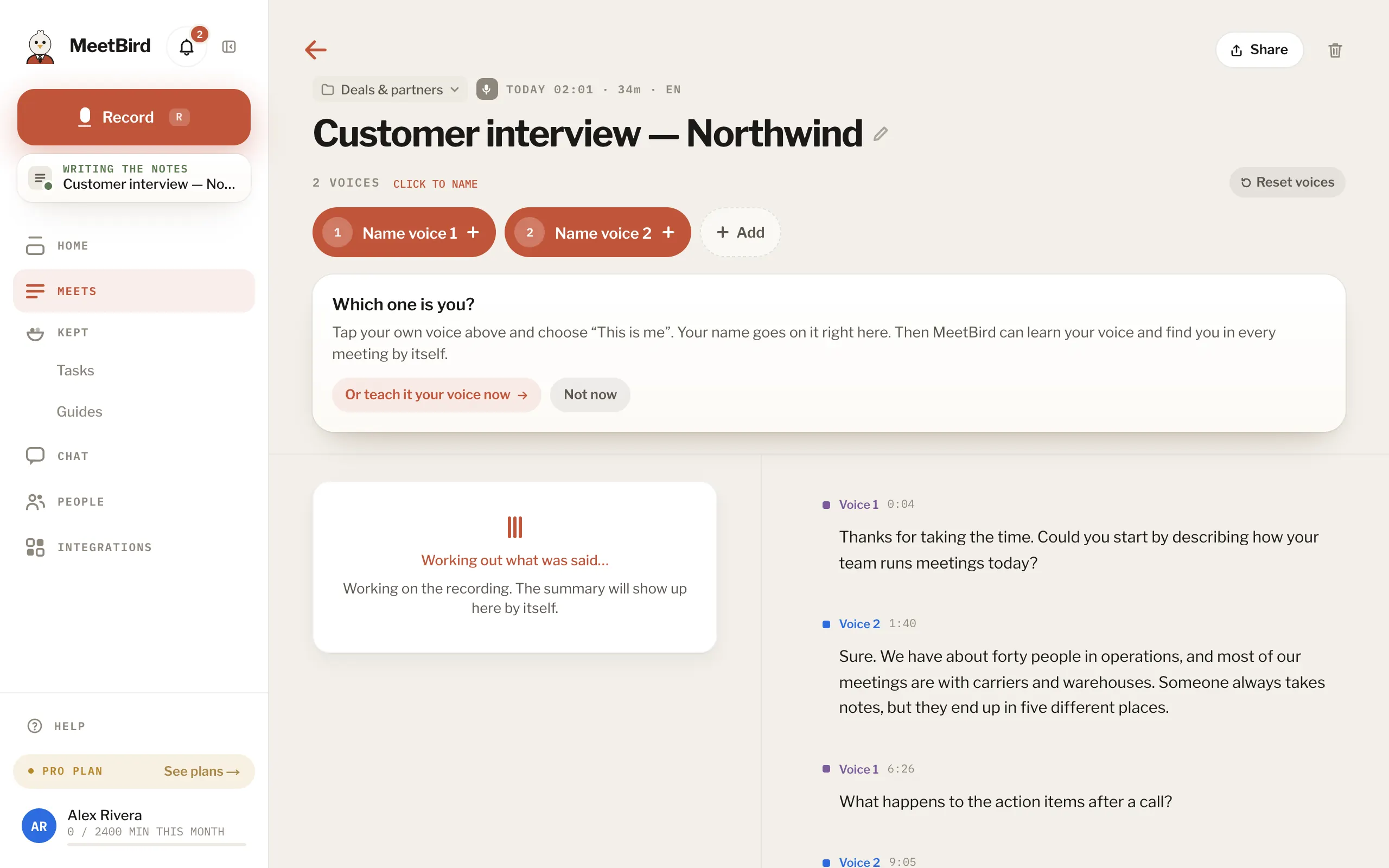
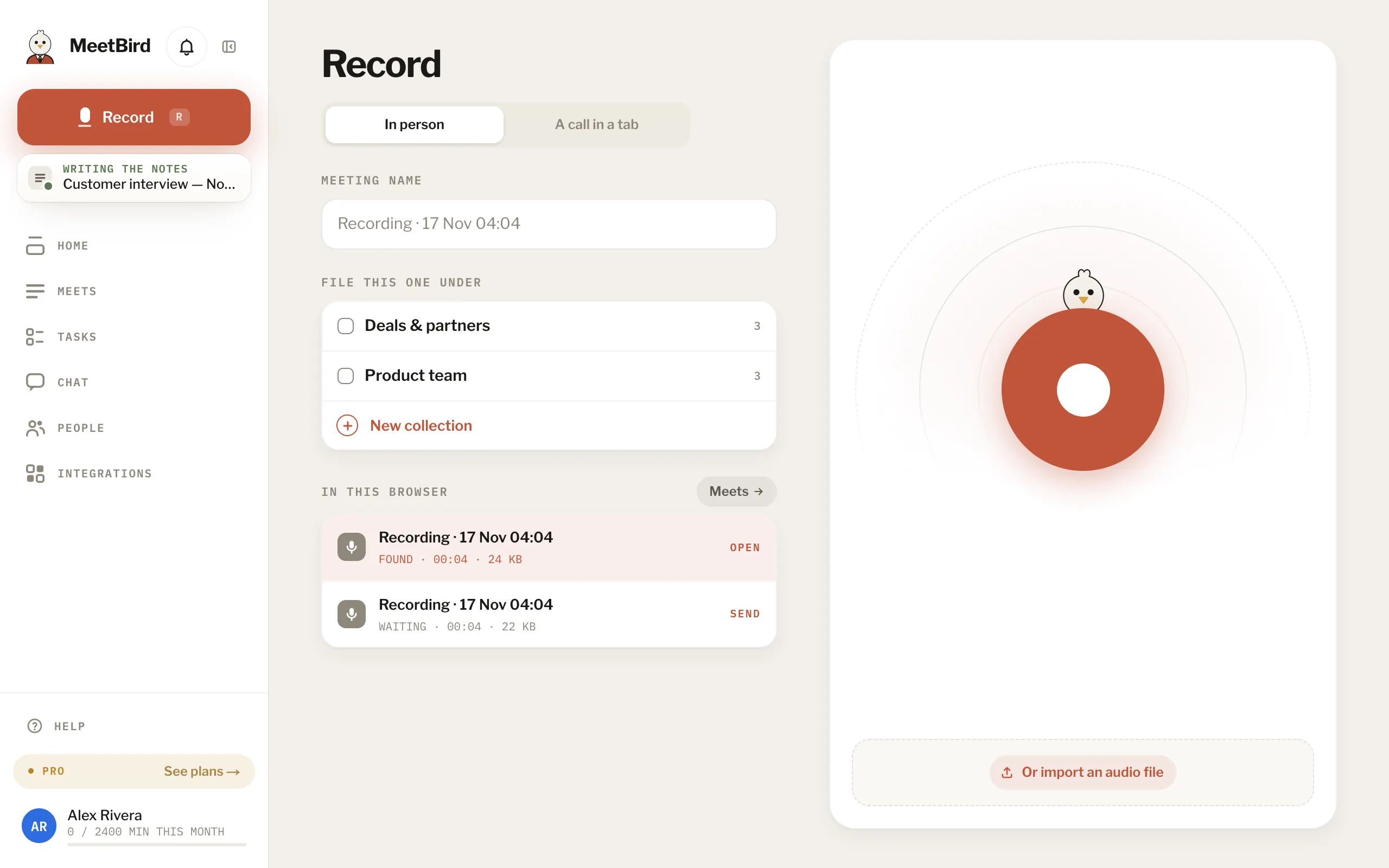
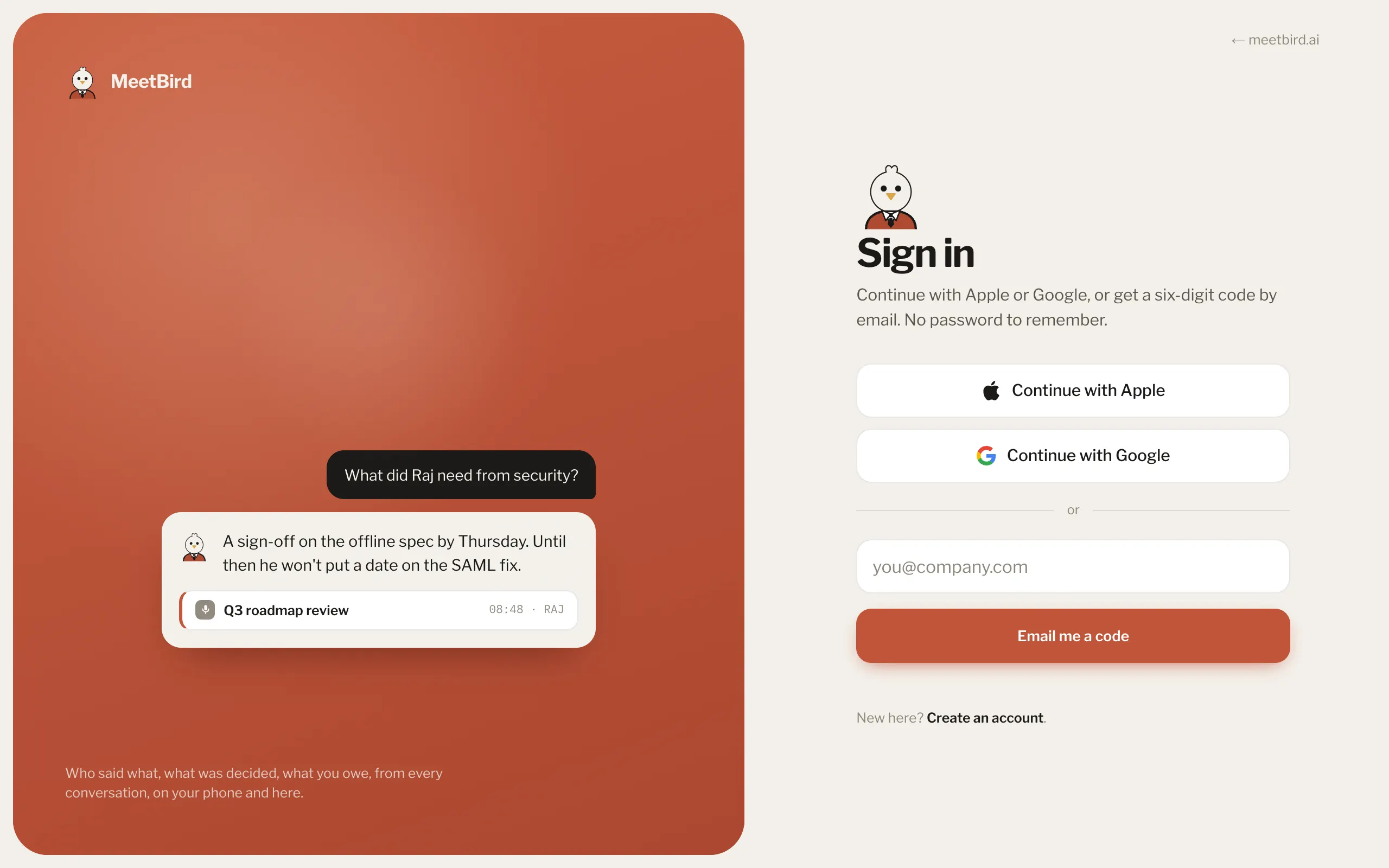
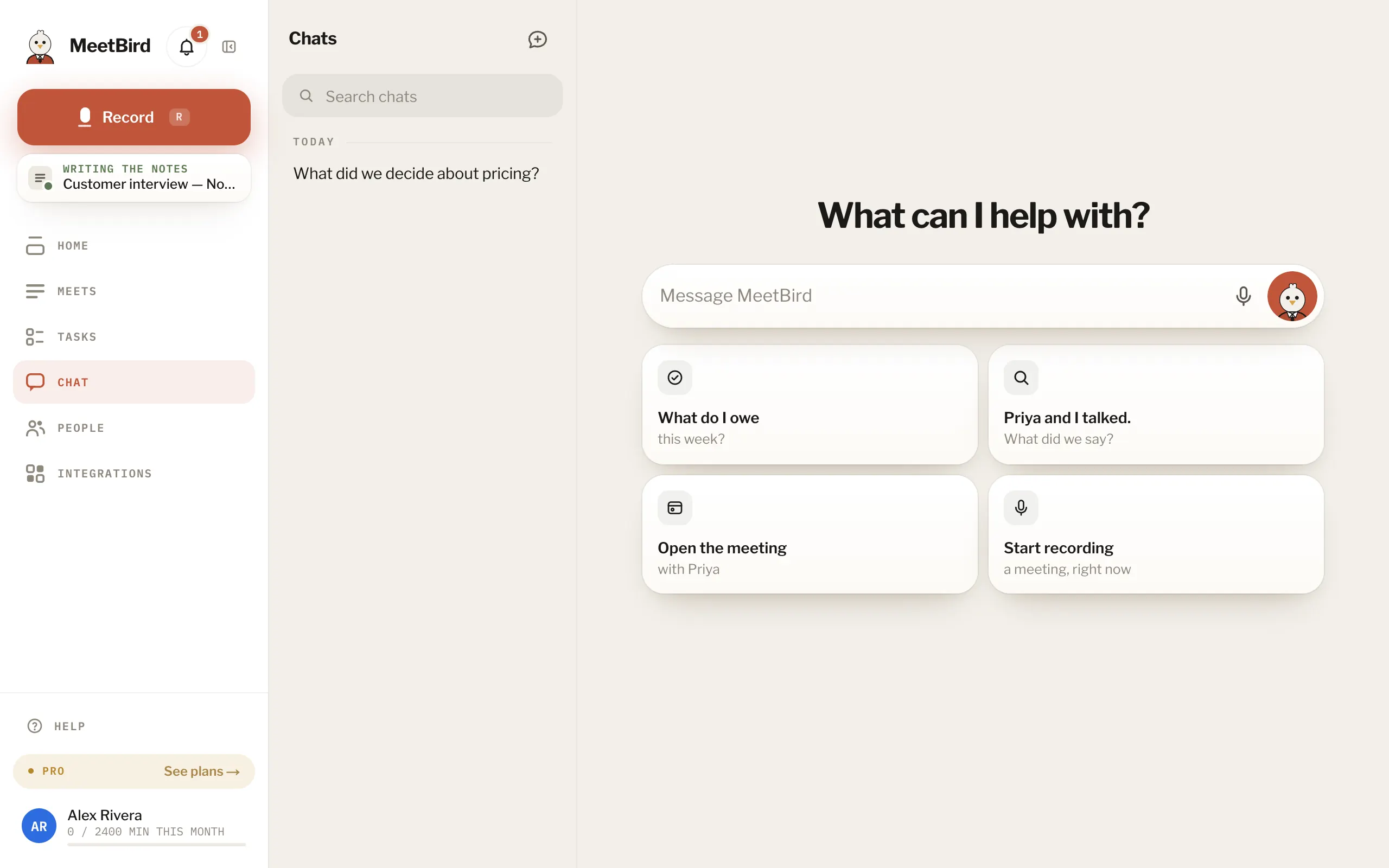
7 articlesThe microphone is blockedYour browser is keeping the microphone from MeetBird. Click the icon at the left of the address bar, allow the microphone, and press record again.A call recording is missing a sideIf the shared tab has no sound, MeetBird says so and doesn’t start: share the call’s tab again and tick Also share tab audio in Chrome’s share window.“Nothing heard” or “Couldn’t finish”Nothing heard means the recording was silent or too short to find speech. Couldn’t finish means a step failed even after MeetBird retried it by itself: the meeting then says it didn’t make it through. Record it again. Or, in the iPhone app, press Try again on the meeting.The notes are taking a long timeMost meetings are ready in a few minutes; long ones take longer. If one is still working after an hour, write to us with its name and we’ll look.A recording didn’t sendIt’s safe where it was made, in this browser or on the phone. It is sent again by itself when the connection is back or you open MeetBird again.The sign-in code didn’t arriveLook in spam and give it a minute, then press Send another. Codes come from hello@meetbird.ai and work for 10 minutes. Or sign in with Apple or Google instead.The bird won’t talkTalking with the bird needs the microphone, and during the beta it has 10 minutes a day. If today’s minutes are gone, they come back at midnight UTC. Until then, you can type the same question in Chat.