Record a meeting in the room
Web4 steps
On Record, keep In person and press record. MeetBird takes the room’s sound as it is, so put your laptop or phone where everyone’s voice reaches it.
- 1
Open Record. R works from any page.
meetbird.ai/home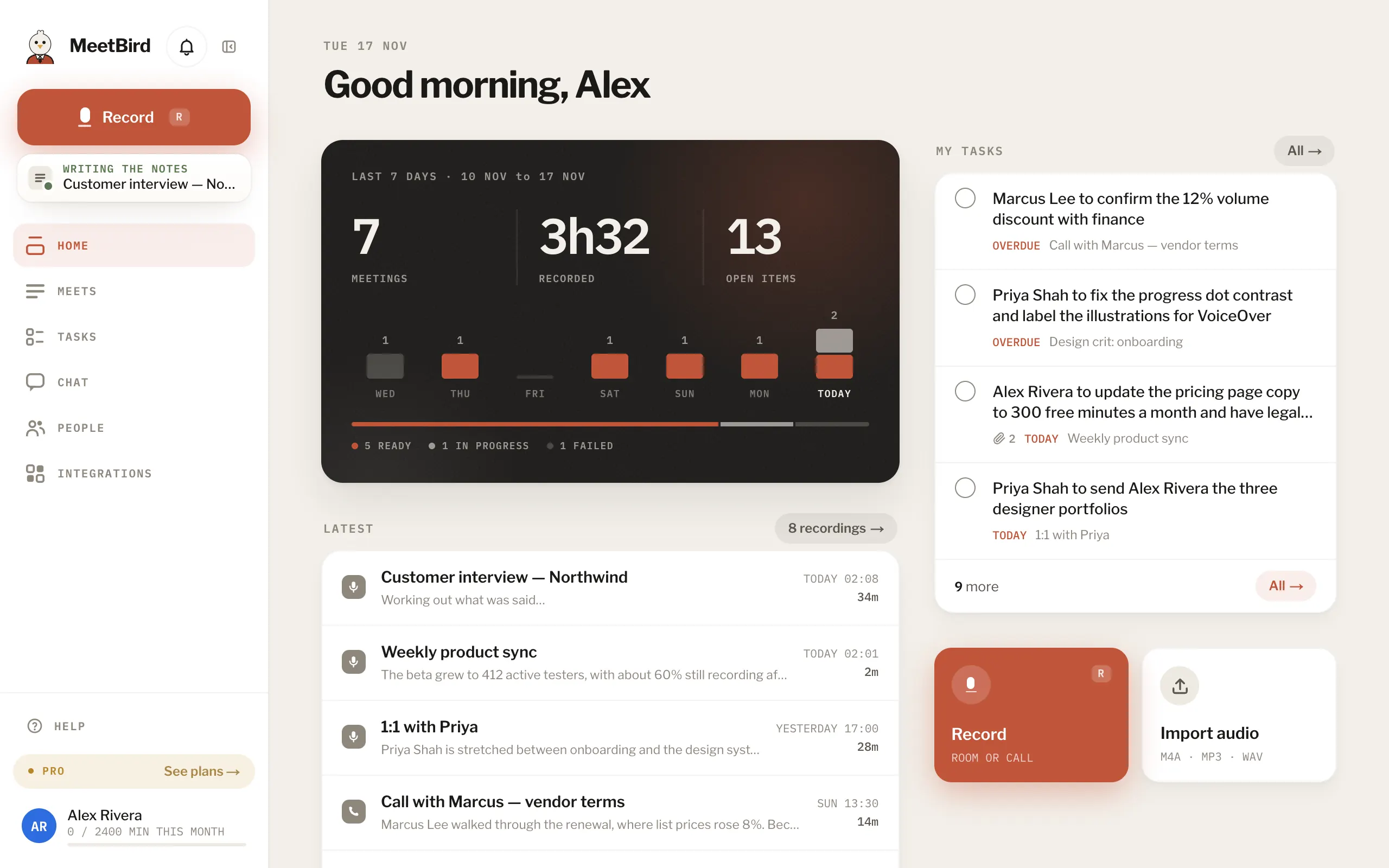
- 2
If you like, type a Meeting name and choose a collection under File this one under.
meetbird.ai/record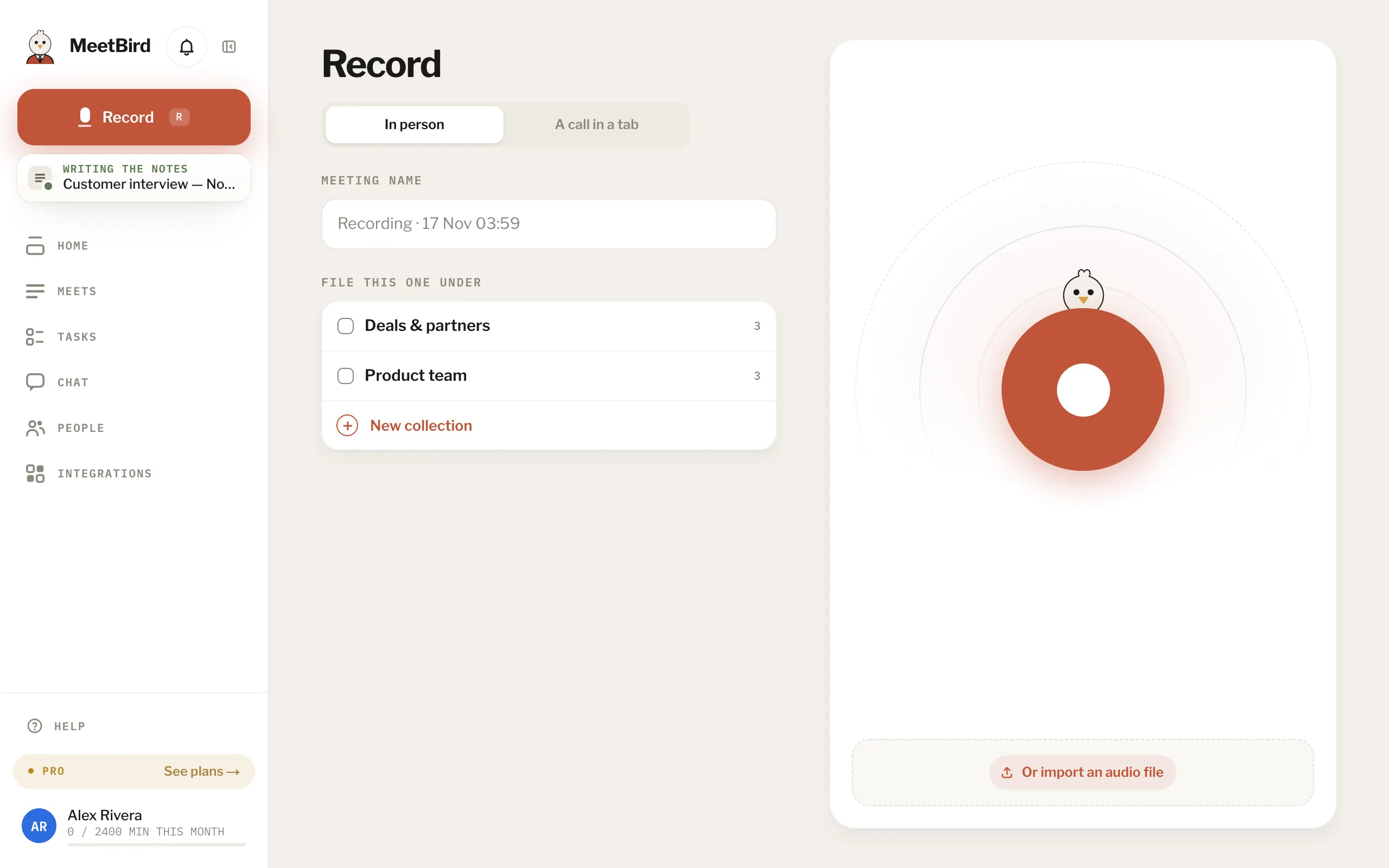
- 3
Press record (or R again). Pause stops listening until you resume. To name it or change its name while it records, press the name at the top, or Rename.
meetbird.ai/record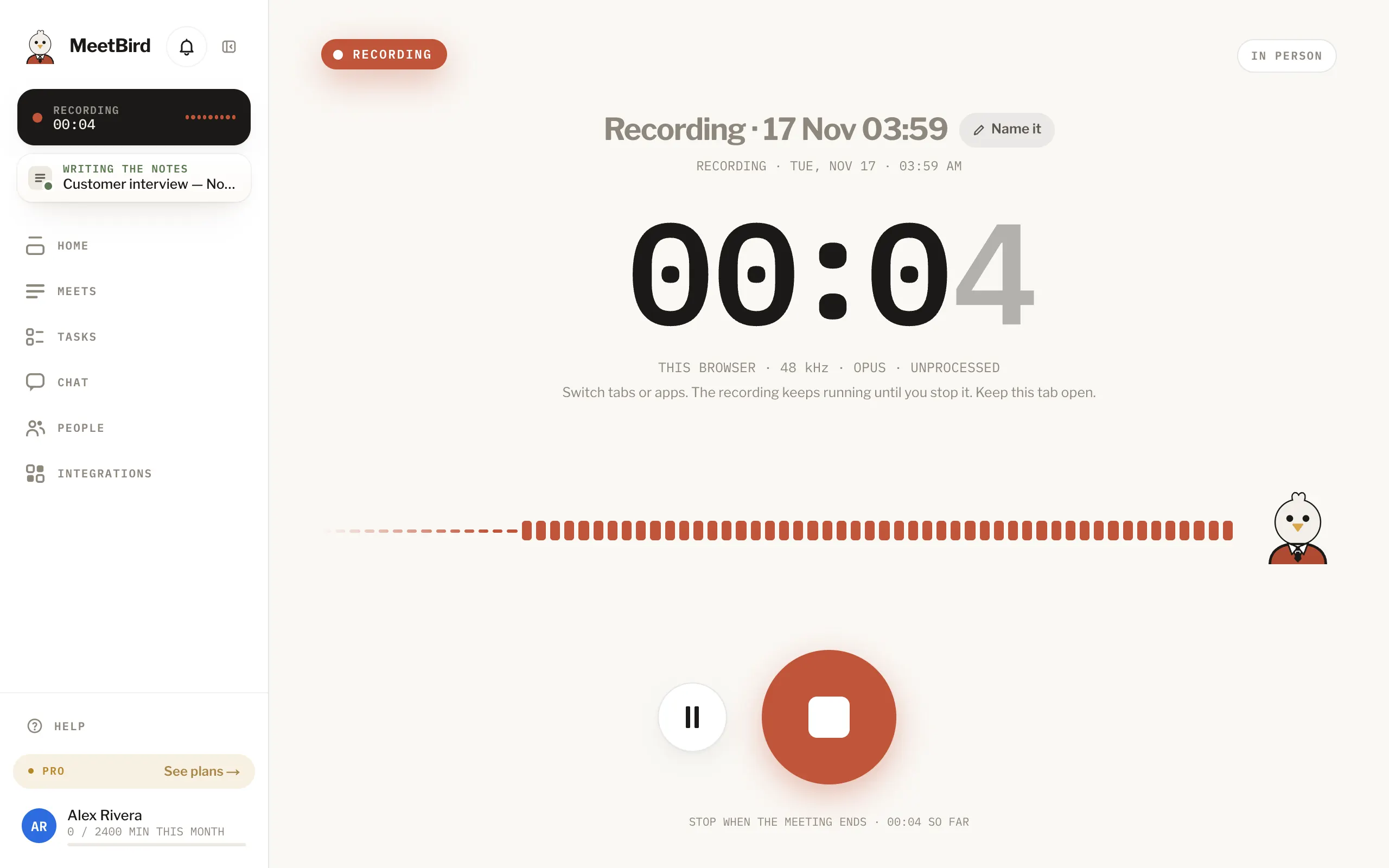
- 4
You can switch tabs or apps. It keeps recording until you stop. Just keep the MeetBird tab open.
meetbird.ai/meets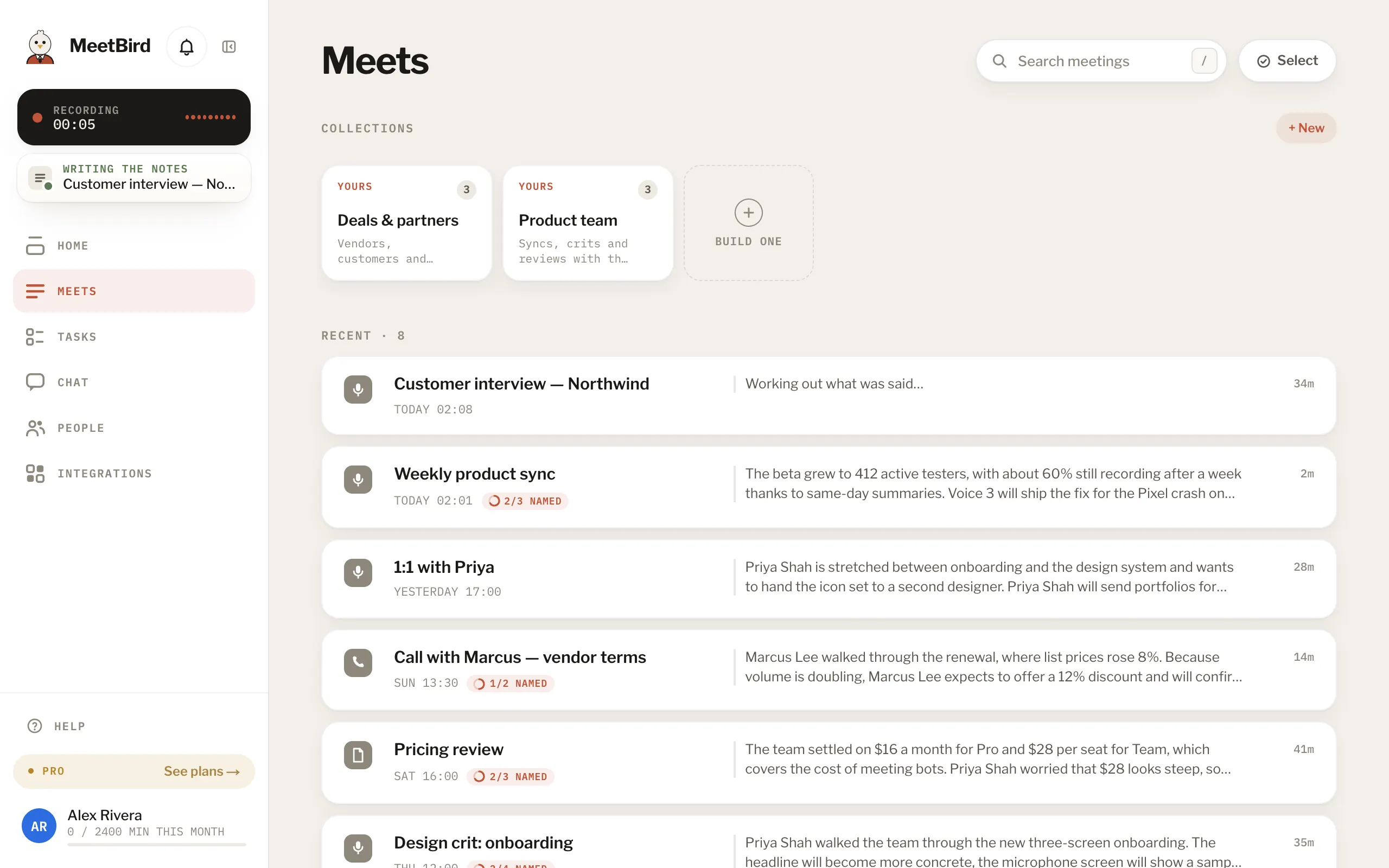
- On an iPhone, a browser needs the tab open and the screen on. The iPhone app doesn’t need that. Use it for long meetings.