Speakers & people
Who said what: naming voices, fixing a line, your voice profile, and the people you meet.
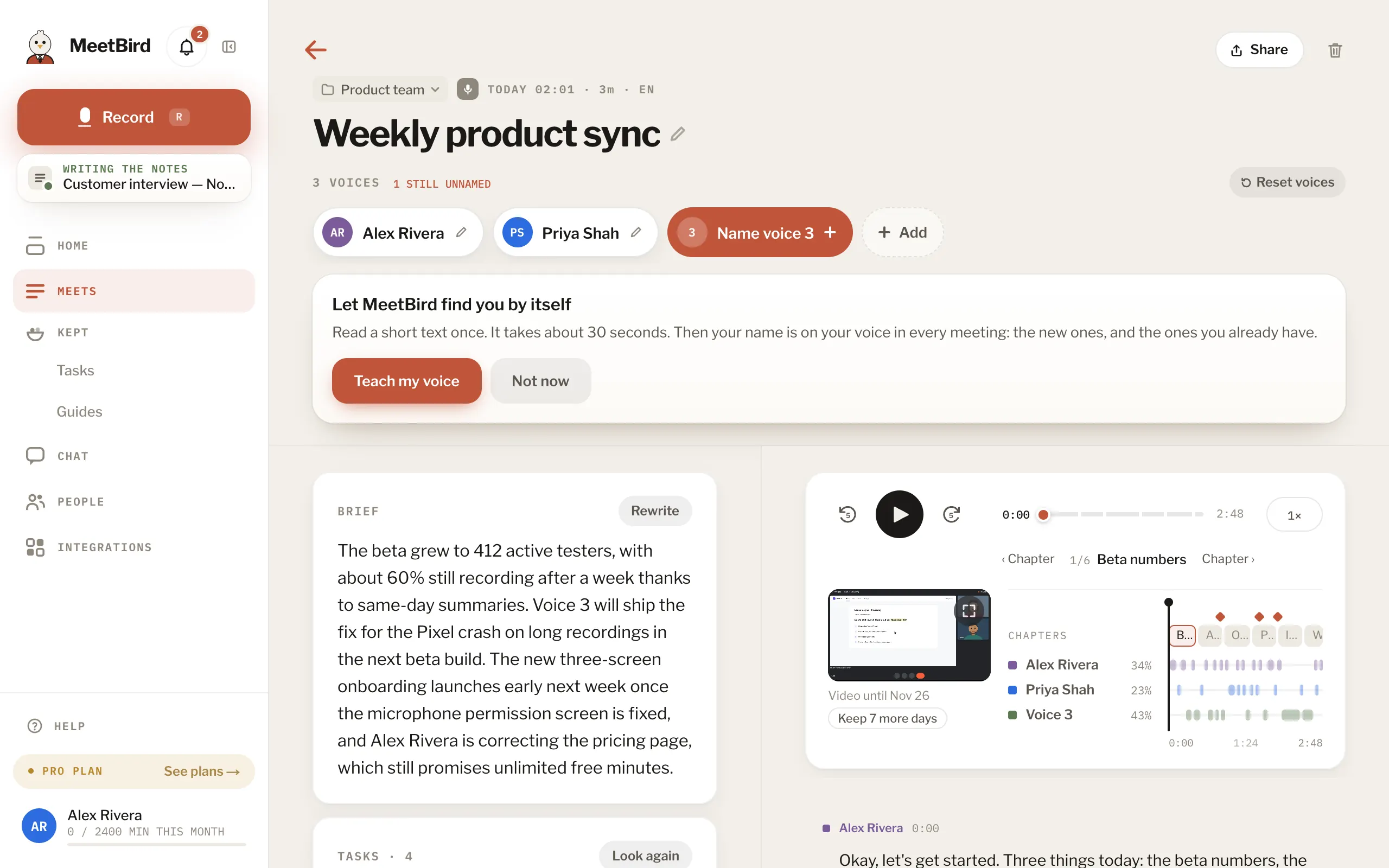
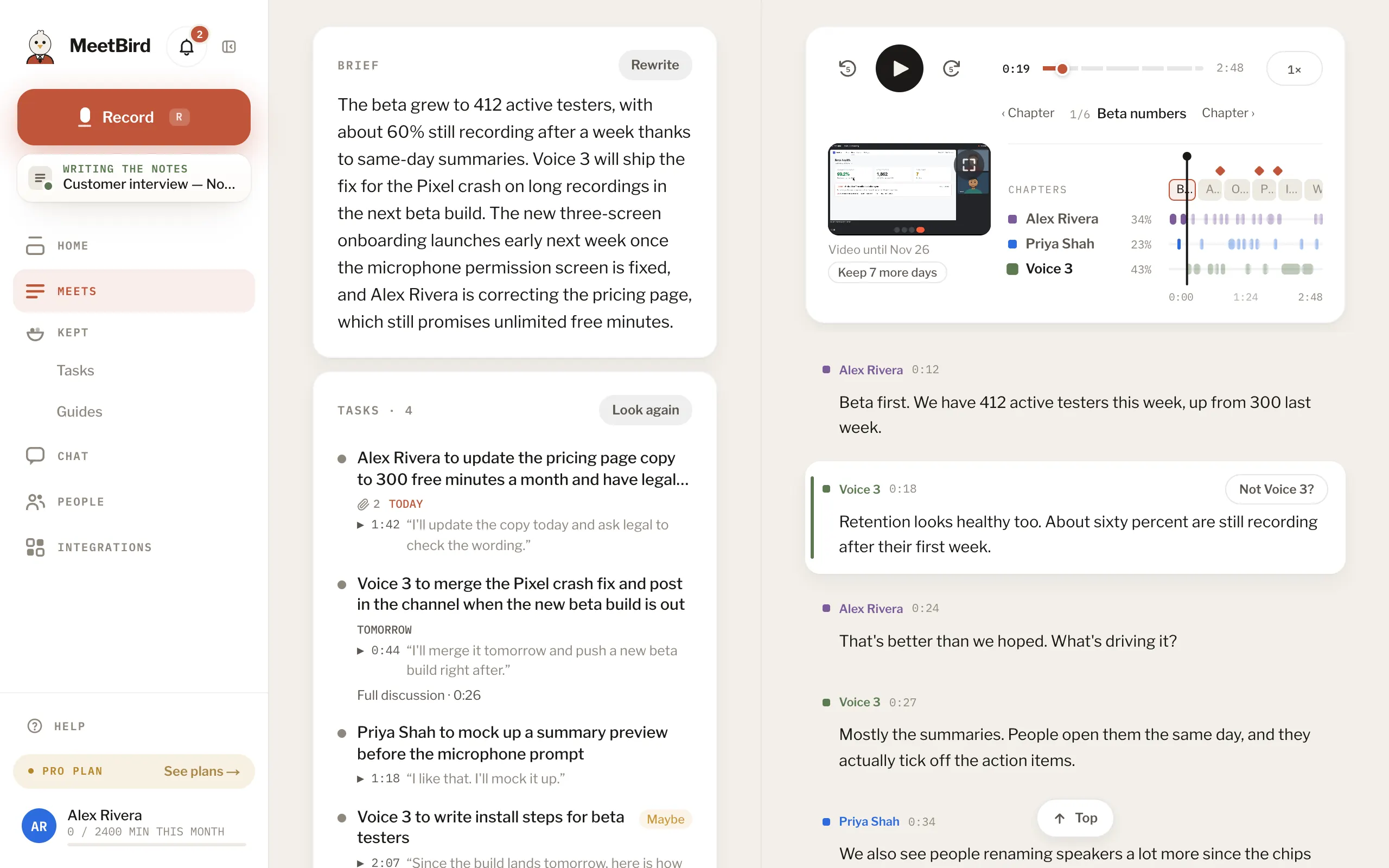
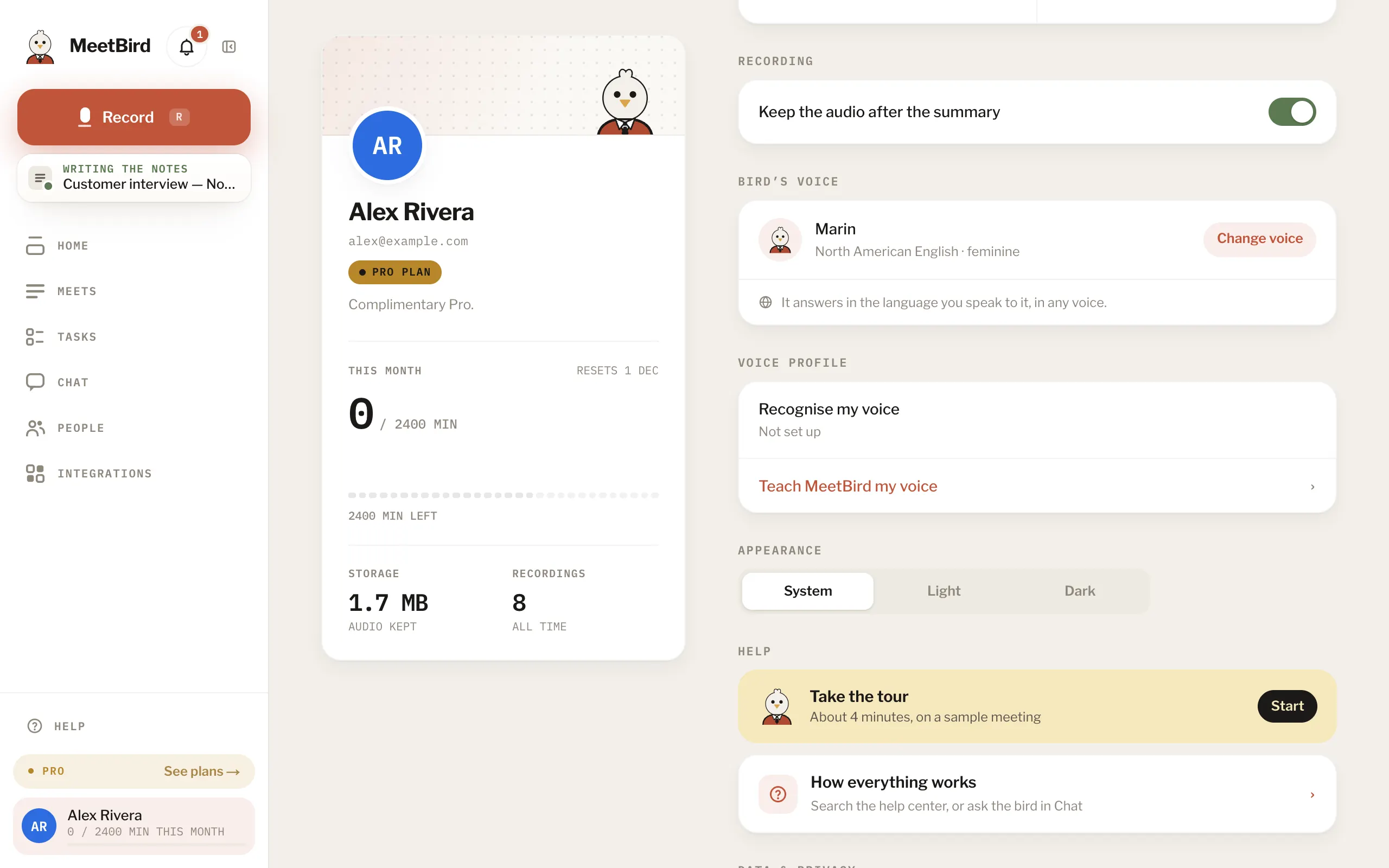
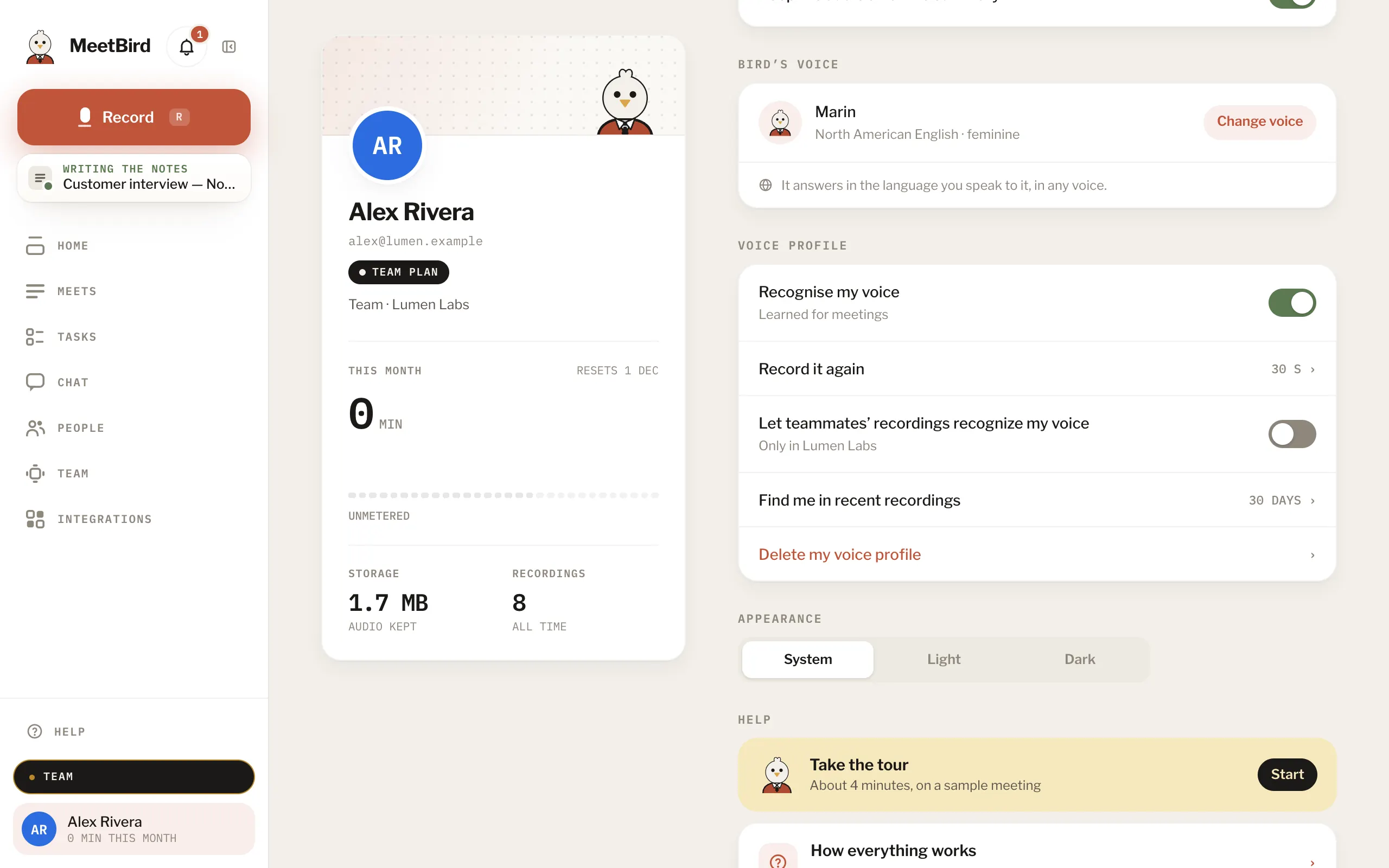
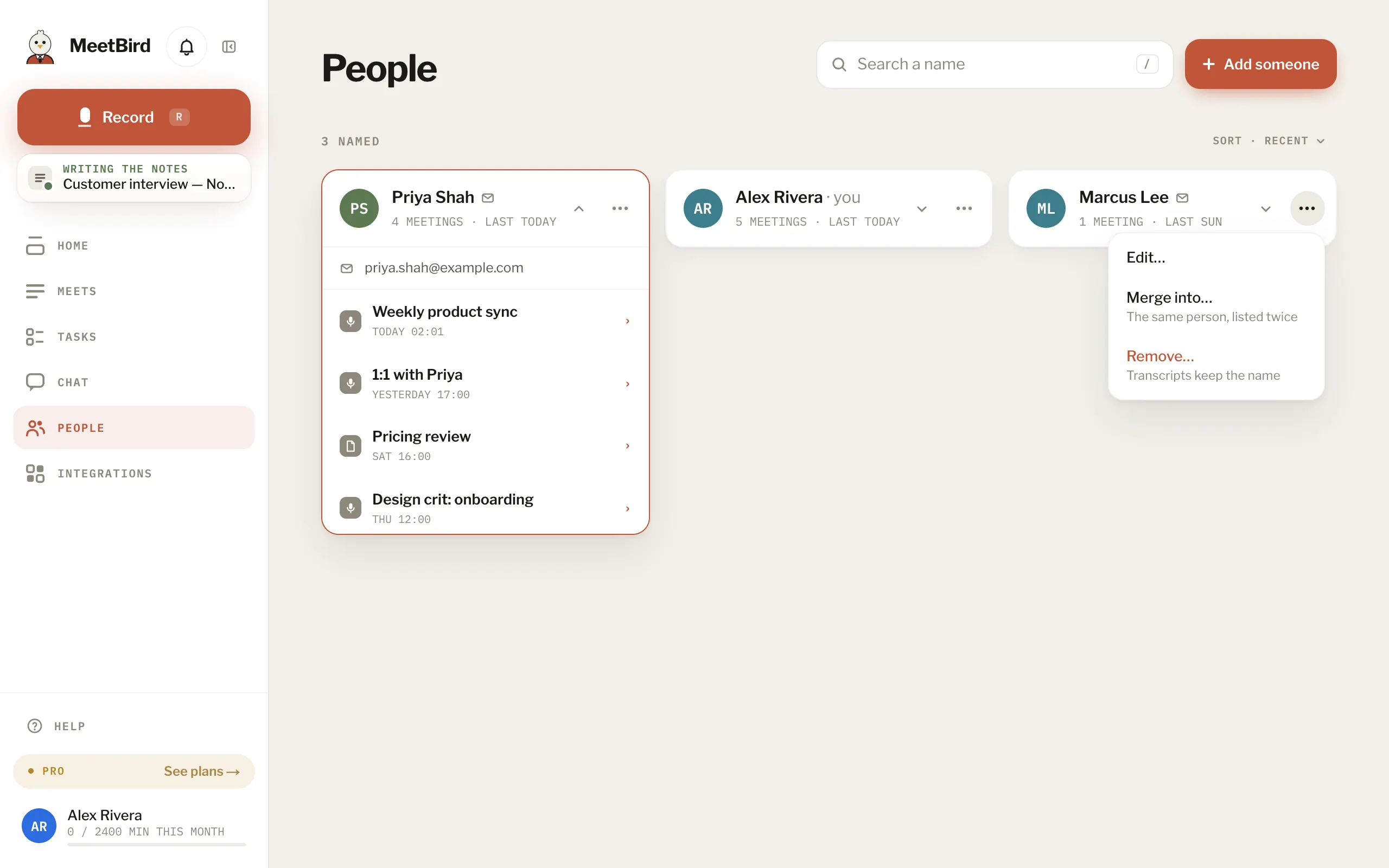
5 articlesName the voices: who said whatMeetBird tells the voices apart by itself and calls them Voice 1, Voice 2… Click a voice at the top of the meeting to say who it is. The name goes on every line they said.3 stepsA line has the wrong speakerPoint at the line and press Not …? (it shows the speaker’s name). Then choose who really said it in Who said this?.2 stepsTeach MeetBird your voiceRead a short text aloud for about 30 seconds, and MeetBird names you in new recordings by itself.3 stepsRecognising teammates by their voiceOn a team with the Team plan, teammates who agree are recognised in each other’s recordings. Only you can switch it on for yourself. No admin can do it for you.2 stepsTeamPeople: everyone you’ve namedPeople keeps everyone you’ve named, with the meetings they were in. Give a person an email and a company, sort and filter them, and merge two cards that turn out to be one person.
Next topicChat & the bird