Talk to the bird
Web3 steps
With the question box empty, press the bird in it to talk out loud. The bird answers from your meetings and does what you ask, just like typing in Chat.
- 1
Open Chat and press the bird (Talk with the bird).
meetbird.ai/chat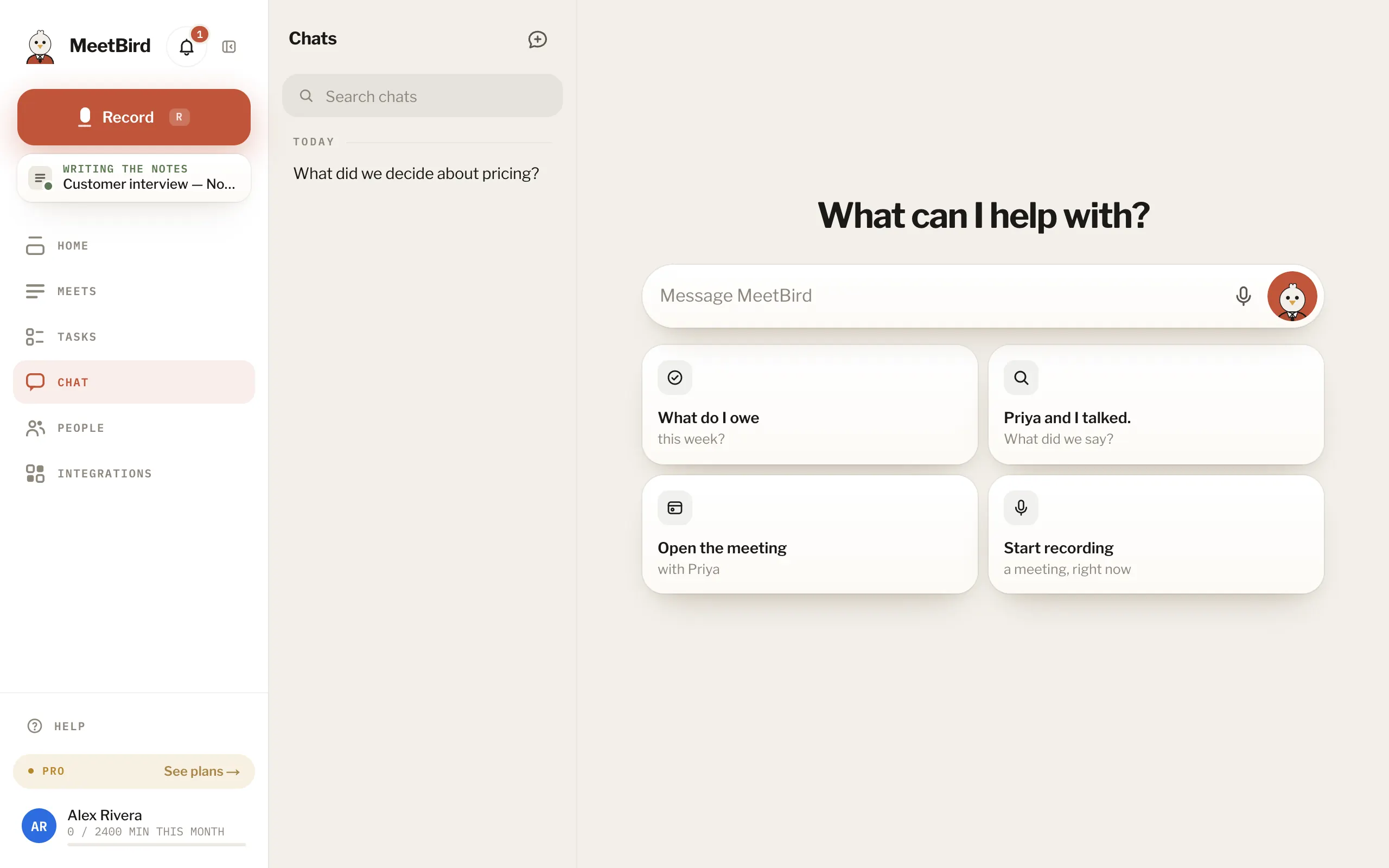
- 2
The first time, press Start talking; then allow the microphone and talk. Interrupt it whenever you like.
meetbird.ai/chat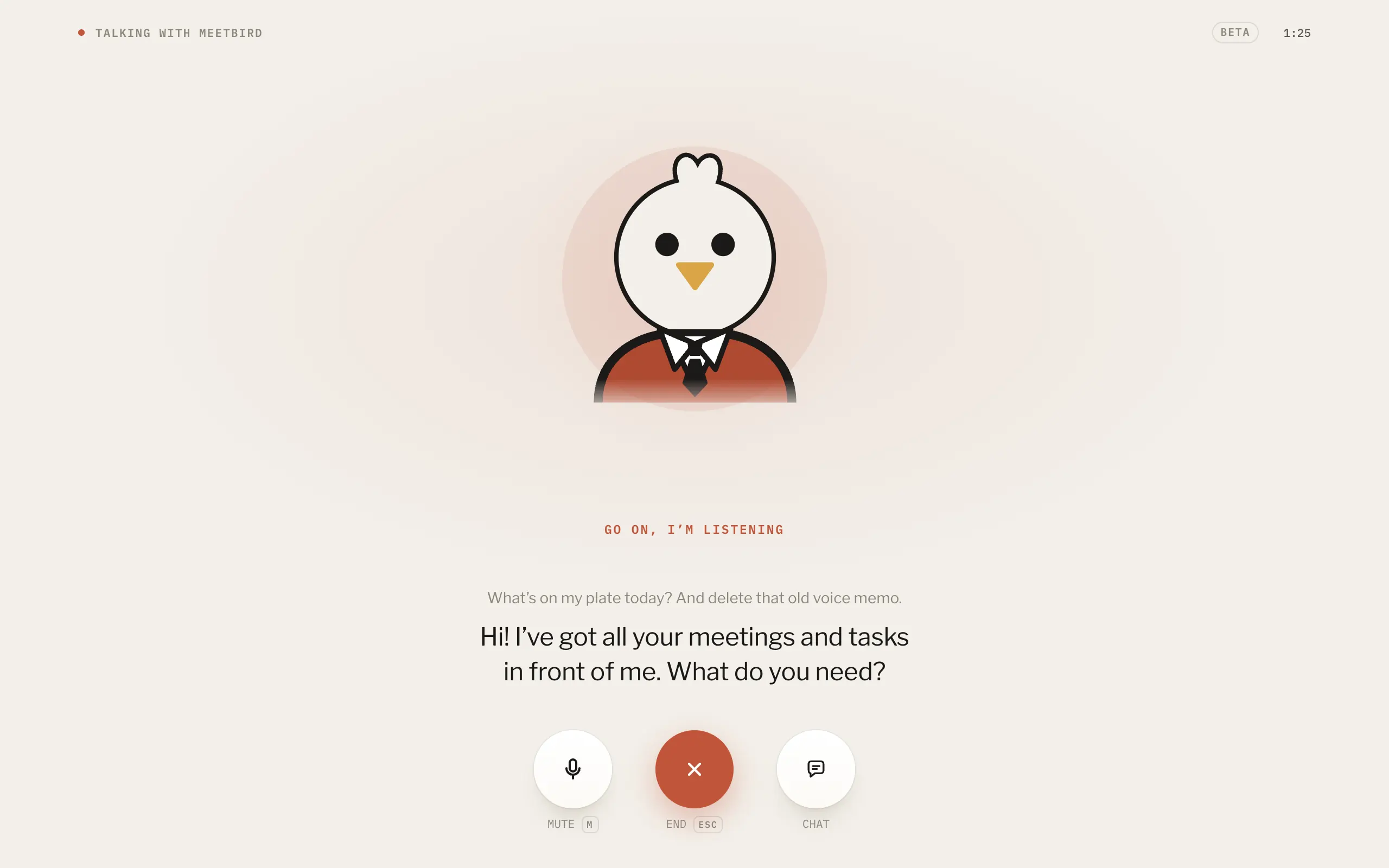
- 3
M mutes you, Esc ends, and Chat shrinks it to a pill so you can look around the app.
meetbird.ai/chat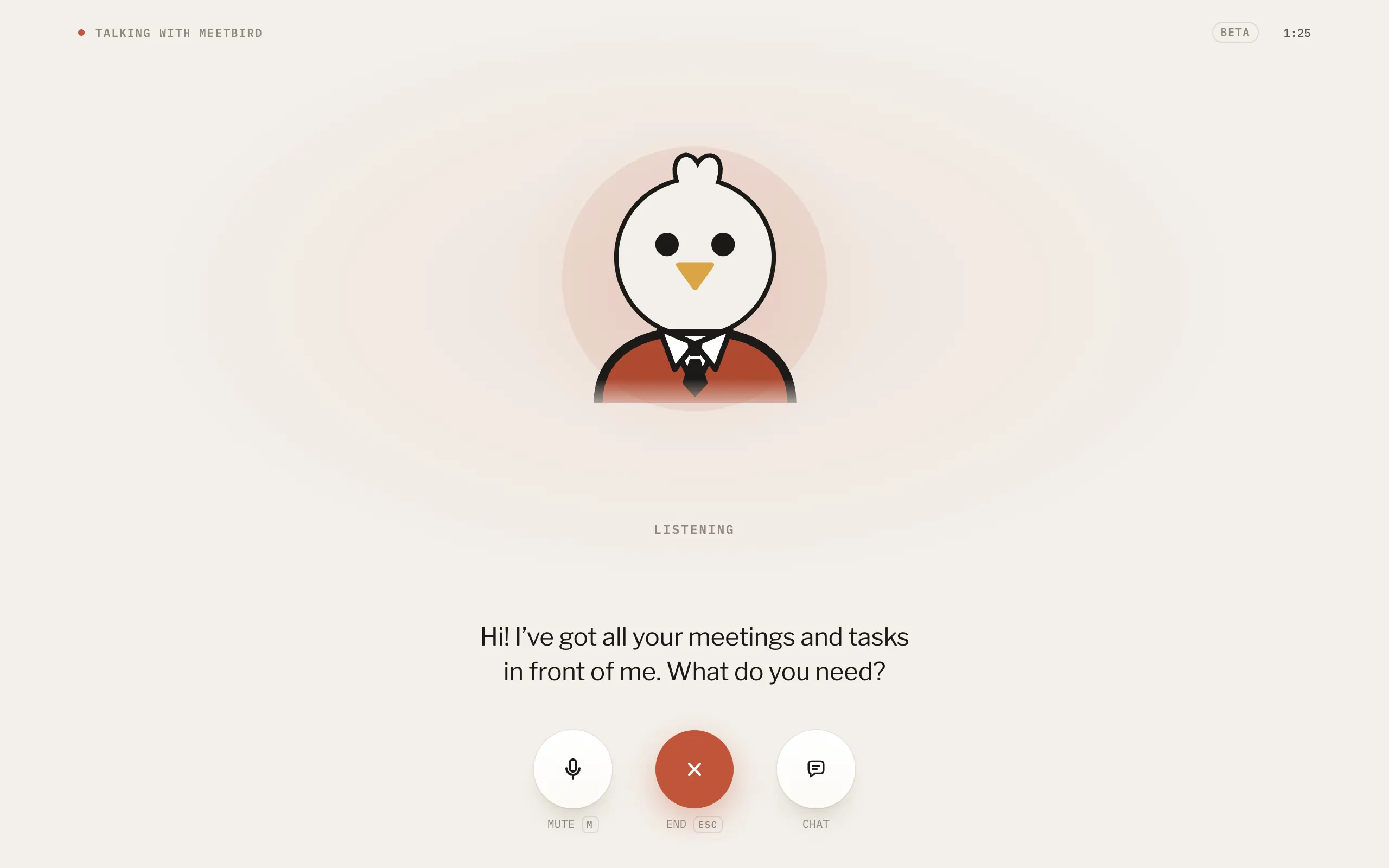
- 1Mute, or press M
- 2End, or press Esc
- 3Chat, shrinks it to a pill
- It’s in beta, on the web for now. During the beta everyone has 10 minutes a day; it starts again at midnight UTC.
- What you said is kept as text in your chats.
- Starting a recording ends the conversation, so the microphone is free.
- It answers in the language you speak to it. Its voice is yours to pick: Profile → Recording & voice → Bird’s voice.