The Tasks page
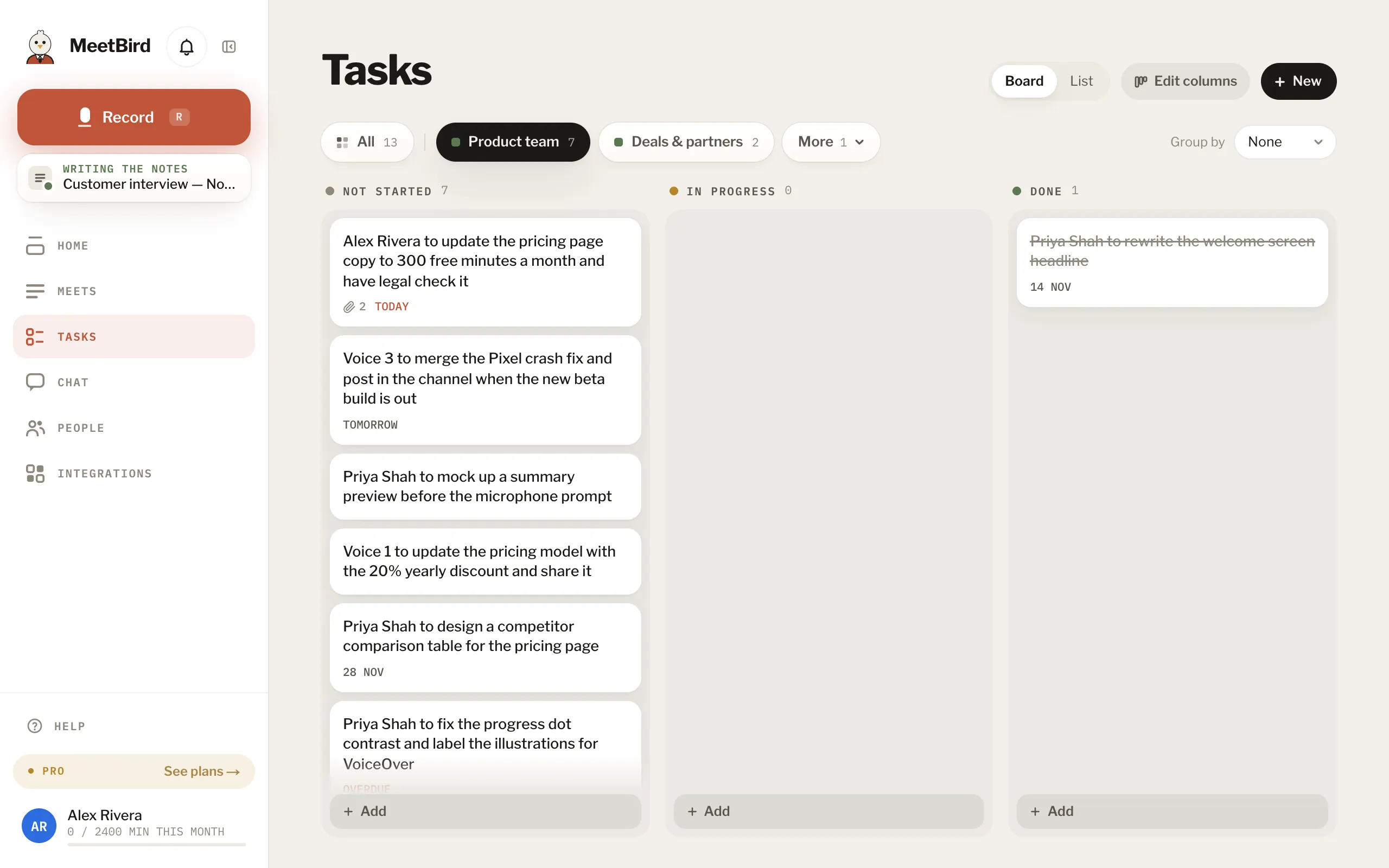
Tasks gathers every task from every meeting, one collection at a time: pick it in the tabs at the top to see only its board. The page opens on the tab you looked at last. The busiest collections are tabs and the rest are under More, where you can also make a new one. All puts every collection on one board. On a wide screen, switch between Board and List, and group them by meeting or, on a team, by who they’re for. On a team, Mine shows only yours.
meetbird.ai/tasks
- 1Board or List
- 2One collection at a time
- 3The rest, and a new one
- 4Group them
- 5This board’s columns
- Press the circle on the left of a task to move it: Not started, In progress, Done, or the board’s own columns. Dismiss takes it off the board without finishing it.
- Each collection’s board can have its own columns, up to six: open its tab and press Edit columns. Every column scrolls on its own, and Add at its foot writes a new one there.
- Collections you Pin on Meets come first in the tabs.
- On a phone, Tasks is a list.