Status, priority, due date and notes
1 steps
Open a task to set its Status (Not started, In progress, Done), its Priority, a Due date and a description. The description can have headings, lists and checklists. ⌘ S saves.
meetbird.ai/tasks
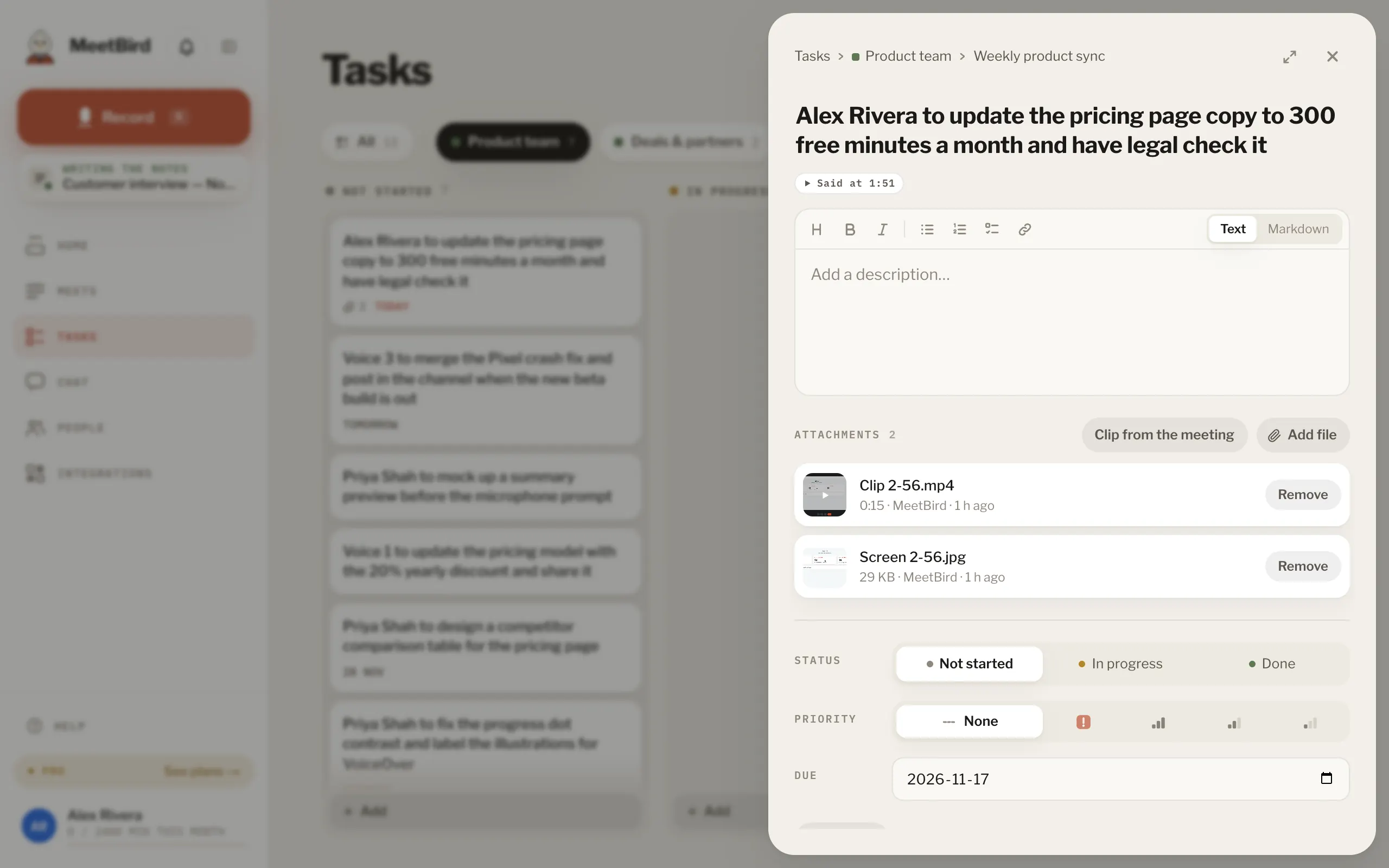
- 1Status
- 2Priority
- 3Due date
- 4Description, lists and checklists
- 5Files: press one to open it
- 1
Press a file under Attachments to open it big. Use the arrows, or ← and →, for the next file. Press Close or Esc to close it.
meetbird.ai/tasks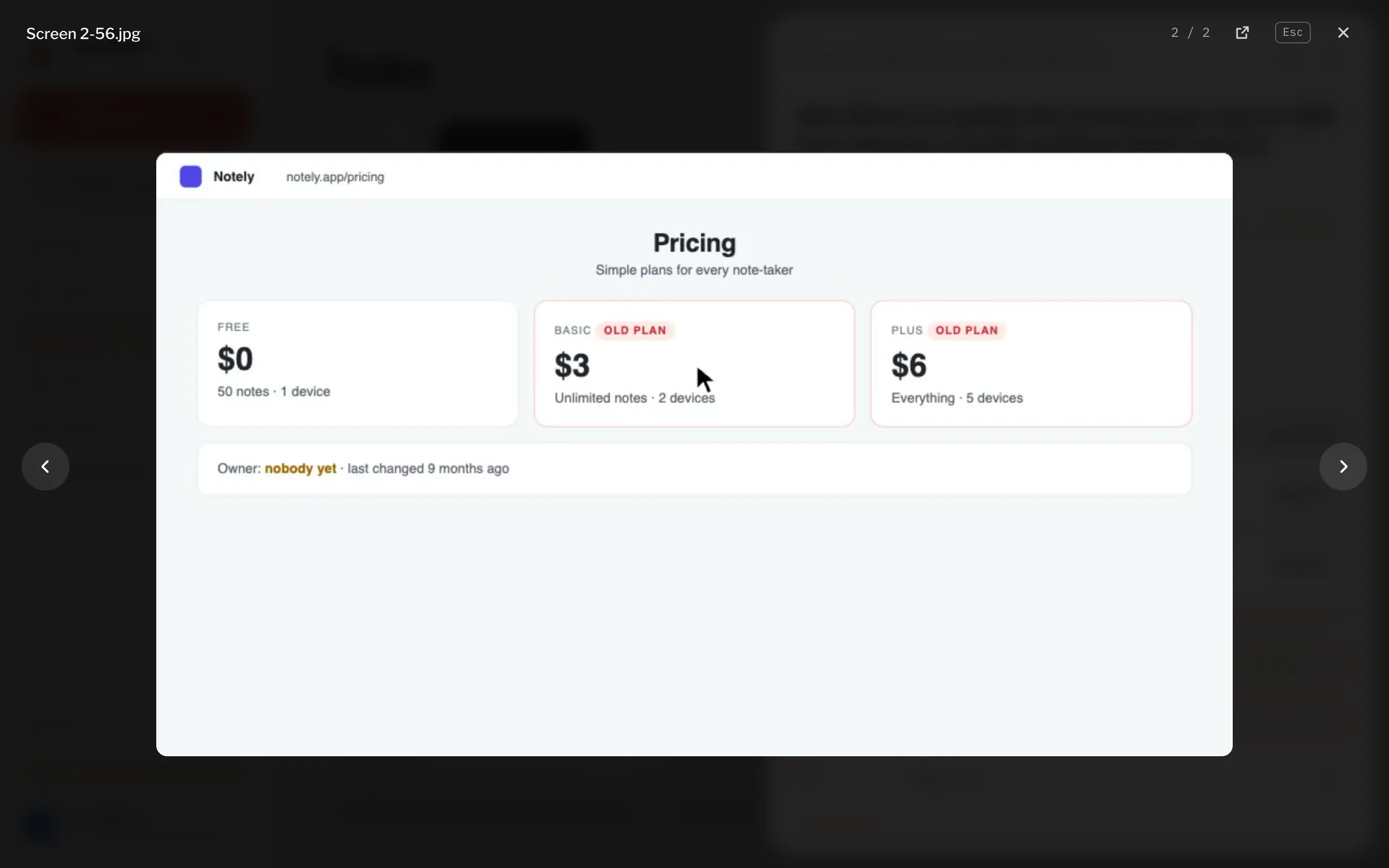
- 1Previous: ←
- 2Next: →
- 3Close: Esc
- Add files under Attachments: press Add file, drop files anywhere on the task, or paste a picture. You can do this on a new task too: they go up when you press Add. Up to 25 MB each and 20 on a task. Remove takes it off for everyone.
- Pictures, videos, sound and PDFs show right there. Other files have Download. On a clip from the shared screen, Edit changes its part in the meeting and the camera button adds a picture of it.
- At the bottom you see when it was made. Press Activity to see everything done to it since: who moved it, took it or edited it, and when.