Plans & minutes
Free, Pro, Pro+ and Team, what happens when minutes run out, and paying.
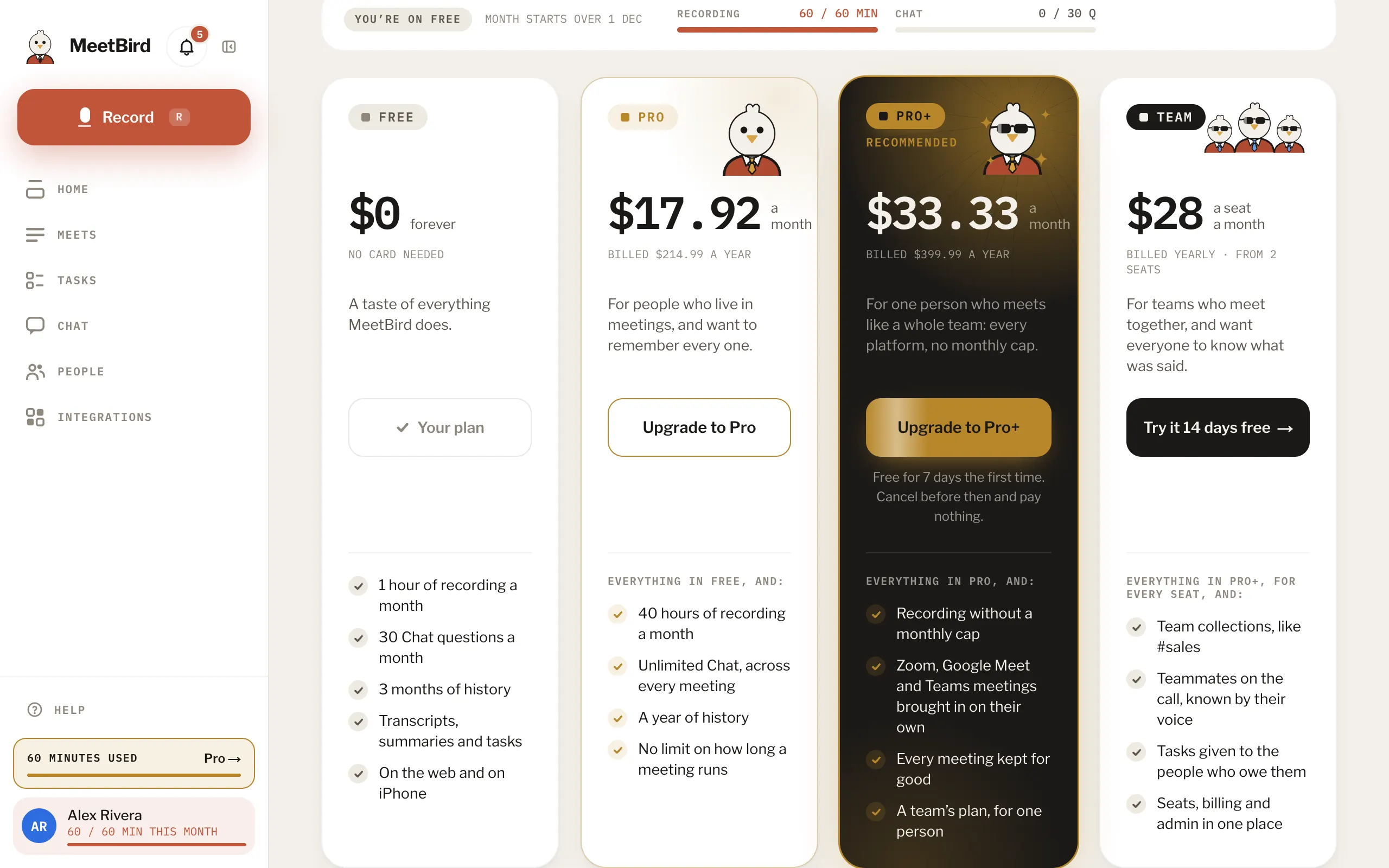
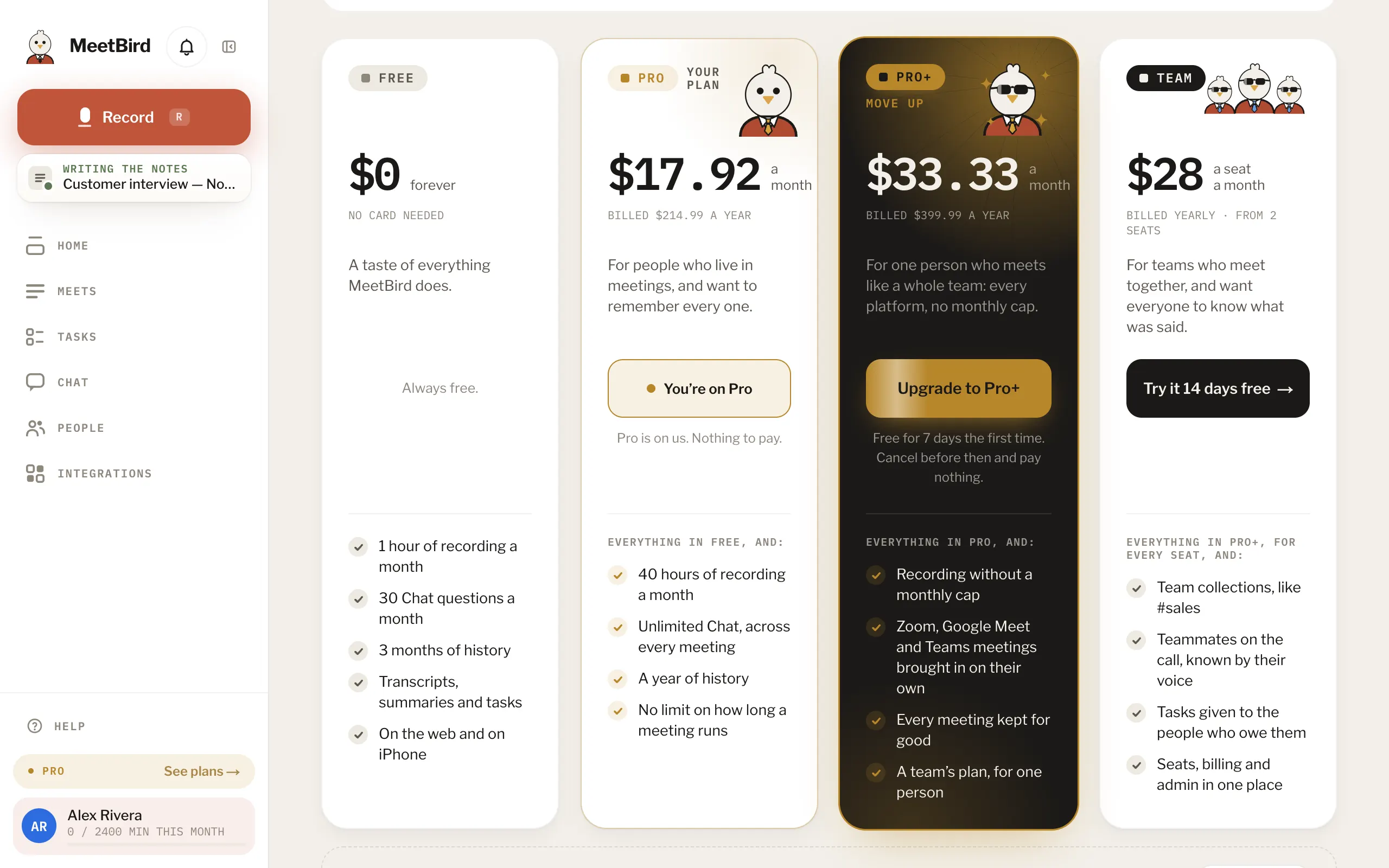
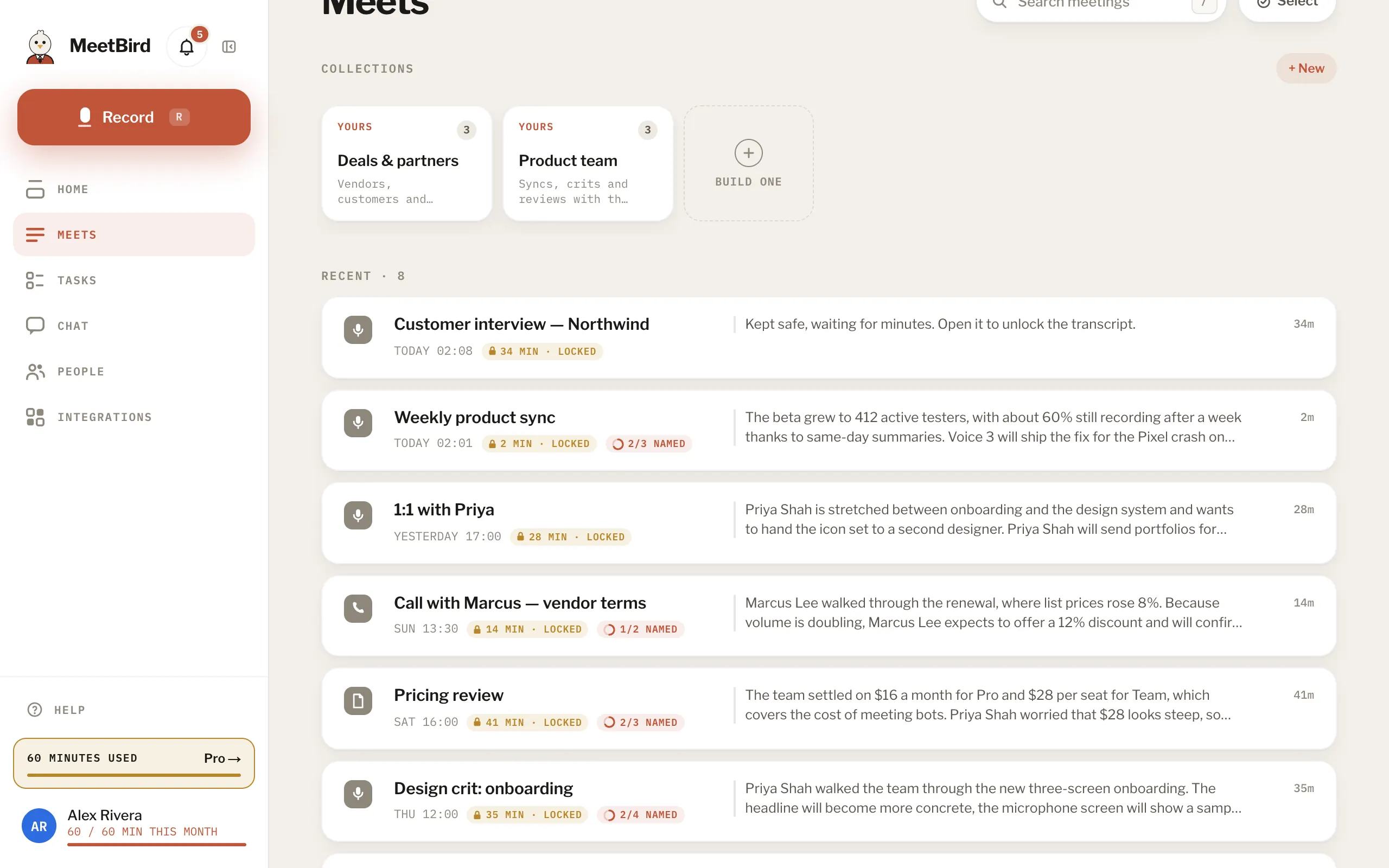
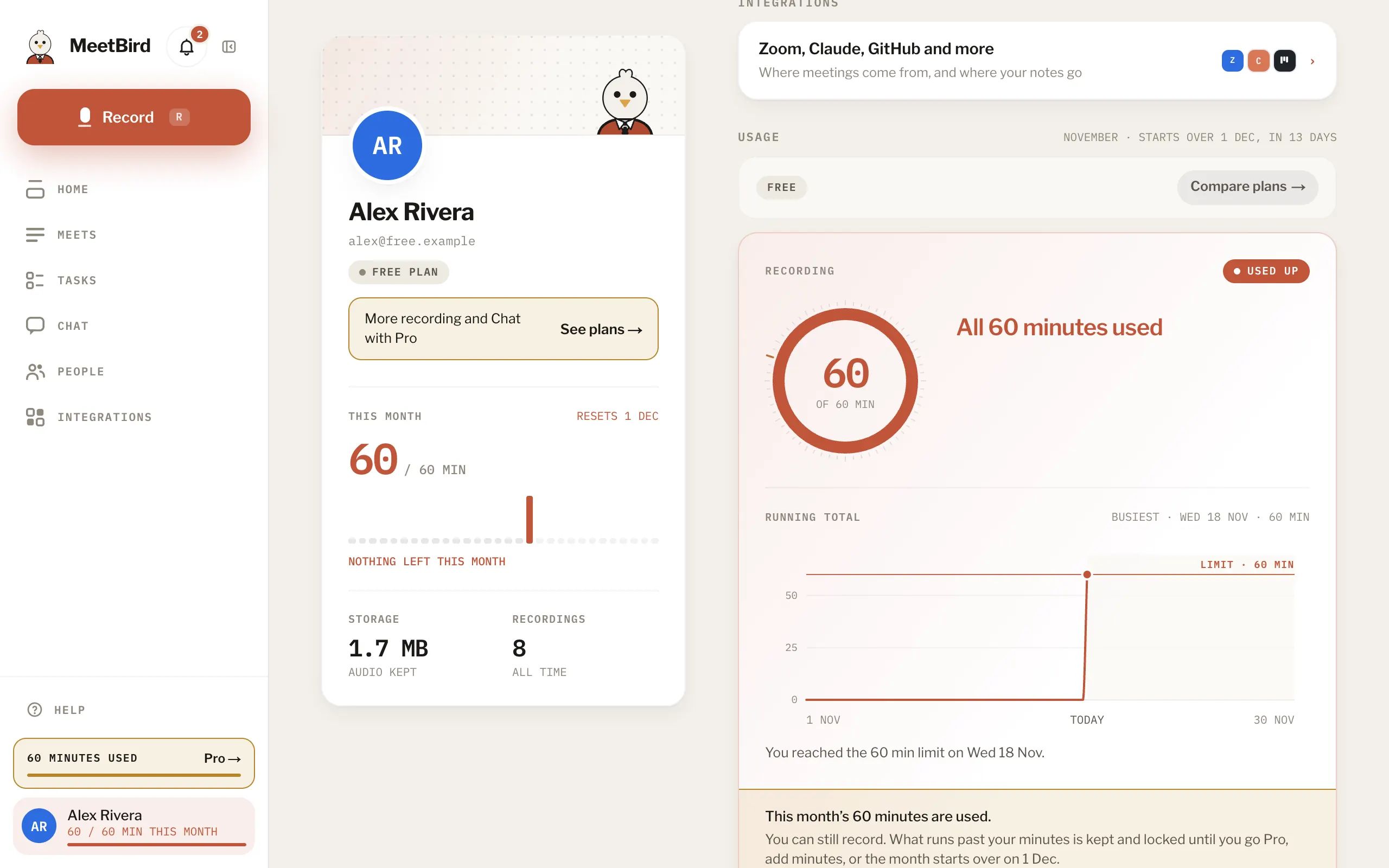
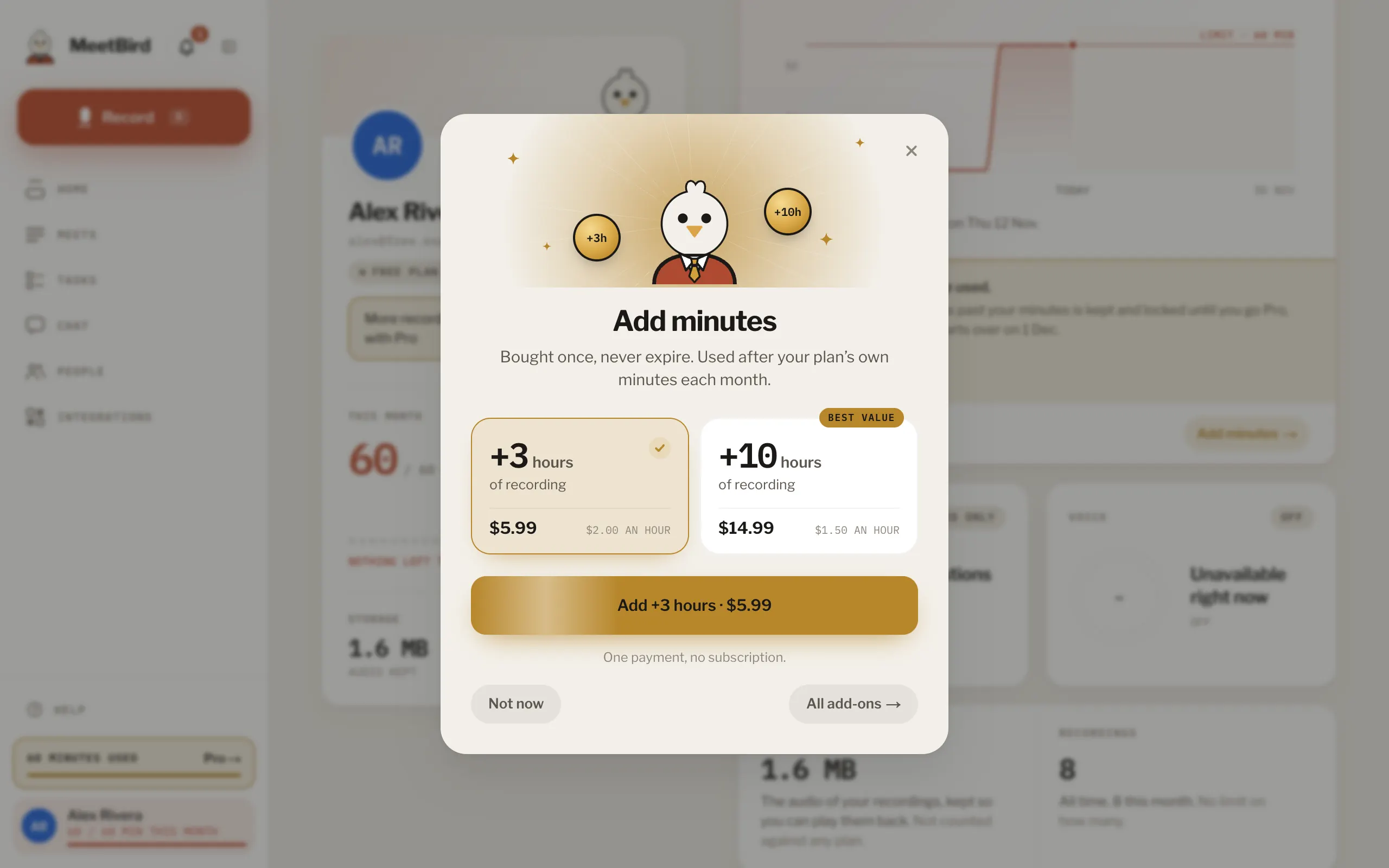
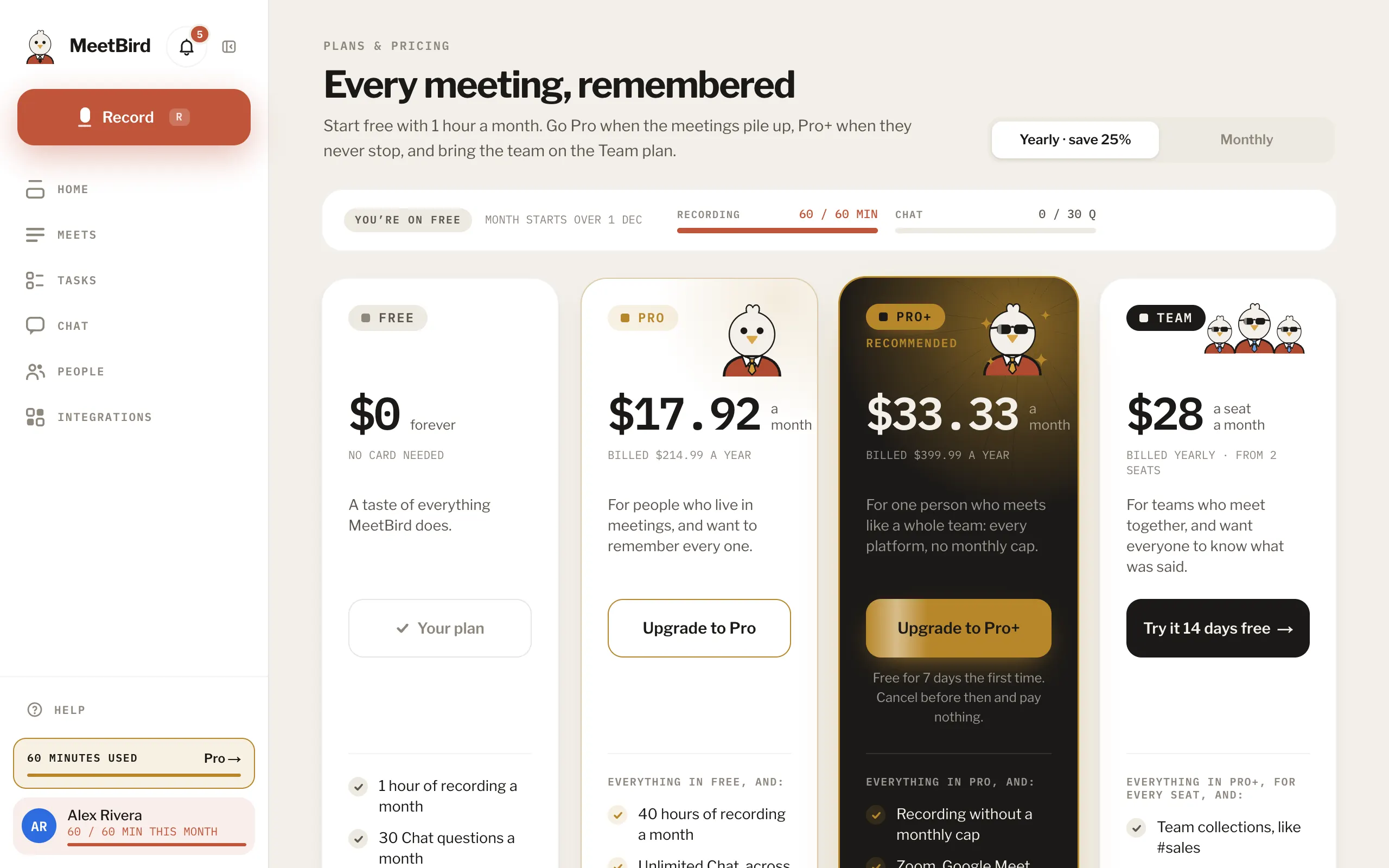
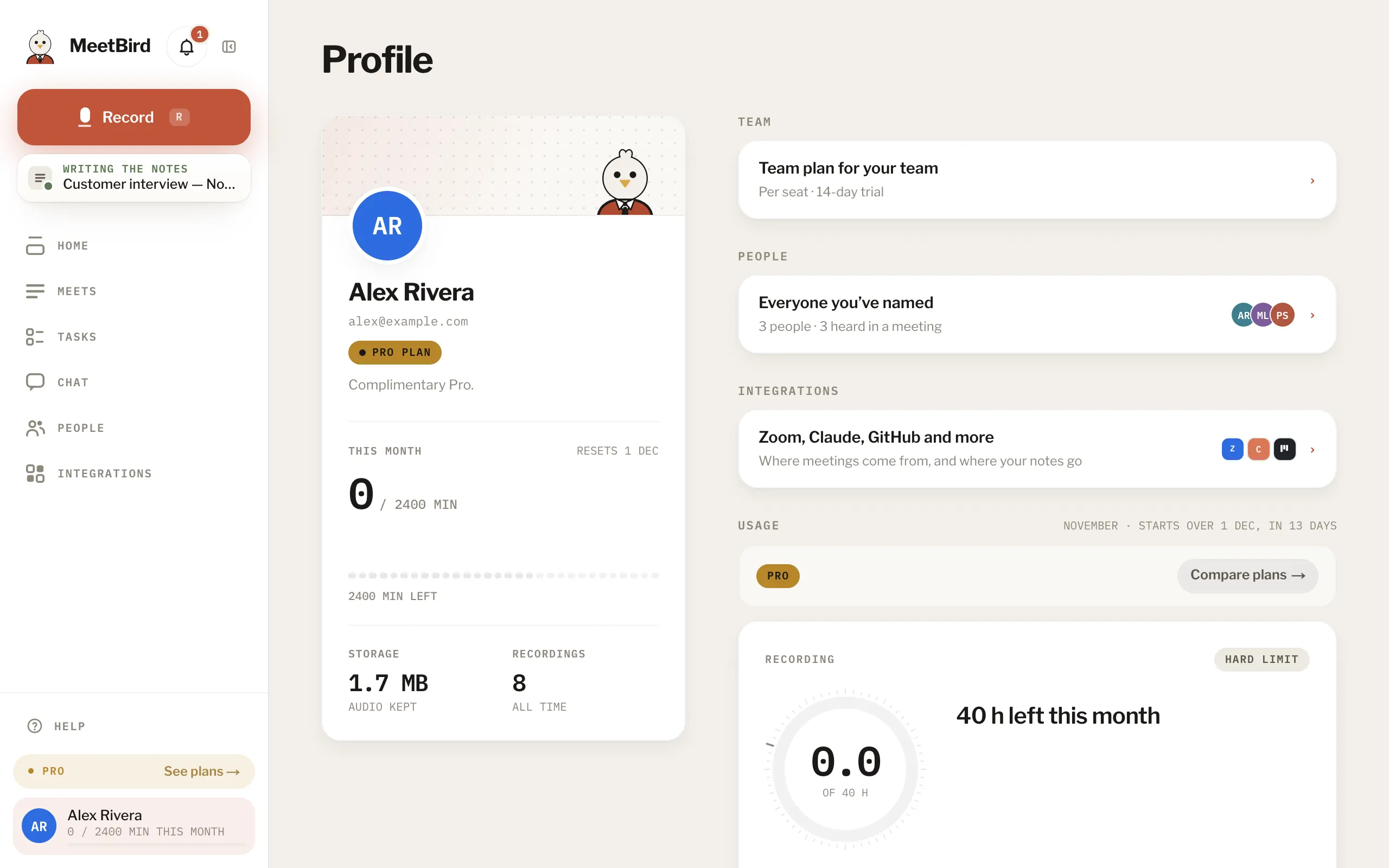
8 articlesFree, Pro, Pro+ and TeamFree has 60 minutes of recording a month and 30 questions in Chat. Pro has 40 hours a month, Chat as much as you need, sharing by email and Claude. Pro+ is Team for one person: no monthly cap on recording, Zoom, Meet and Teams meetings brought in, and every meeting kept. Team brings the team.What Pro+ addsPro+ is Team for one person: everything in Pro, and no monthly cap on recording, Zoom, Google Meet and Teams meetings brought in on their own, every meeting kept for good and more time with the bird. No team needed.Pro+When your minutes run outRecording never stops. The part of a meeting past your minutes is kept but locked: you see who spoke and when, not what was said. It opens when you have minutes for it.2 stepsSee what you’ve used this monthProfile › Usage shows this month’s recording minutes day by day, your Chat questions and minutes with the bird, and when the month starts over. Your minutes also show under your name in the sidebar.Minutes that never expireRecording packs add +3 hours ($5.99) or +10 hours ($14.99). They’re used only once your plan’s minutes for the month are gone, and they never expire, even if you change plans.Upgrade to Pro or Pro+In the iPhone app: Profile › Plan, then Pro or Pro+. On the web: Upgrade at the foot of the sidebar (or See plans in Profile), then Upgrade to Pro or Upgrade to Pro+. One account, one plan. A plan bought in one works in the other.Cancel or change your subscriptionPro and Pro+ from the iPhone app are managed by Apple: Profile › Plan › Manage subscription in the app, or your iPhone’s Settings › your name › Subscriptions. Bought on the web: Profile › Manage billing.Restore Pro or Pro+ on a new phoneIn the iPhone app, Profile › Plan › Restore purchases. If the subscription belongs to another MeetBird account, restoring moves it to this one.iPhone
Next topicIntegrations