Share a meeting with anyone, by email
Pro3 steps
Open the meeting, press Share, add their name or email under Add people, choose what they’ll see and press Share. They get a link, and a six-digit code goes to that address. So a forwarded link opens nothing.
- 1
Open the meeting and press Share.
meetbird.ai/meeting/…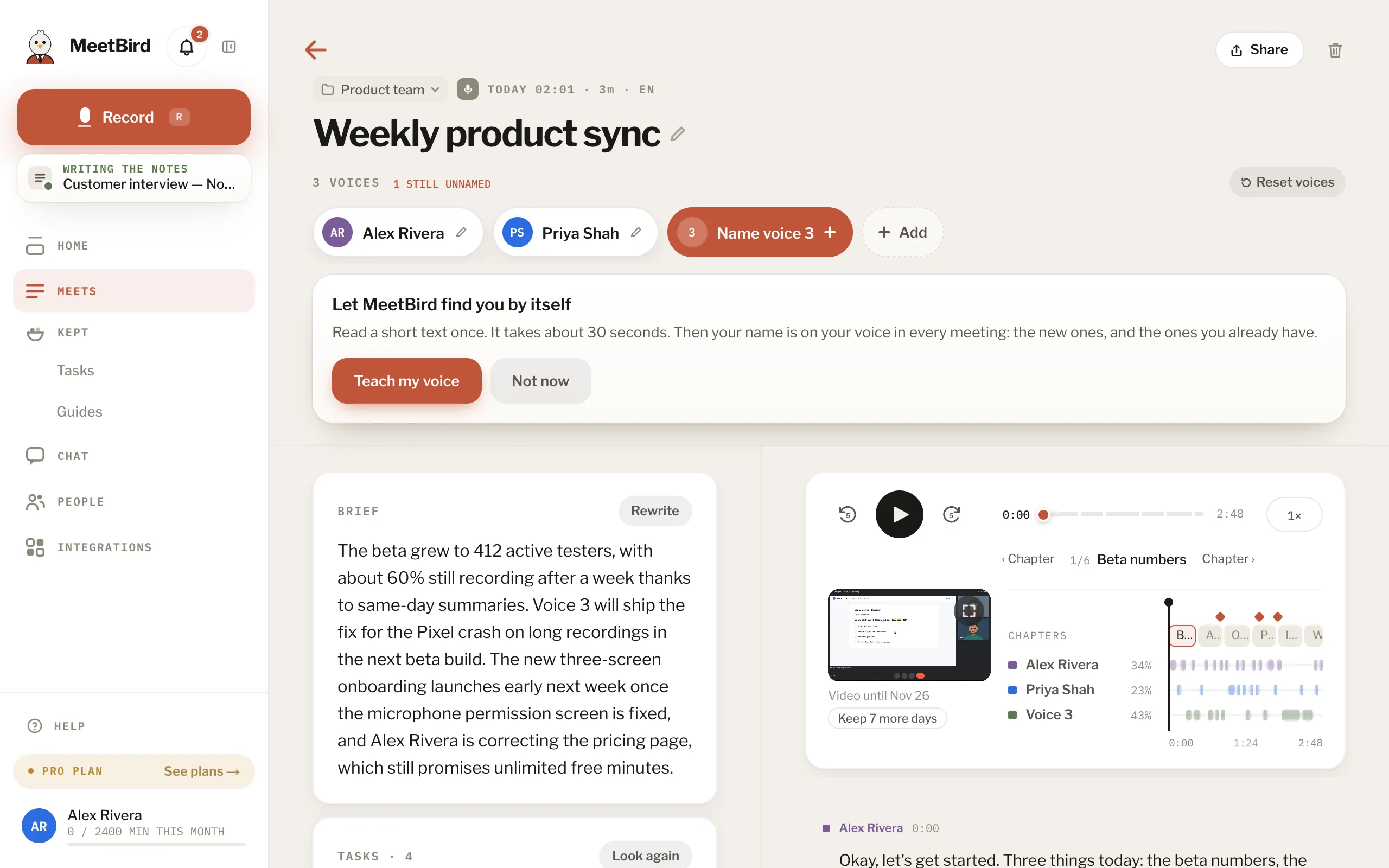
- 2
Add a person under Add people. Type their email if MeetBird doesn’t have it.
meetbird.ai/meeting/…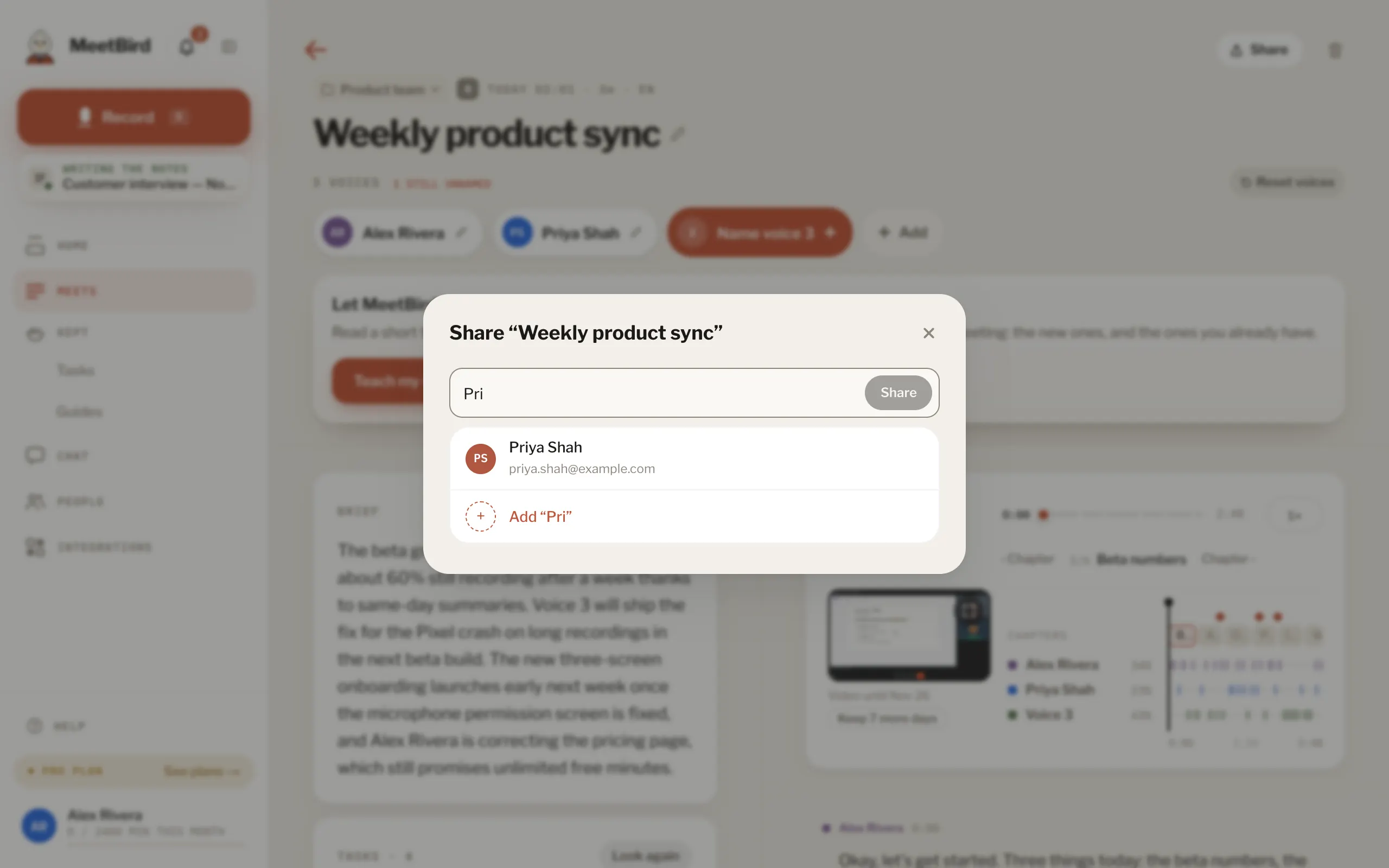
- 1Someone on your People
- 2Someone new: add their email
- 3
Under What they’ll see, pick Summary, Tasks, Transcript or Recording, then press Share.
meetbird.ai/meeting/…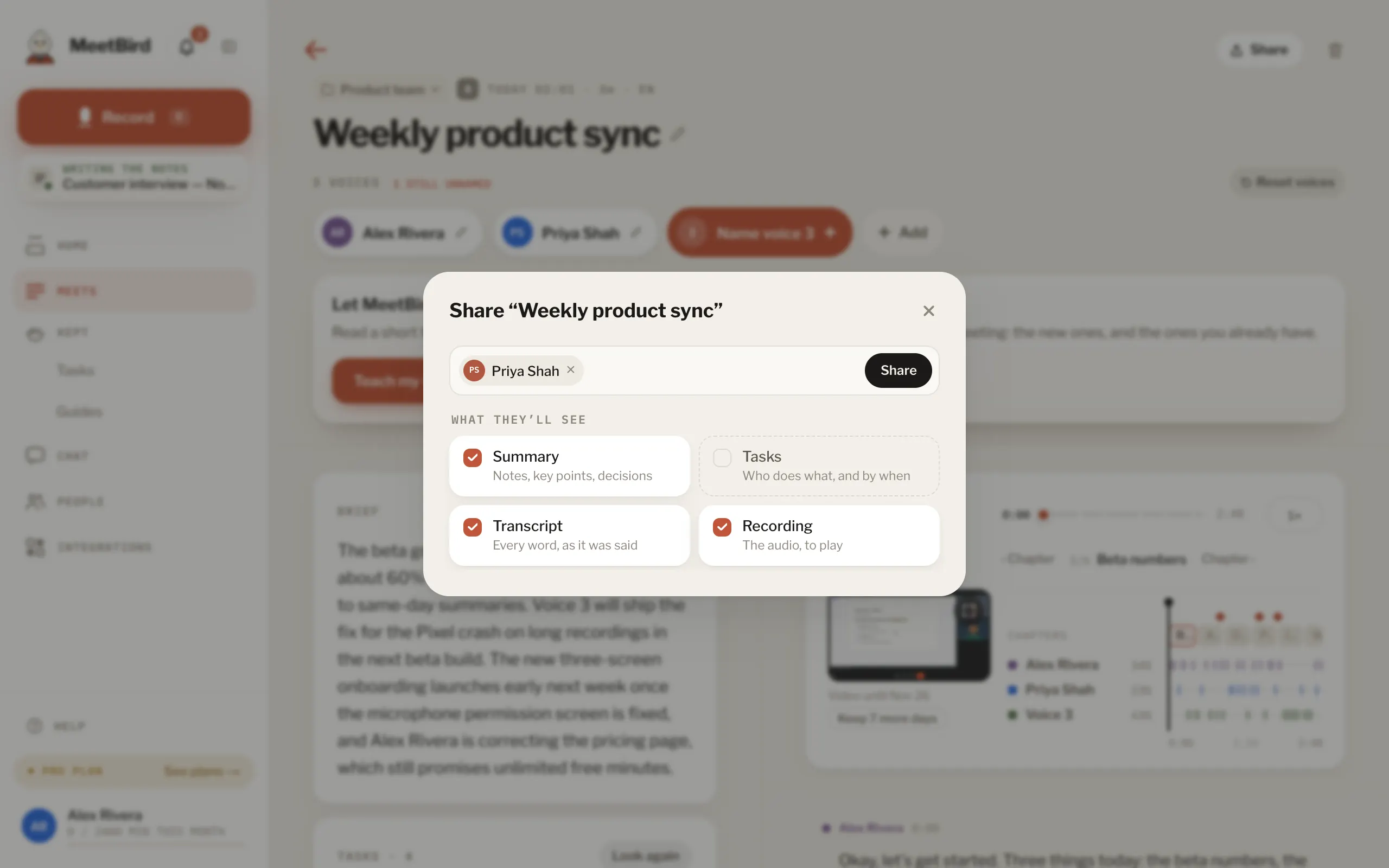
- They see only what you picked. At first that’s the summary, the transcript and the recording, and not your tasks. For 14 days they don’t need an account. They can’t edit or download anything.
- To change what someone sees later, open Share and press What they see beside them. It changes at once, for their link and their account.
- Only the person who recorded the meeting can share it this way. On a team, an admin has to allow sharing outside the team first.
- Changed your mind? In Share, choose Take it back. It closes at once.