Your notes
The summary, decisions and tasks MeetBird writes, playing a meeting back, and keeping it tidy.
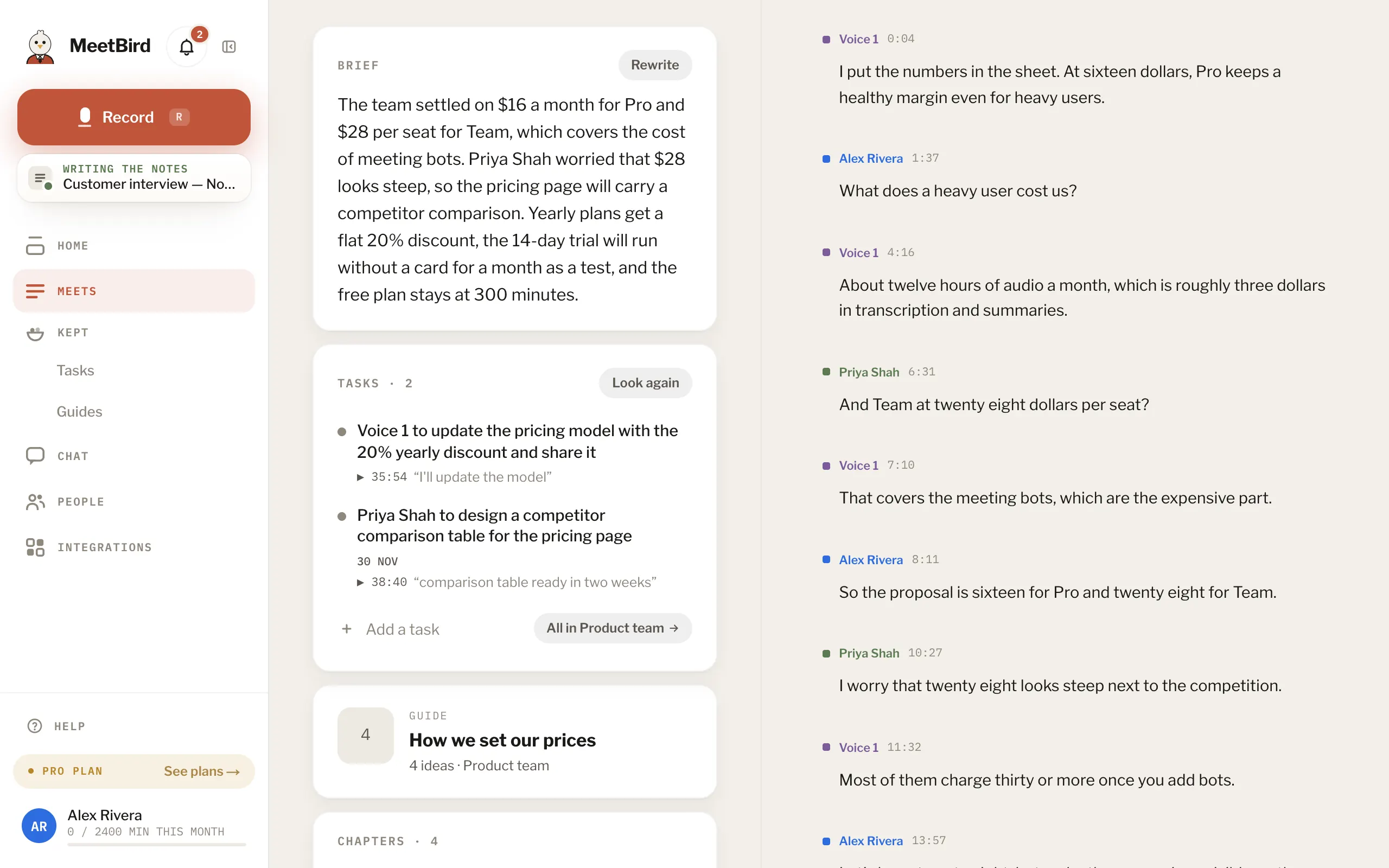
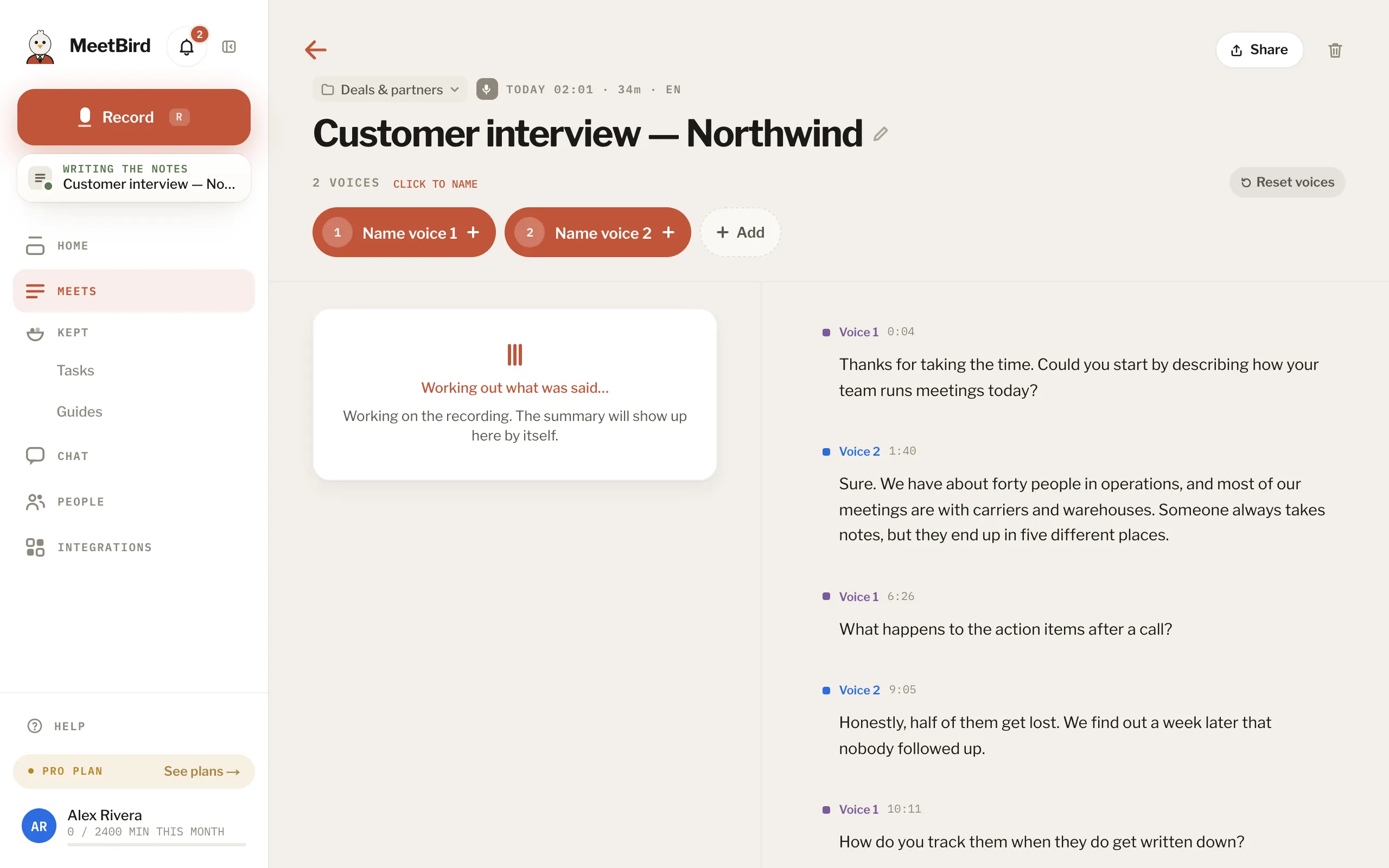
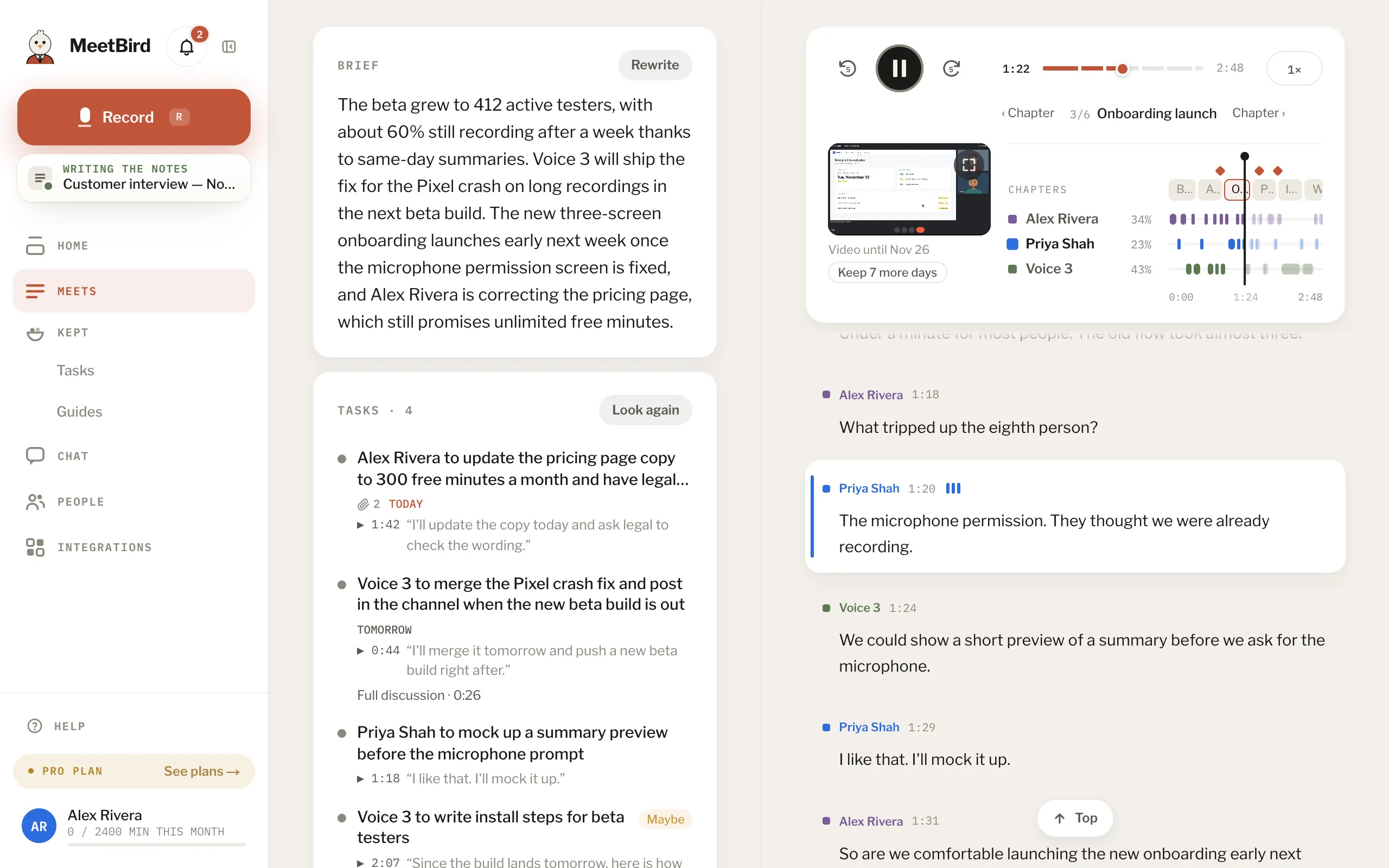
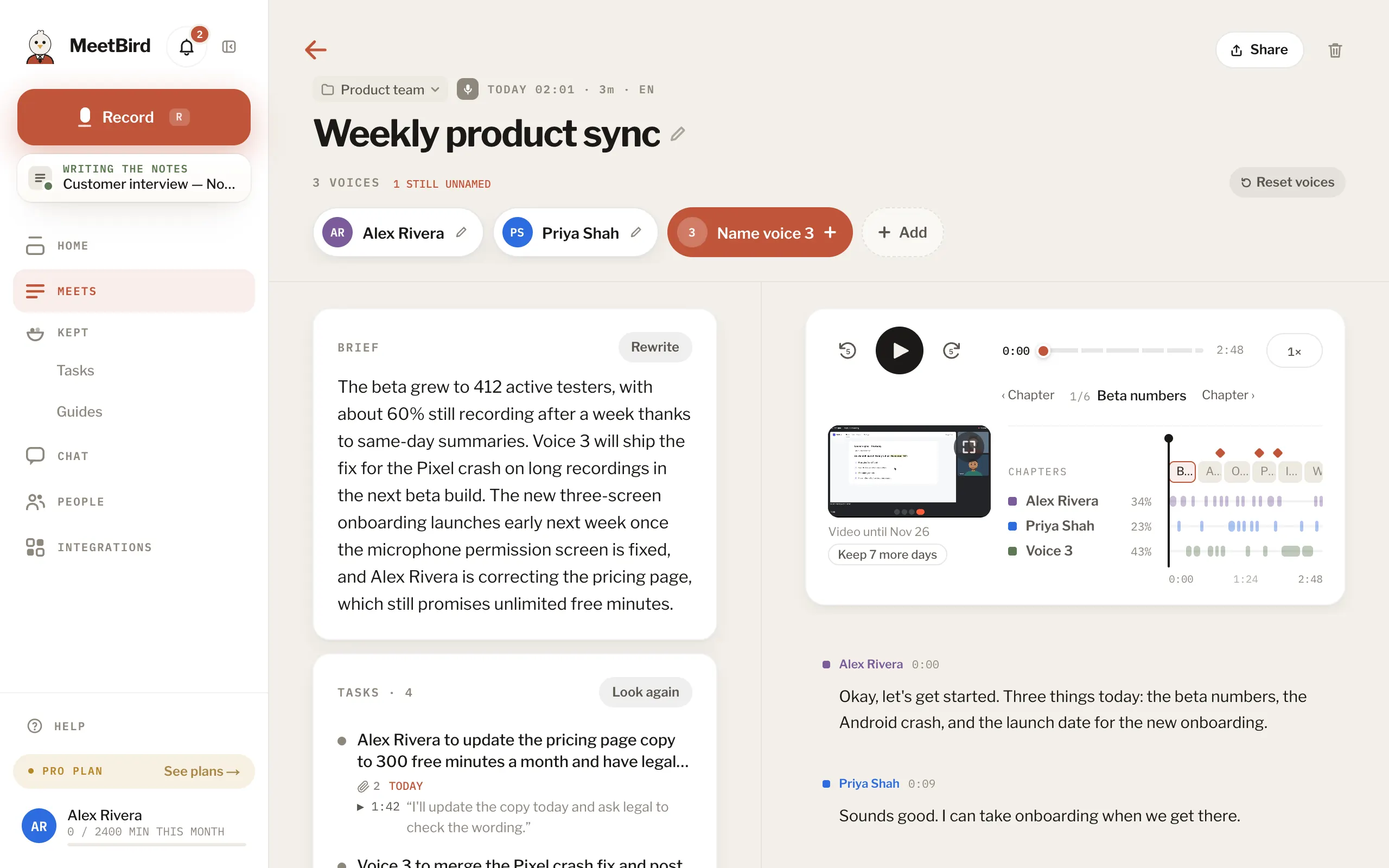
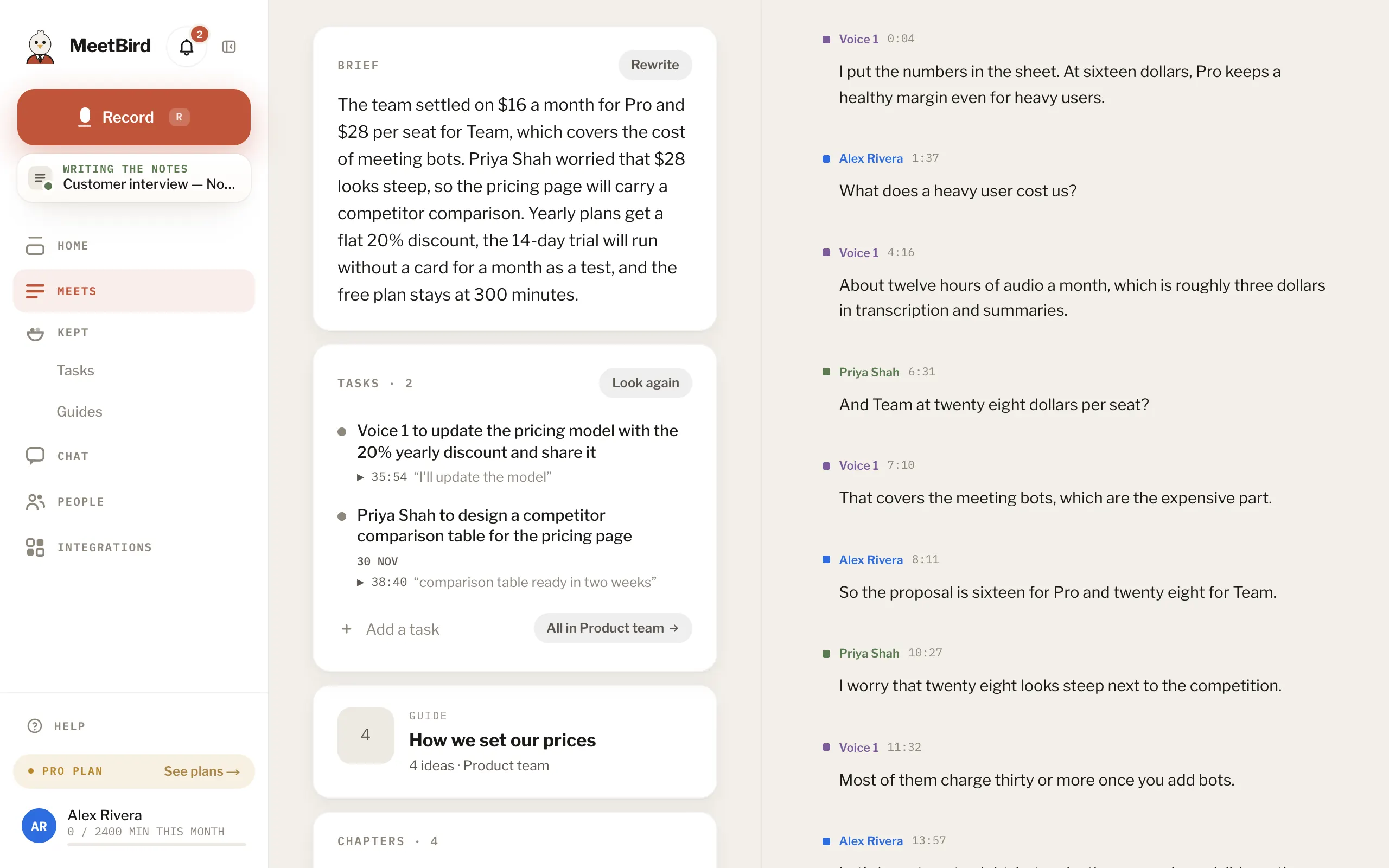
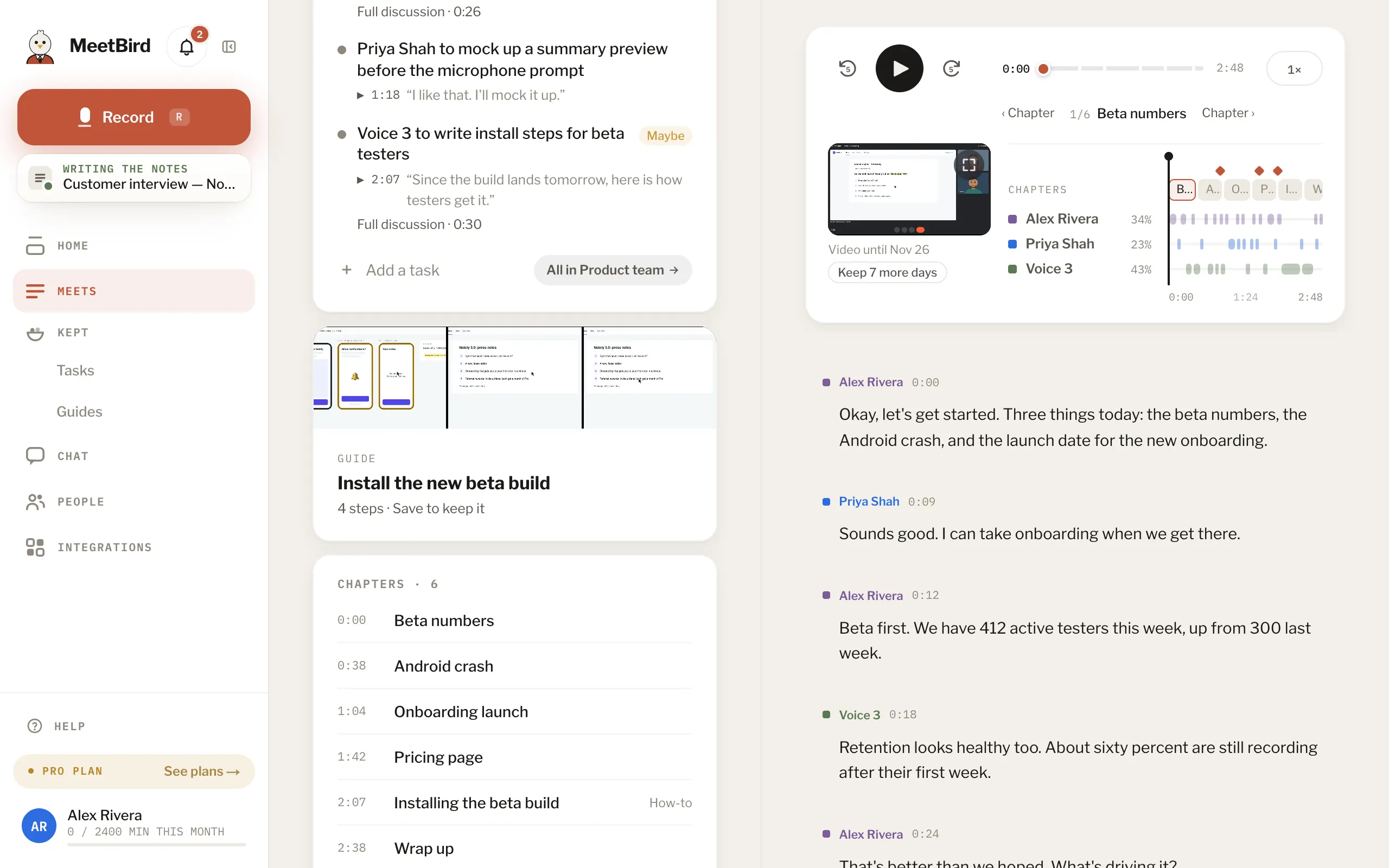
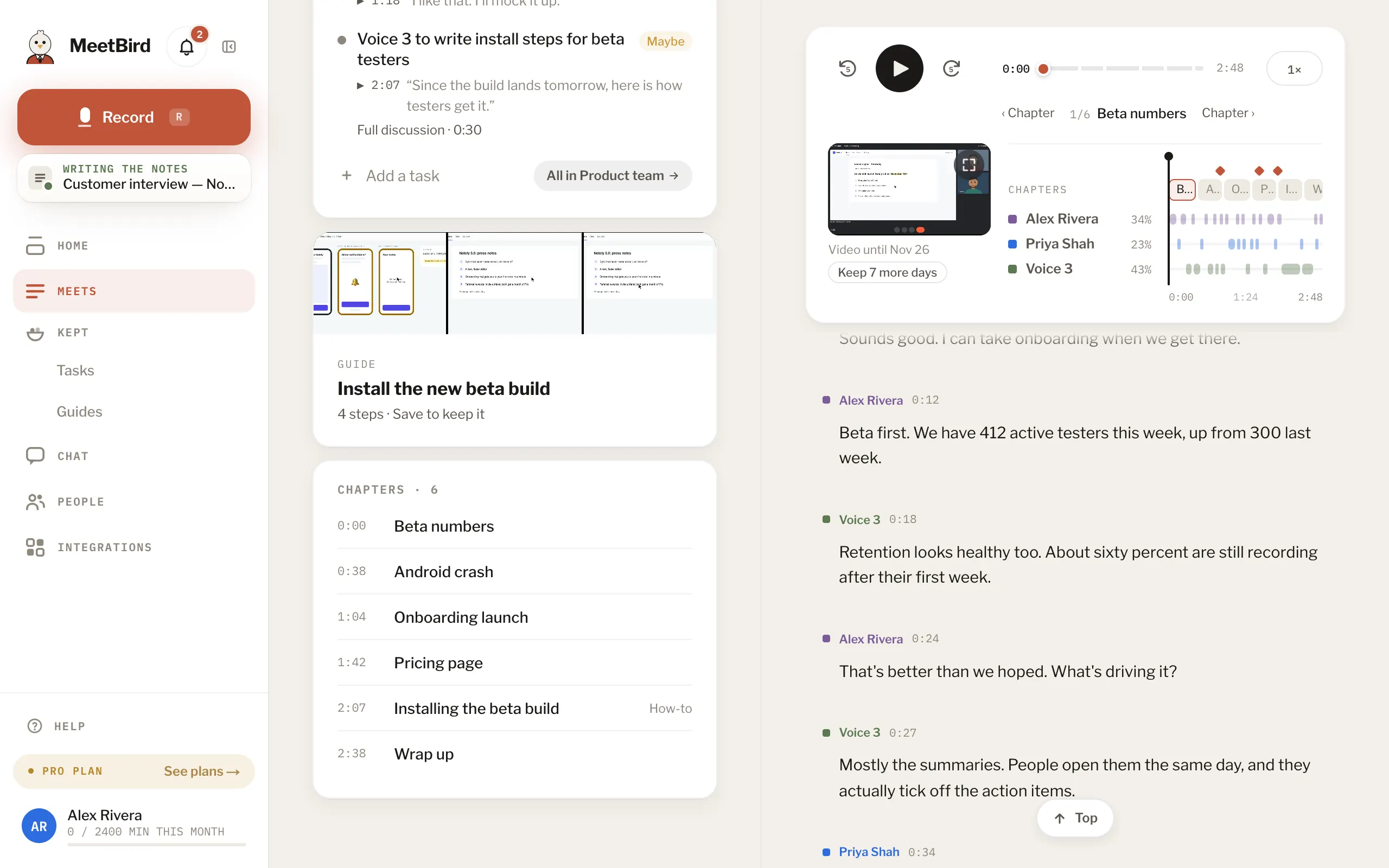
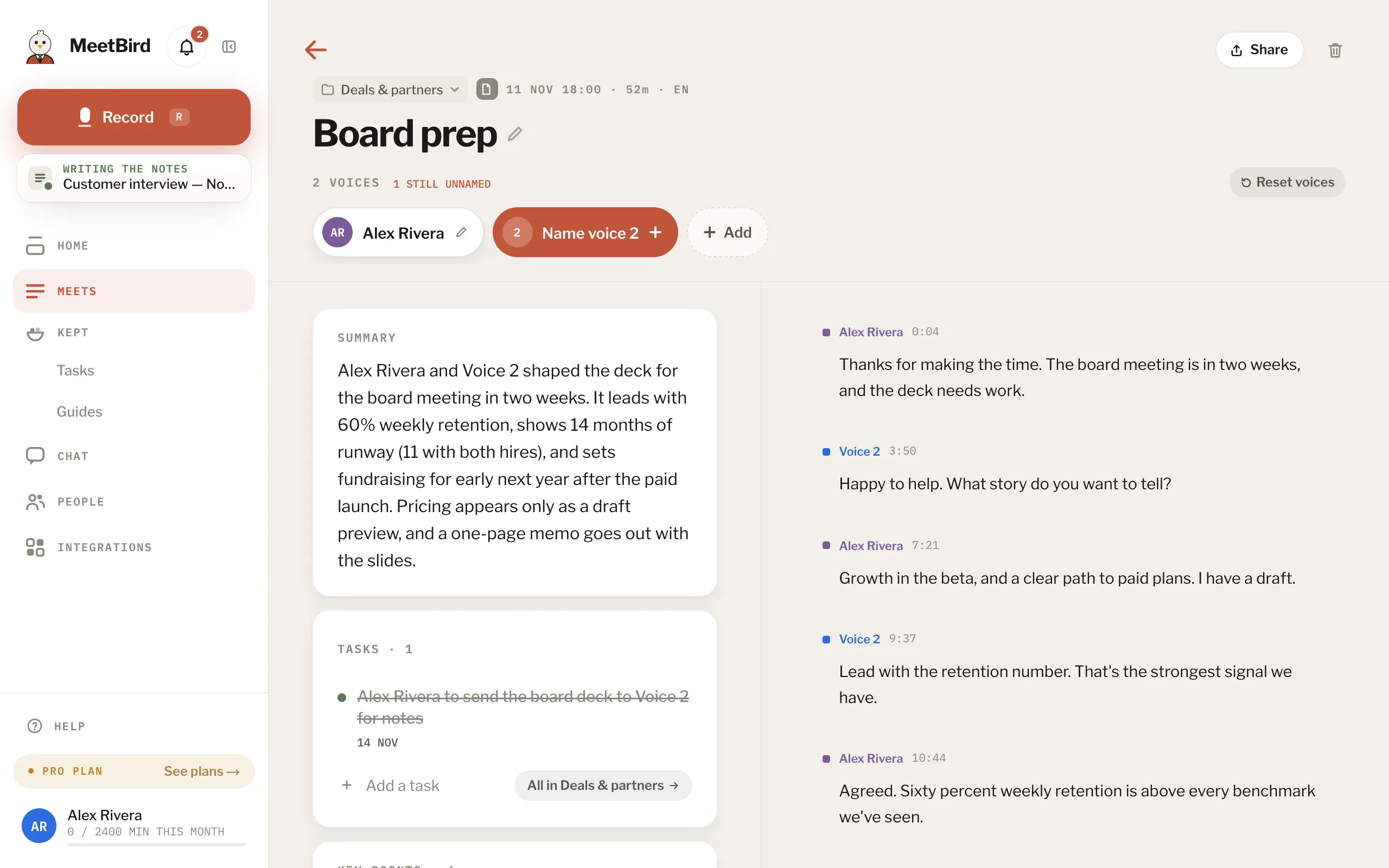
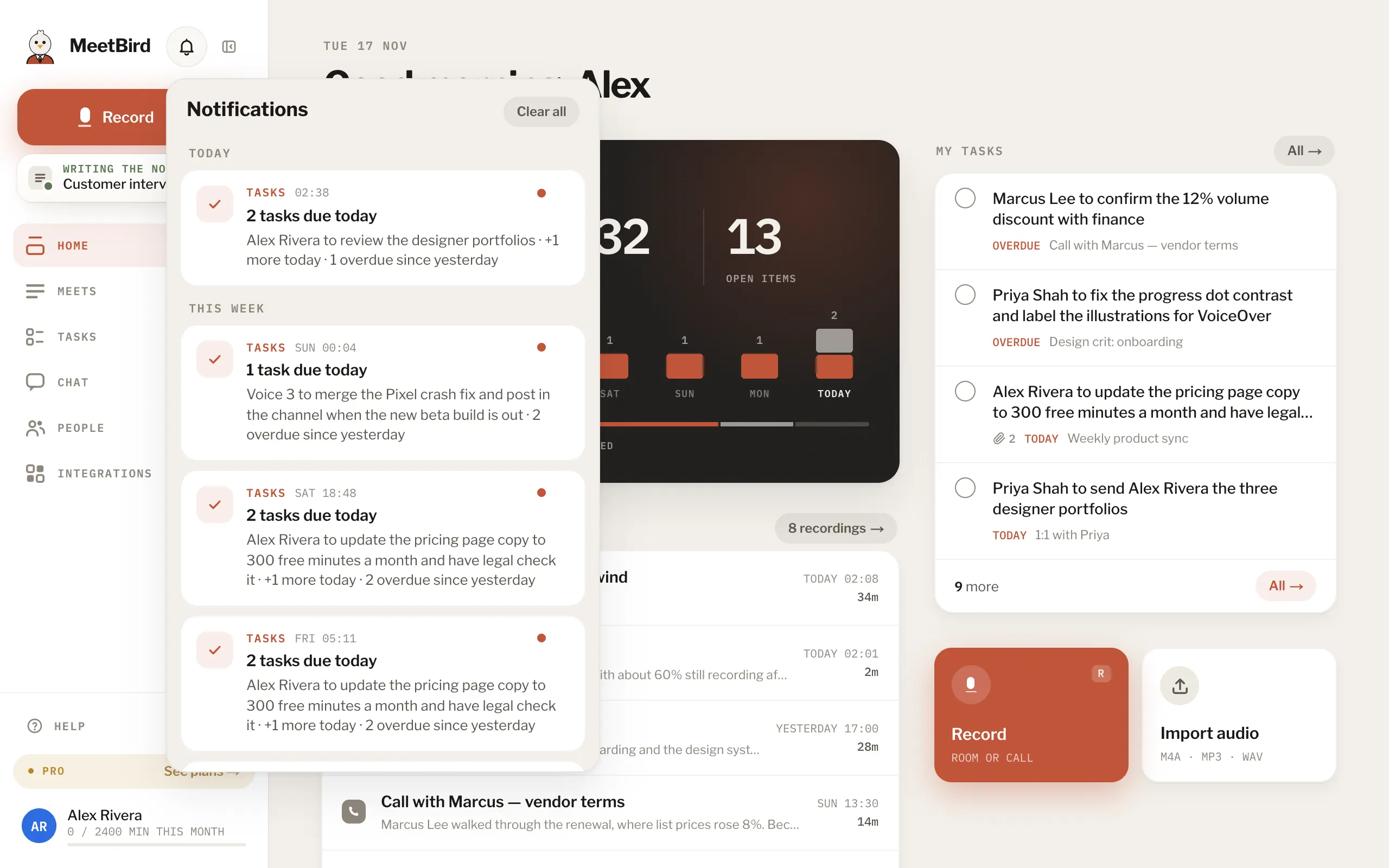
9 articlesWhat MeetBird writes for every meetingEach meeting gets a short Brief, its Tasks (who does what, and by when if someone said it) and its Chapters, the parts of the meeting in order. When someone shows how to do something, there is a Guide too. The full transcript is next to them. Every line has a speaker and a time.How long the notes takeUsually a few minutes after the recording is sent. A long meeting takes longer. You don’t have to wait on the page: the card under Record shows how far it is from any page, and the bell says Notes ready.Play a meeting and read alongClick any line of the transcript to play from there. As it plays, the line being said is lit.3 stepsRename a meetingClick the meeting’s title, type the new one and press Save the name. On the iPhone, tap the title.2 stepsRewrite a summaryPress Rewrite on the brief and pick Shorter or Write again. Undo brings back the one before. To look for tasks again, press Look again above the tasks. Only whoever recorded the meeting can.Guides: what someone showed you how to doWhen someone in a meeting shows how to do something, MeetBird writes it down as a Guide: the steps, the moment each one was said and, when a screen was shared, a picture of it. Press Save to collection to keep it. Saved guides are in Kept › Guides.3 stepsChapters: jump to a part of a meetingMeetBird splits each meeting into Chapters, in order. Press one to play from there.2 stepsDelete a meetingOpen it and press the trash icon. Only the person who recorded it can. The audio, the transcript and the summary all go, and it can’t be undone.2 stepsNotificationsThe bell tells you when notes are ready, a meeting couldn’t finish, a task is given to you, or a meeting is shared with you. Opening it marks everything read; swipe one left to remove it.
Next topicSpeakers & people