Teach MeetBird your voice
3 steps
Read a short text aloud for about 30 seconds, and MeetBird names you in new recordings by itself.
- 1
Go to Profile › Recording & voice › Voice profile.
meetbird.ai/profile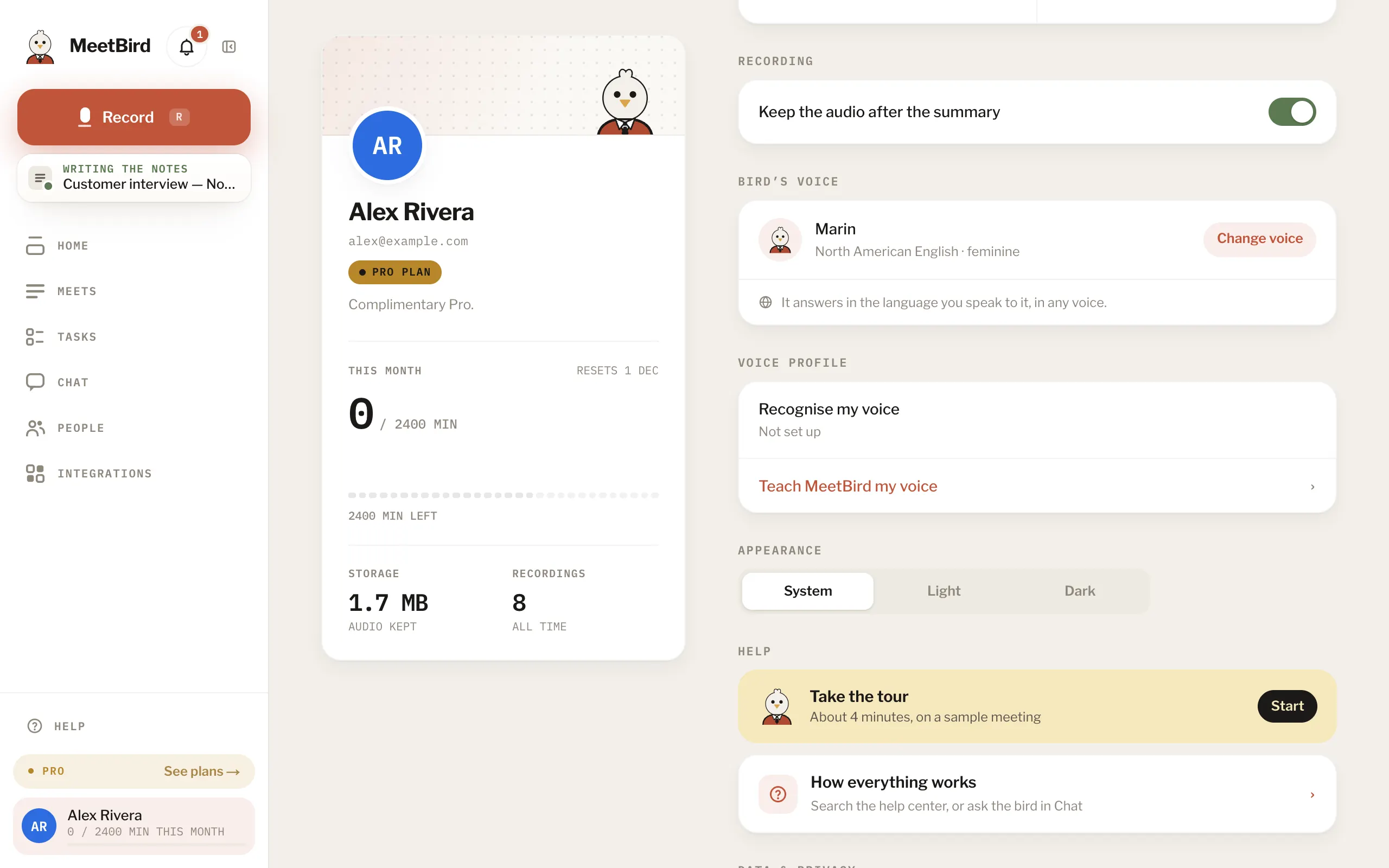
- 2
Choose Teach MeetBird my voice, then I agree, start.
meetbird.ai/profile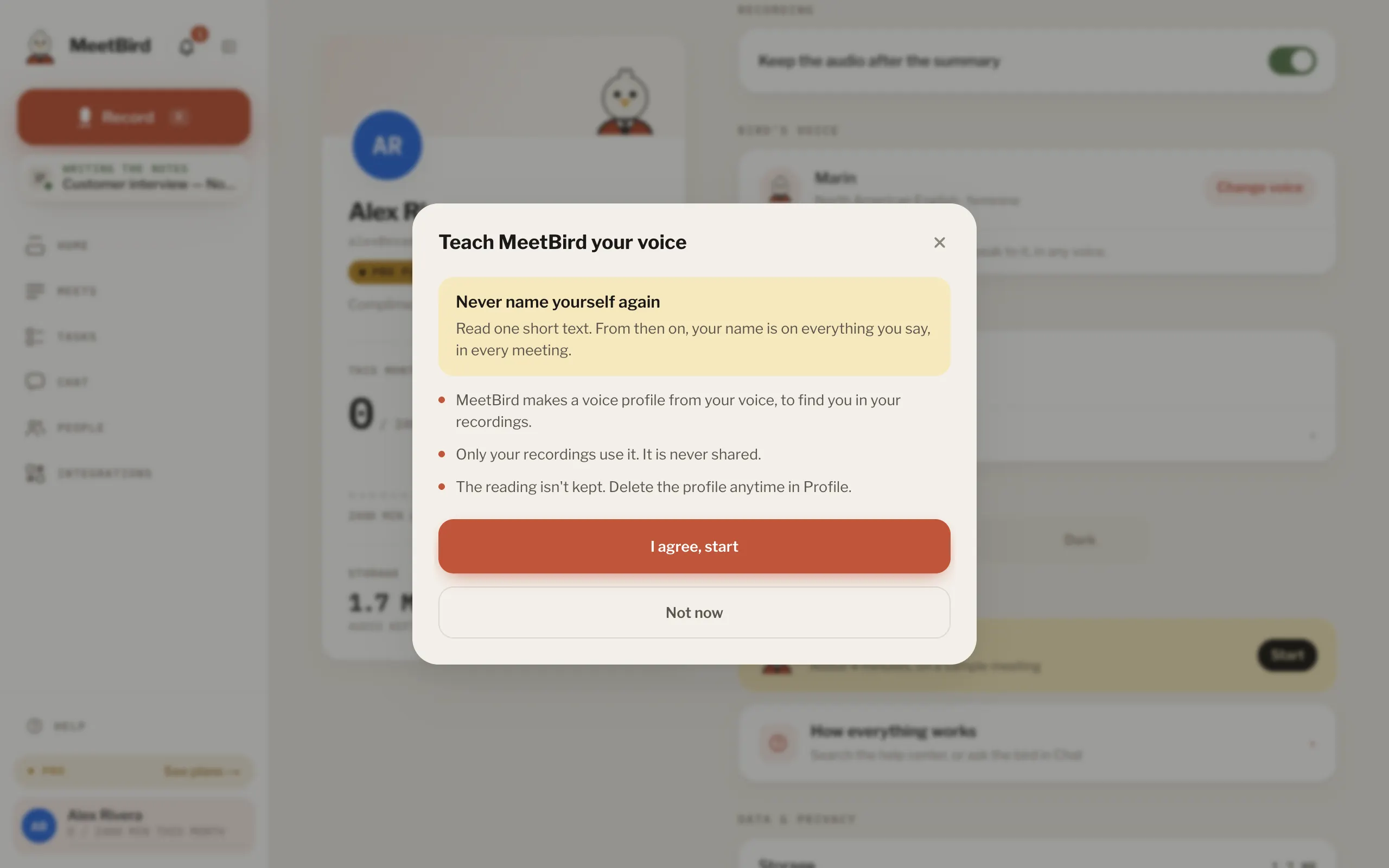
- 3
Press Start reading and read the passage. Words turn green when MeetBird hears them. When you have read enough, press I’m done. It also ends by itself.
meetbird.ai/profile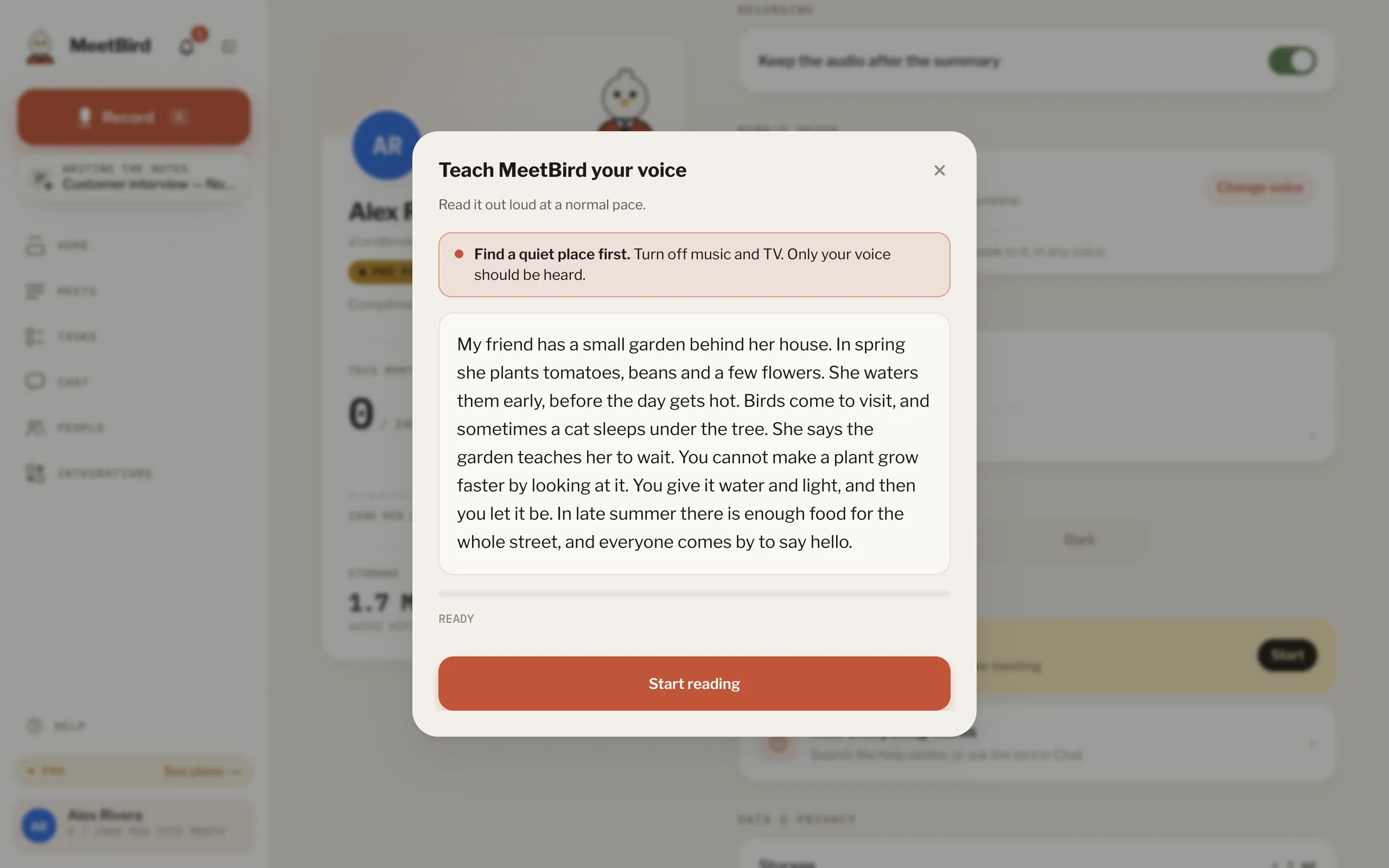
- It keeps learning when you say This is me on a voice. If you change that, it forgets it again.
- Find me in recent recordings looks through the last 30 days for you, once a day.
- Switch off Recognise my voice to pause it, or Delete my voice profile. Names already on past meetings stay.
WhereProfileRecording & voiceVoice profileTeach MeetBird my voice