Sharing
Give a meeting to someone outside your team by email, or to a teammate.
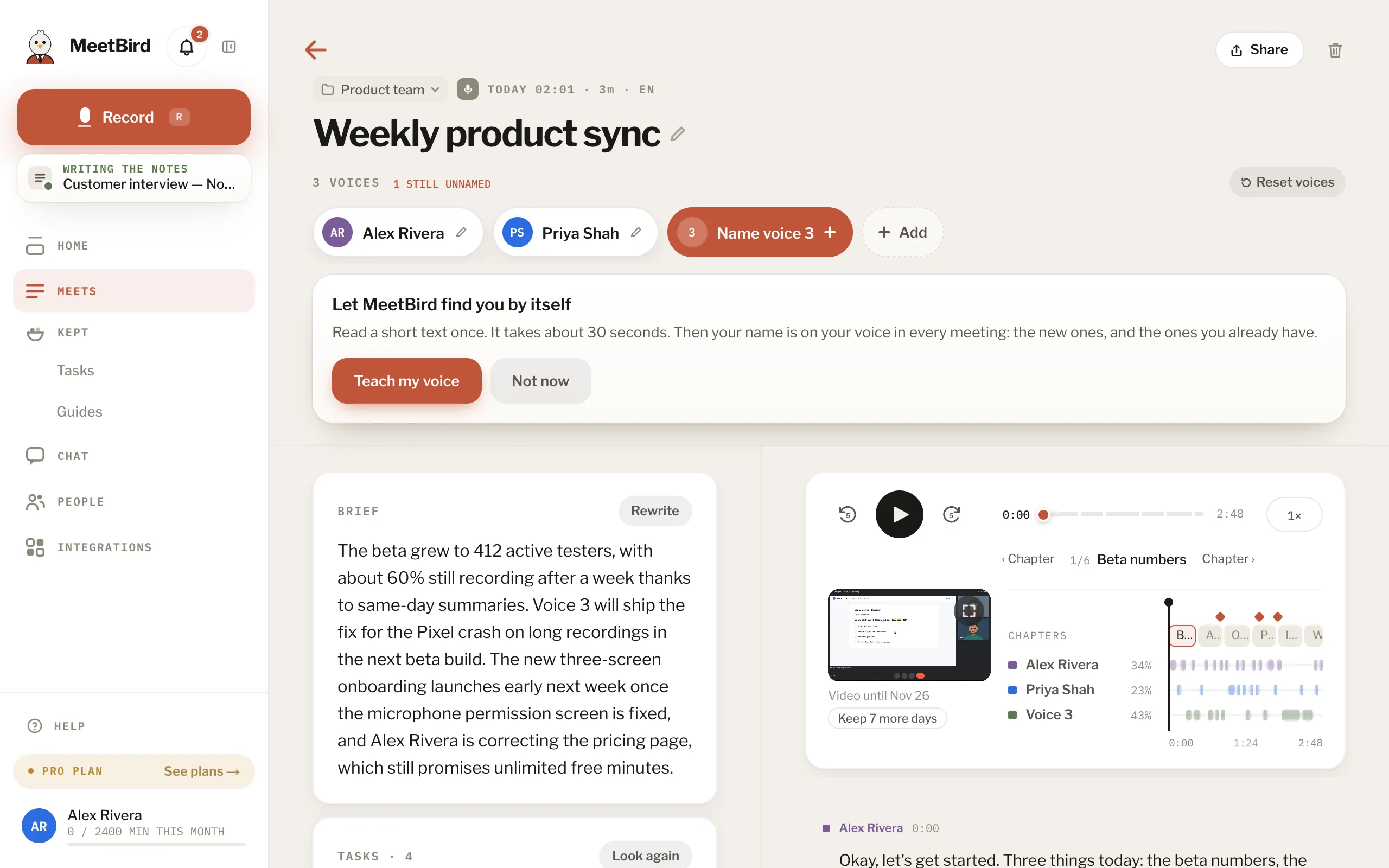
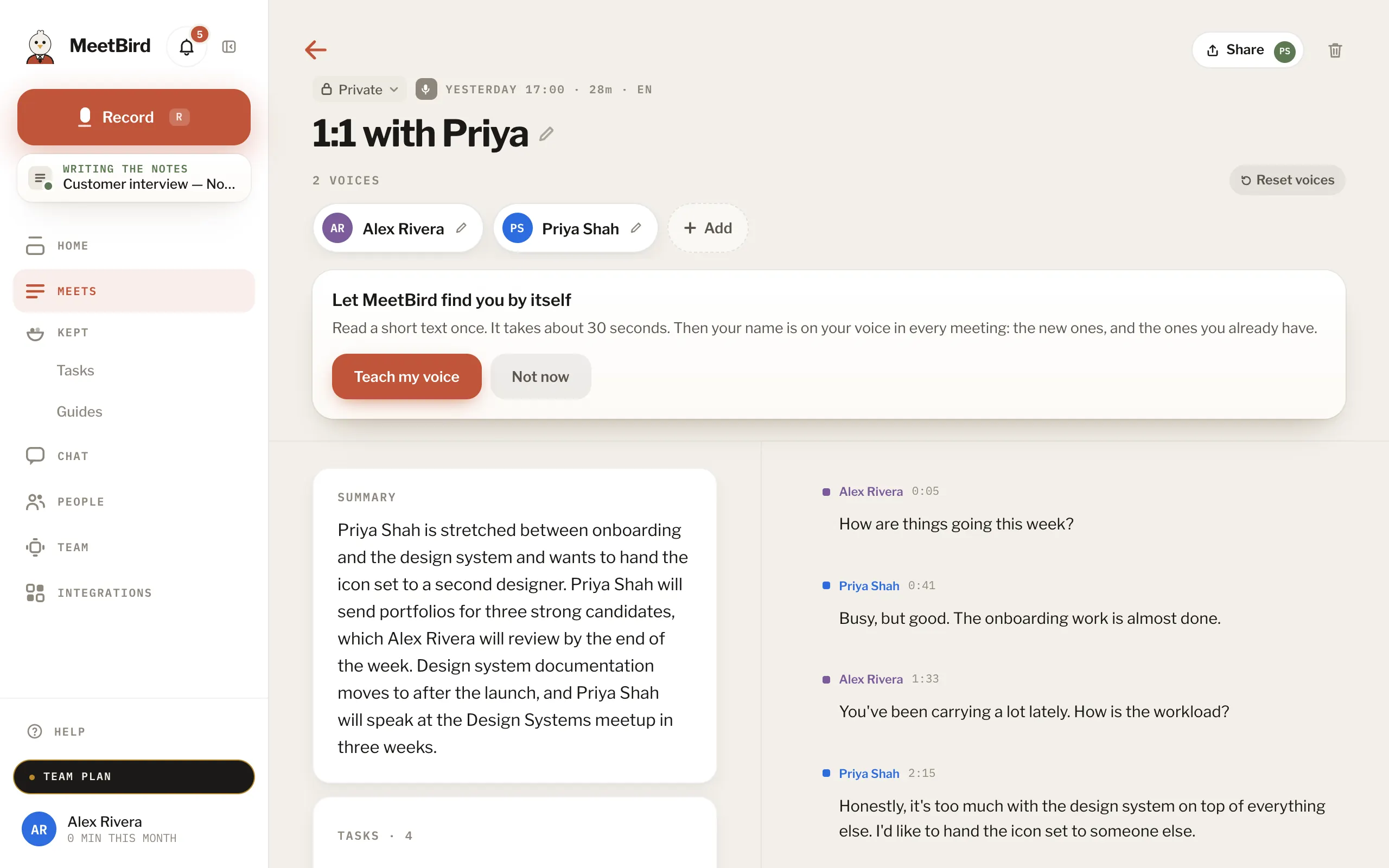
3 articlesShare a meeting with anyone, by emailOpen the meeting, press Share, add their name or email under Add people, choose what they’ll see and press Share. They get a link, and a six-digit code goes to that address. So a forwarded link opens nothing.3 stepsProShare a team meeting with a teammateOn a team meeting, press Share, add teammates and press Share. They can view it. Can edit is in the ⋯ beside their name. It appears under Shared for them.2 stepsTeamSend the notes as textIn the iPhone app, open the meeting and tap ⋯ › Share summary. It sends the title, the summary, key points, decisions and open tasks as plain text, wherever you pick.iPhone
Next topicYour team