Privacy & your data
Who sees your meetings, where they are kept, and taking them with you or deleting them.
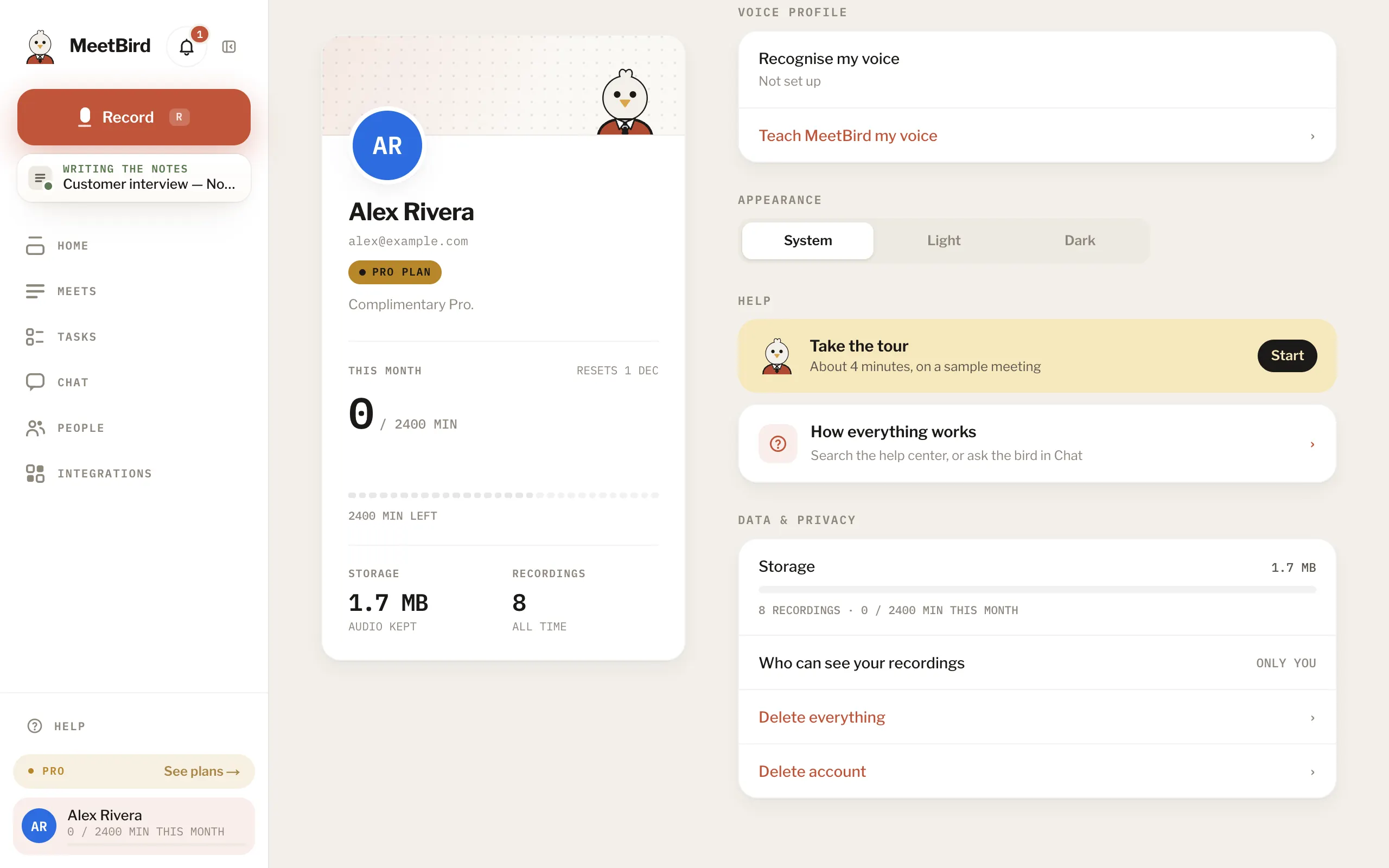
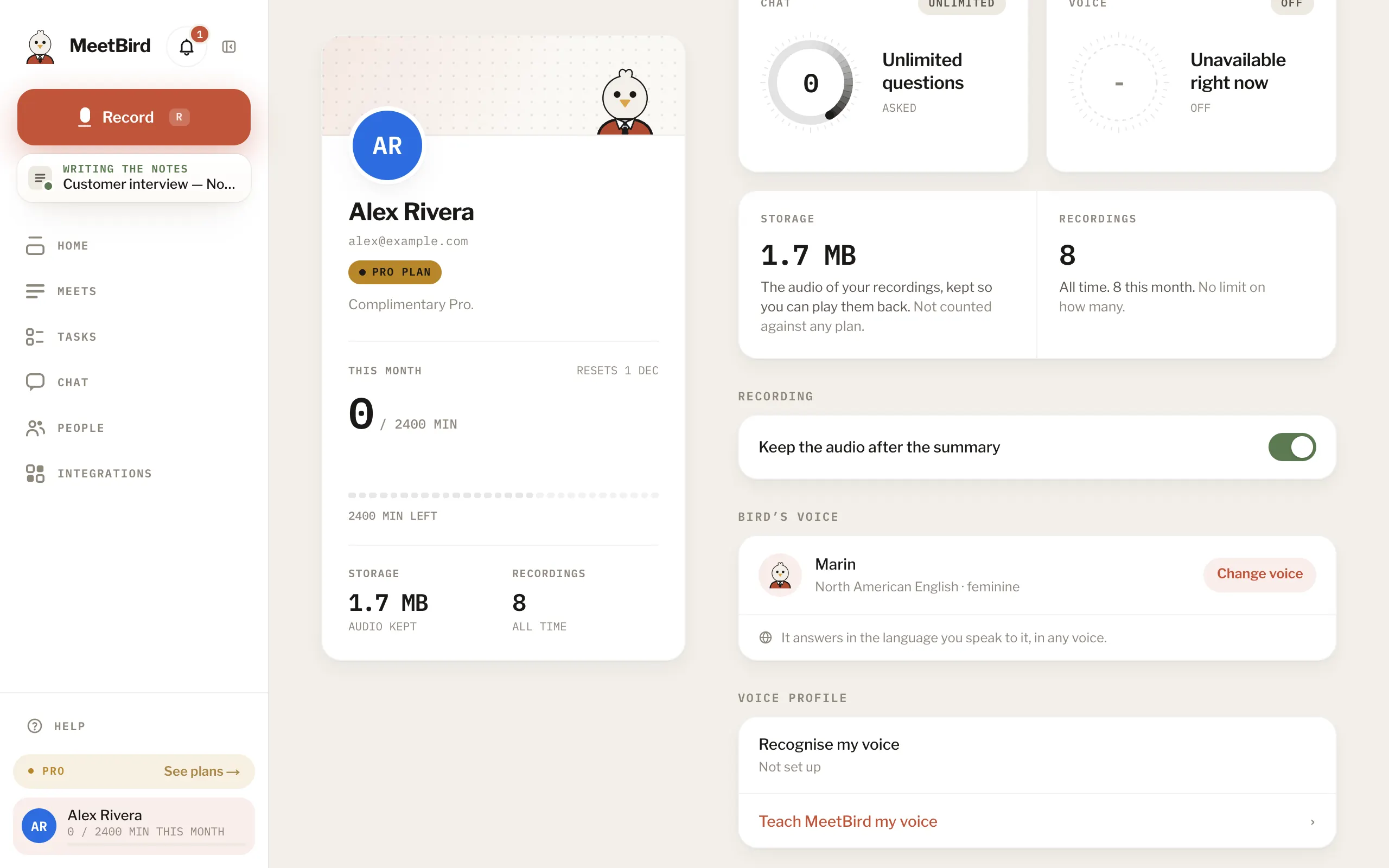
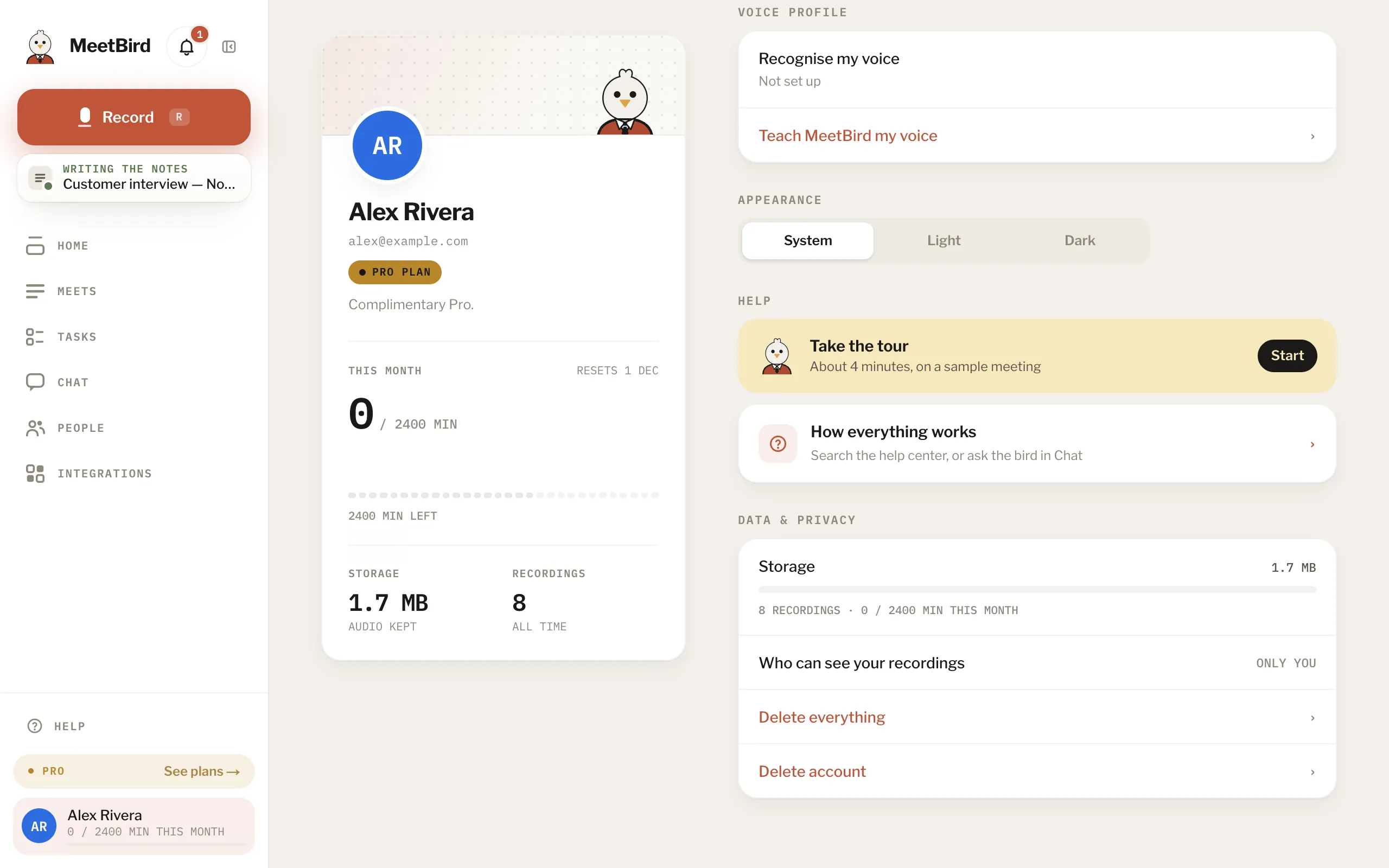
7 articlesWho can see my meetingsOn your own account, only you. A meeting reaches someone else only when you share it. On a team, also when it’s in a team collection they’re in.Keep or delete the audioProfile › Recording & voice › Keep the audio after the summary is on to begin with. Turn it off and the audio is deleted once the summary exists; the transcript, summary and tasks stay.Turn off video or automatic clipsProfile › Recording & voice › Recording has two more switches, both on to begin with. Turn off Record video and MeetBird keeps only the sound of your meetings. Turn off Make clips automatically and it puts no pictures or clips on tasks, decisions and key points.Where your data is keptIn Google Cloud, in the United States. To turn audio into notes, a few specialised services each do one part: transcribing, telling the voices apart, writing the notes and answers, the bird’s voice. Each one gets only what its part needs.Take your data with youIn the iPhone app, Profile › Data & privacy › Export everything gives you every transcript, summary, person, collection and chat in one JSON file. Without the app, write to hello@meetbird.ai from the address you sign in with.Delete everything, or your accountIn Profile › Data & privacy: Delete everything removes every recording, transcript, summary, collection, person and chat but keeps the account; Delete account closes it too. On the web, both ask you to type DELETE.3 stepsRecording people: consentMeetBird records what your device hears. Tell people before you record them, and where the law asks for their consent, get it. The rules are different from place to place.
Next topicFixing problems