Your team
One place for a team’s meetings: members, team collections, voices and settings.
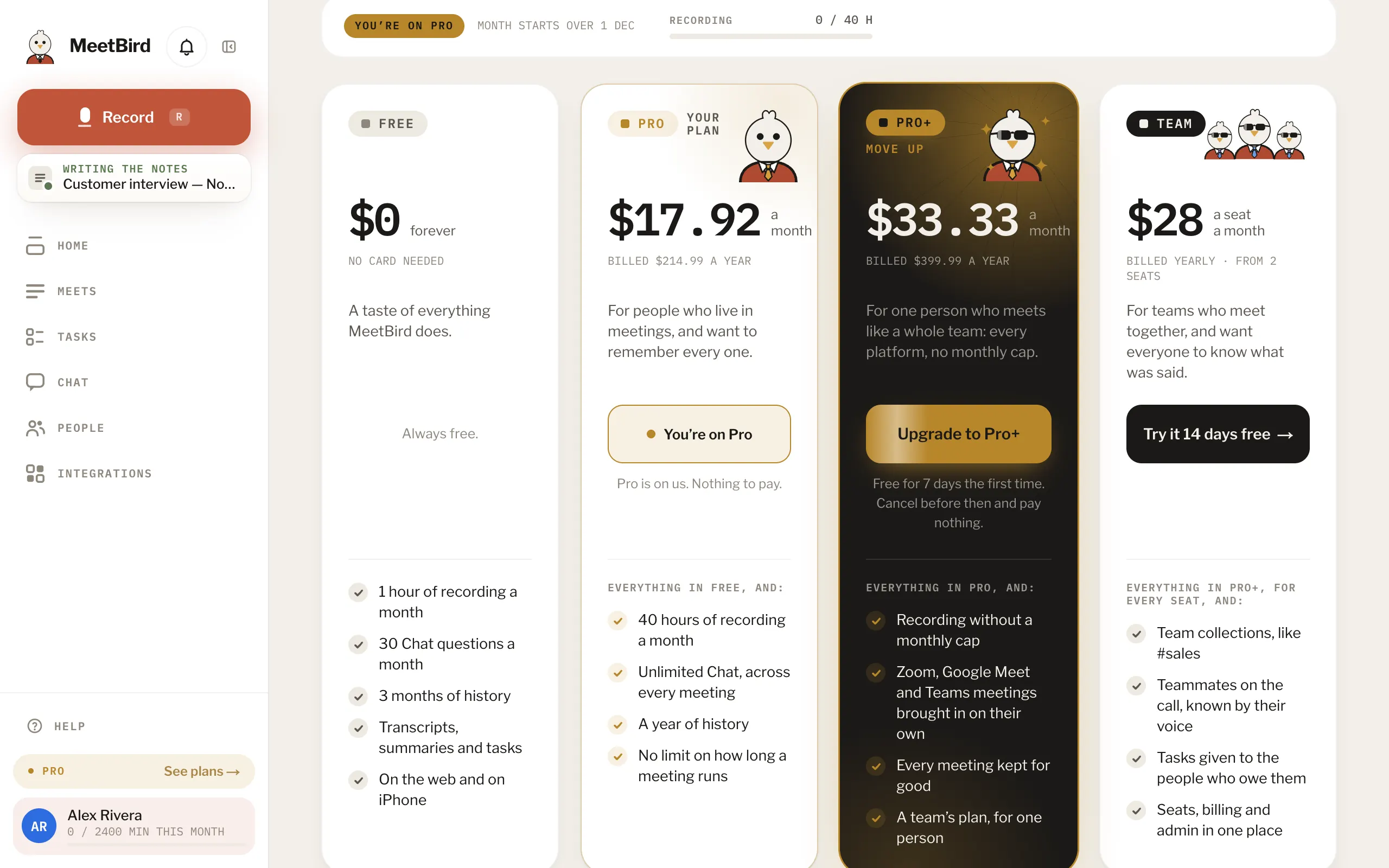
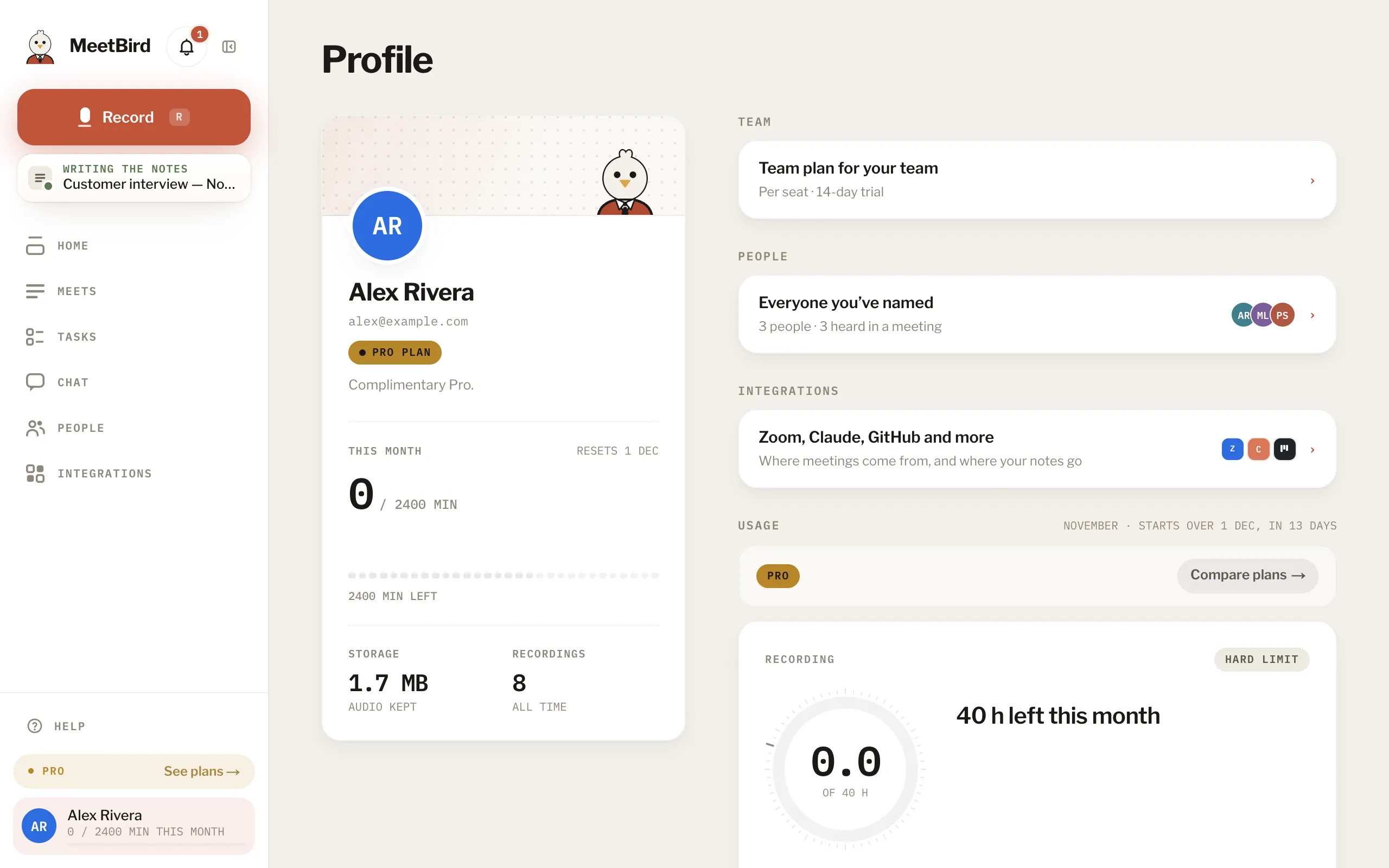
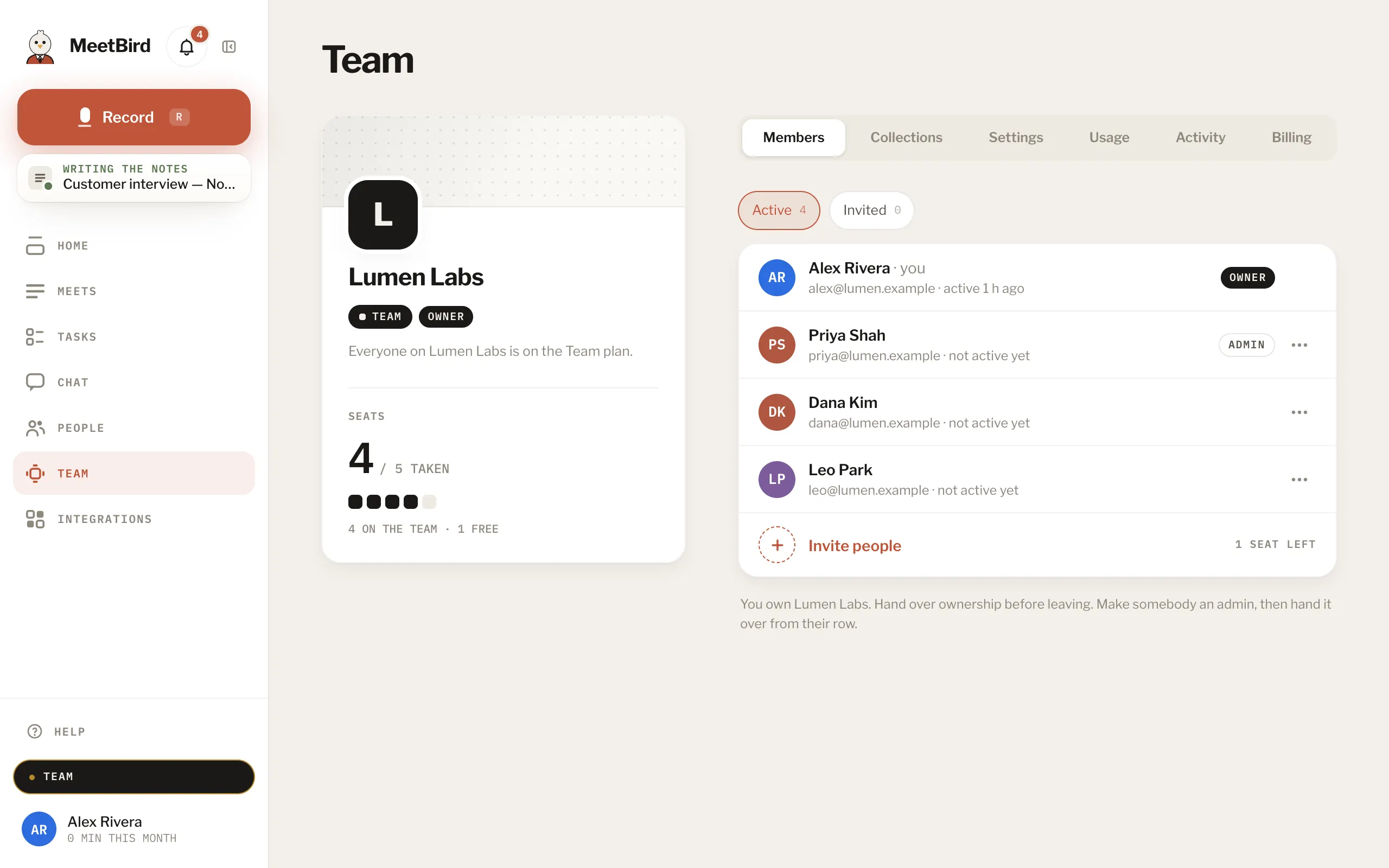
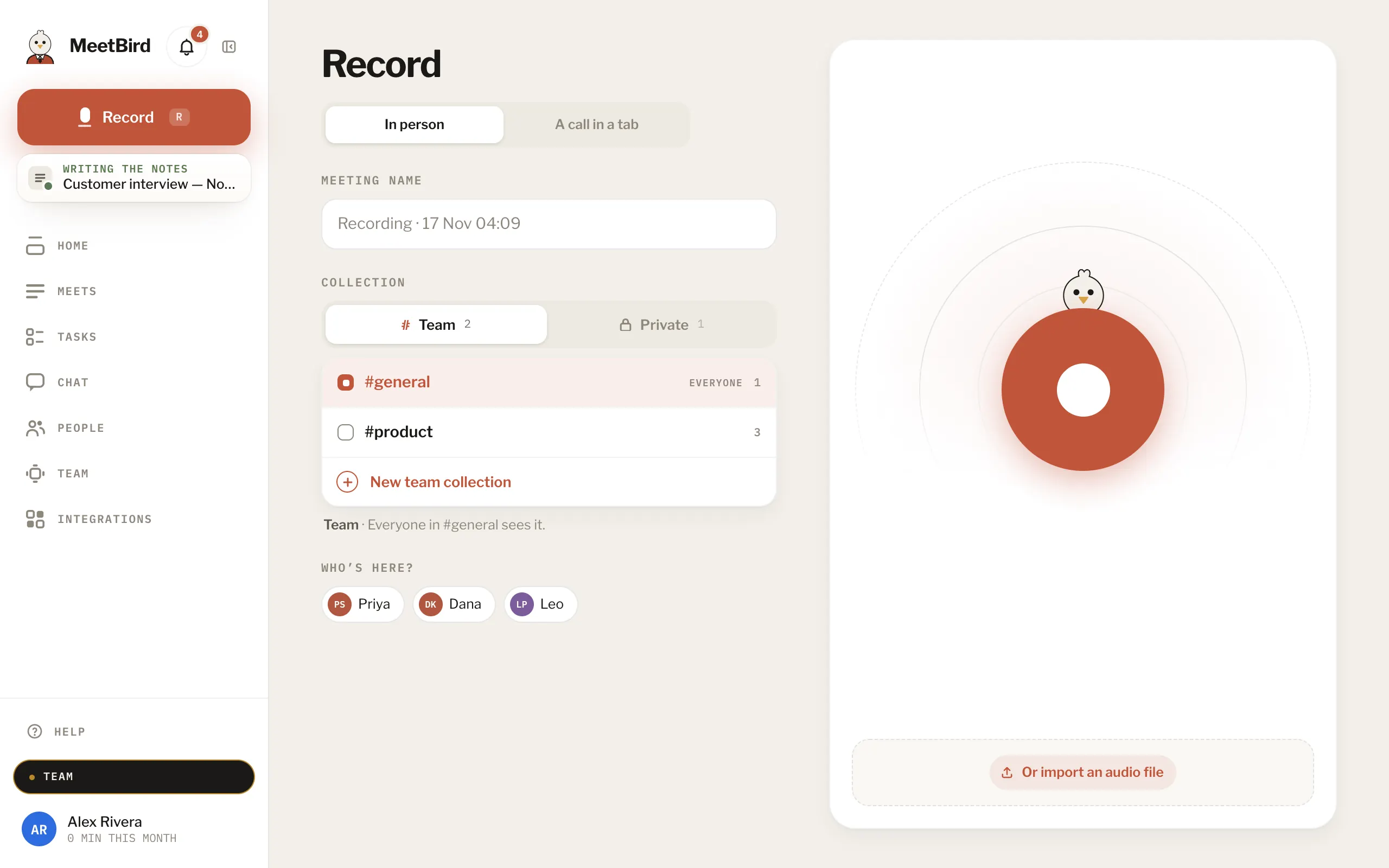
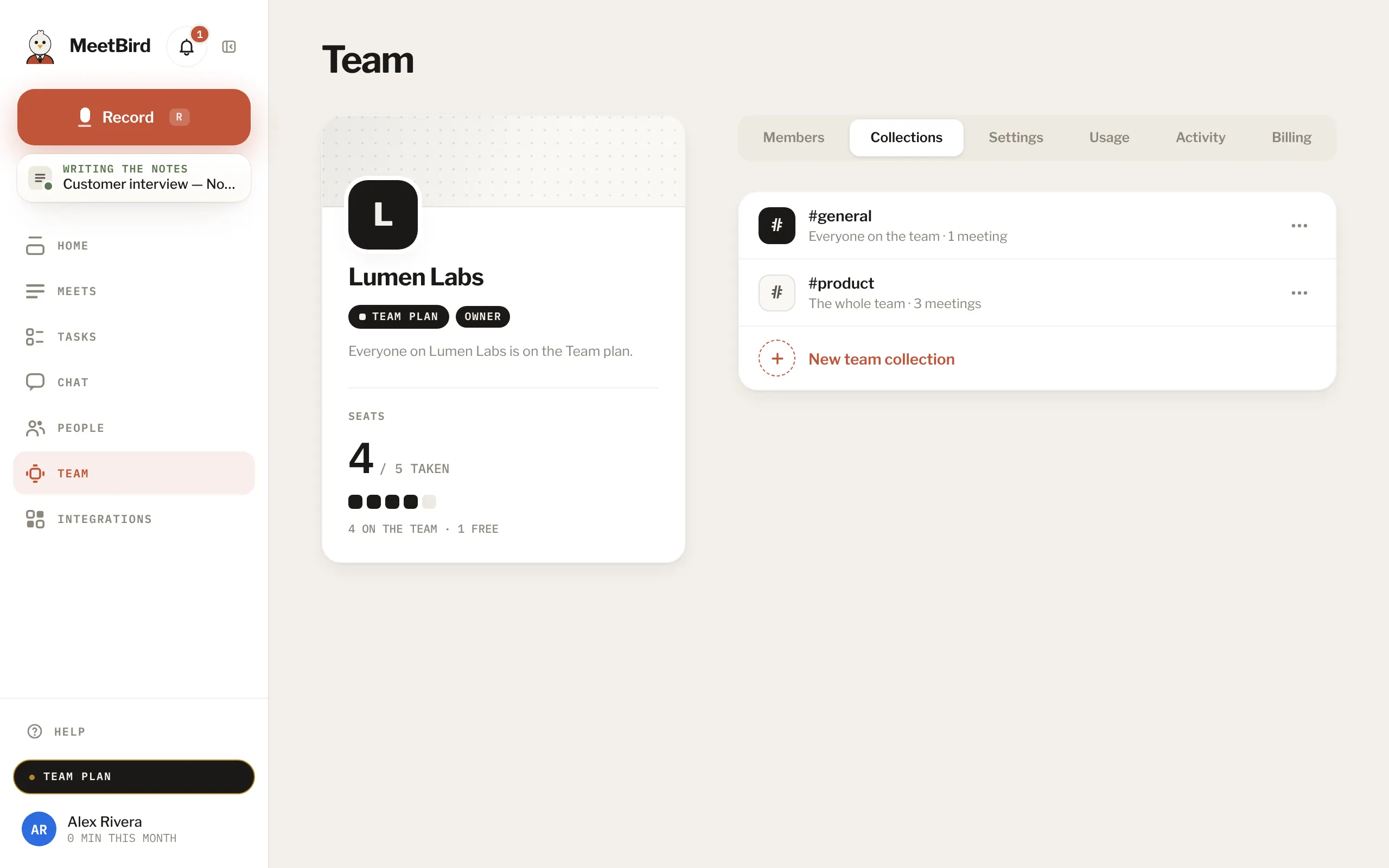
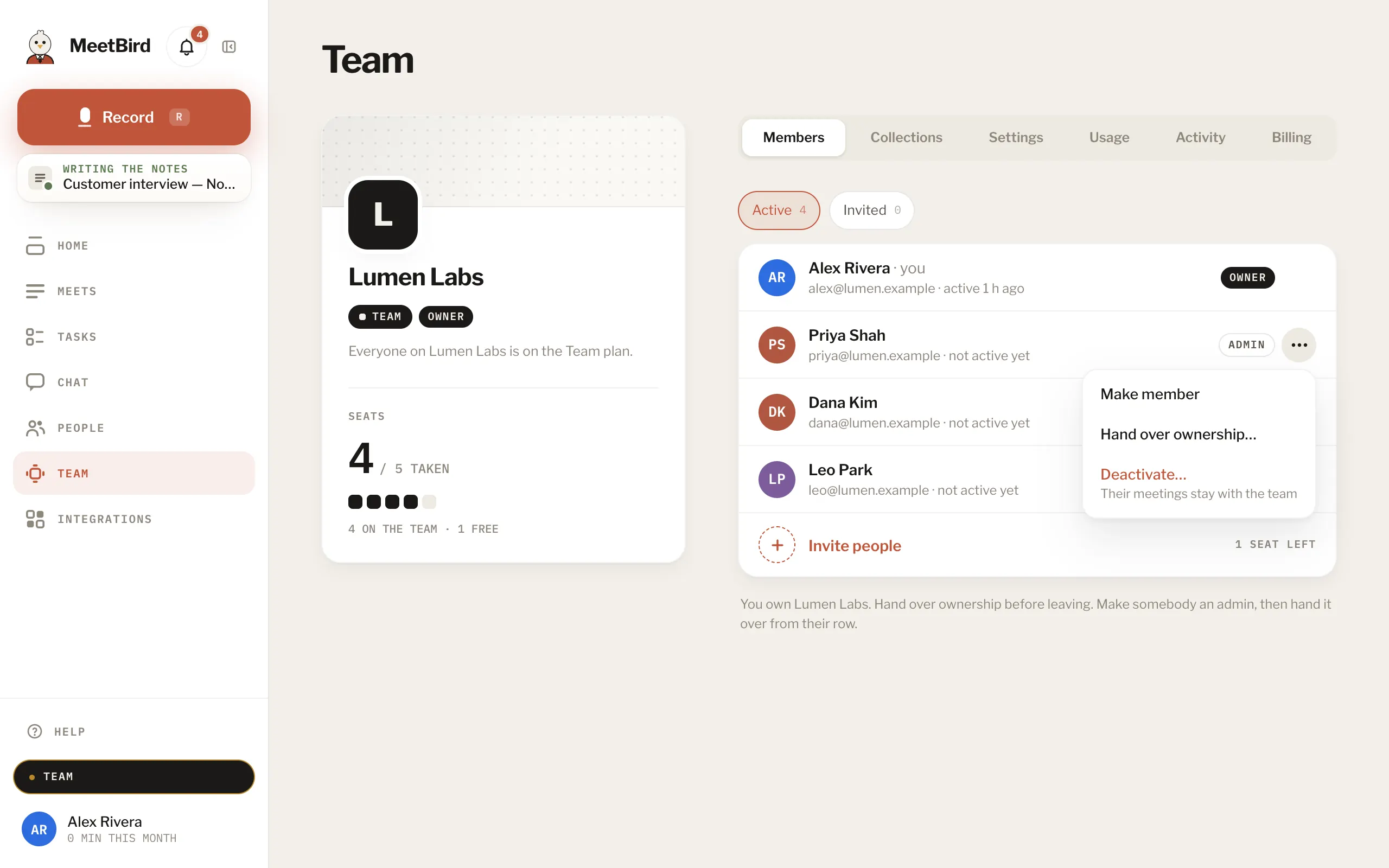
6 articlesWhat Team addsTeam is MeetBird for a whole team: everything in Pro+ for every seat, and team collections everyone on it sees, teammates recognised by voice, tasks you give each other, and admins who look after seats and settings.TeamStart a teamGo to Profile › Account › Team plan for your team, pick the seats, name the team and press Start Team, or start from Team on Pricing. If checkout isn’t open for you yet, write to hello@meetbird.ai and we’ll set the team up.TeamInvite people to your teamIn Team › Members, press Invite people, add their emails and choose Member or Admin. Each invitation link is good for 14 days.2 stepsTeamTeam and private collectionsOn a team, a meeting goes into a Team collection that everyone in it sees (#general unless you pick another). Or it stays Private, yours until you share it. You choose before recording, and whoever recorded it can move it later.TeamChoose who sees a team collectionA team collection is for the people in it. When you make one, keep Only people I pick and tick who should see it, say the marketing people for #marketing. Everyone on the team opens it to the whole team.3 stepsTeamLeaving a teamMeetings you recorded on the team stay with the team when you leave; what you recorded before you joined stays yours.Team
Next topicPlans & minutes