Change the bird’s voice
2 steps
Pick the voice the bird talks in: 22 voices, from North American, British, Irish and Australian English to German, French, Portuguese, Hindi, Japanese and Korean. You hear it from your next talk.
- 1
Open Profile › Recording & voice and find Bird’s voice. Press Change voice.
meetbird.ai/profile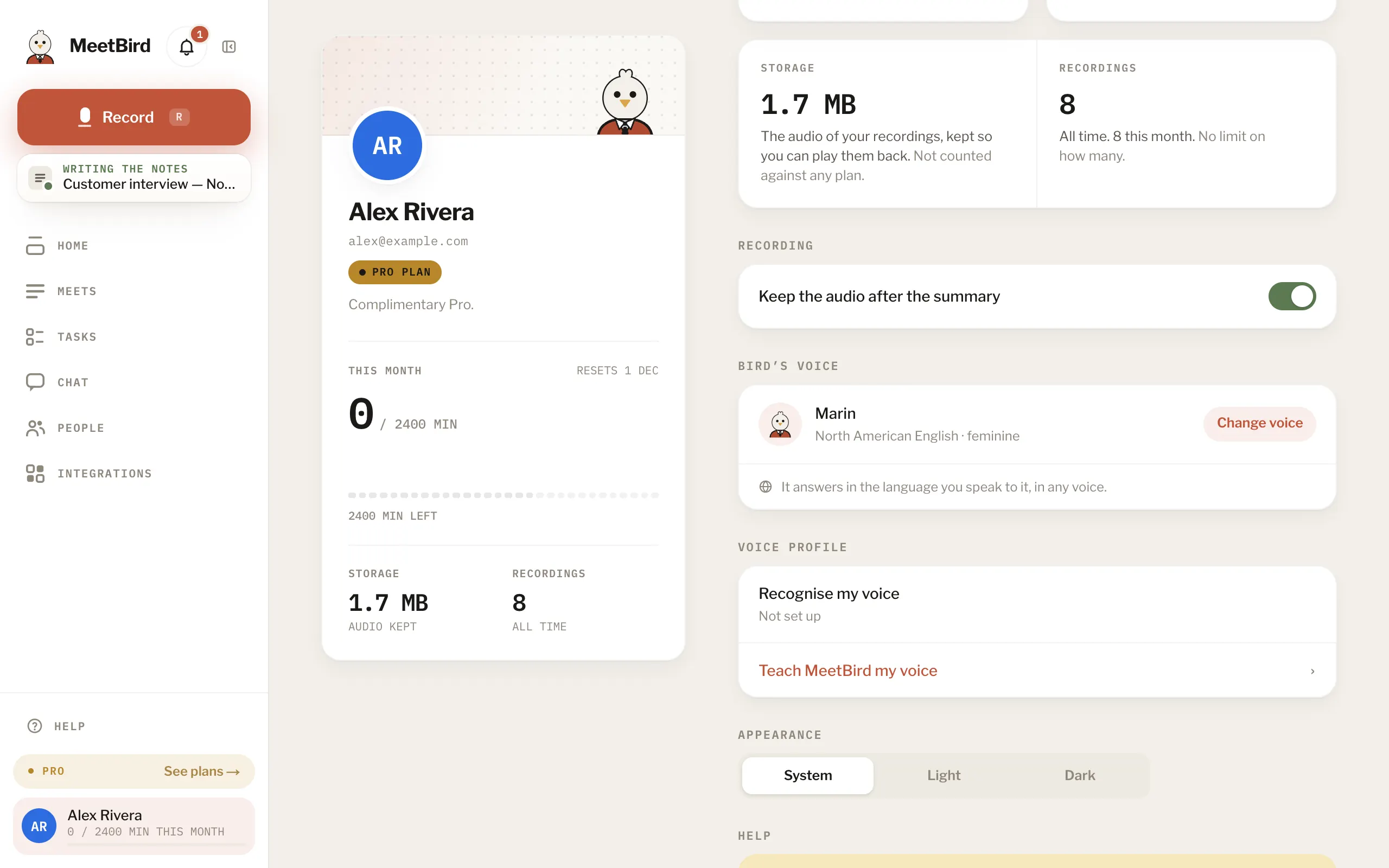
- 2
Pick a voice, then press Talk to and its name to hear it.
meetbird.ai/profile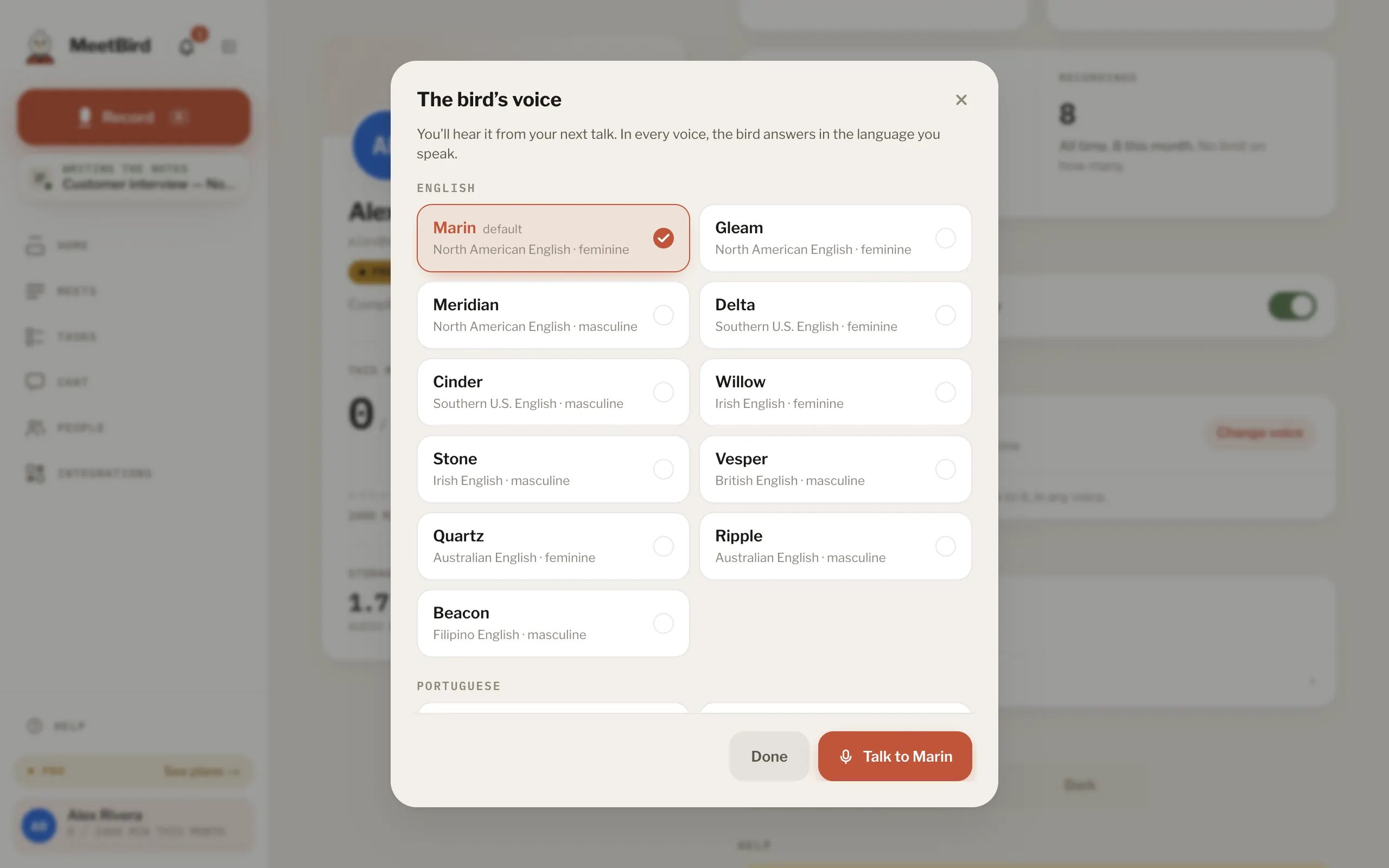
- 1Pick a voice
- 2Hear it
- In every voice, the bird answers in the language you speak to it. The voice’s own language is only the one it says hello in.
- The voice is saved on your account, so the iPhone app uses it too. There it’s in Profile → Settings → Bird’s voice.
- A talk keeps the voice it started with. A new voice is heard from the next talk.