The iPhone app
Recording with the phone in your pocket, phone calls, and what’s different there.
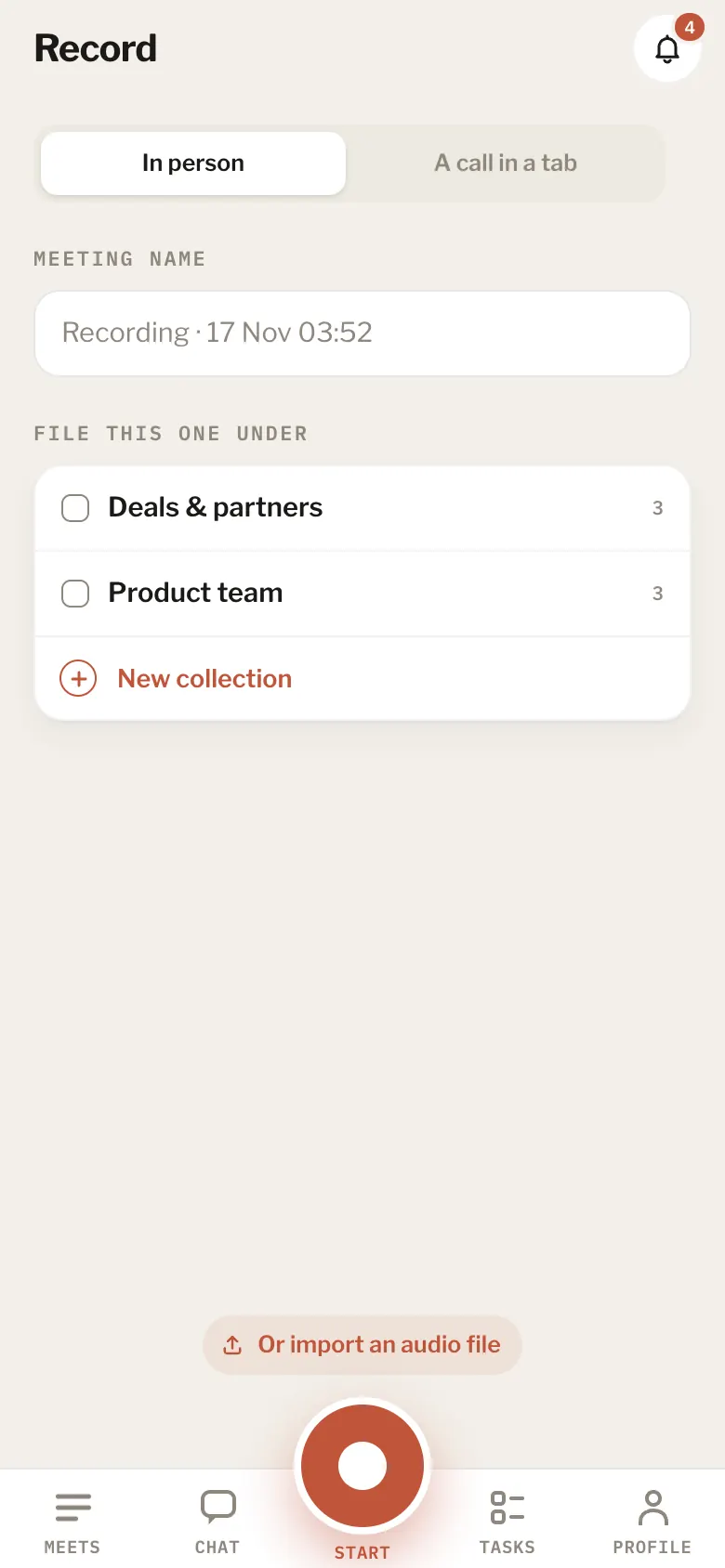
8 articlesGetting the iPhone appThe iPhone app is in beta. Write to hello@meetbird.ai to try it, and sign in with the same account.iPhoneRecord on the iPhoneThe app opens on Record. The key in the middle of the tab bar turns into Start there. You can lock the phone or switch apps. It keeps recording until you stop.4 stepsiPhonePhotos and videos while you recordWhile a meeting records on the iPhone, tap the camera beside the stop button. Take a photo or a short video of a whiteboard, a page or a screen in the room. Each one is kept at its moment in the meeting.4 stepsiPhoneRecord a phone callMeetBird can’t listen in on calls, but your iPhone can record one (iOS 18.1 or later). Then you share the recording to MeetBird and it’s written up like any meeting.3 stepsiPhoneSend recordings from other appsIn Voice Memos, Files or Notes, open the share sheet and pick MeetBird. Several files at once each become a meeting.iPhoneRecordings waiting on the phoneA recording leaves the phone only once MeetBird has it. Until then it waits under On this phone in Meets and goes by itself when there’s a connection.iPhoneWhat’s different on the iPhoneThe iPhone app records in your pocket, takes photos and videos while it records, and takes calls and files from other apps. A few things are on the web only: talking with the bird, the task board with its columns (the iPhone shows tasks as a list), recording a call in a browser tab, and a team’s settings and billing.iPhoneIs there an Android app?Not yet. On an Android phone, open meetbird.ai in the browser to record and read your meetings.
Next topicPrivacy & your data