Recording
A meeting in the room, a call in a browser tab, or a file you already have. And how a recording stays safe.
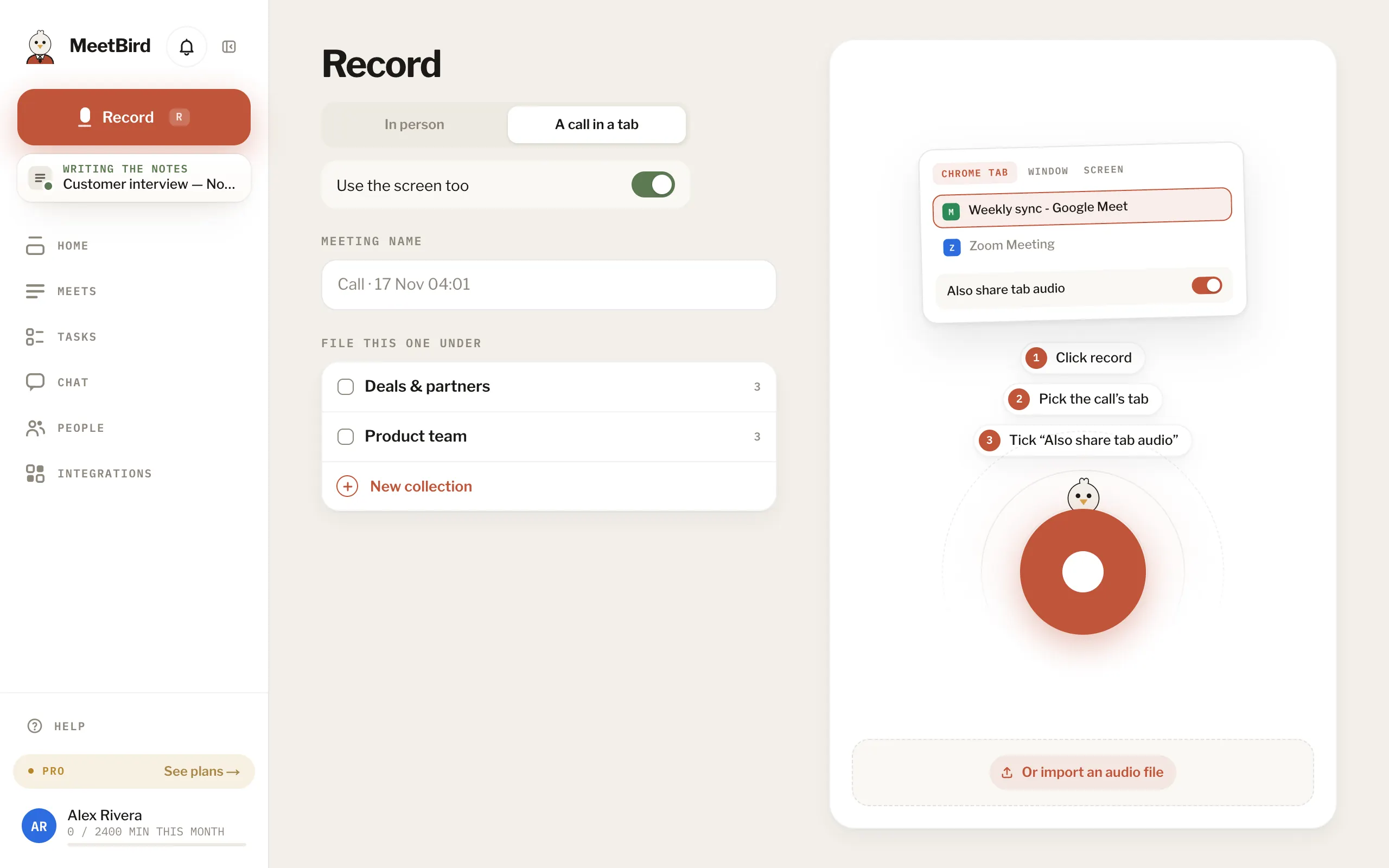
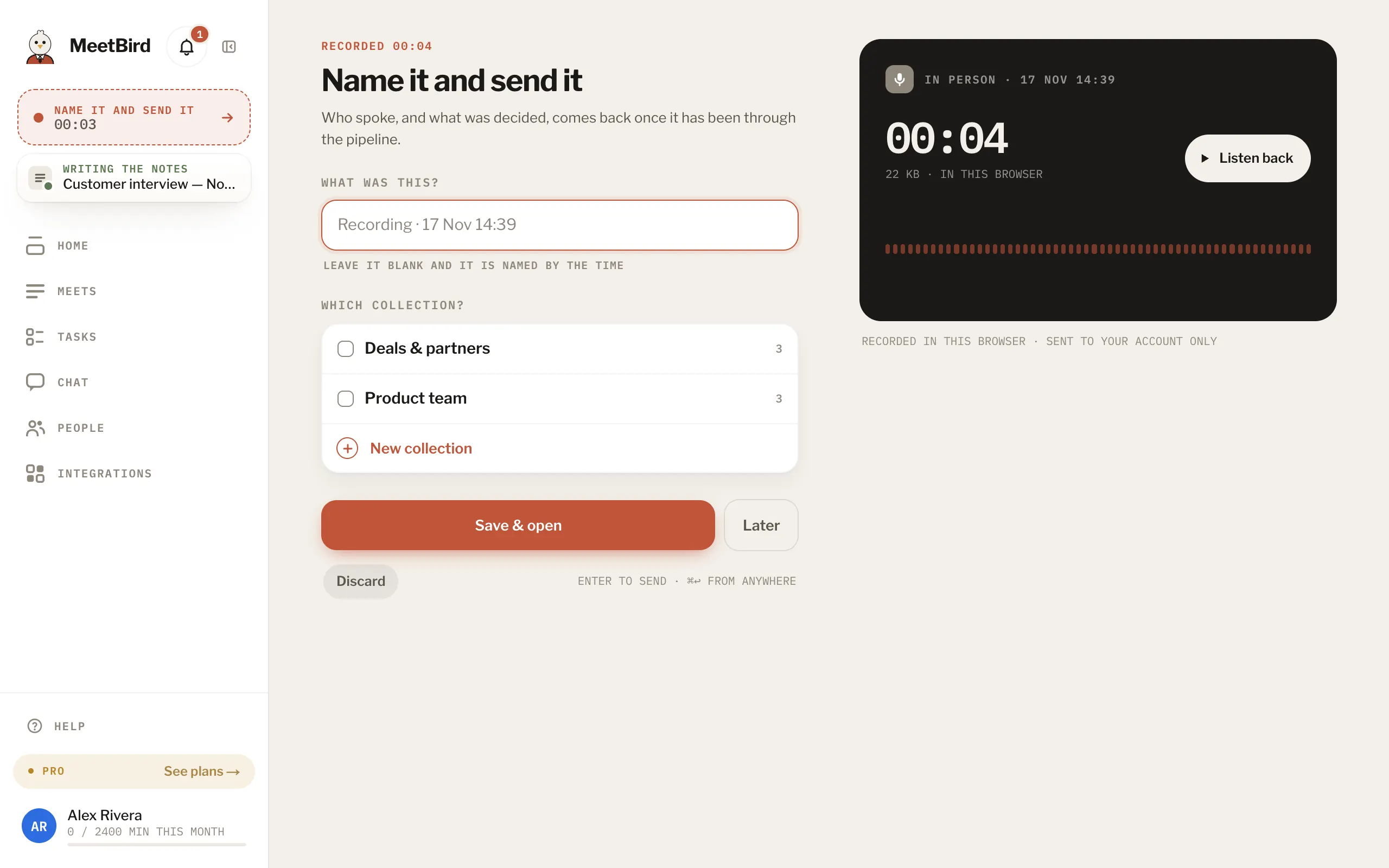
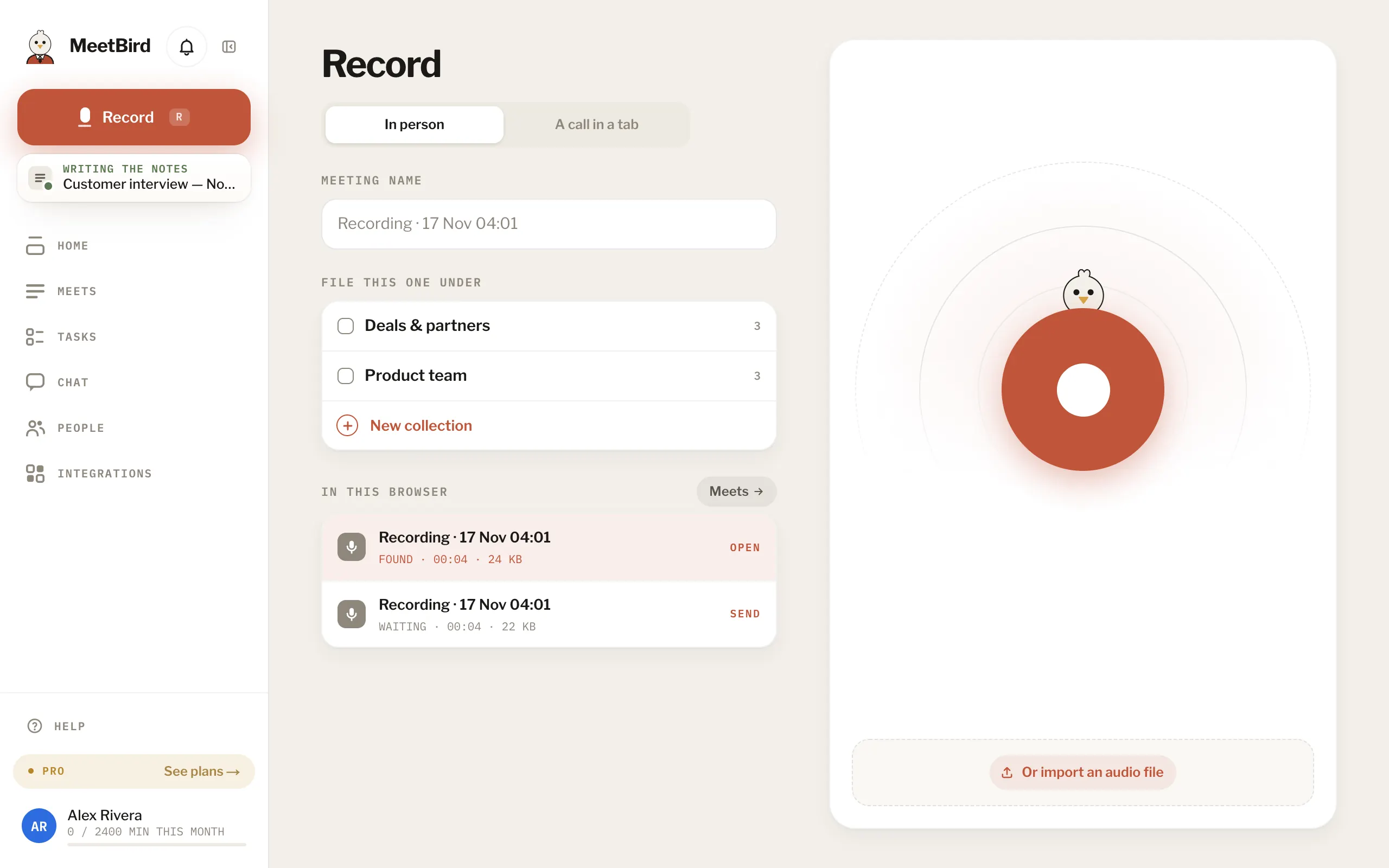
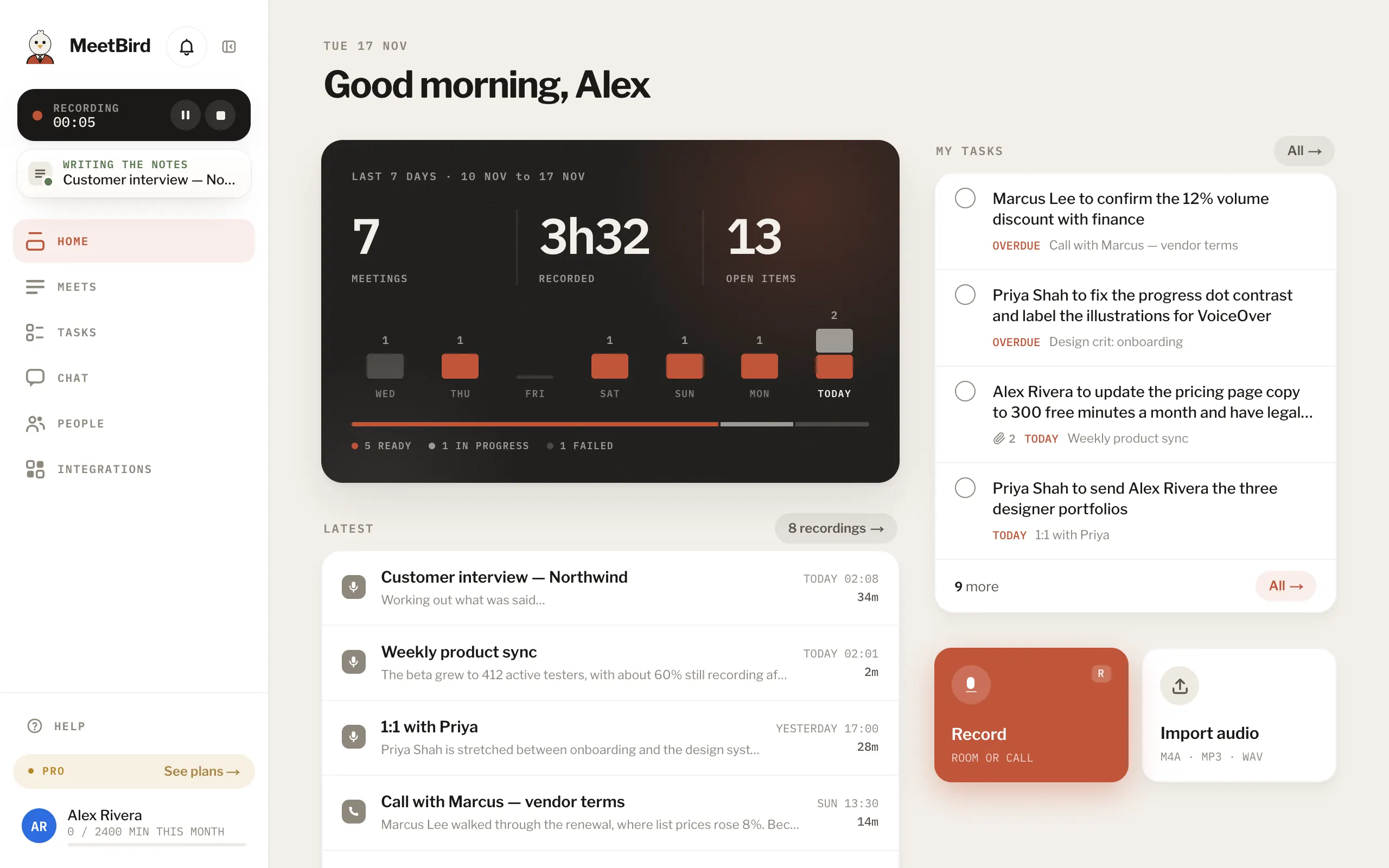
7 articlesRecord a meeting in the roomOn Record, keep In person and press record. MeetBird takes the room’s sound as it is, so put your laptop or phone where everyone’s voice reaches it.4 stepsWebRecord a Zoom, Meet or Teams call from your browserIn Chrome or Edge, choose A call in a tab on Record. MeetBird records the call’s sound and your microphone together, so both sides are in the transcript. Nothing joins the call.4 stepsWebImport a recording you already haveDrop audio or video files onto Record or Meets, or press Or import an audio file. Each file becomes its own meeting and is written up like any other.3 stepsAfter you stop: Save & open, Later, DiscardSave & open sends it and opens the meeting. Later sends it in the background so you can carry on. Discard deletes it for good. Until it’s sent, it lives only in this browser.Tab closed mid-recording? It’s keptWhile you record, MeetBird saves the audio in your browser every second. If the tab closes, the browser crashes or the connection drops, the recording waits there and goes as soon as it can.3 stepsRecording on another deviceYou record one thing at a time across all your devices. While a recording runs on one, the others show it in a bar with Pause and Stop, so you can control it from anywhere.How long can a meeting be?There’s no limit on how long one meeting runs. An hour recorded in the browser is about 22 MB, and a file you import can be up to 2 GB.
Next topicYour notes