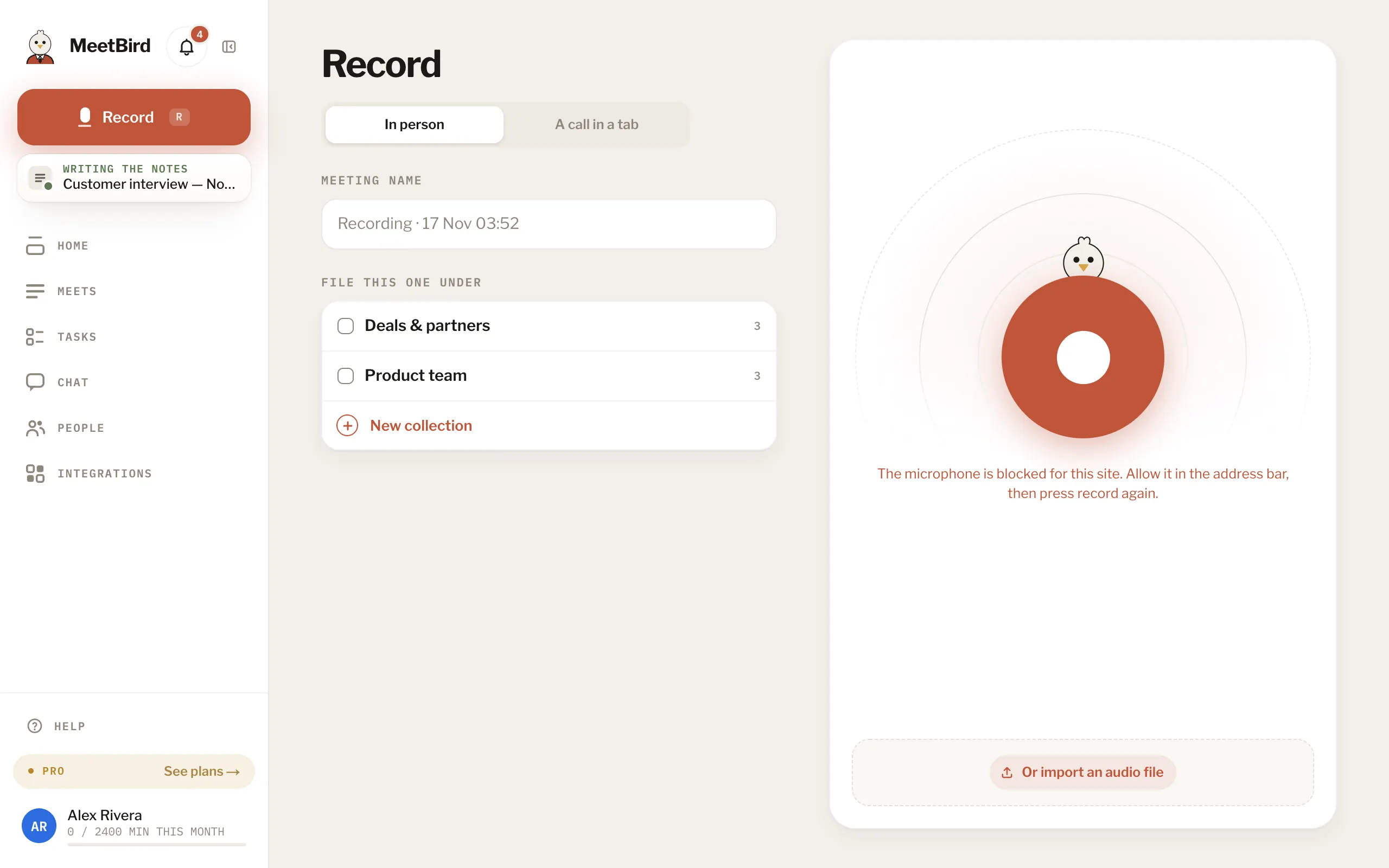
The microphone is blocked
Your browser is keeping the microphone from MeetBird. Click the icon at the left of the address bar, allow the microphone, and press record again.
meetbird.ai/record
- “No microphone was found”: plug one in, or choose it in your computer’s sound settings.
- “Couldn’t open the microphone”: another app is using it. Close that app and try again.
- In the iPhone app: the iPhone’s Settings › MeetBird › Microphone.