Delete everything, or your account
3 steps
In Profile › Data & privacy: Delete everything removes every recording, transcript, summary, collection, person and chat but keeps the account; Delete account closes it too. On the web, both ask you to type DELETE.
- 1
Go to Profile › Data & privacy.
meetbird.ai/profile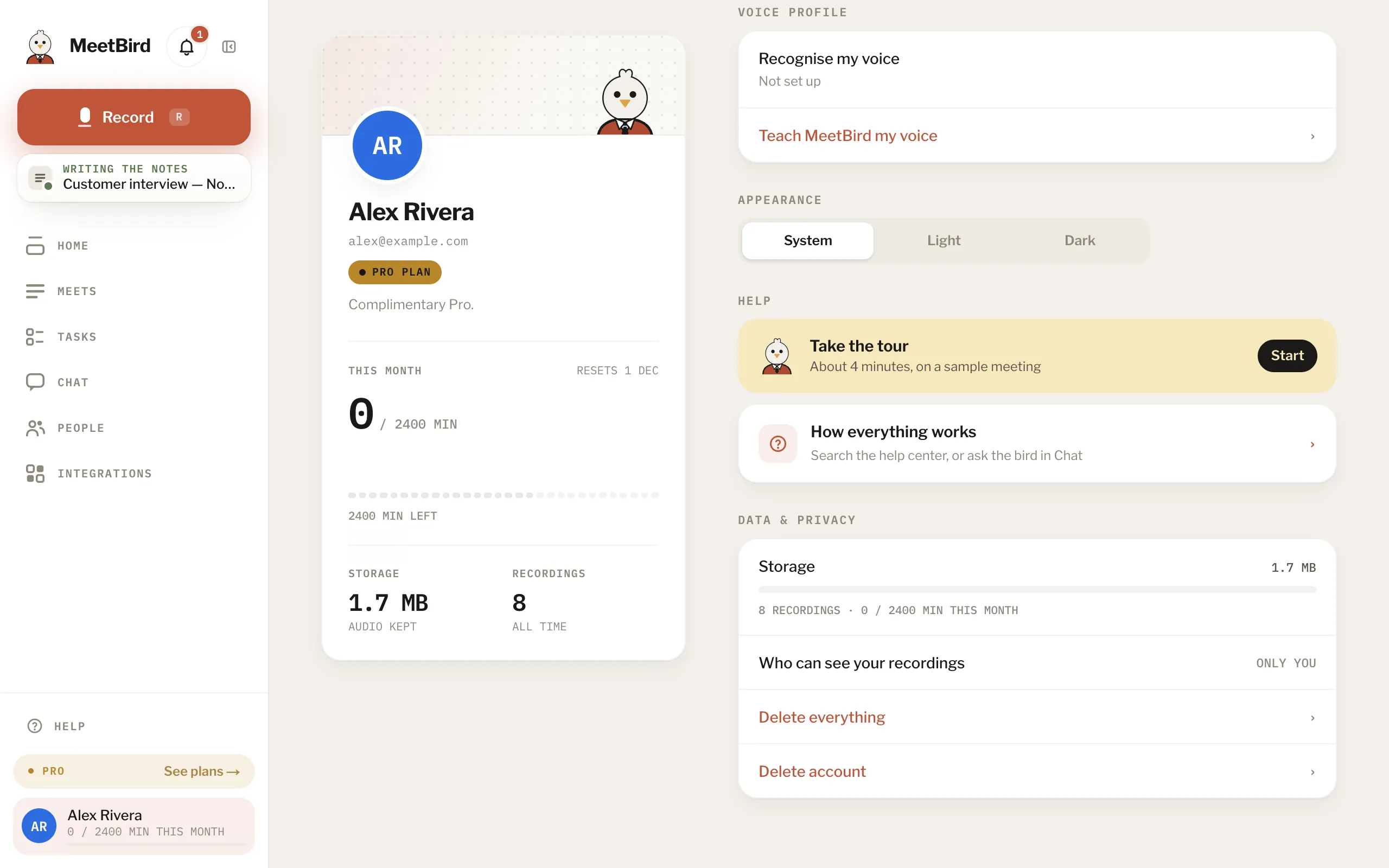
- 2
Press Delete everything, or Delete account to close the account too.
meetbird.ai/profile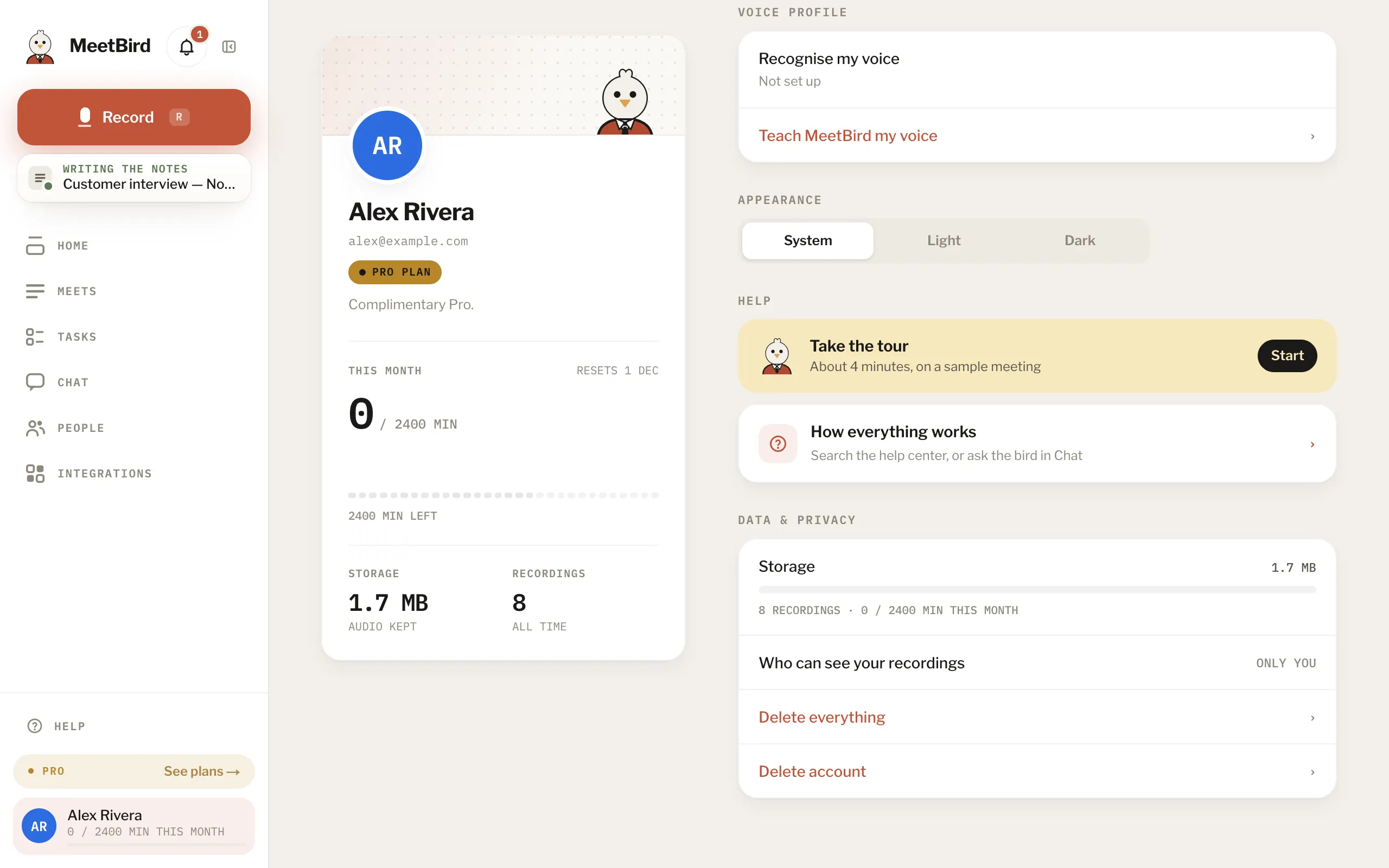
- 3
Confirm with Delete everything (or Delete account), then type DELETE. It can’t be undone.
meetbird.ai/profile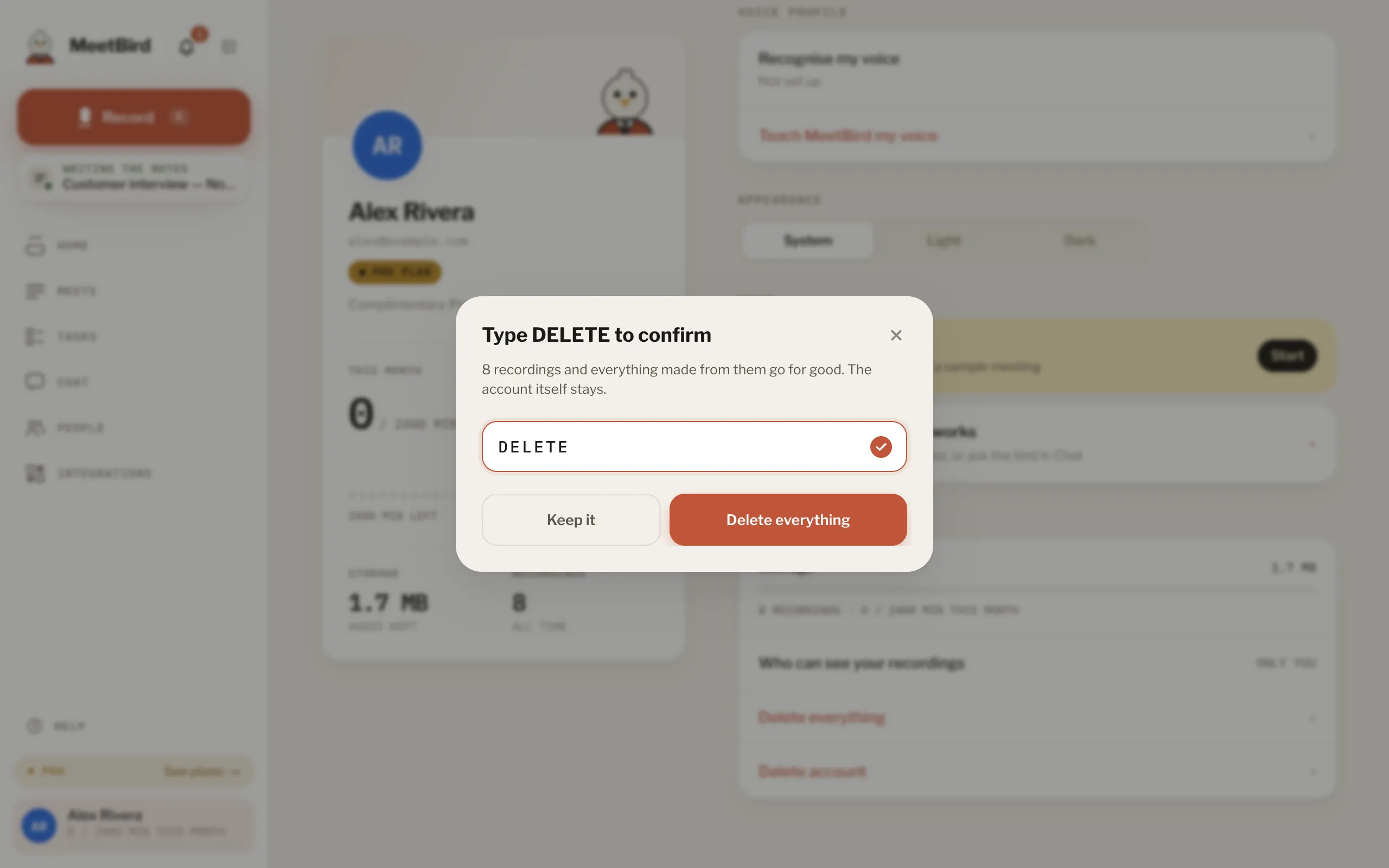
- Meetings recorded on a team belong to the team and stay with it.
- Pro from the App Store is cancelled in Apple’s settings. Deleting the account doesn’t stop it.
- A team’s owner hands the team over first.
WhereProfileData & privacy