Invite people to your team
Team2 steps
In Team › Members, press Invite people, add their emails and choose Member or Admin. Each invitation link is good for 14 days.
- 1
Open Team › Members and press Invite people.
meetbird.ai/team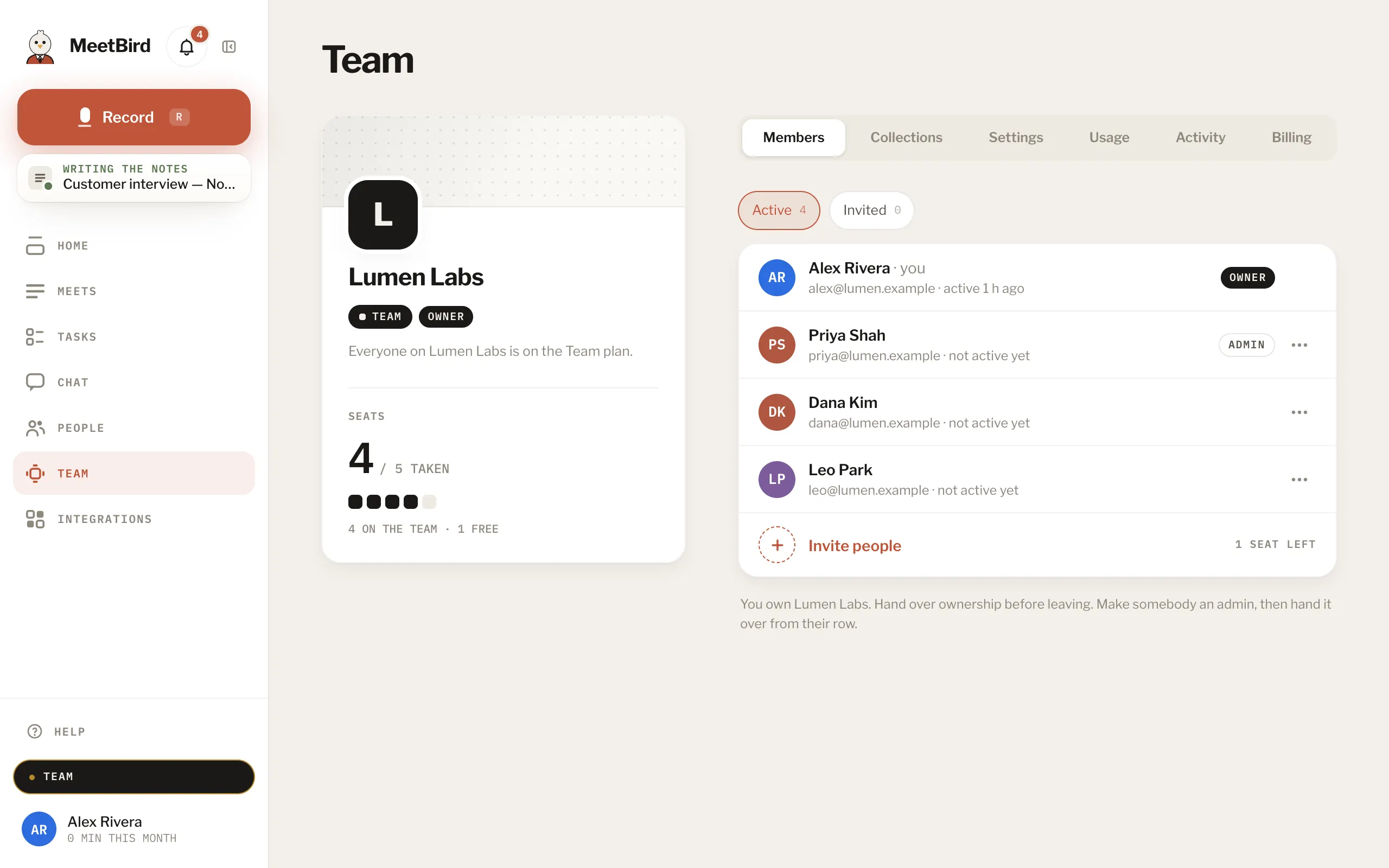
- 2
Add their emails, choose Member or Admin, and send the invitations.
meetbird.ai/team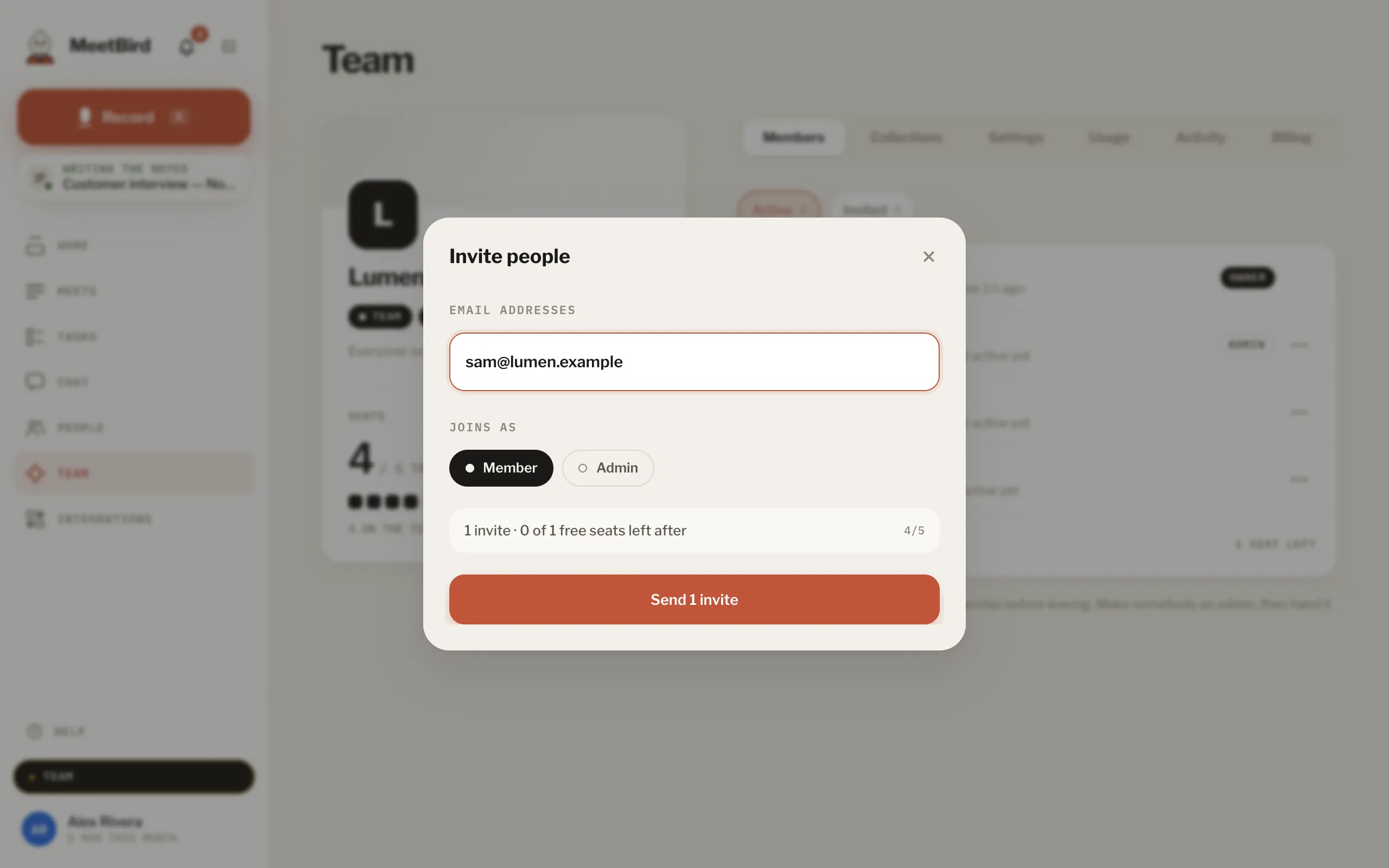
- 1Their emails
- 2Member or Admin
- 3Send the invitations
- Every member takes a seat, and an invitation holds one until it’s used.
- Opened with a different email, the link asks the admins to let that person in instead.