Share a team meeting with a teammate
Team2 steps
On a team meeting, press Share, add teammates and press Share. They can view it. Can edit is in the ⋯ beside their name. It appears under Shared for them.
- 1
Open the team meeting and press Share.
meetbird.ai/meeting/…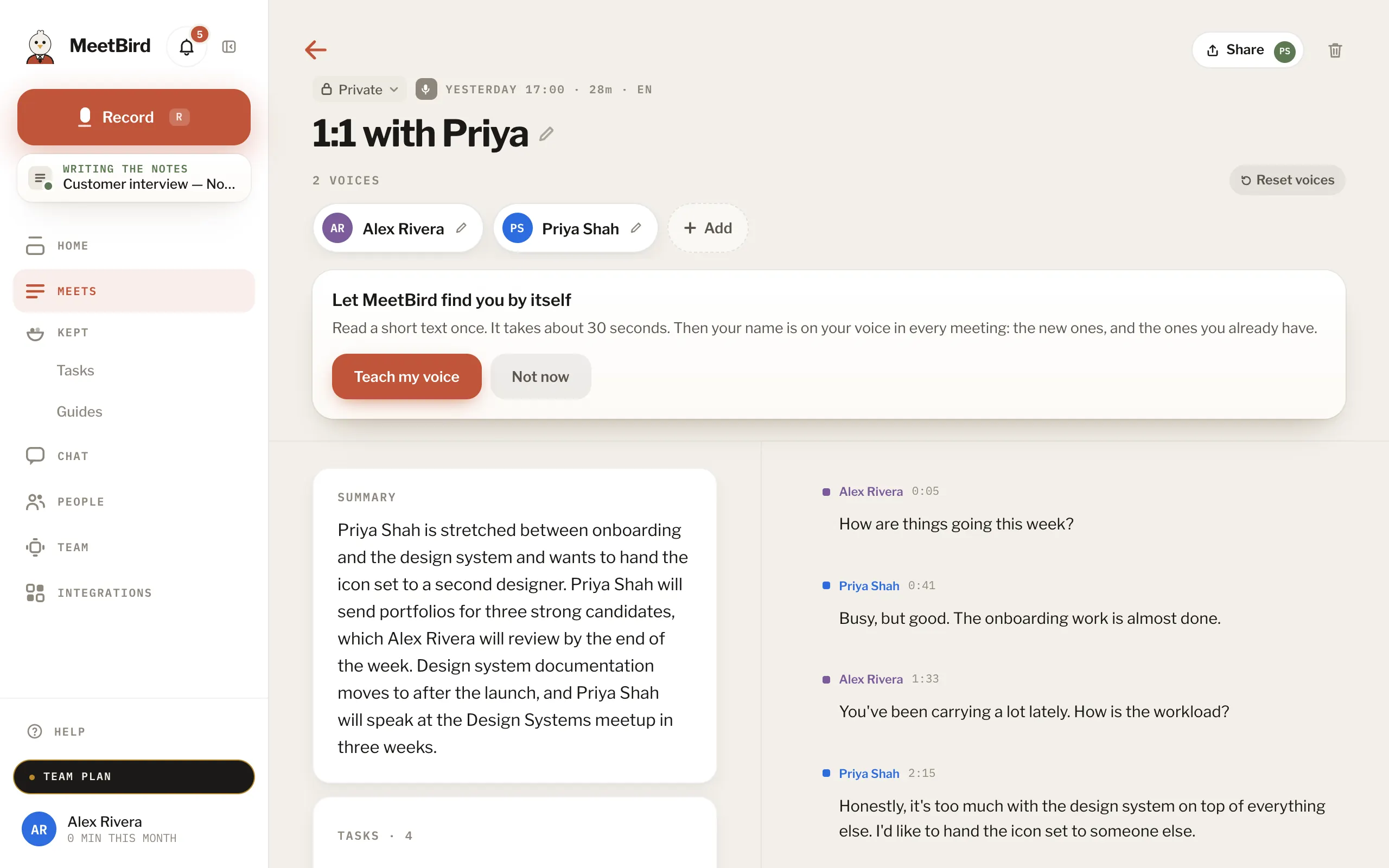
- 2
Add teammates and press Share. They can view it. To let someone edit, choose Can edit from the ⋯ beside their name. It appears under Shared for them.
meetbird.ai/meeting/…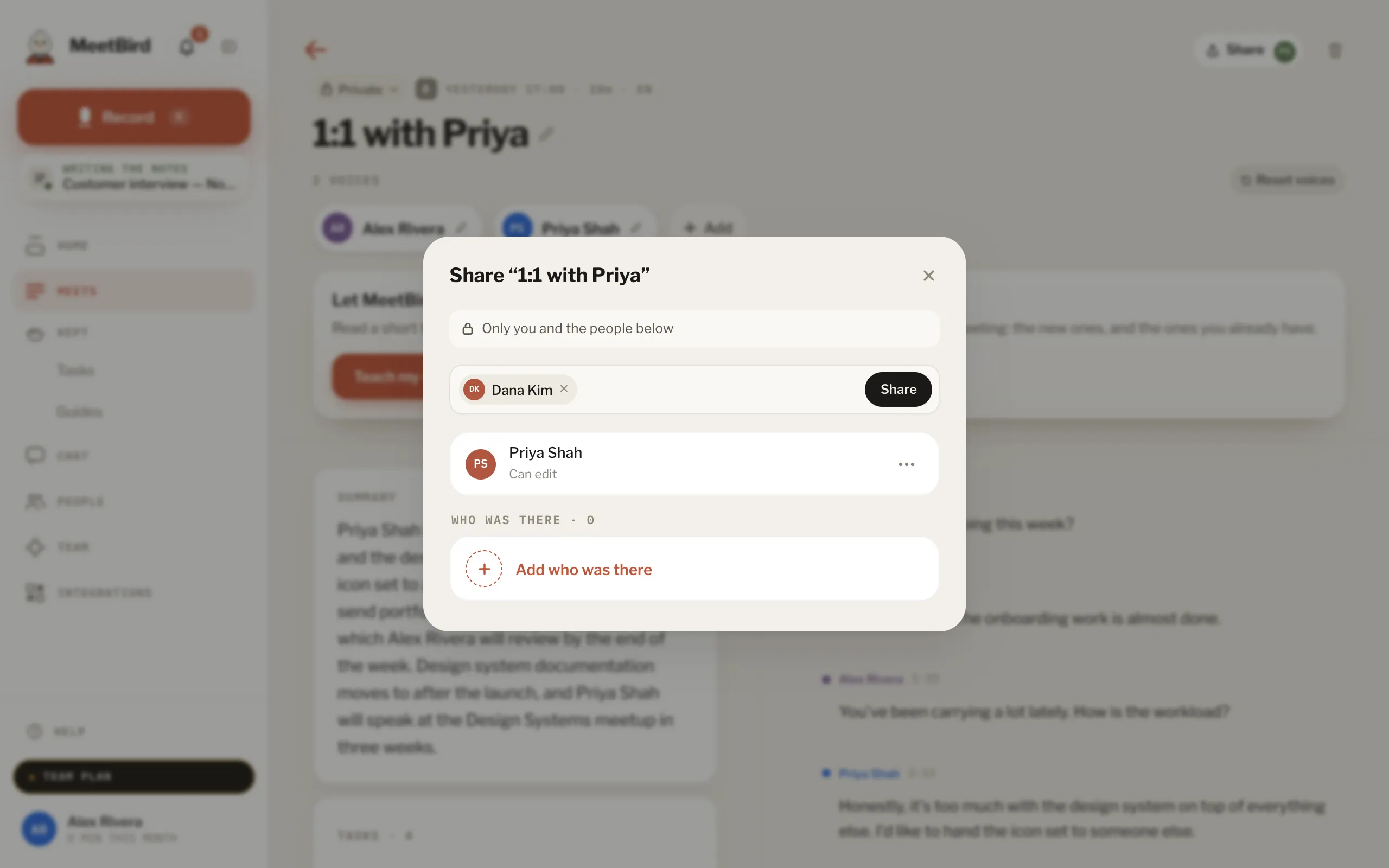
- 1Add teammates
- 2Share, they can view it
- 3Can view or Can edit
- Having been in a meeting doesn’t open it for someone. Sharing it does, or sharing the collection it’s in.