Talk out loud to your meeting notes
Press the bird and ask. It answers out loud from your own meetings, and opens, plays or adds what you tell it to.
- Beta
- On the web
- 10 minutes a day, every plan
QUICK ANSWER
Is there an app where I can talk out loud to my meeting notes?
Yes. In MeetBird you press the bird in Chat and talk. It answers out loud from your meetings, in the language you speak, and does what you ask: opens a meeting, plays the moment something was said, adds a task. You can interrupt it, mute yourself, or shrink it and carry on working while you talk. It is in beta on the web, with 10 minutes a day for every account, Free included, and 22 voices to choose from. What was said is kept as text in your chats.
Updated . Written by the people who make MeetBird. The people and meetings in the pictures are sample data.
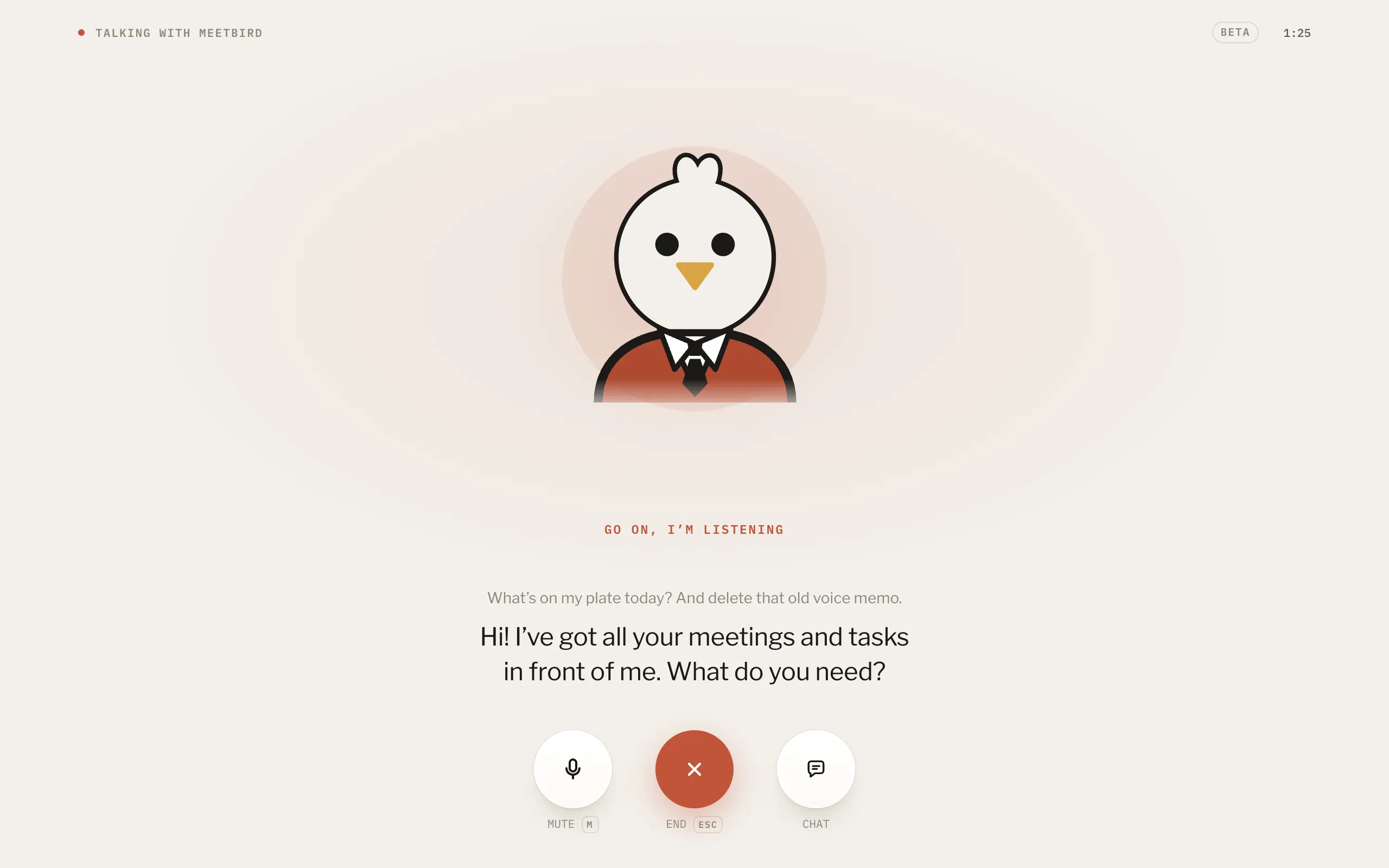
What a conversation is like
Out loud
- What did I promise Dana?
- Play me that part.
- Add it to my tasks for Wednesday.
- Who else talked about the migration?
- Open the last meeting with Priya.
How to start
- 1
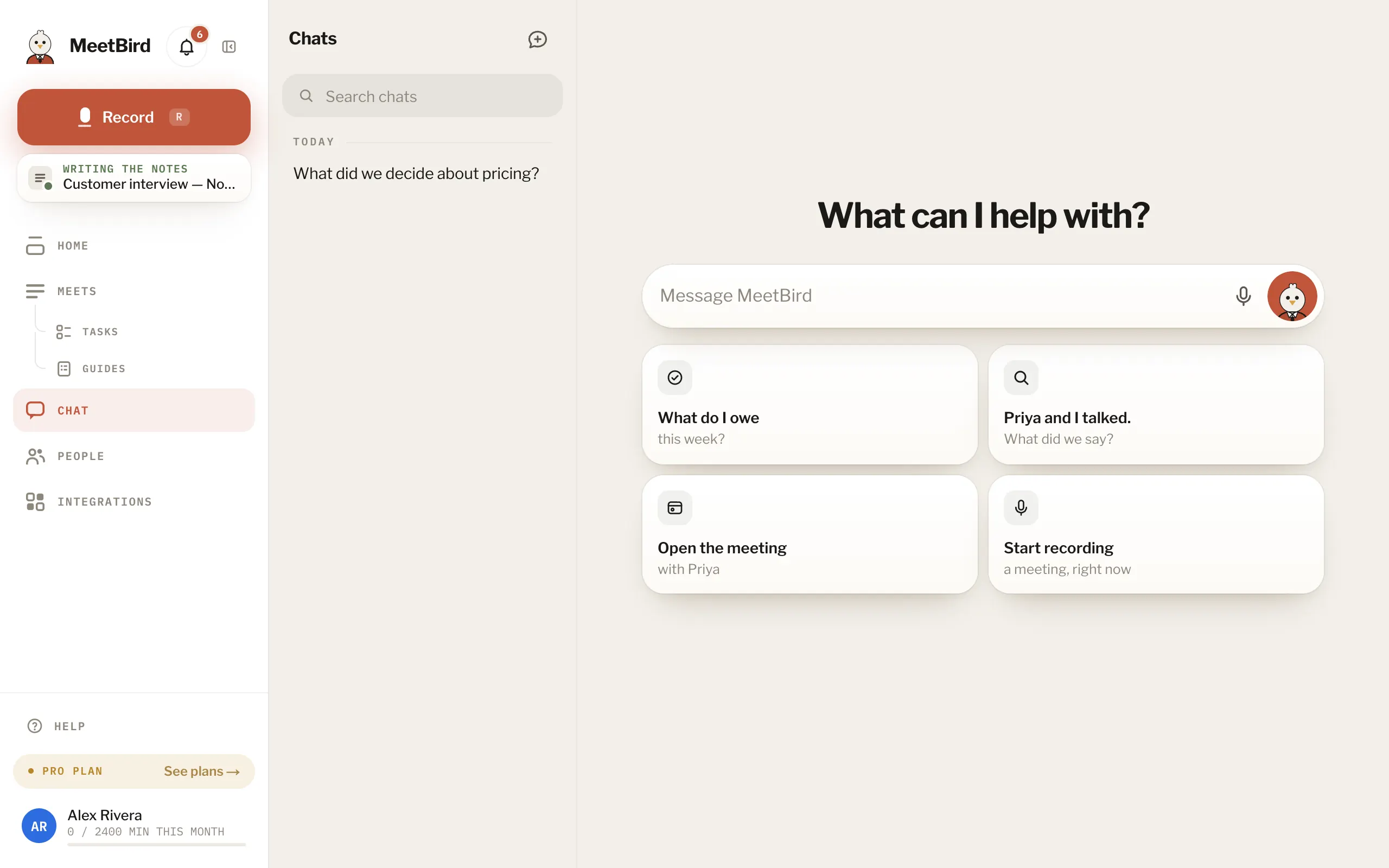
Open Chat and press the bird
It sits in the question box while the box is empty. The first time, press Start talking and allow the microphone.
- 2
Talk, and interrupt it whenever you like
M mutes you, Esc ends. Chat shrinks it to a pill, so you can look around the app while it talks.
- 3
Pick its voice
Profile › Recording & voice › Bird’s voice: 22 voices, from North American, British, Irish and Australian English to German, French, Portuguese, Hindi, Japanese and Korean.
What it can do
- Answers from
- Your meetings and the ones shared with you, the same as Chat.
- Language
- The one you speak to it. Switch, and it switches.
- Acts
- Opens meetings and screens, plays moments, adds and ticks tasks. Changes come with Undo on screen.
- Looks at
- Pictures, clips and documents on your tasks, and describes them.
- Time
- 10 minutes a day during the beta. It starts again at midnight UTC.
- Where
- The web, in a browser with a microphone. Firefox can talk; it just can’t dictate into the text box.
Dictation, voice notes, or a conversation?
| Kind | You | It |
|---|---|---|
| Dictation | Speak text into a box | Types it |
| Voice notes | Record a thought | Transcribes and tidies it |
| A voice agent in the meeting | Ask during the call | Answers the whole room |
| Talking to your meetings (MeetBird) | Ask about anything you recorded, any time | Answers out loud and acts, then keeps the text |
MeetBird has dictation too: the microphone in Chat’s box writes your question instead of answering it. That is the one to use in an open office.
Questions people ask
Is it free?
During the beta every account has 10 minutes a day.
Can I use it while driving or walking?
On the web it needs the page open. The iPhone app is in beta; write to hello@meetbird.ai to try it.
Does it listen all the time?
No. It hears you only while the conversation is open.
Does it make things up?
It answers from your transcripts and names the meeting. Ask it to play the part if a detail matters.
Which languages does it speak?
It answers in the language you speak to it. The voices come from several countries; the voice’s own language is only the one it says hello in.
Can it talk during my meeting?
No. It doesn’t join meetings. It is for before and after them.
Read next
Ask it what you promised.
Record a meeting first. Then press the bird and say hello.