How can we help?
Every part of MeetBird, step by step, with the real screens and what to press on them. Search, pick a topic, or ask the bird.
How MeetBird works
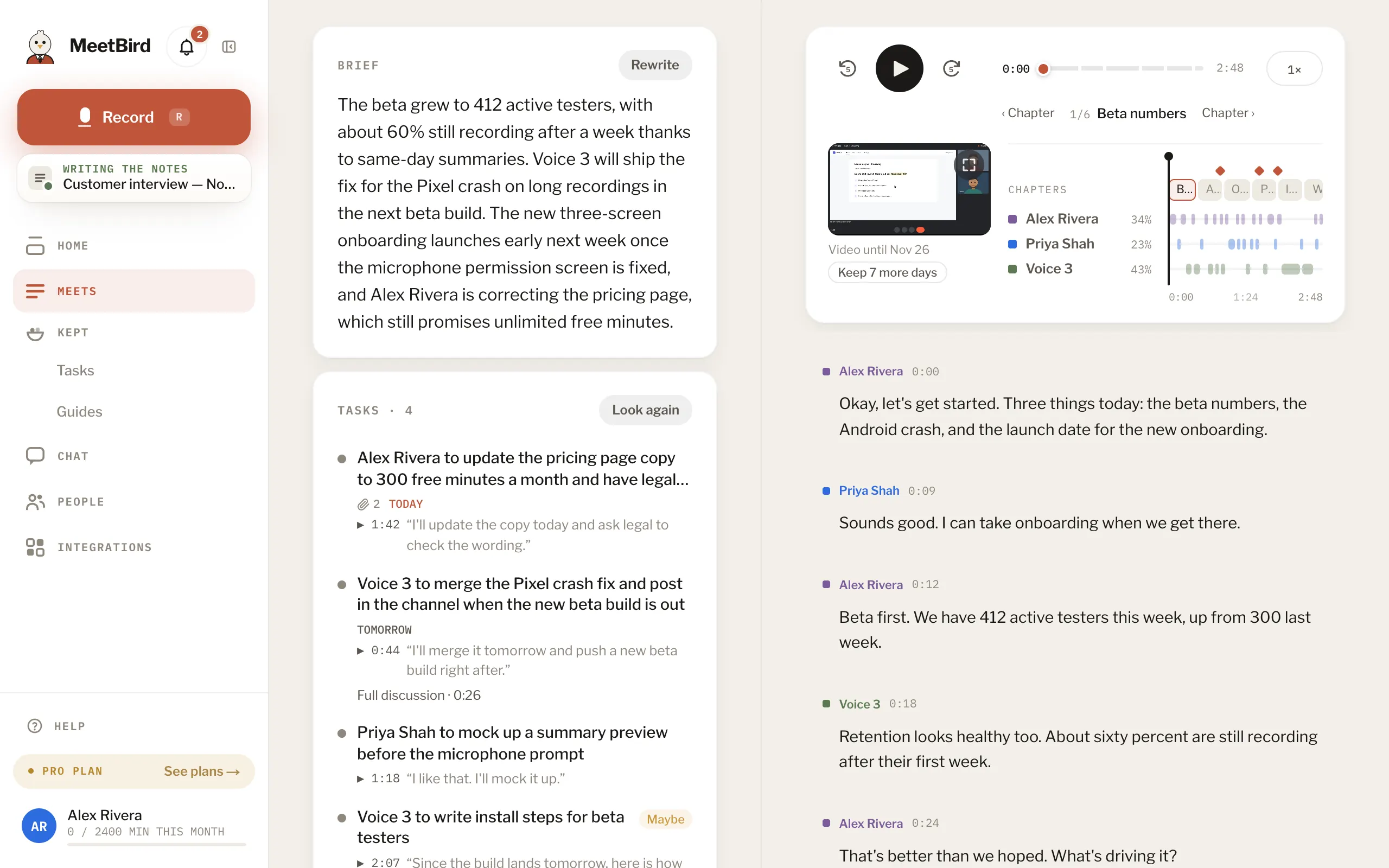
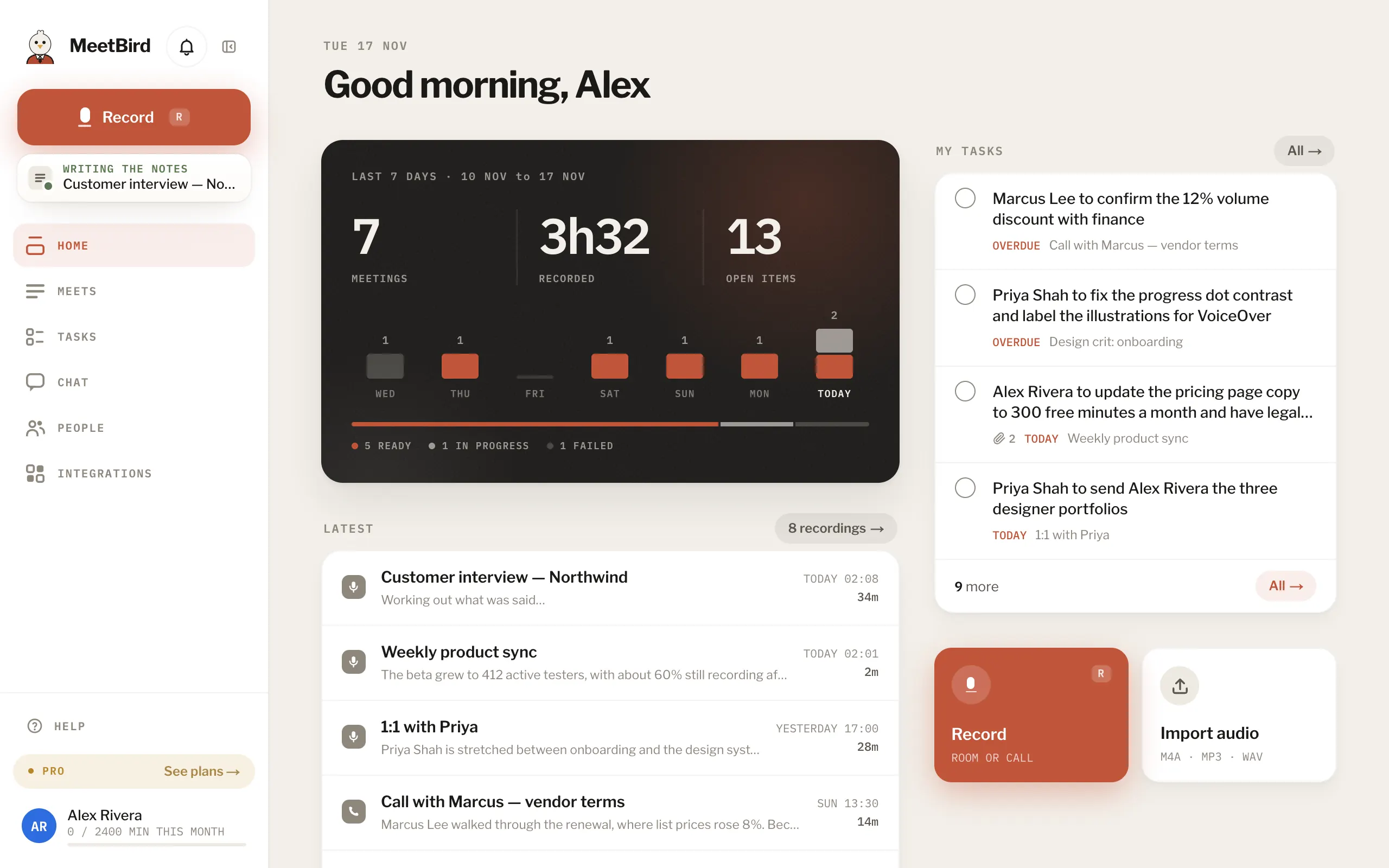
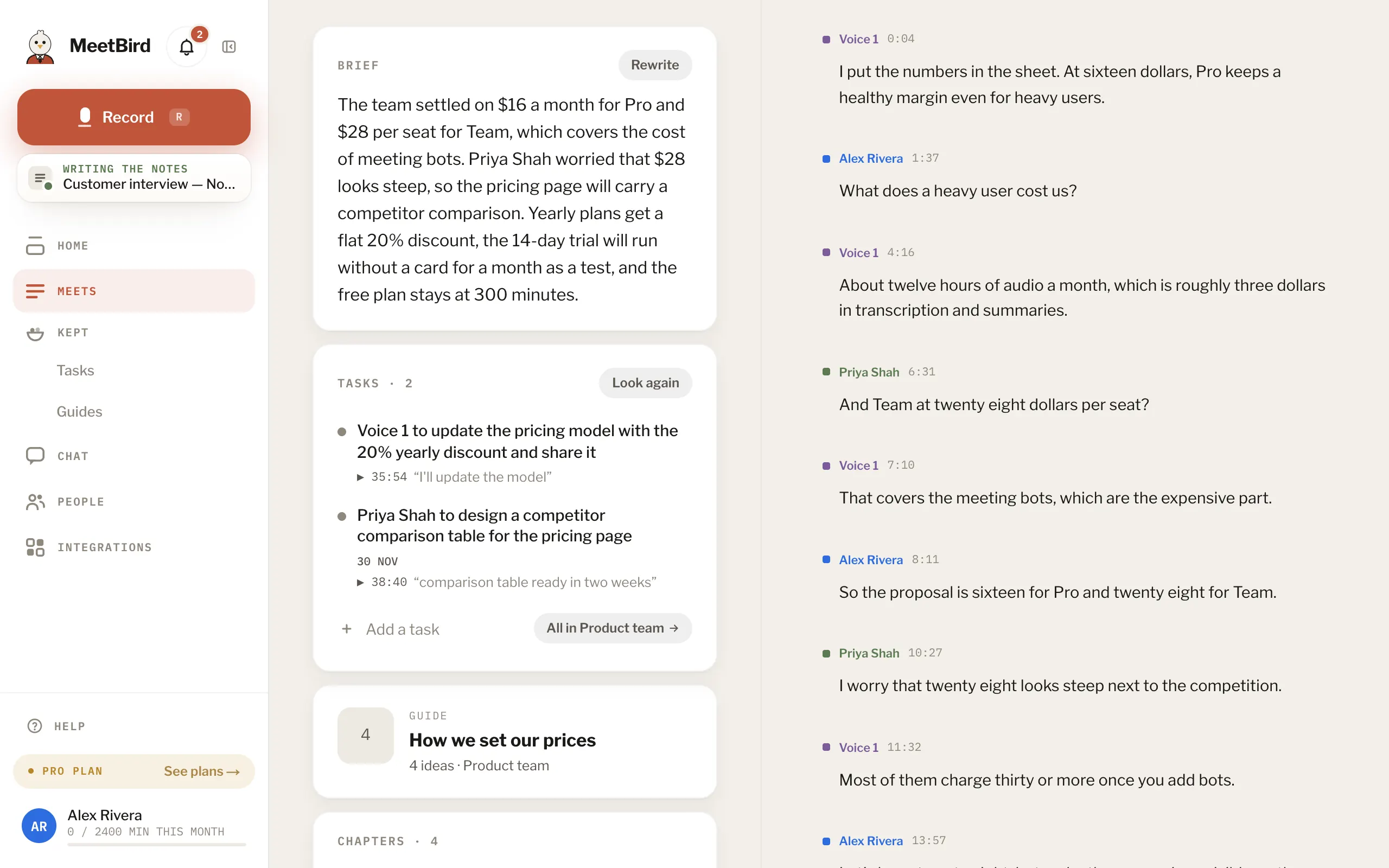
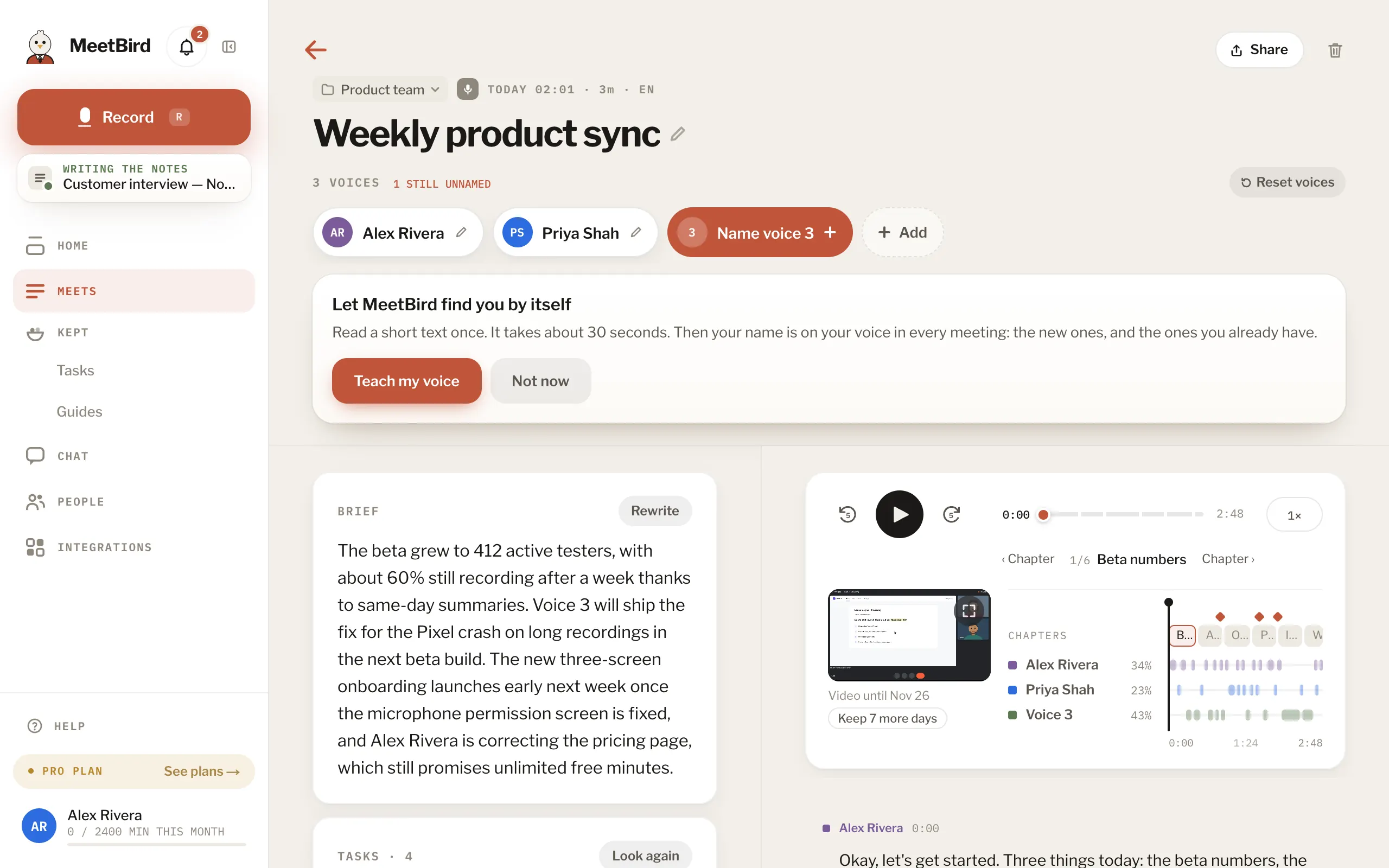
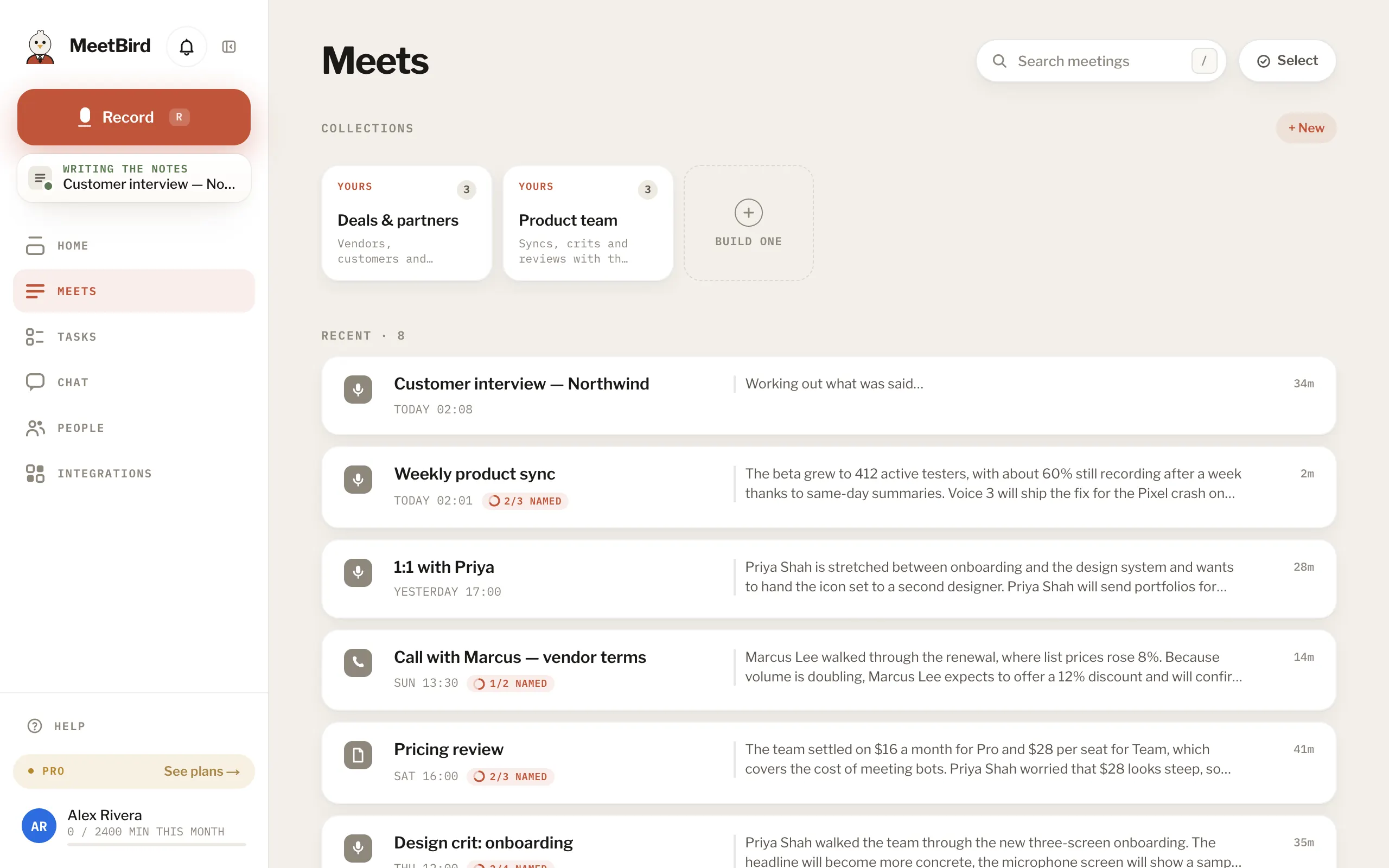
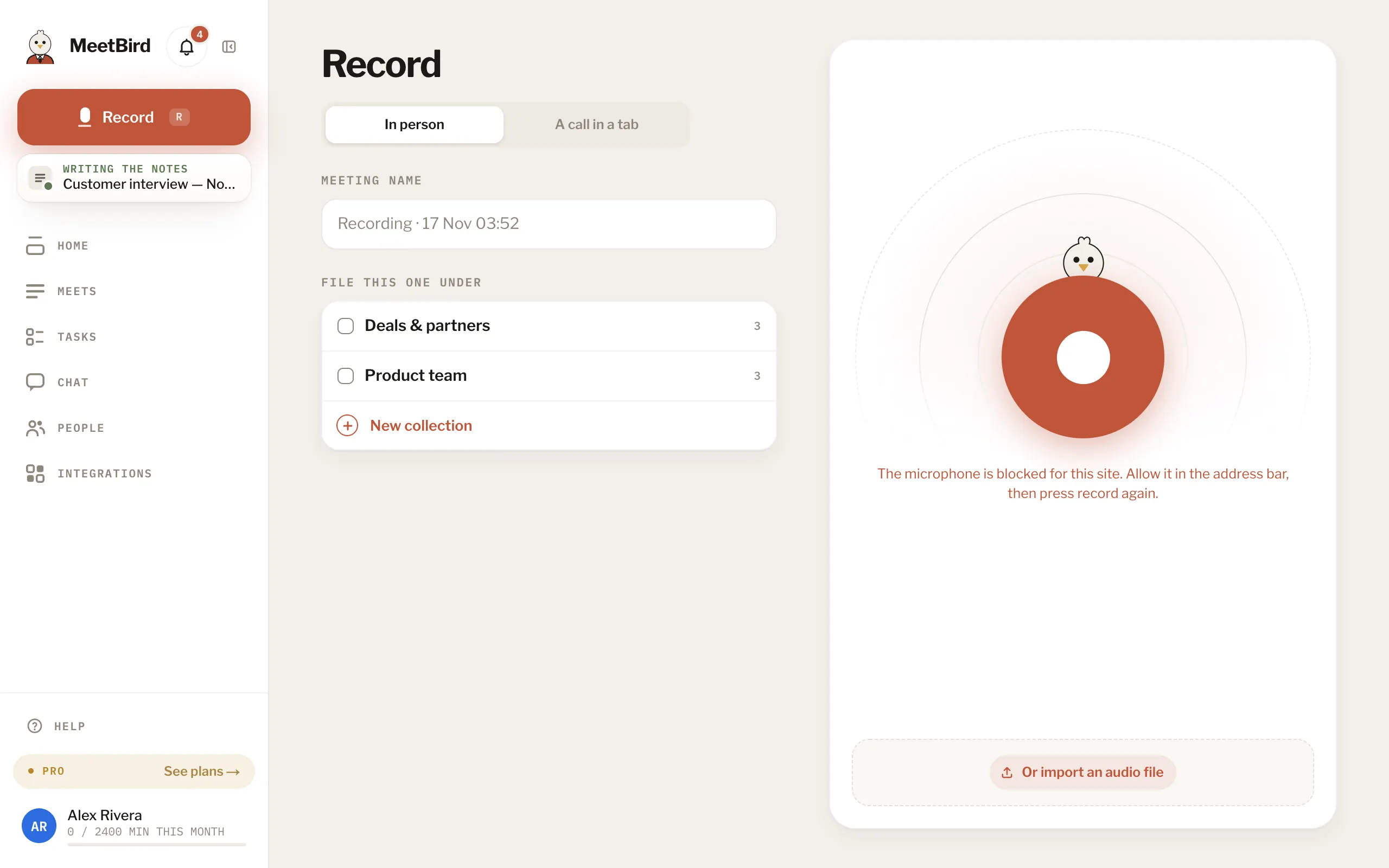
- 01RecordIn the browser, on the iPhone, or a call recording shared in.
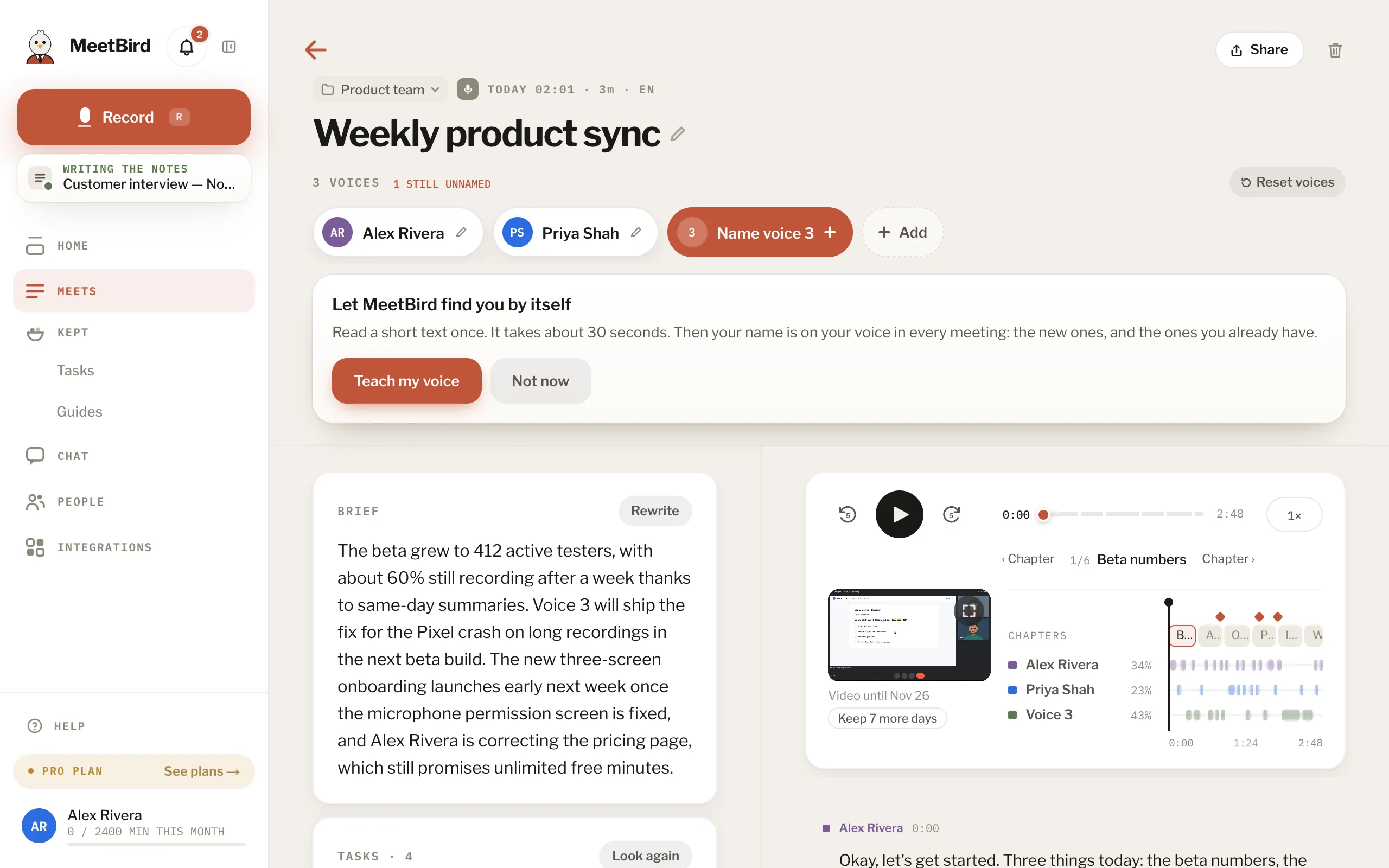
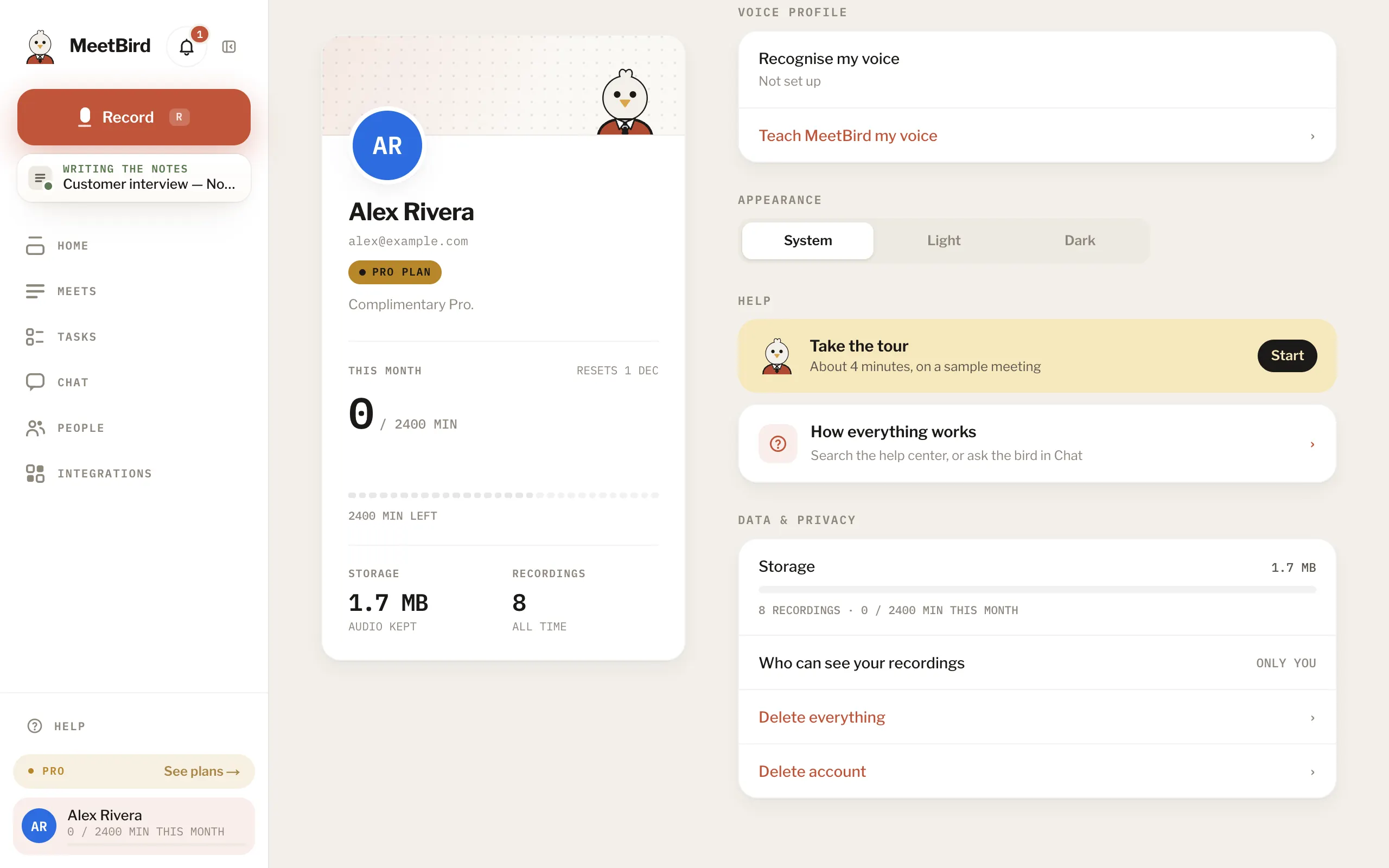
- 02Who said whatEvery line has a speaker. Name a voice once; MeetBird learns yours.
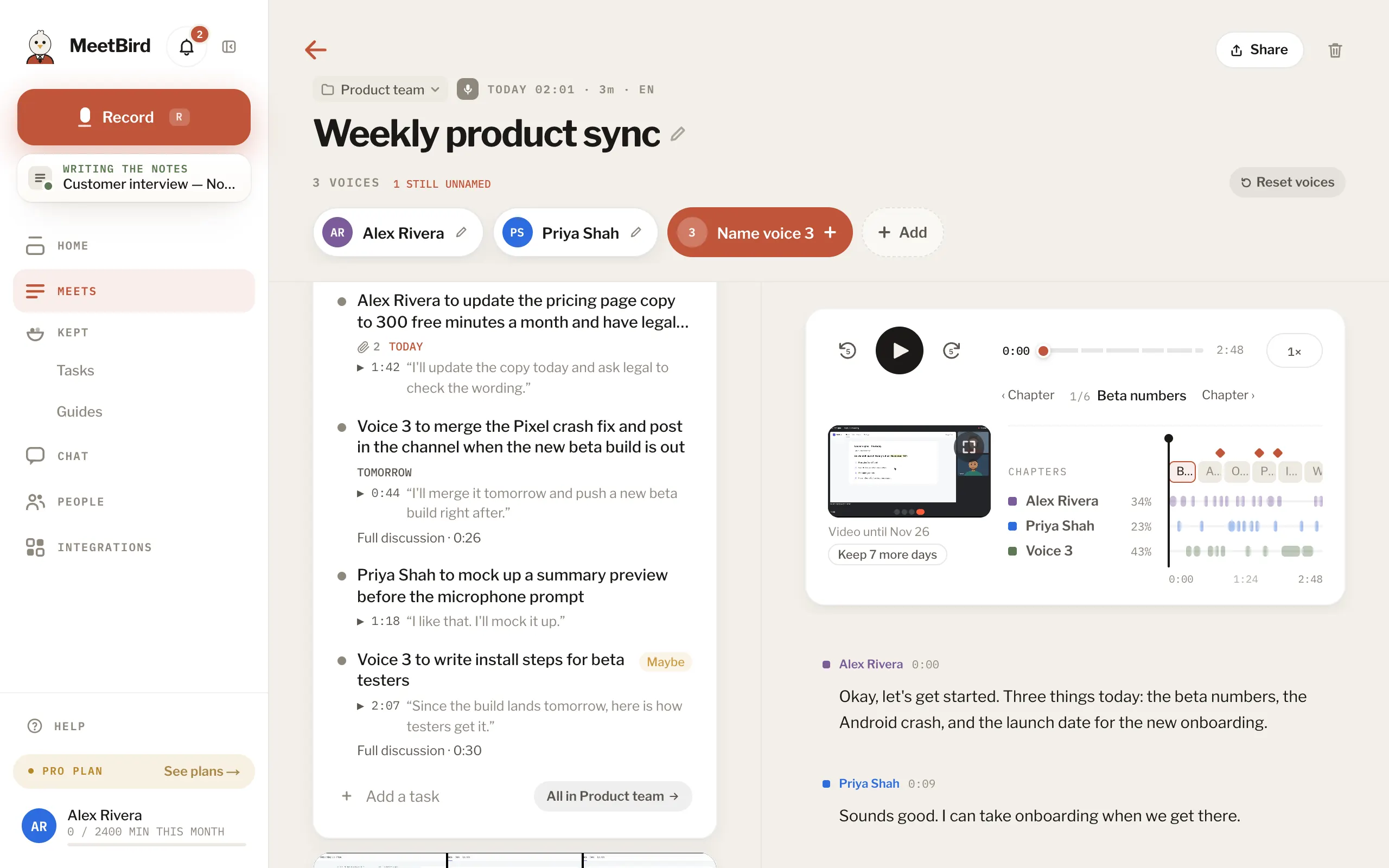
- 03The notes write themselvesA summary, the decisions and everyone’s tasks, minutes after.
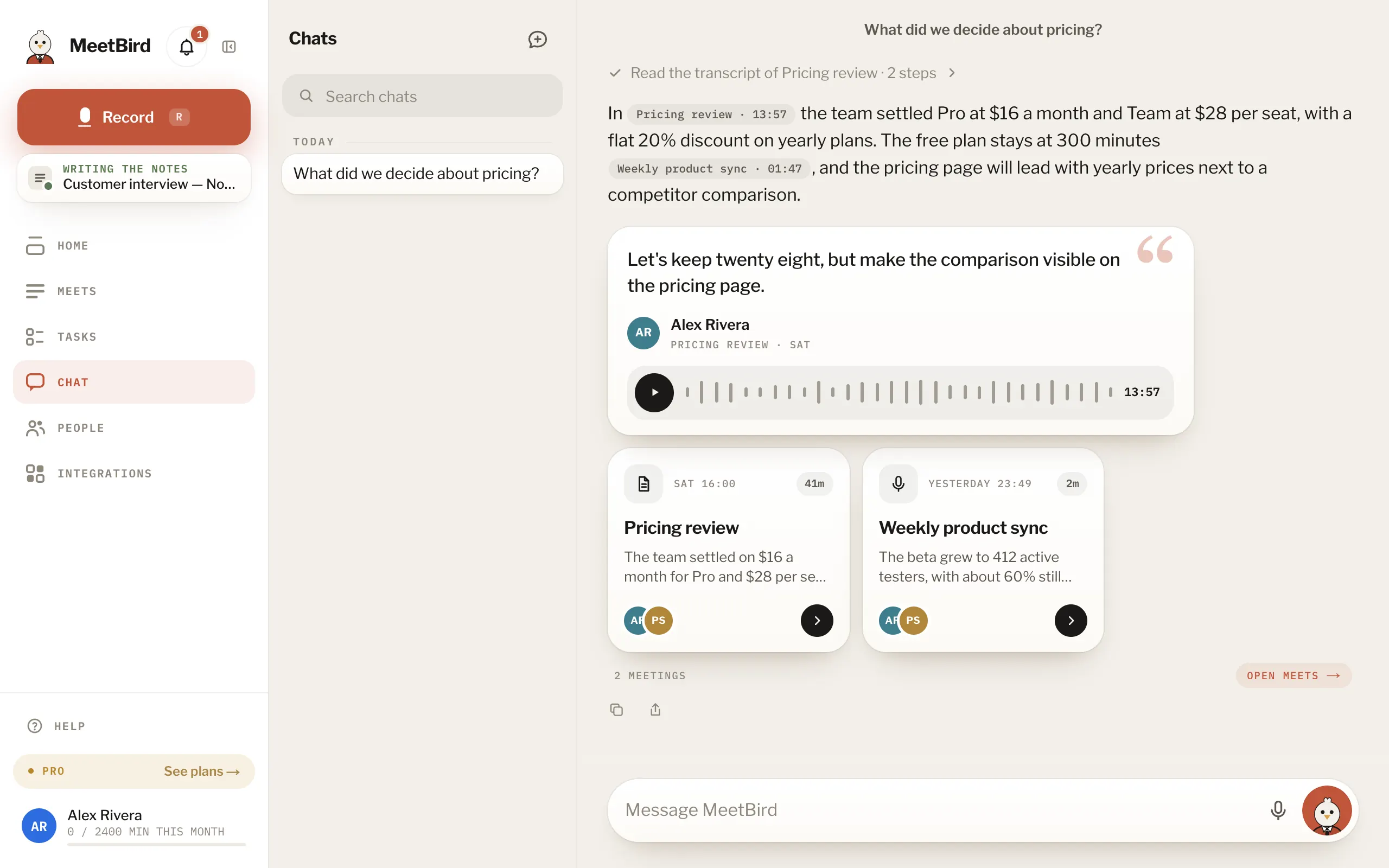
- 04Chat, or talkType a question or talk to the bird. It finds the answer and shows where it was said.
Every topic
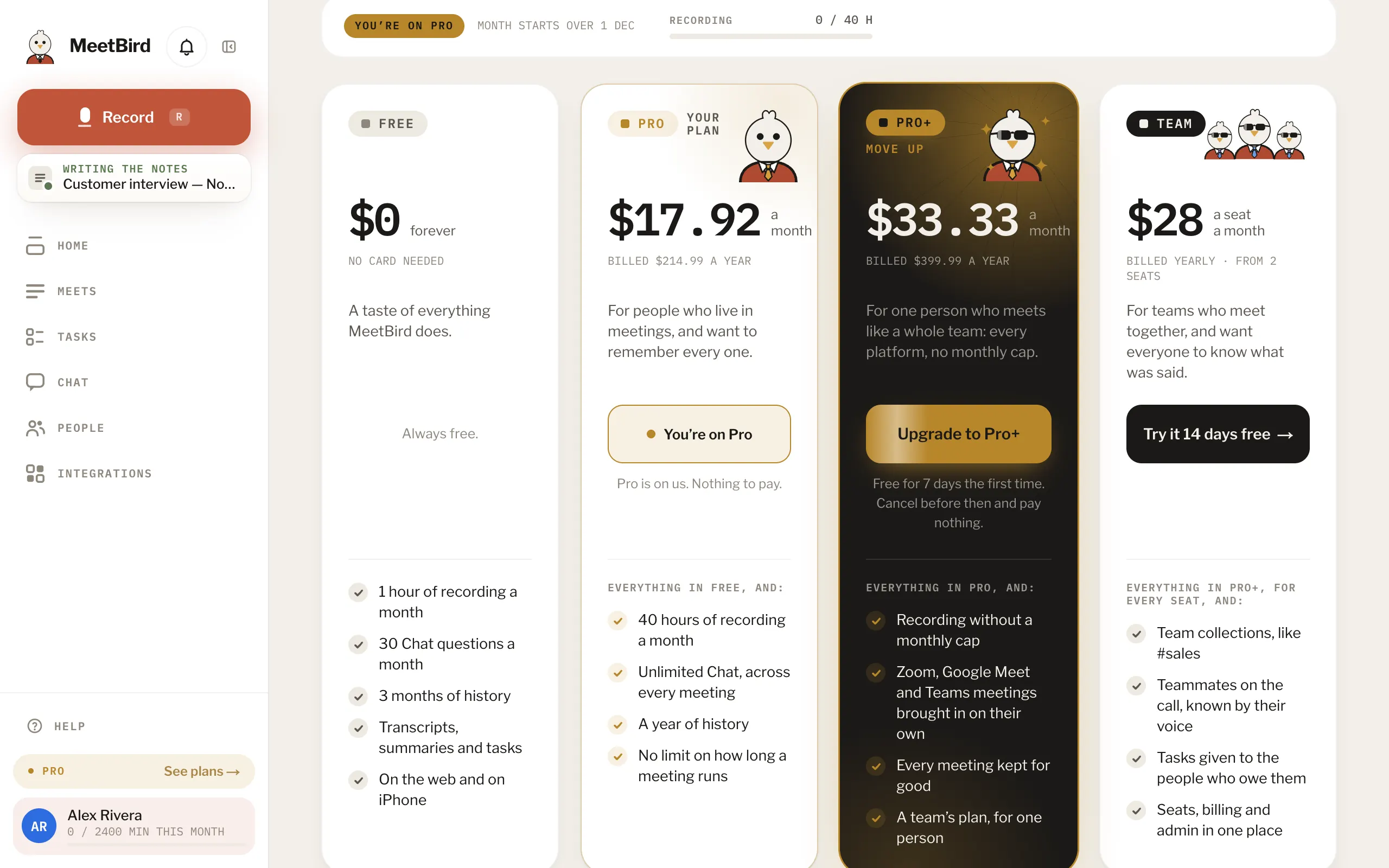
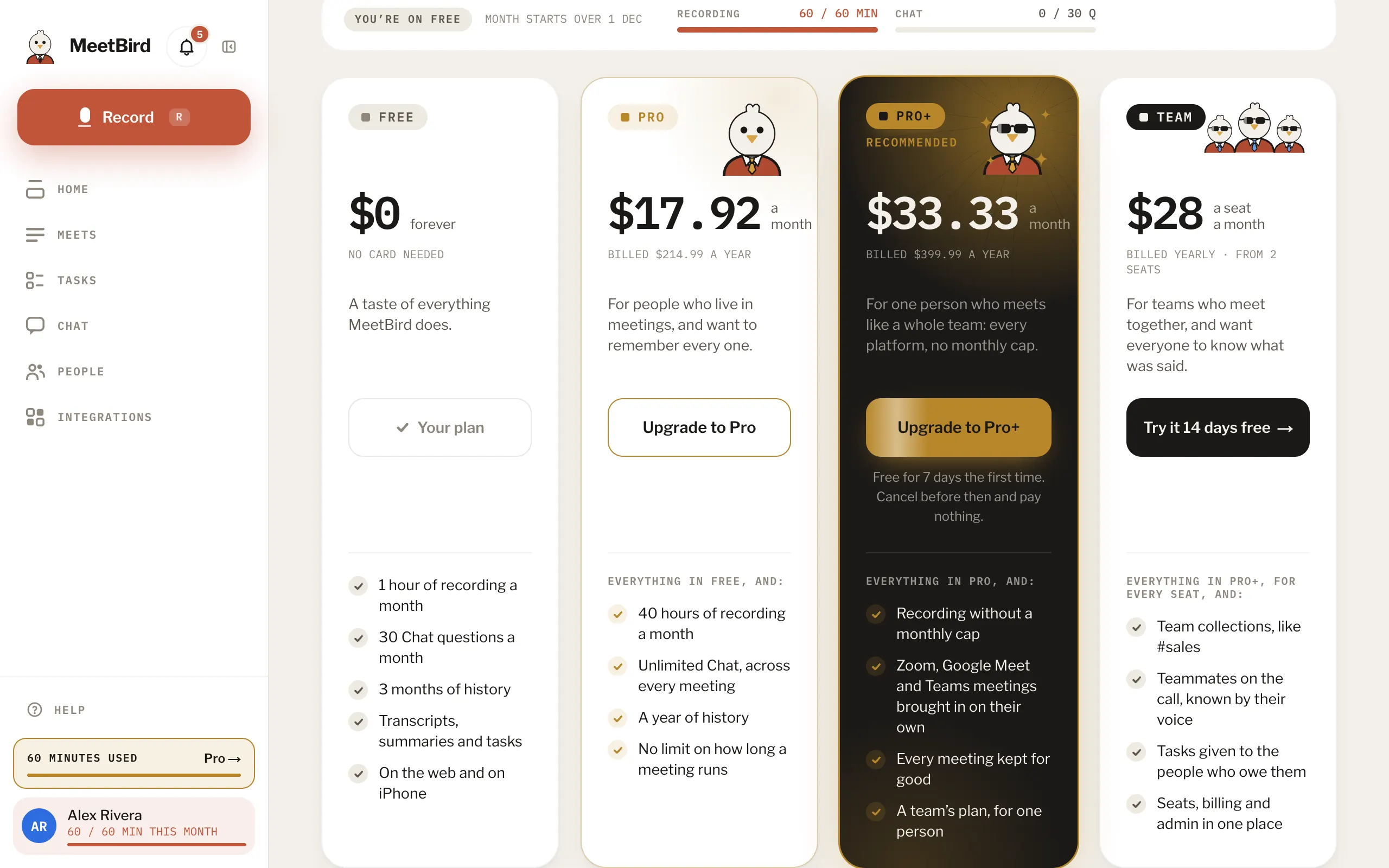
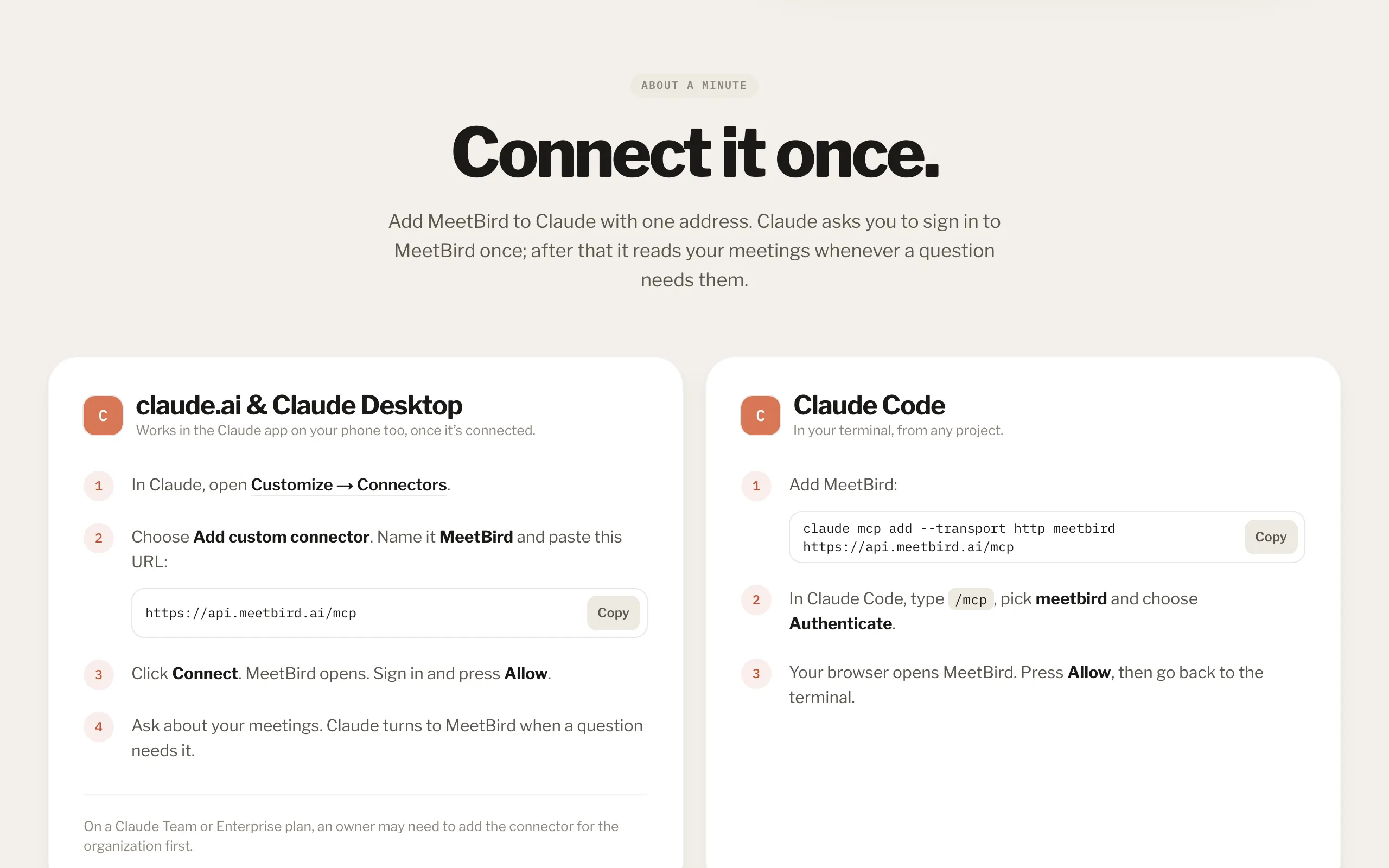
Getting startedWhat MeetBird does, signing in, and your first meeting from start to finish.8 articlesRecordingA meeting in the room, a call in a browser tab, or a file you already have. And how a recording stays safe.7 articlesYour notesThe summary, decisions and tasks MeetBird writes, playing a meeting back, and keeping it tidy.9 articlesSpeakers & peopleWho said what: naming voices, fixing a line, your voice profile, and the people you meet.5 articlesChat & the birdAsk anything about your meetings. Type it or say it. It can do things for you too.8 articlesTasksEveryone’s tasks from every meeting, on a list or a board.6 articlesMeets & collectionsFinding a meeting, filing meetings into collections, and changing many at once.3 articlesSharingGive a meeting to someone outside your team by email, or to a teammate.3 articlesYour teamOne place for a team’s meetings: members, team collections, voices and settings.6 articlesPlans & minutesFree, Pro, Pro+ and Team, what happens when minutes run out, and paying.8 articlesIntegrationsZoom, your meetings in Claude, and how calls come in without a bot.3 articlesThe iPhone appRecording with the phone in your pocket, phone calls, and what’s different there.8 articlesPrivacy & your dataWho sees your meetings, where they are kept, and taking them with you or deleting them.7 articlesFixing problemsThe microphone, silent call recordings, recordings that didn’t send, and notes that don’t come.7 articles