Getting started
What MeetBird does, signing in, and your first meeting from start to finish.
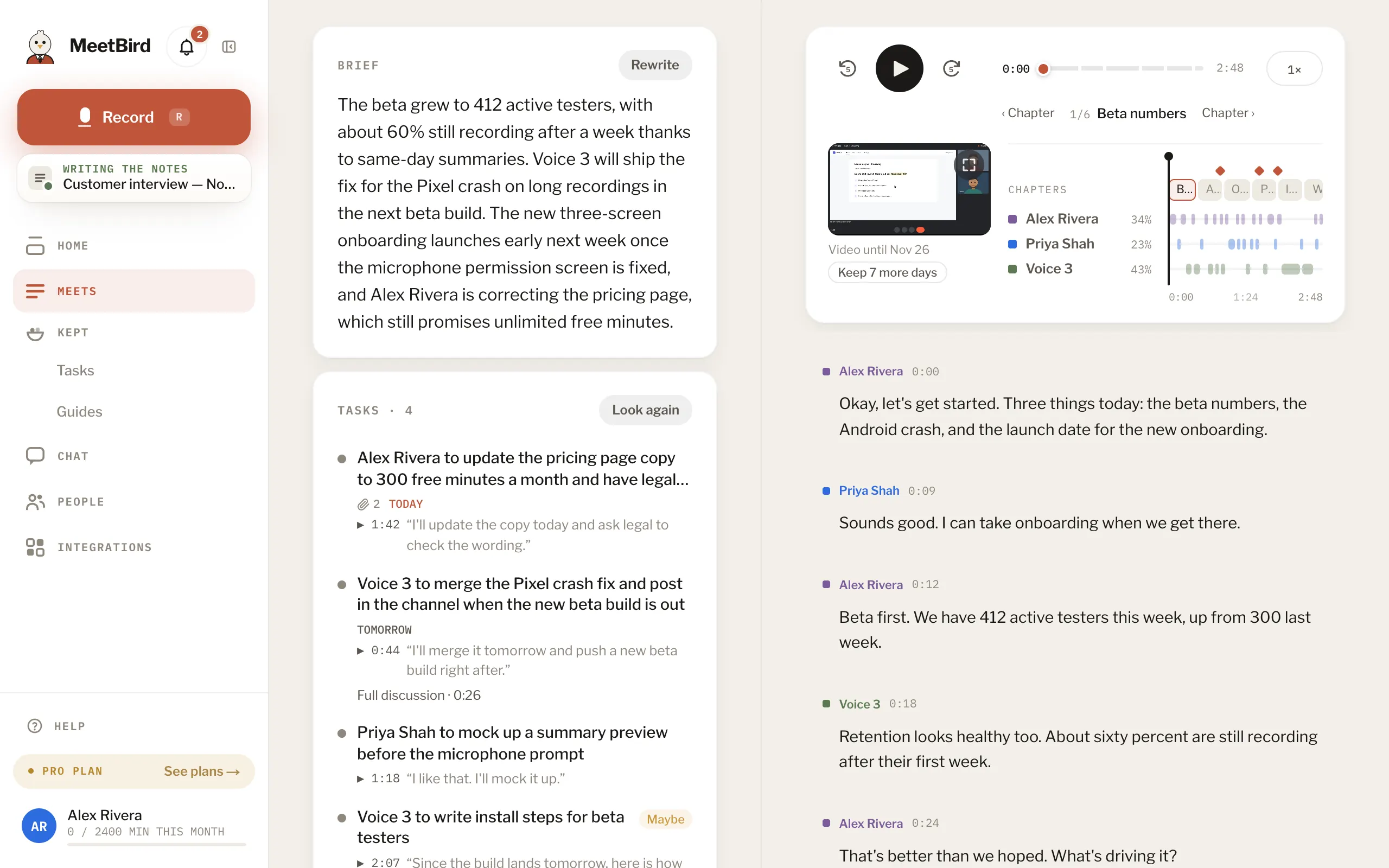
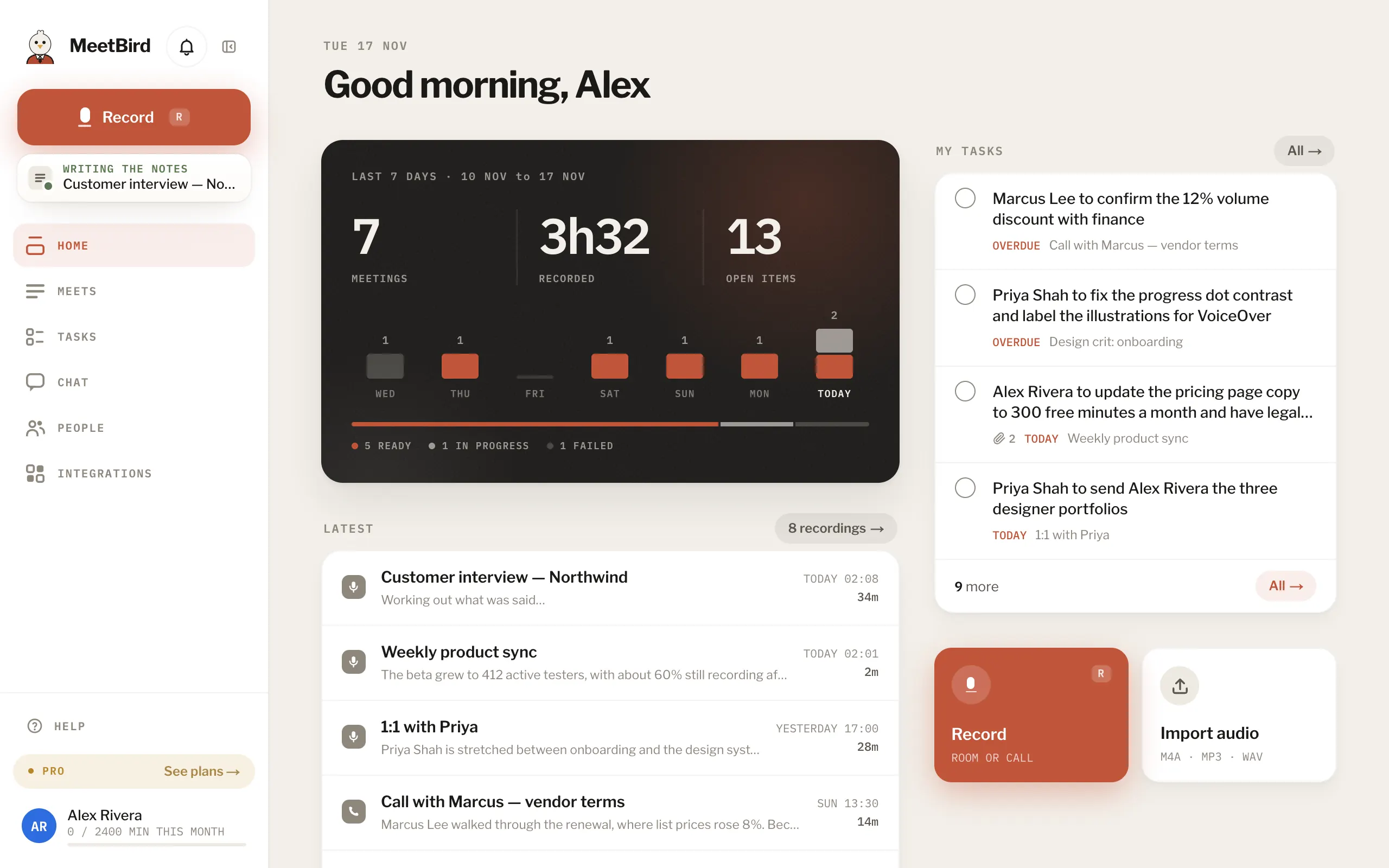
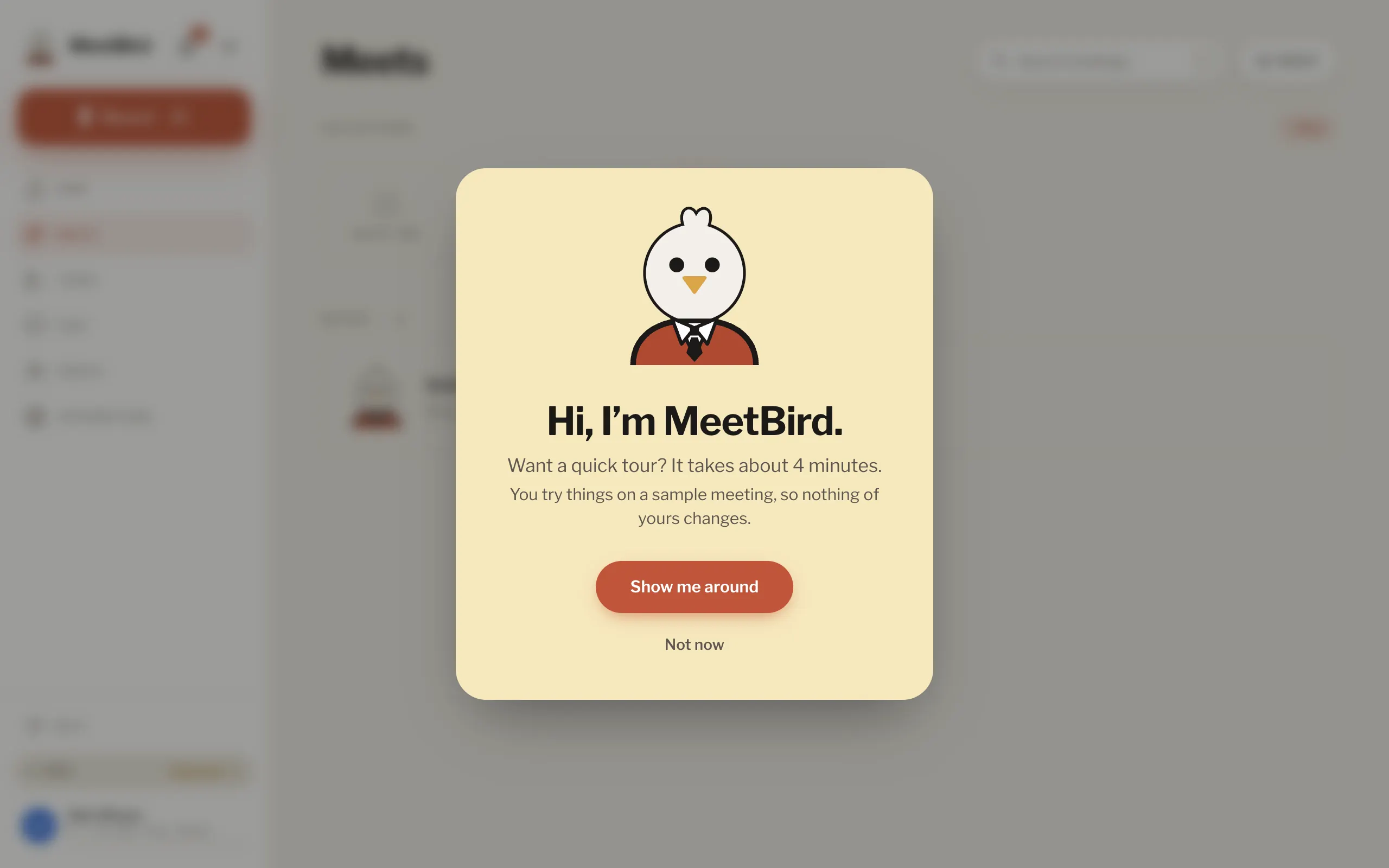
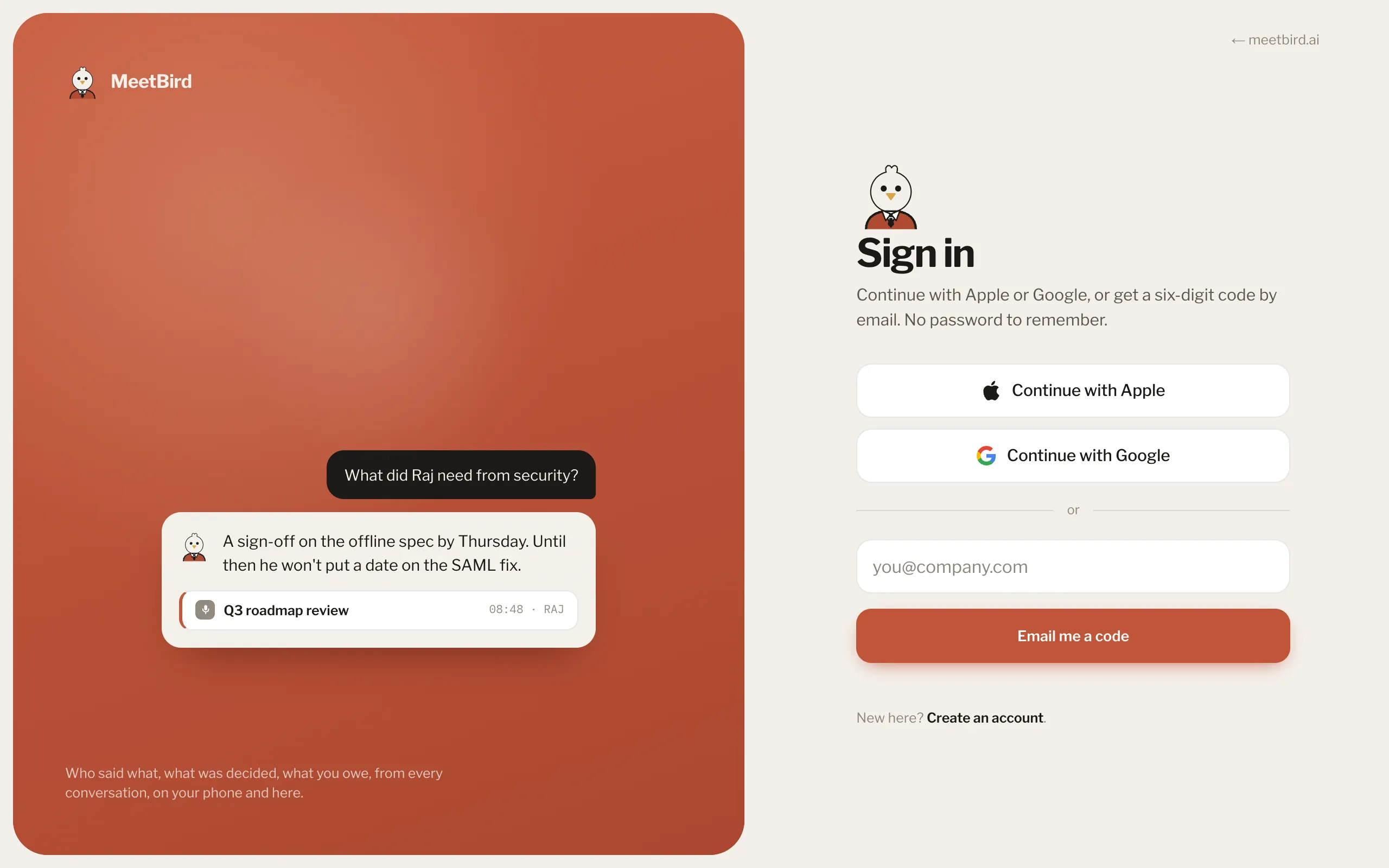
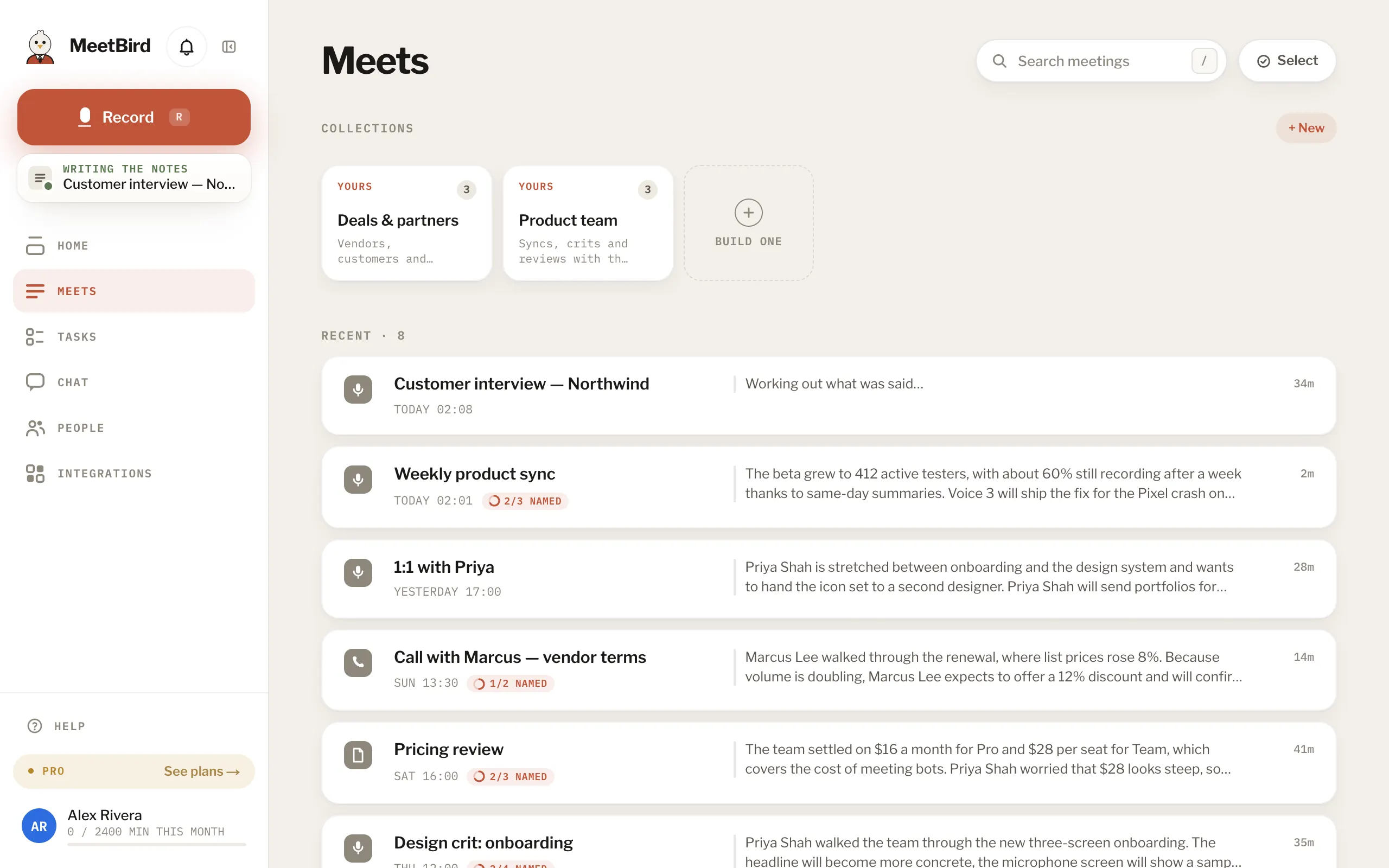
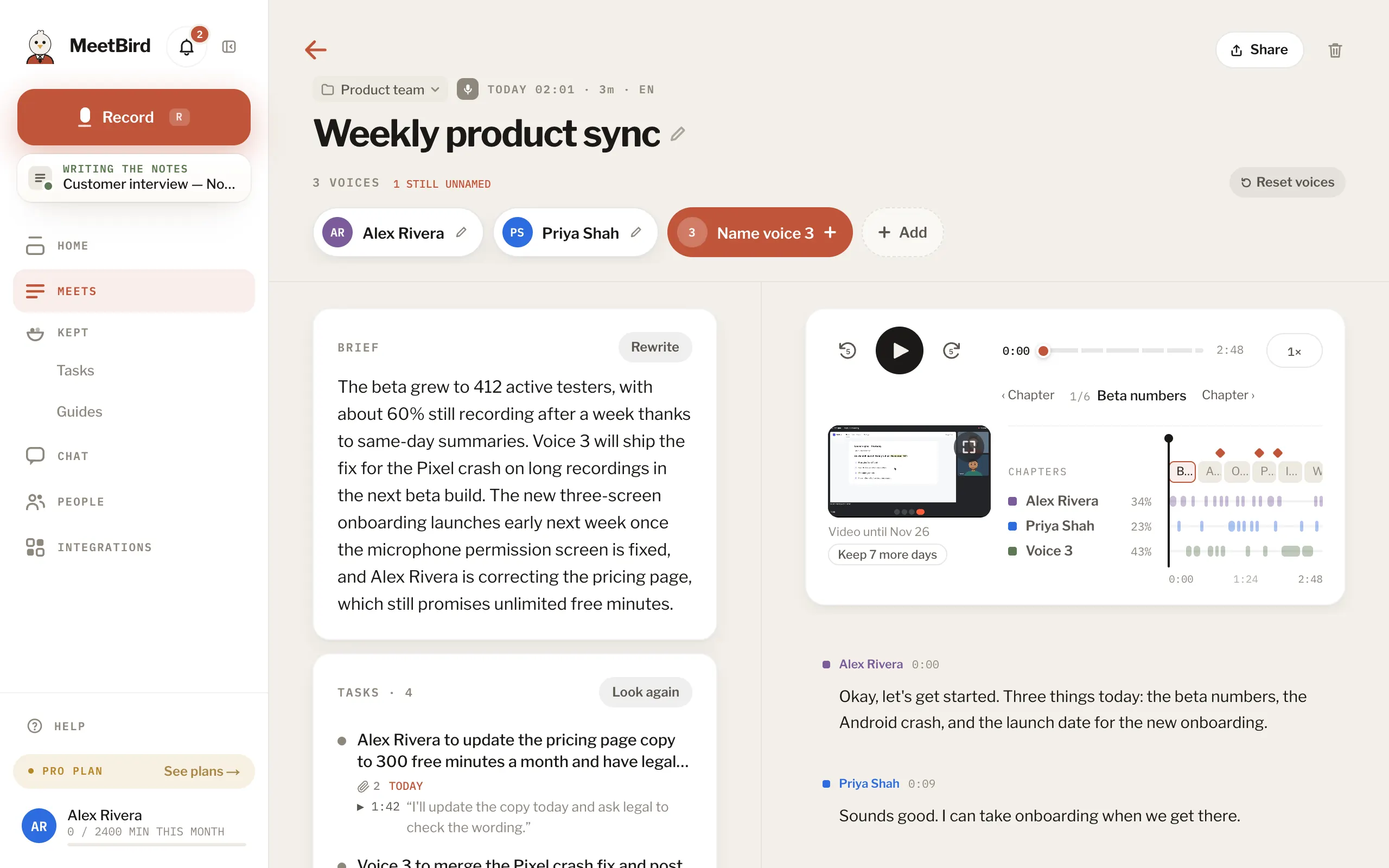
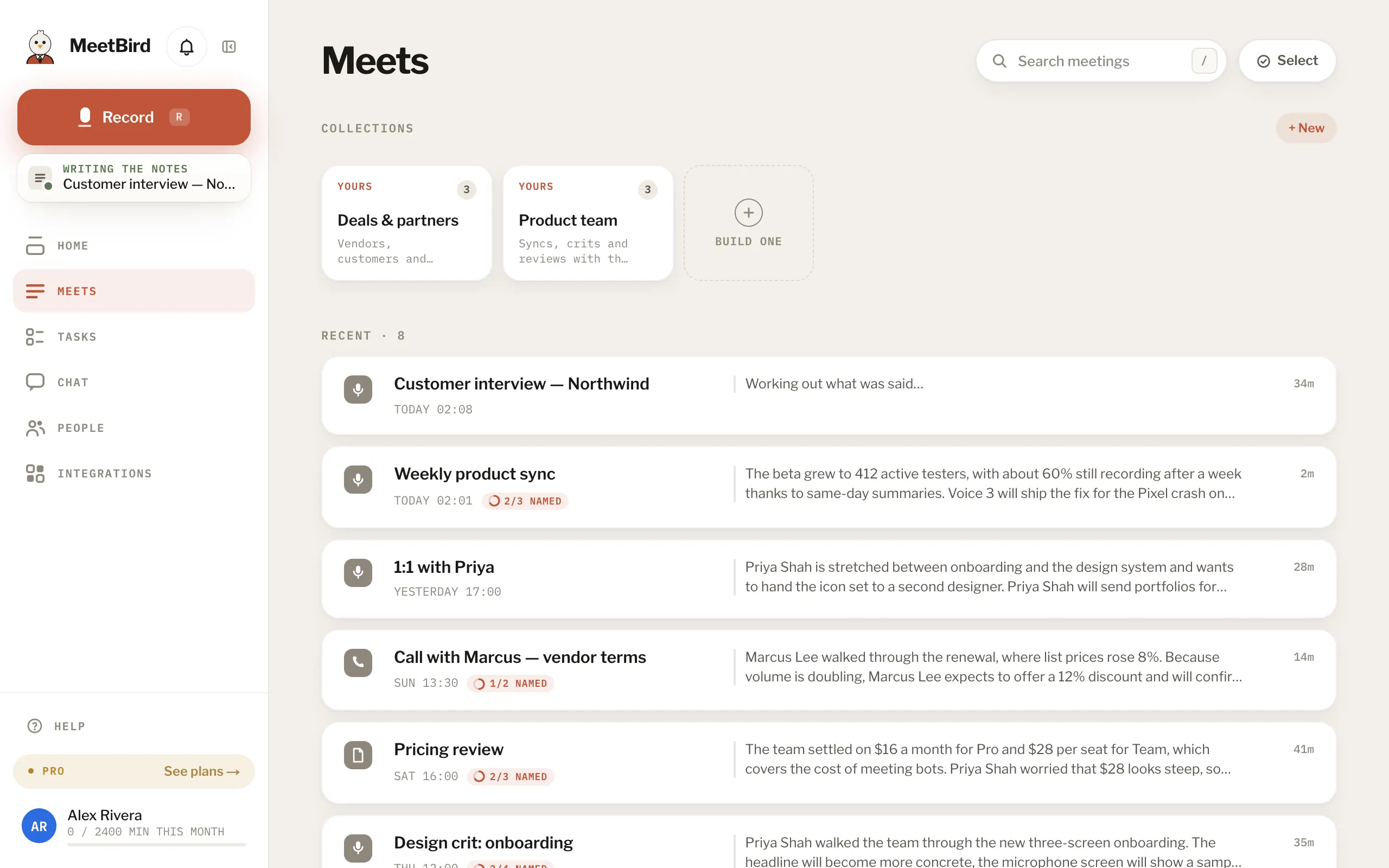
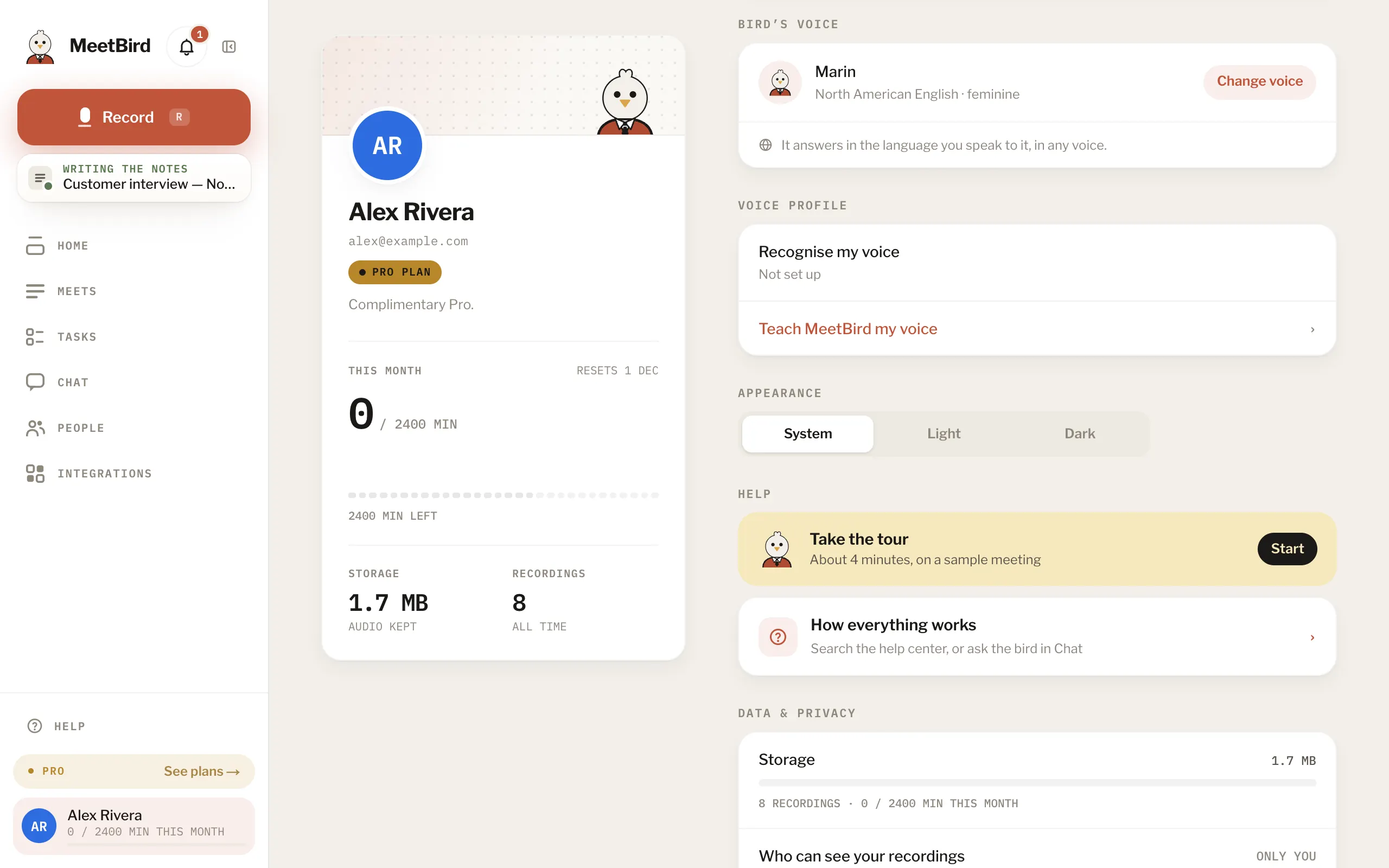
8 articlesWhat MeetBird doesMeetBird records your meetings and writes them up: a transcript that knows who said what, a short brief, its chapters, everyone’s tasks and, when someone shows how to do something, a guide. Then ask anything about any meeting. Type it, or talk to the bird.Your first meeting, start to finishPress Record, talk, press stop, give it a name and send it. The notes arrive on their own a few minutes later.5 stepsThe sample meeting and the tourA new account starts on Meets. The bird asks if you want a quick tour. Press Show me around, and a sample meeting, Launch sync, marked SAMPLE, appears. The bird shows you around on it, one step at a time. It draws a circle around the button to press. On a phone, a finger taps it. Skip this step jumps over a step. End tour, in the strip at the top, ends the tour. To take it again, press Take the tour at the top of Help, or in Profile.WebSigning inThere’s no password. Choose Continue with Apple or Continue with Google, or type your email and press Email me a code. Then type the six digits we send.The web app and the iPhone appThey’re one account: a meeting recorded on one shows up on the other, and so does your plan.Which languages it understandsMeetBird transcribes what was said in the language it was said in. That works even when people switch languages in the middle. The summary, tasks and Chat’s typed answers are always in English. The bird answers out loud in the language you speak to it, and switches when you do. The microphone in Chat’s box writes in your phone’s or browser’s language.Keyboard shortcutsR opens Record from any page (press it again there to start), / puts you in the search or the question box, and ? opens Help.WebDark modeProfile › Account › Appearance: System follows your computer or phone, or pick Light or Dark.
Next topicRecording