Tasks
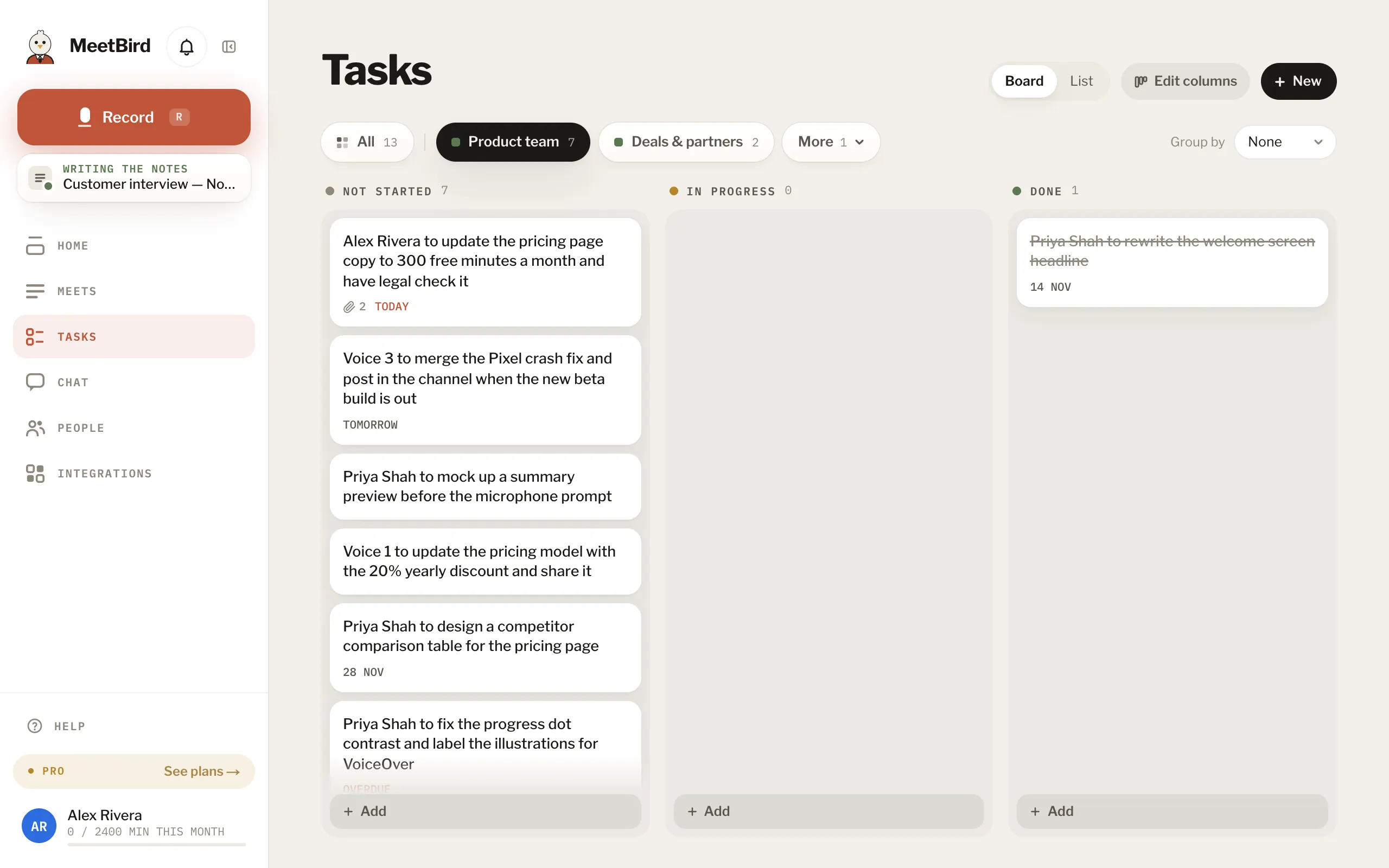
Everyone’s tasks from every meeting, on a list or a board.
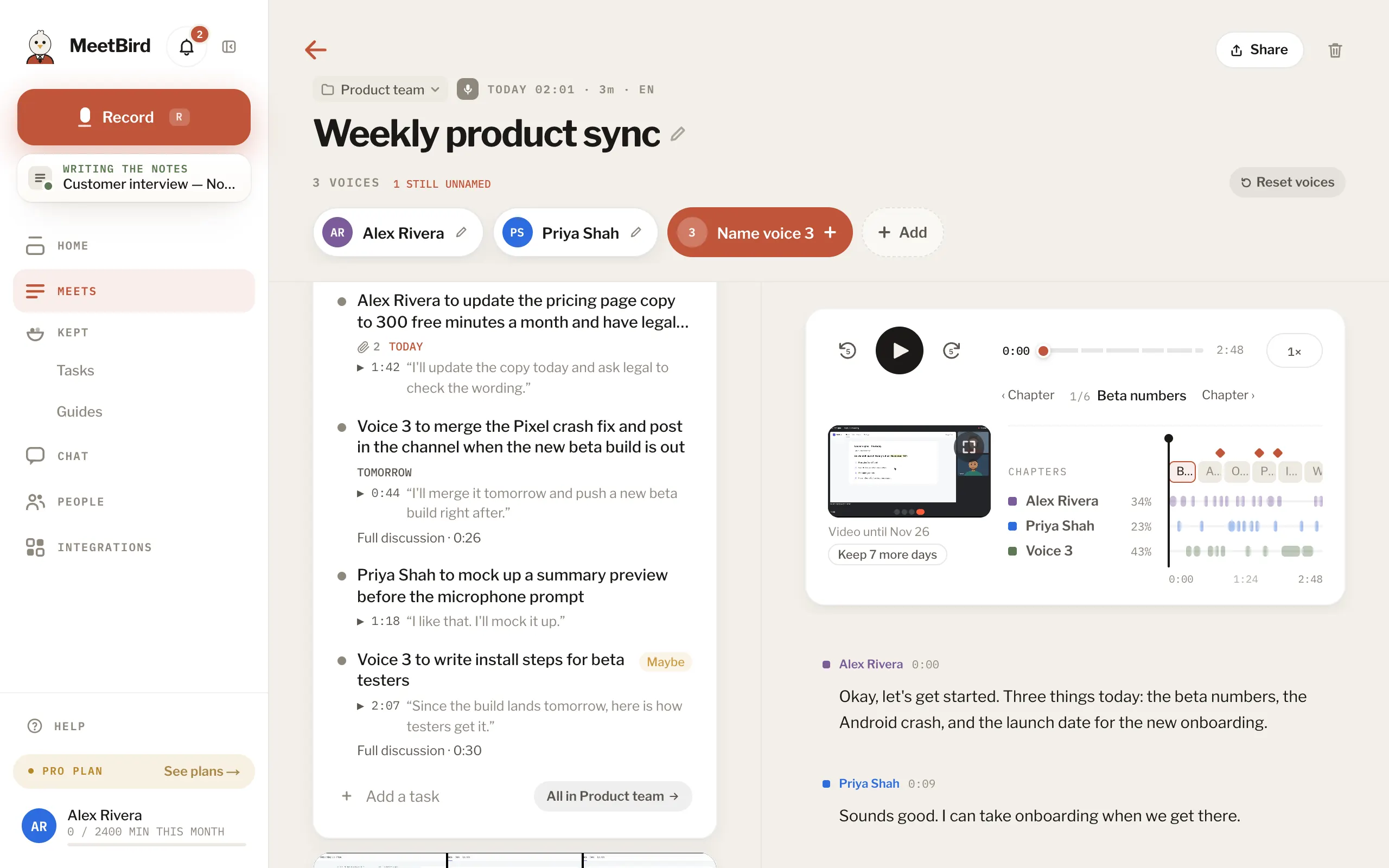
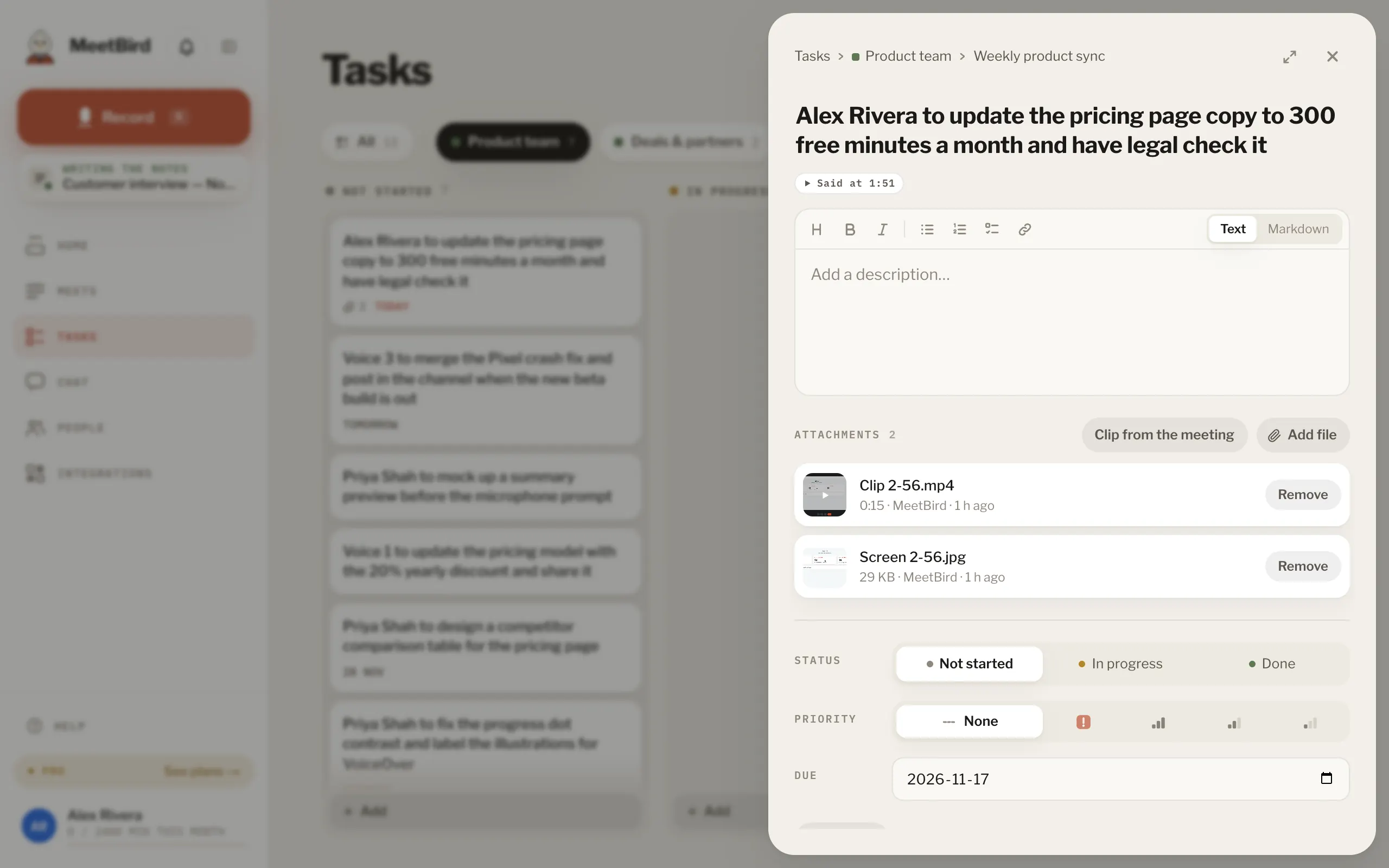
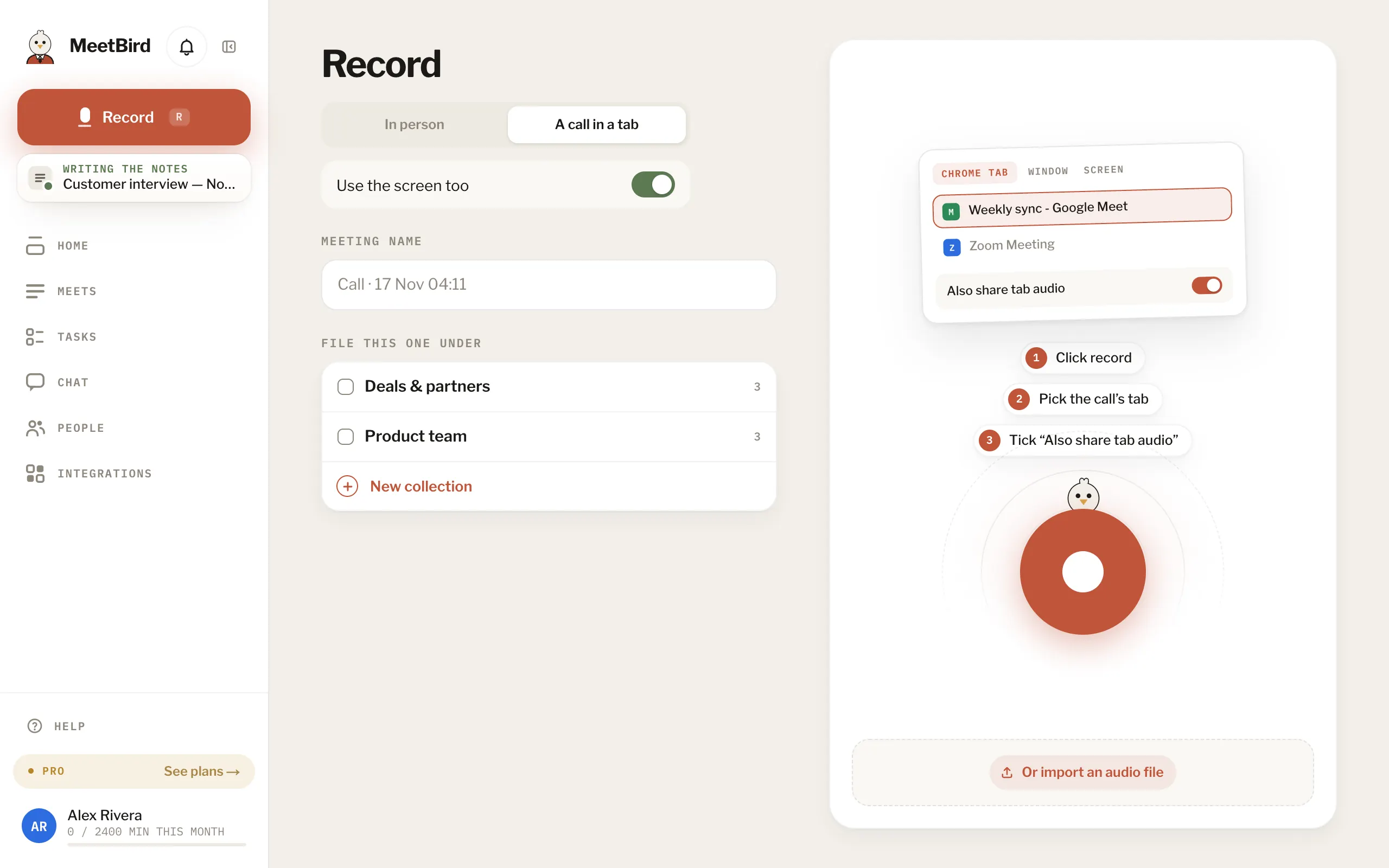
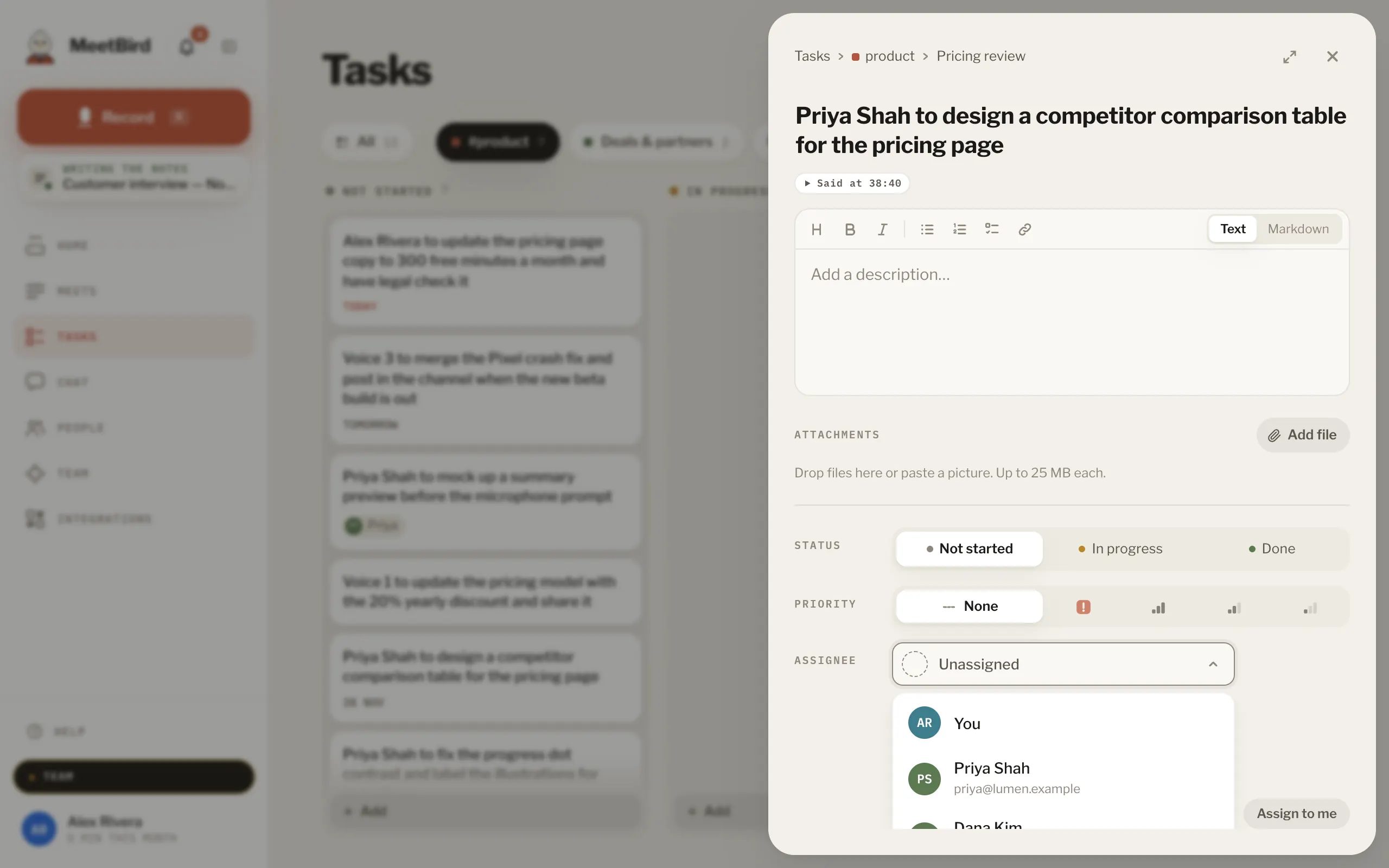
6 articlesWhere tasks come fromMeetBird writes down what people actually took on in a meeting: who, and the due date if someone said one. A person confirms them before they go on a board: they wait on the meeting under Tasks to confirm. You can add your own too: Add a task on a meeting, or on a collection’s board.2 stepsThe Tasks pageTasks gathers every task from every meeting, one collection at a time: pick it in the tabs at the top to see only its board. The page opens on the tab you looked at last. The busiest collections are tabs and the rest are under More, where you can also make a new one. All puts every collection on one board. On a wide screen, switch between Board and List, and group them by meeting or, on a team, by who they’re for. On a team, Mine shows only yours.Status, priority, due date and notesOpen a task to set its Status (Not started, In progress, Done), its Priority, a Due date and a description. The description can have headings, lists and checklists. ⌘ S saves.1 stepsPictures from the shared screen on a taskWhen a screen was shared in the meeting, MeetBird puts a picture of what was on it, and a clip of that moment with its sound, on each task agreed while it was shown. They are under Attachments on the task, from MeetBird. A guide's steps get them too. The whole screen also plays next to the meeting's player, in step with the words.7 stepsWebGive a task to a teammateOn a team, open the task and choose who it’s for under Assignee, or press Assign to me to take it. On the list, a task nobody has shows Assign to me too. They need to be able to see the meeting. If they can’t, share it with them first.TeamSend tasks to GitHubMeetBird can send a meeting’s tasks to a GitHub Projects board. Send them by hand from the meeting, or let it happen by itself for new meetings. It’s set up in Profile › Integrations, when GitHub is switched on for your account.
Next topicMeets & collections