Delete a meeting
2 steps
Open it and press the trash icon. Only the person who recorded it can. The audio, the transcript and the summary all go, and it can’t be undone.
- 1
Open the meeting and press the trash icon at the top right. Only whoever recorded it has one.
meetbird.ai/meeting/…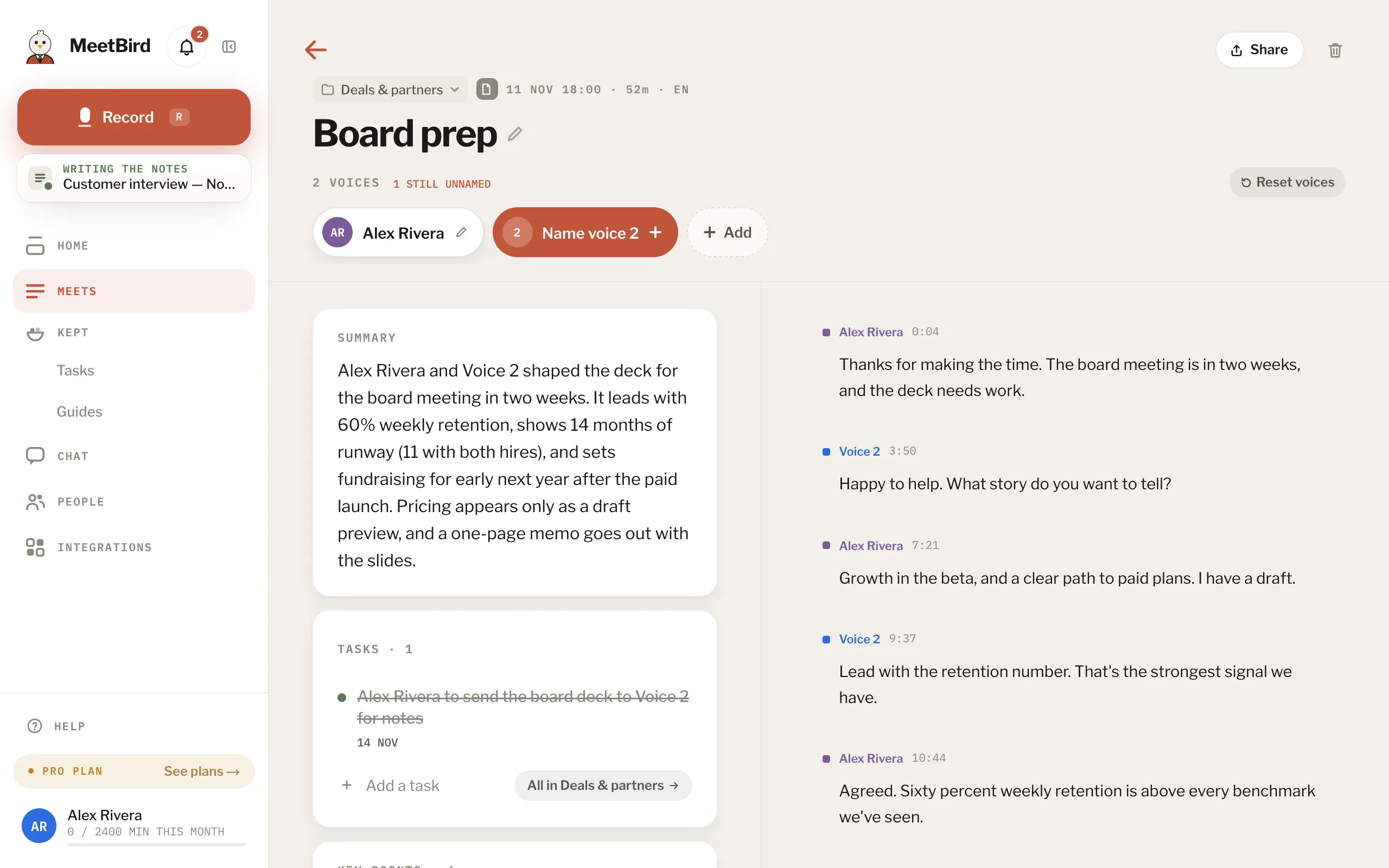
- 2
In Delete this recording?, press Delete, or Keep it if you’ve changed your mind.
meetbird.ai/meeting/…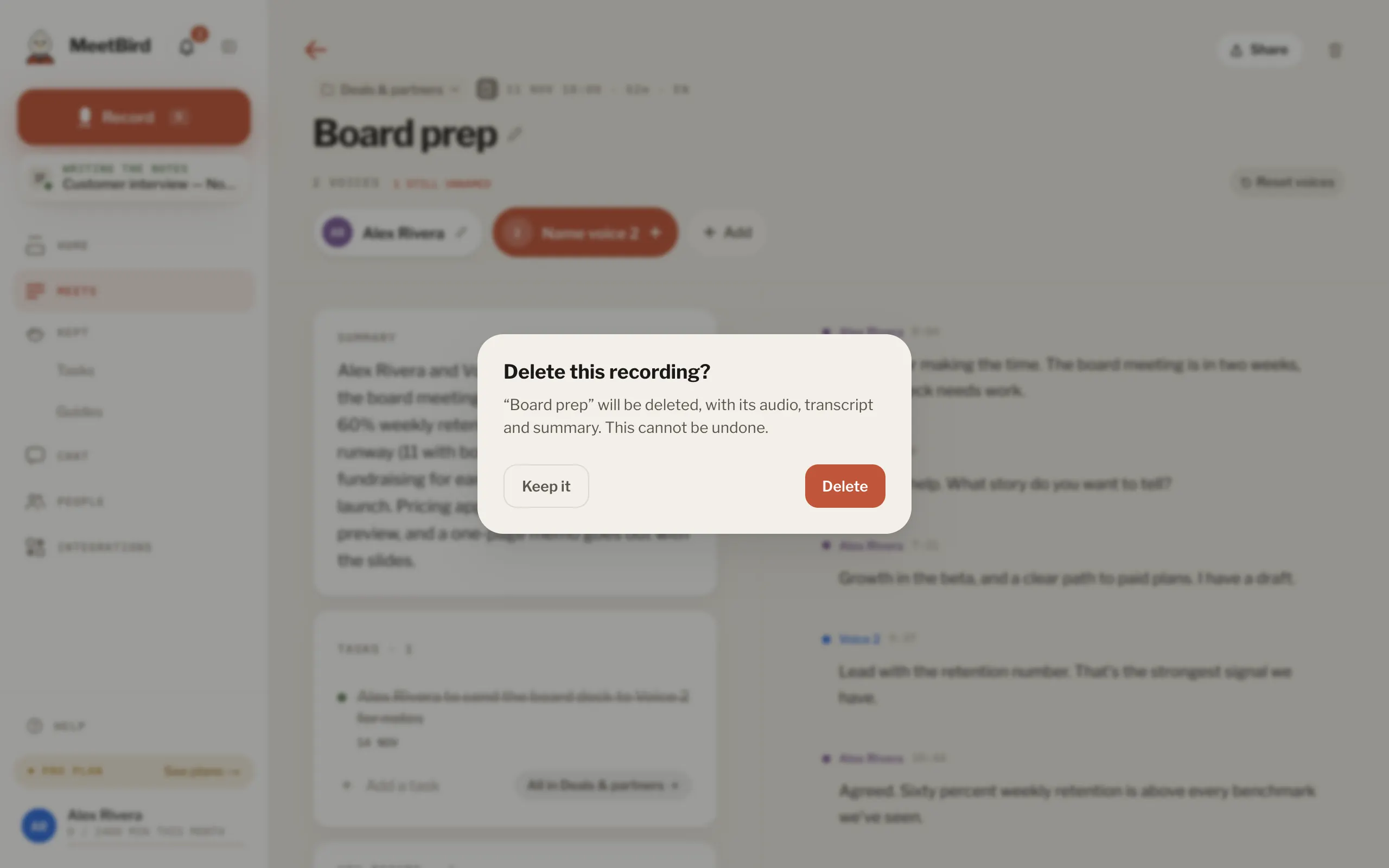
- Several at once: in Meets, press Select (or long-press on a phone), pick them, then Delete.
- On the iPhone: ⋯ › Delete recording.
- Deleting doesn’t give back the minutes it used this month.