Import a recording you already have
3 steps
Drop audio or video files onto Record or Meets, or press Or import an audio file. Each file becomes its own meeting and is written up like any other.
- 1
Open Record (or Meets).
meetbird.ai/home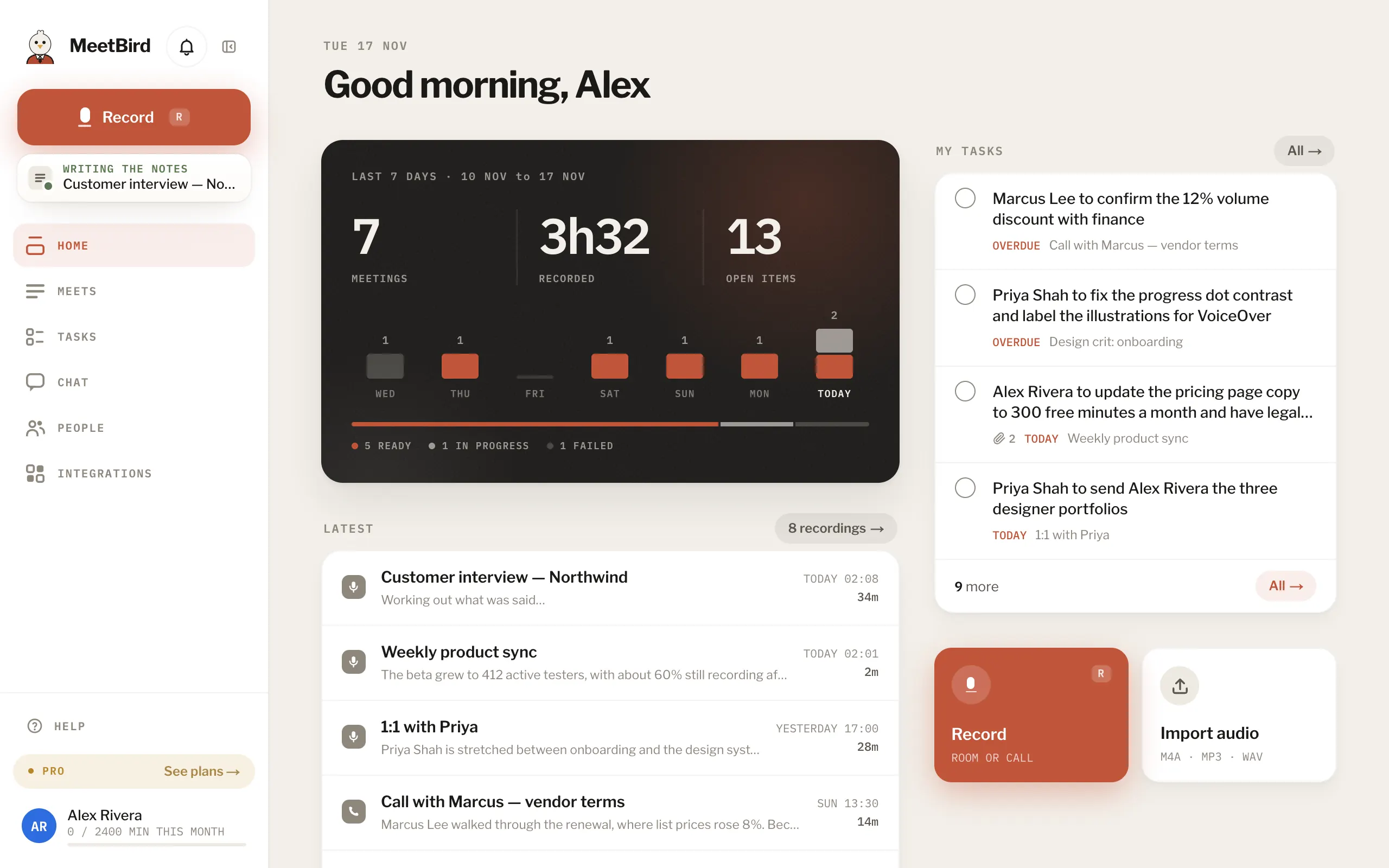
- 2
Drag the files onto the page, or press Or import an audio file and choose them.
meetbird.ai/record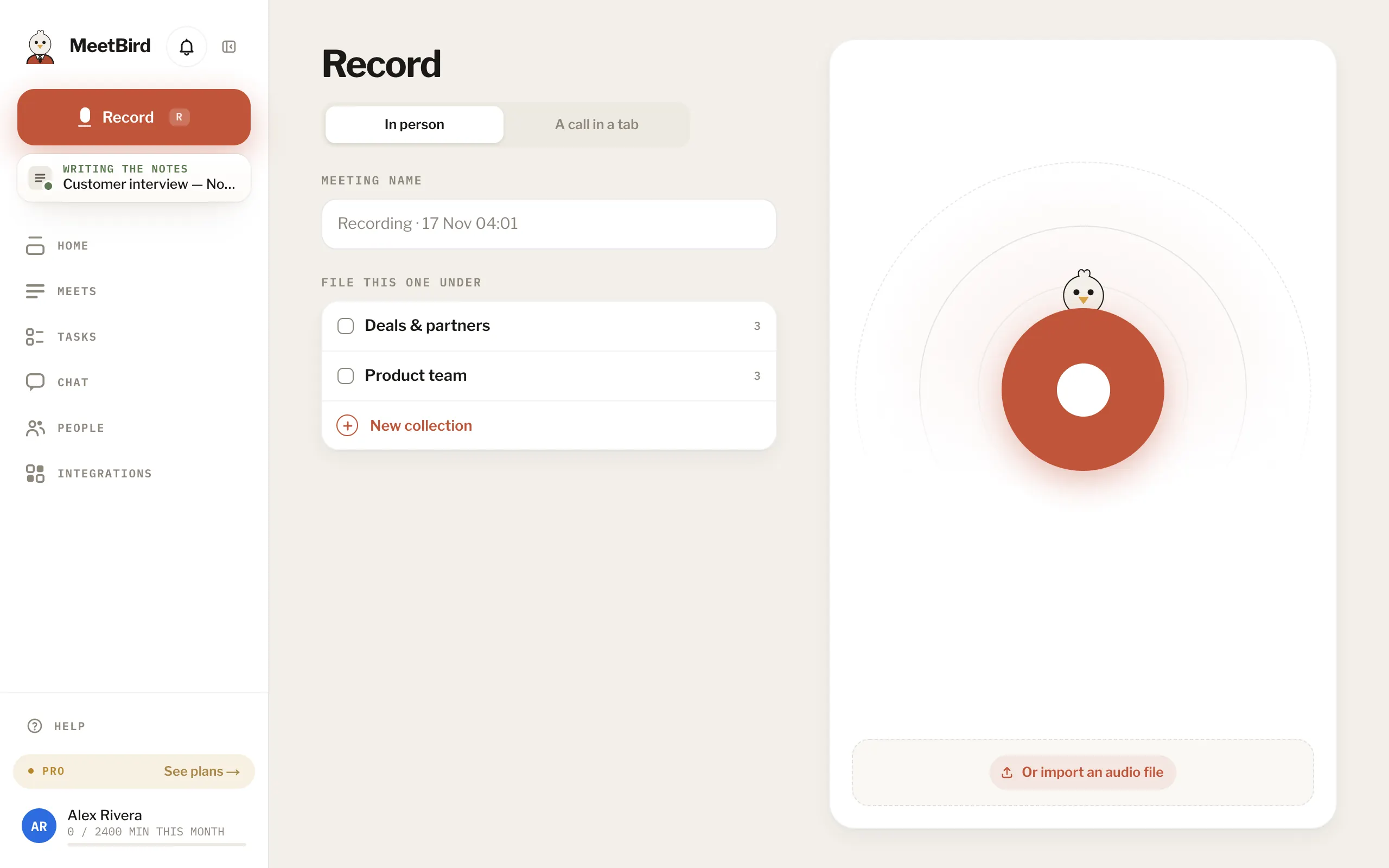
- 3
One file opens its meeting once it’s in; several are simply sent.
meetbird.ai/meeting/…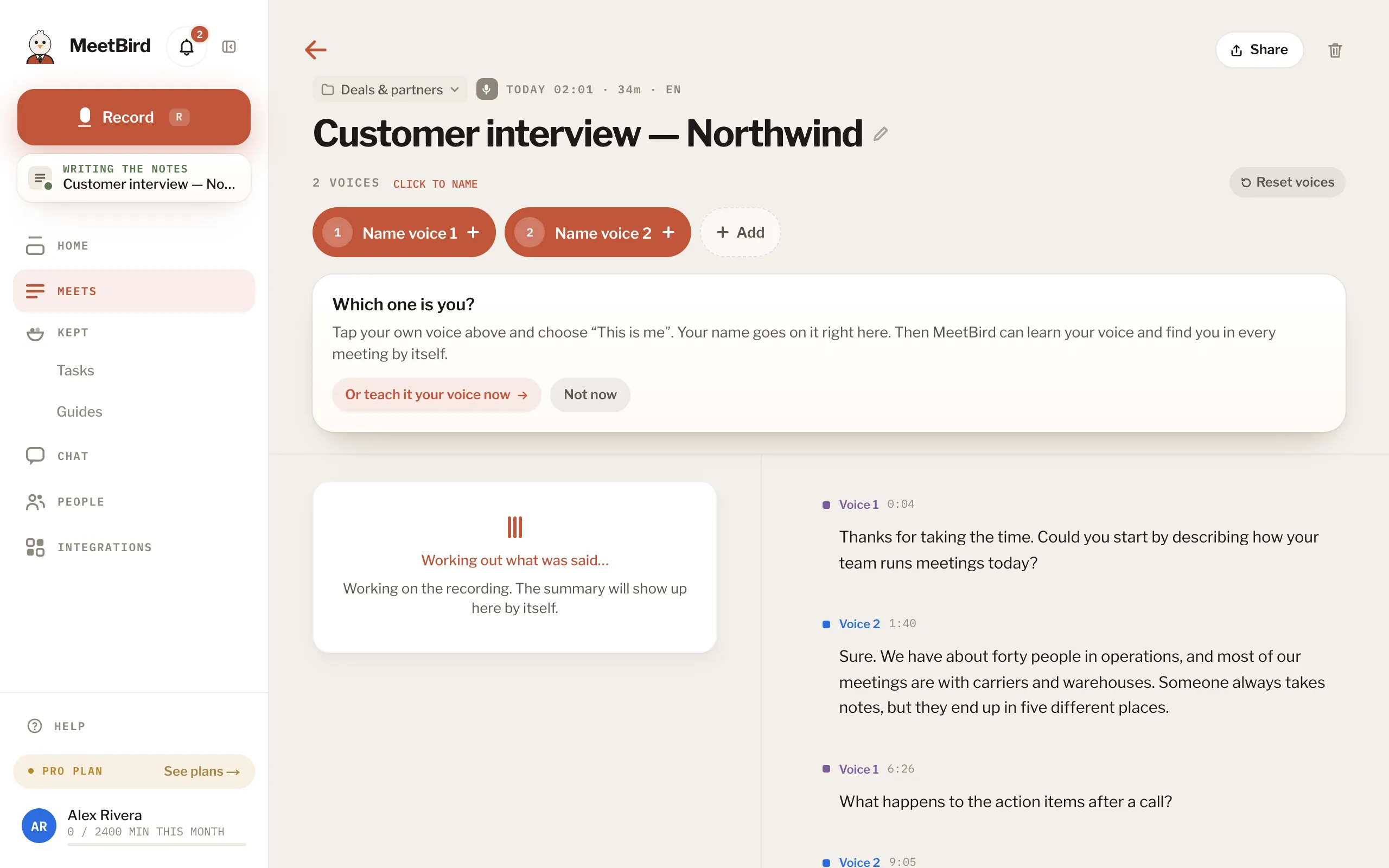
- M4A, MP3, MP4, WAV, AAC, FLAC, OGG, OPUS, WEBM, AMR and 3GP, up to 2 GB each. MOV and MKV don’t work. Save the audio from them first.
- An MP4 or WebM with a shared screen in it gives its tasks pictures of the screen too.
- On the iPhone: Or import an audio file on the recording screen, or share a file to MeetBird from another app.