Your first meeting, start to finish
5 steps
Press Record, talk, press stop, give it a name and send it. The notes arrive on their own a few minutes later.
- 1
Press Record at the top of the sidebar, or press R on any page. On a phone, it’s the key in the middle of the tab bar.
meetbird.ai/home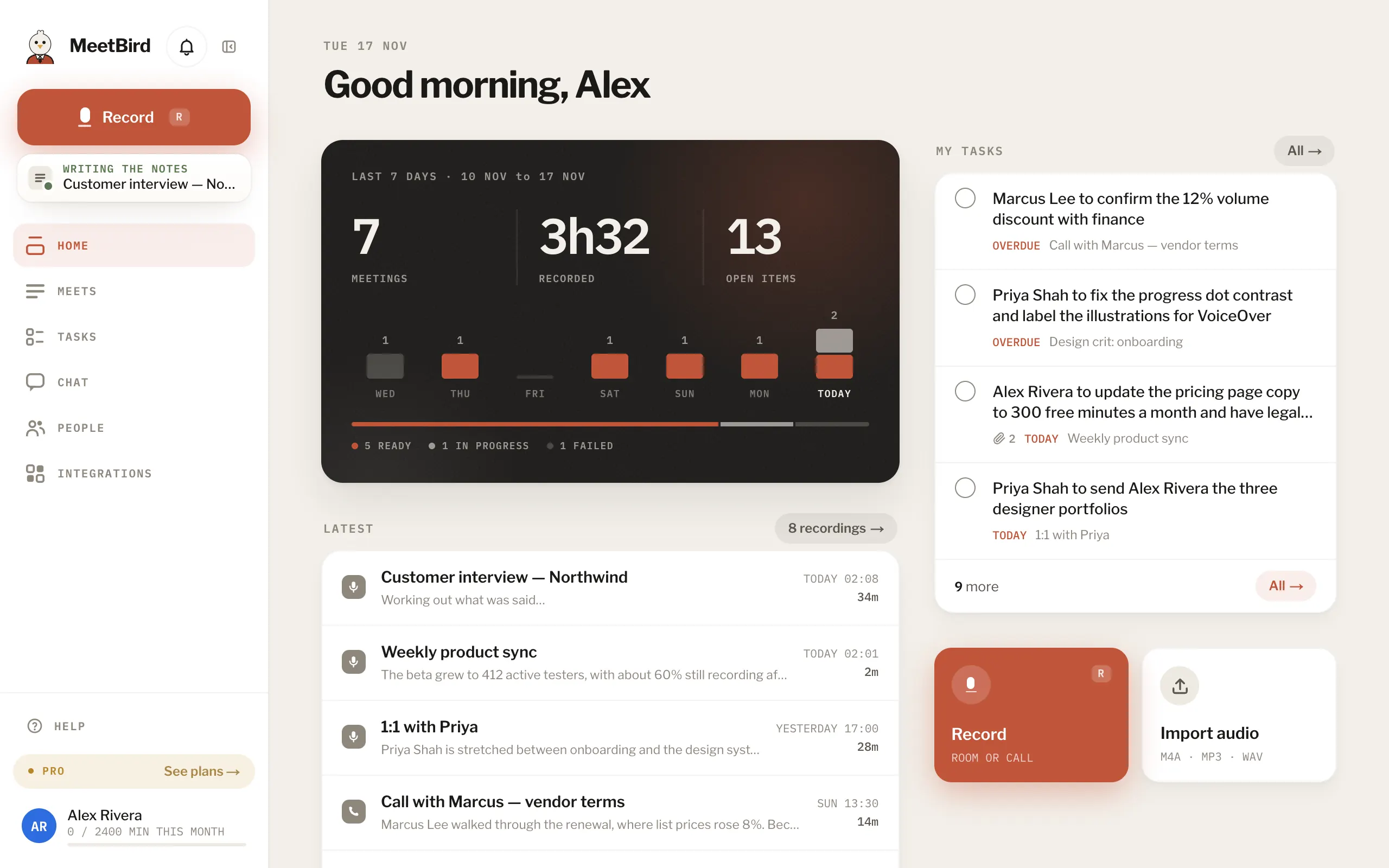
- 2
Keep In person for a meeting in the room, or choose A call in a tab for a Zoom, Meet or Teams call in Chrome or Edge.
meetbird.ai/record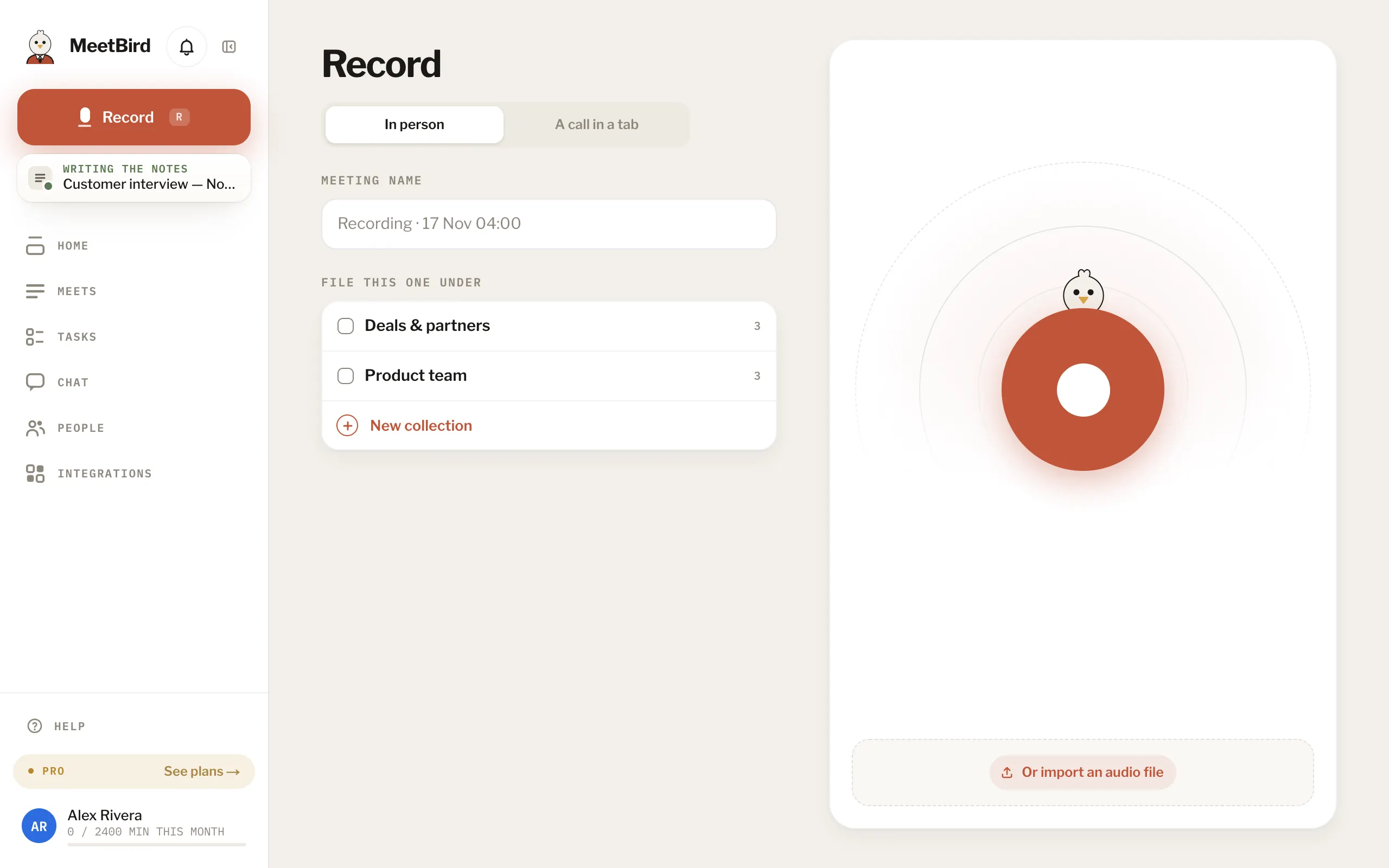
- 1A meeting in the room
- 2A call in Chrome or Edge
- 3
Press record, and allow the microphone when the browser asks.
meetbird.ai/record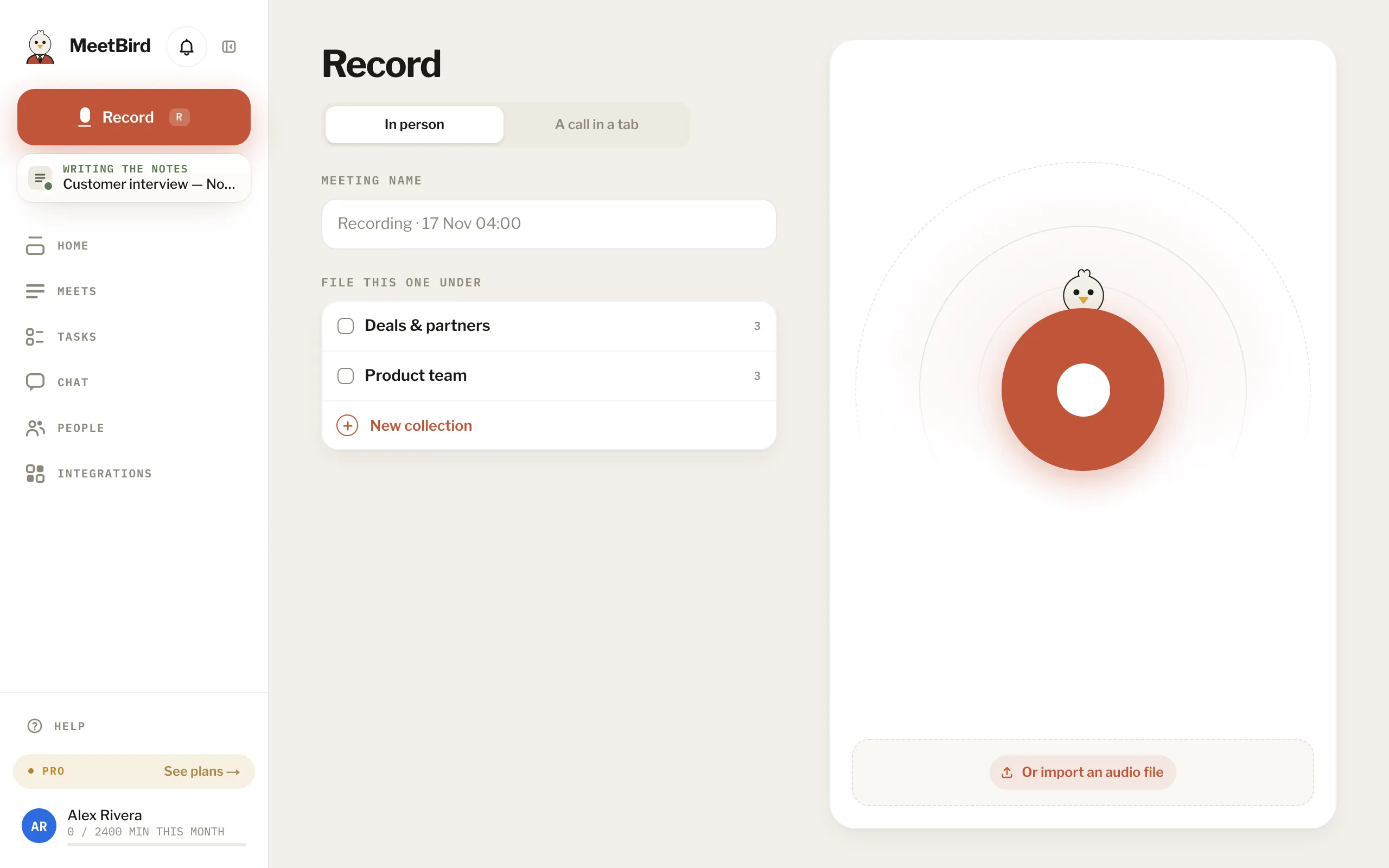
- 4
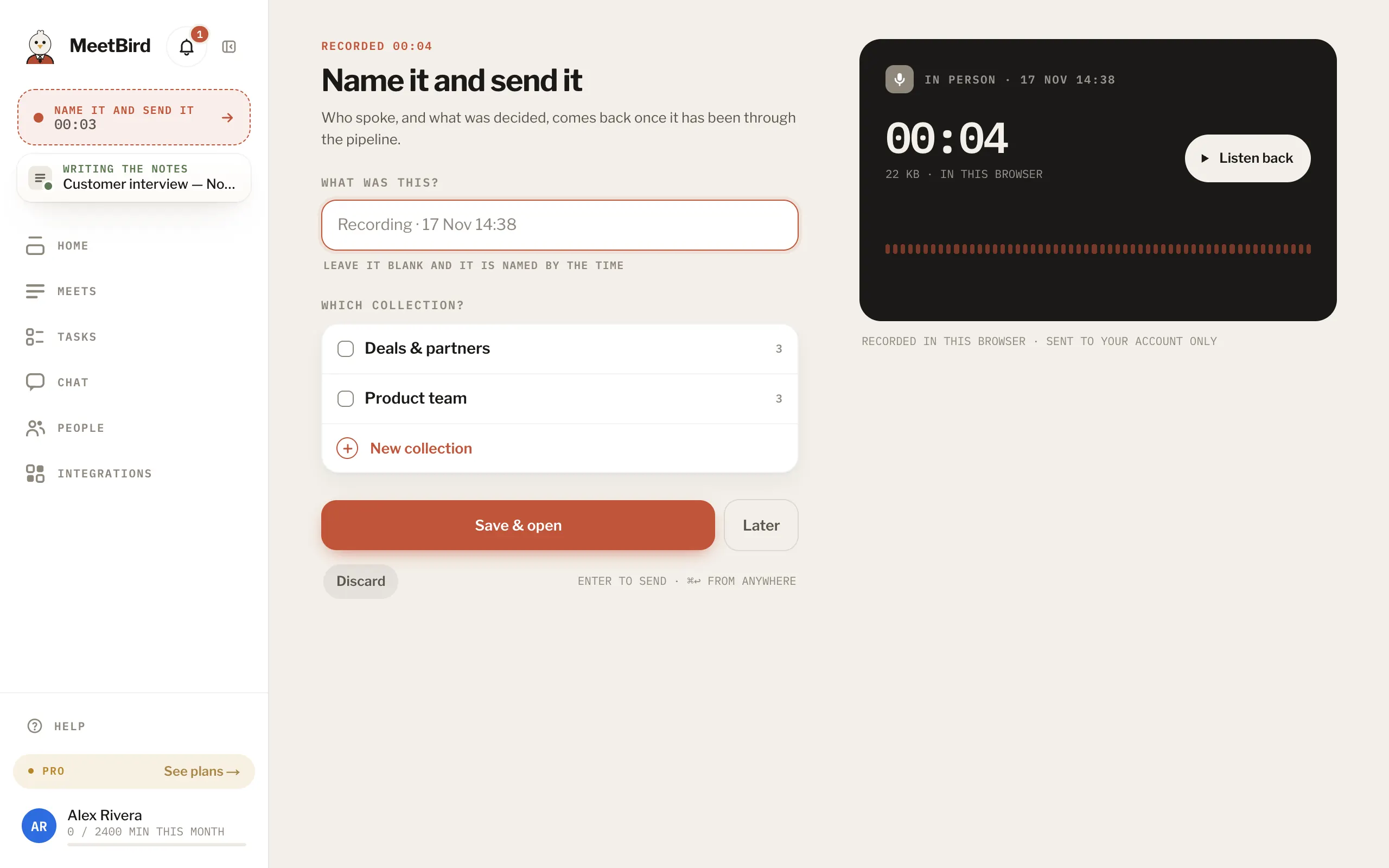
Press stop when you’re done. Type a name under What was this?. Leave it blank and it gets the time as its name.
meetbird.ai/record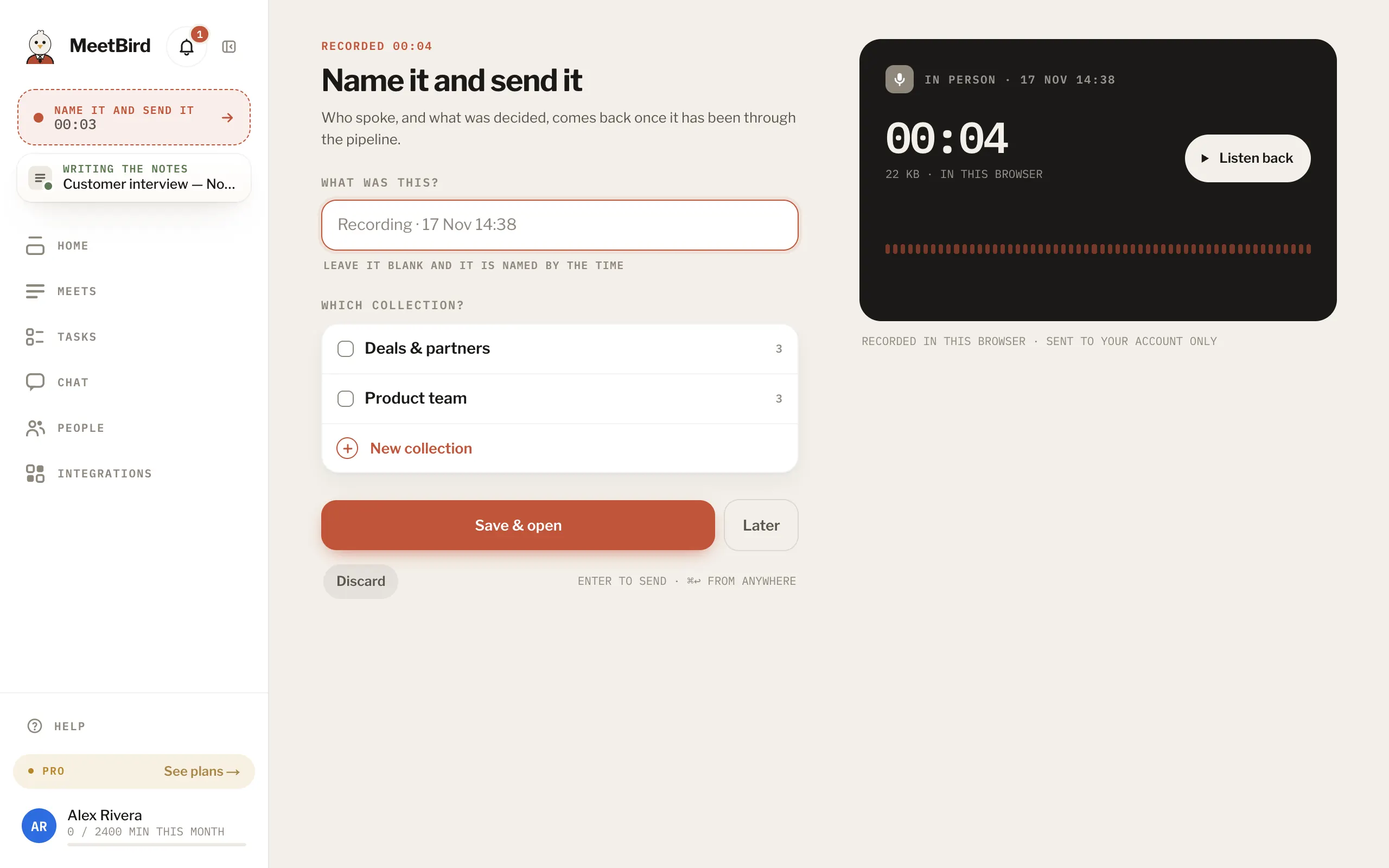
- 5
Press Save & open. The meeting opens and fills in as MeetBird works through it.
meetbird.ai/record