Name the voices: who said what
3 steps
MeetBird tells the voices apart by itself and calls them Voice 1, Voice 2… Click a voice at the top of the meeting to say who it is. The name goes on every line they said.
- 1
Open the meeting and click a voice in the row of voices above the notes.
meetbird.ai/meeting/…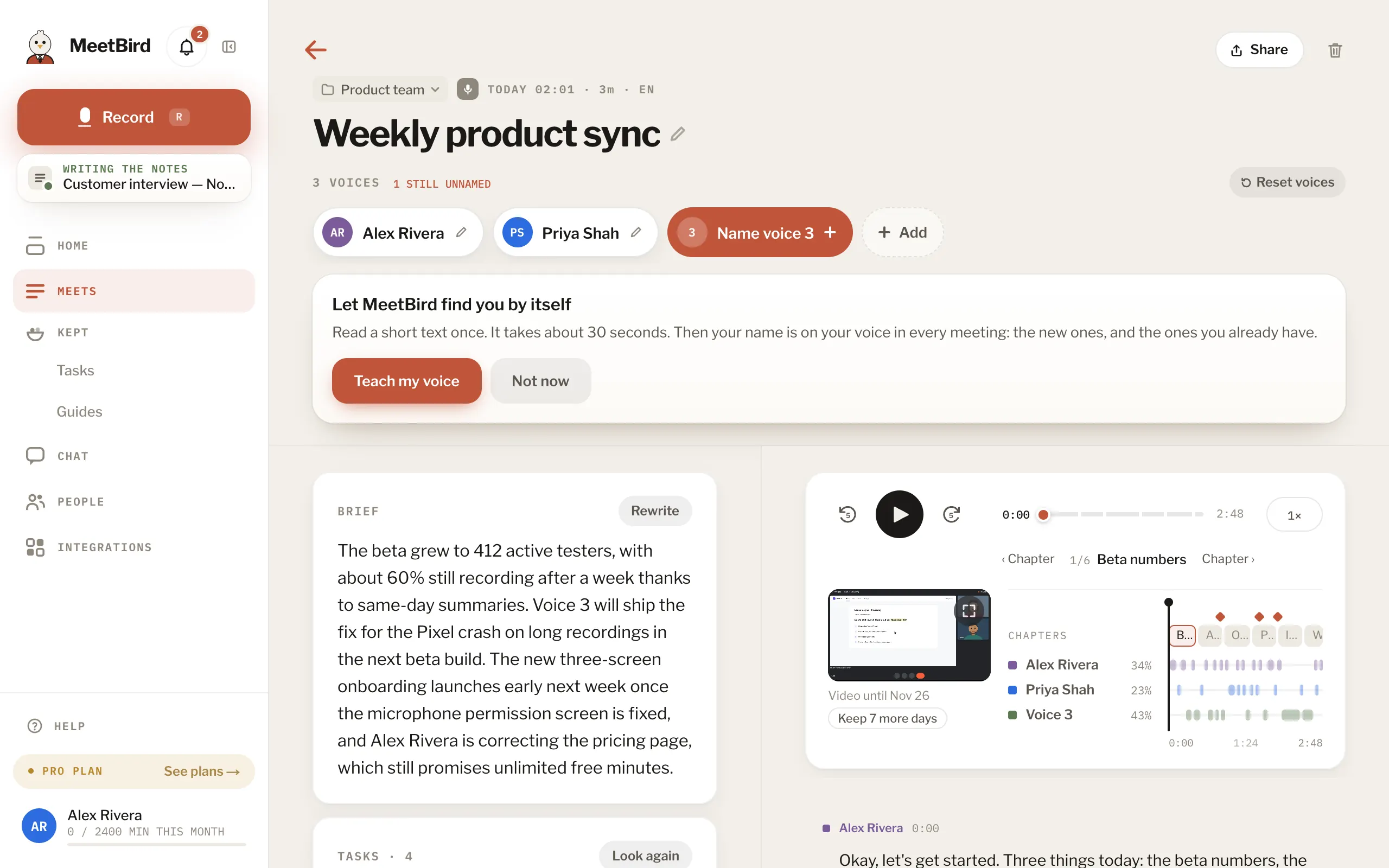
- 2
In Who is this voice?, pick This is me, a teammate or someone from Your people. Or type a new name.
meetbird.ai/meeting/…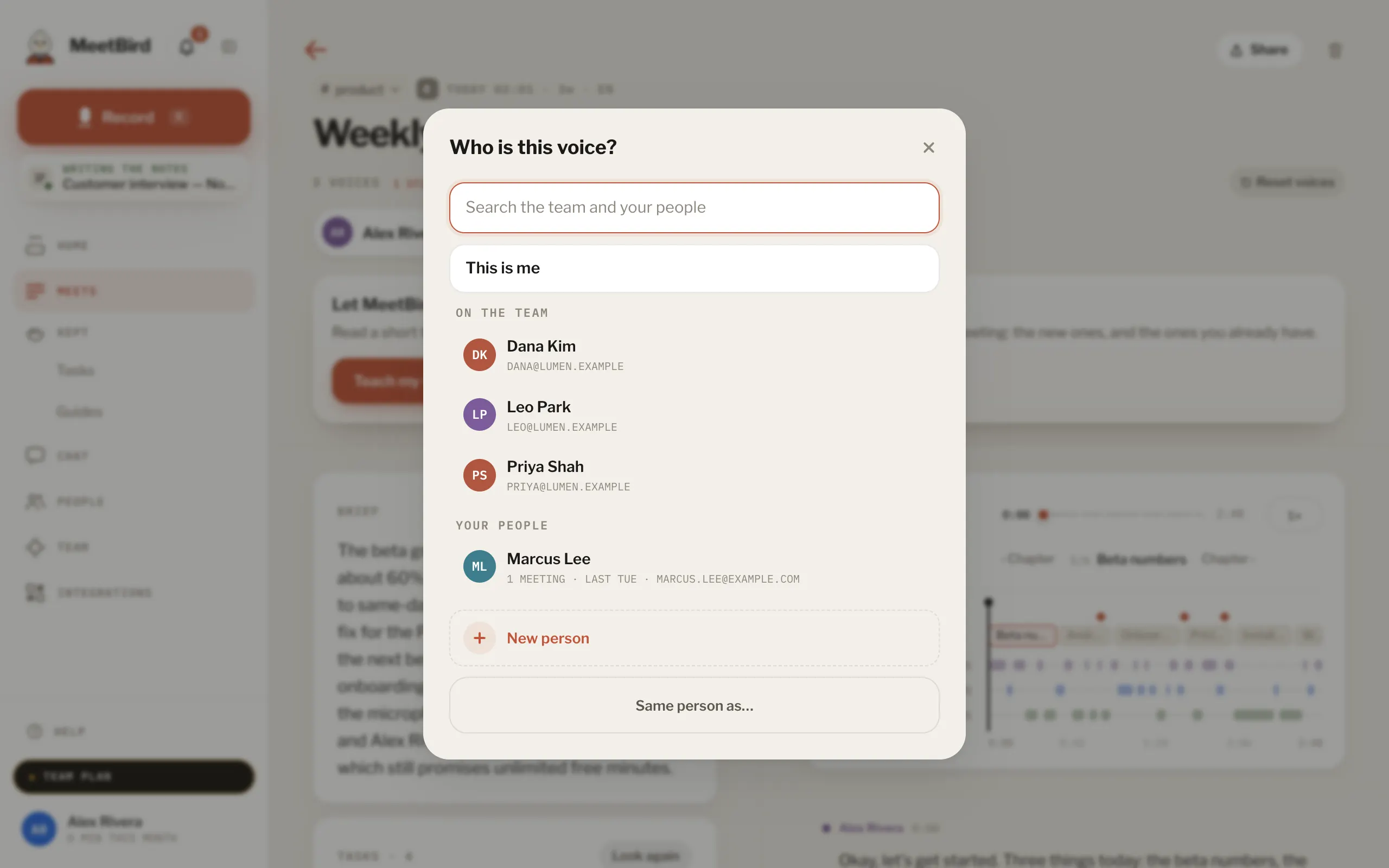
- 1Yourself
- 2A teammate
- 3Someone from Your people
- 4Or type a new name
- 3
Done: the transcript, the summary and the tasks use the name.
meetbird.ai/meeting/…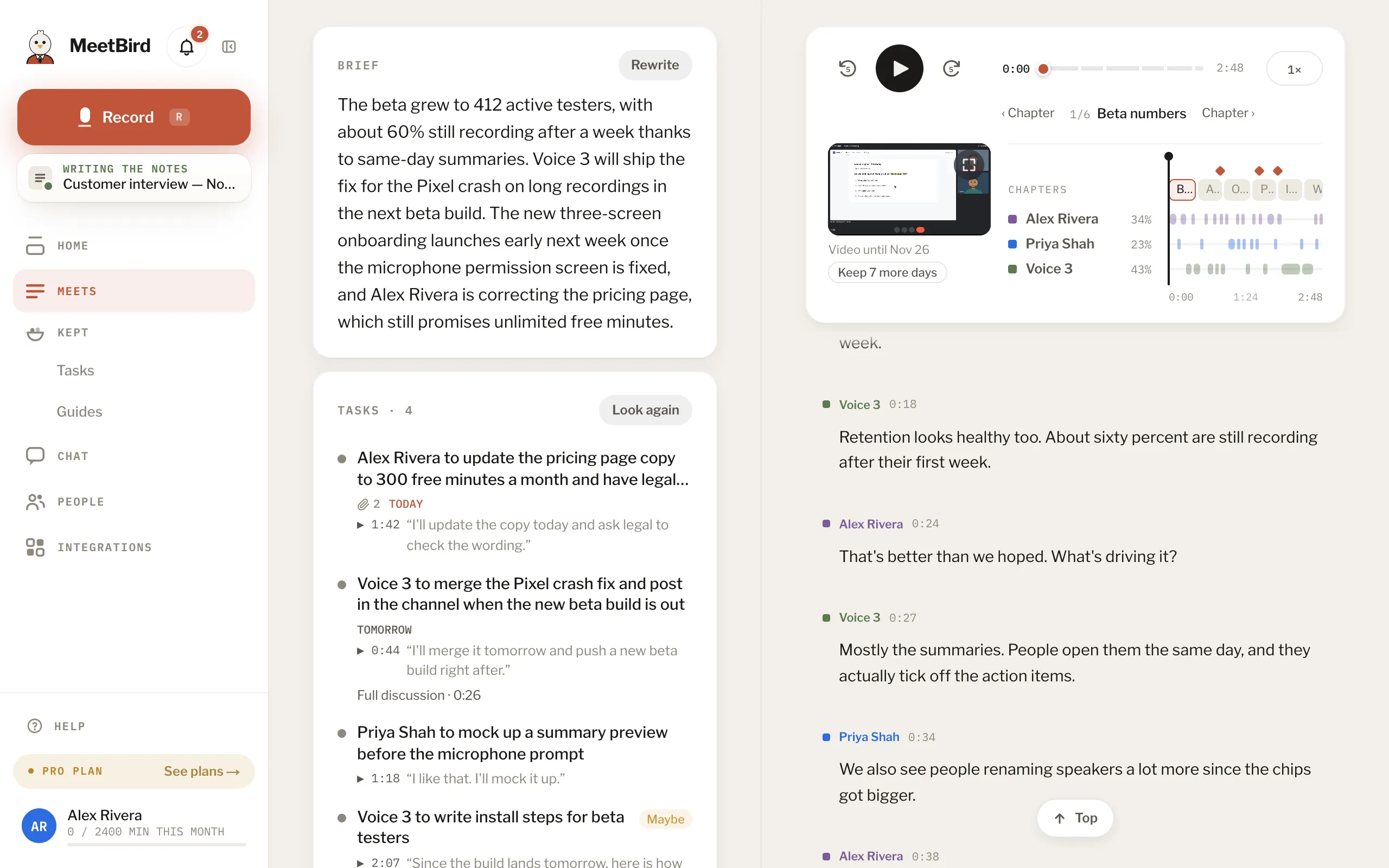
- 1The summary
- 2The tasks
- 3The transcript
- Two voices that are one person? Open one and choose Same person as…
- A name you used before is one click the next time.